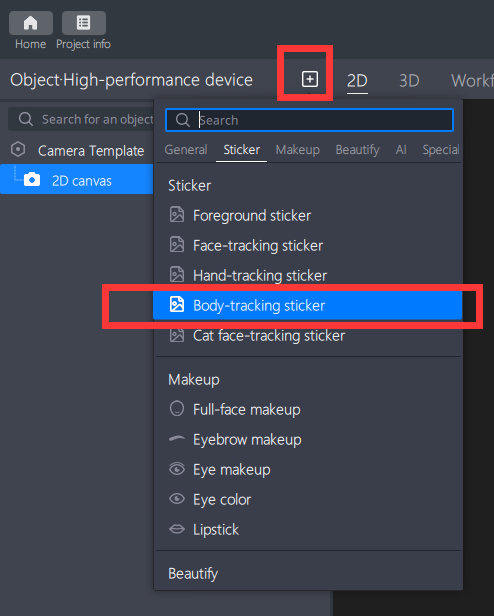
Body-following stickers are stickers that move with the body's movements during filming.
Basic Usage Method
Step One: Import Texture File
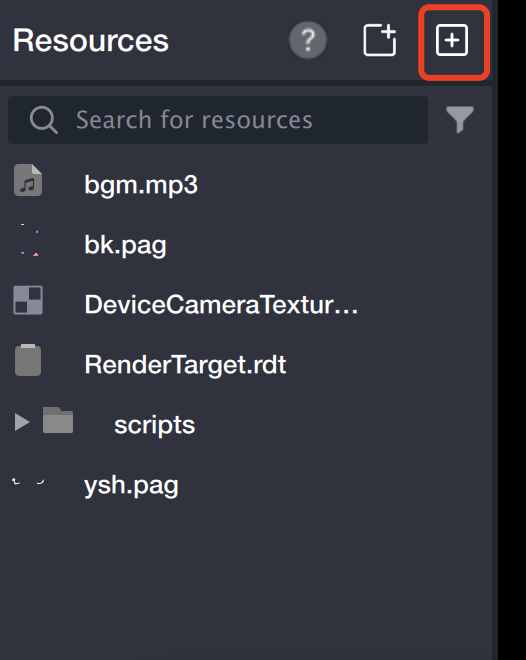
Drag the texture file directly to the Resource Panel, or click the File Input Icon in the upper right corner of the Resource Panel, access the computer's local folder, and confirm the selection to import.
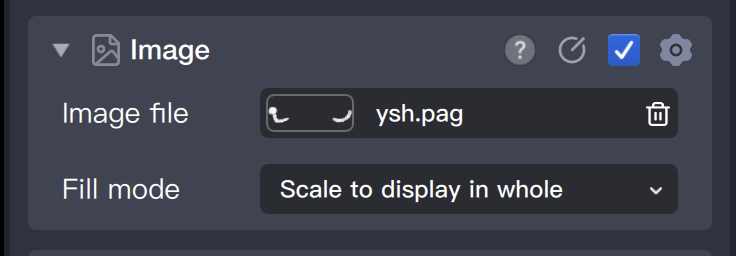
Select the body following object in the left object panel, and find the [Sticker File] in the component panel on the right. Click on its file input box.
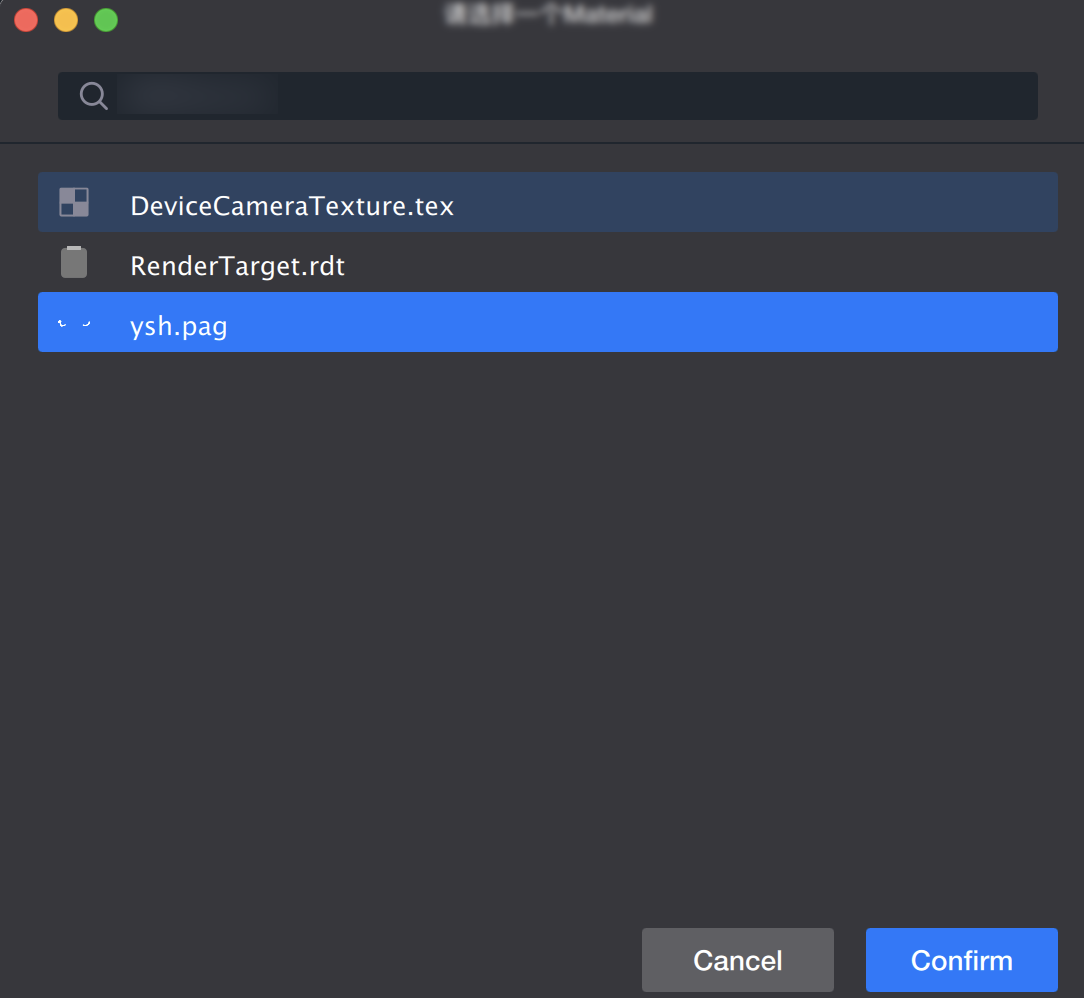
The resource panel will open immediately. Select the file and confirm, and the file will be added to the body.
Step Four: Adjust Material
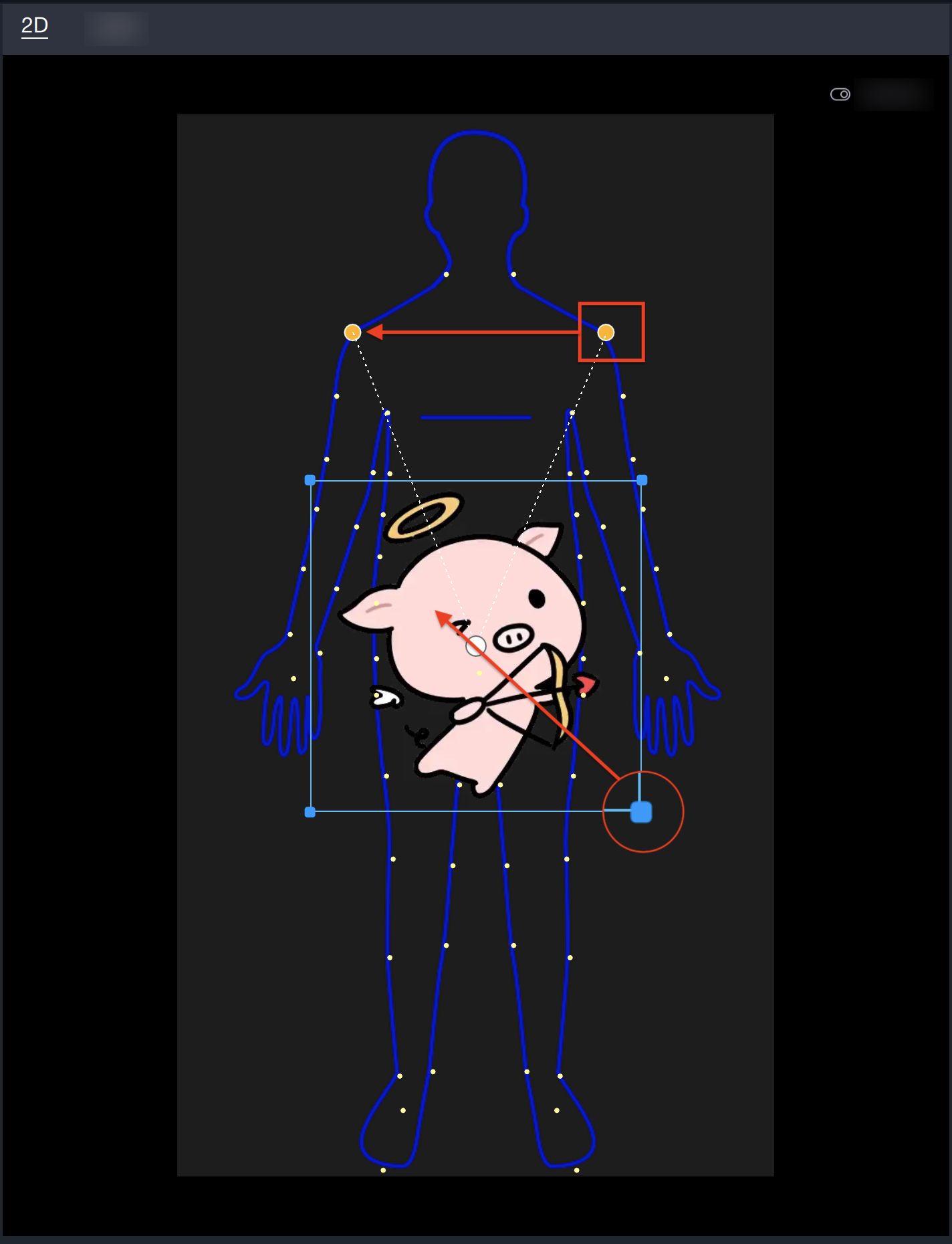
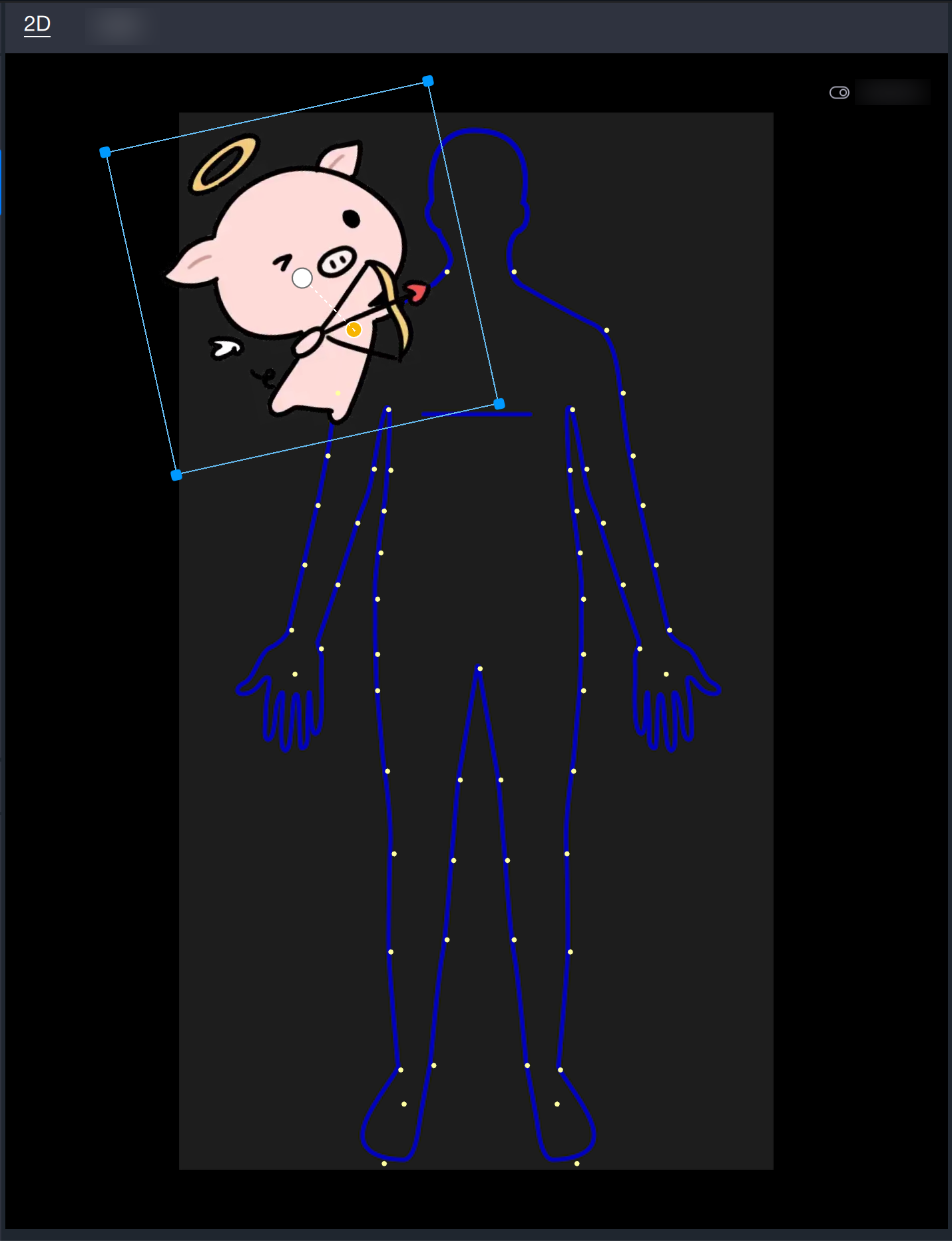
The body following sticker supports binding two points. By default, it binds two points. You can merge the binding points into one or split them into two by dragging the binding points. The bound points represent the points of the shooting object when it moves. The points can be adjusted by dragging the yellow selected point in the panel or by adjusting the component panel.
The sticker position can be adjusted through the [Position and Transformation] in the component panel, or by dragging in the scene panel to change the position, direction, and size. Please note that you need to select this object or its parent object in the object panel.