The Application Analytics feature in the Tencent Cloud Agent Development Platform allows you to track application data, review conversation history, and optimize Q&A performance (the application must be published first).
Data Analysis
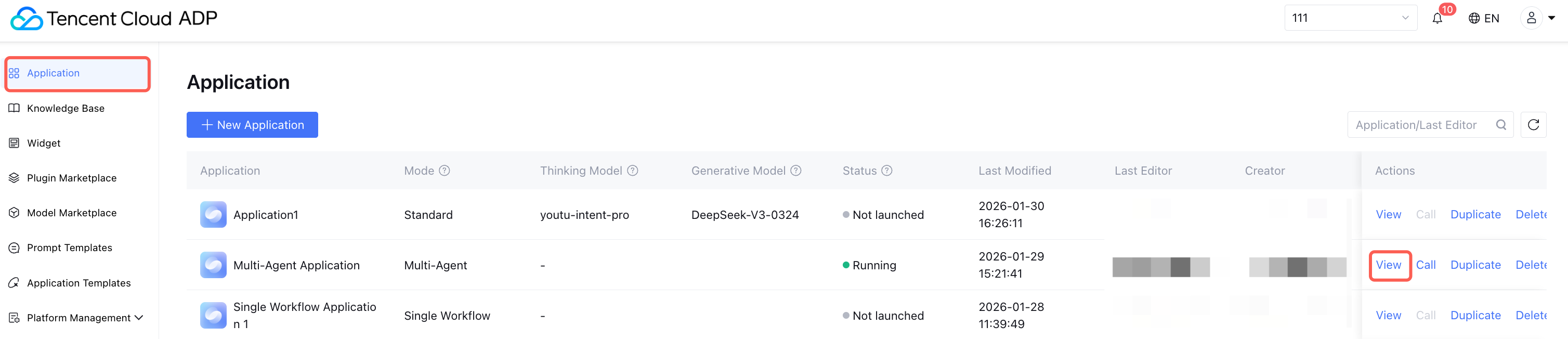
On the primary console of the Tencent Cloud ADP, select the Application page, click View on the right of the corresponding application, and enter the management details page of this application.
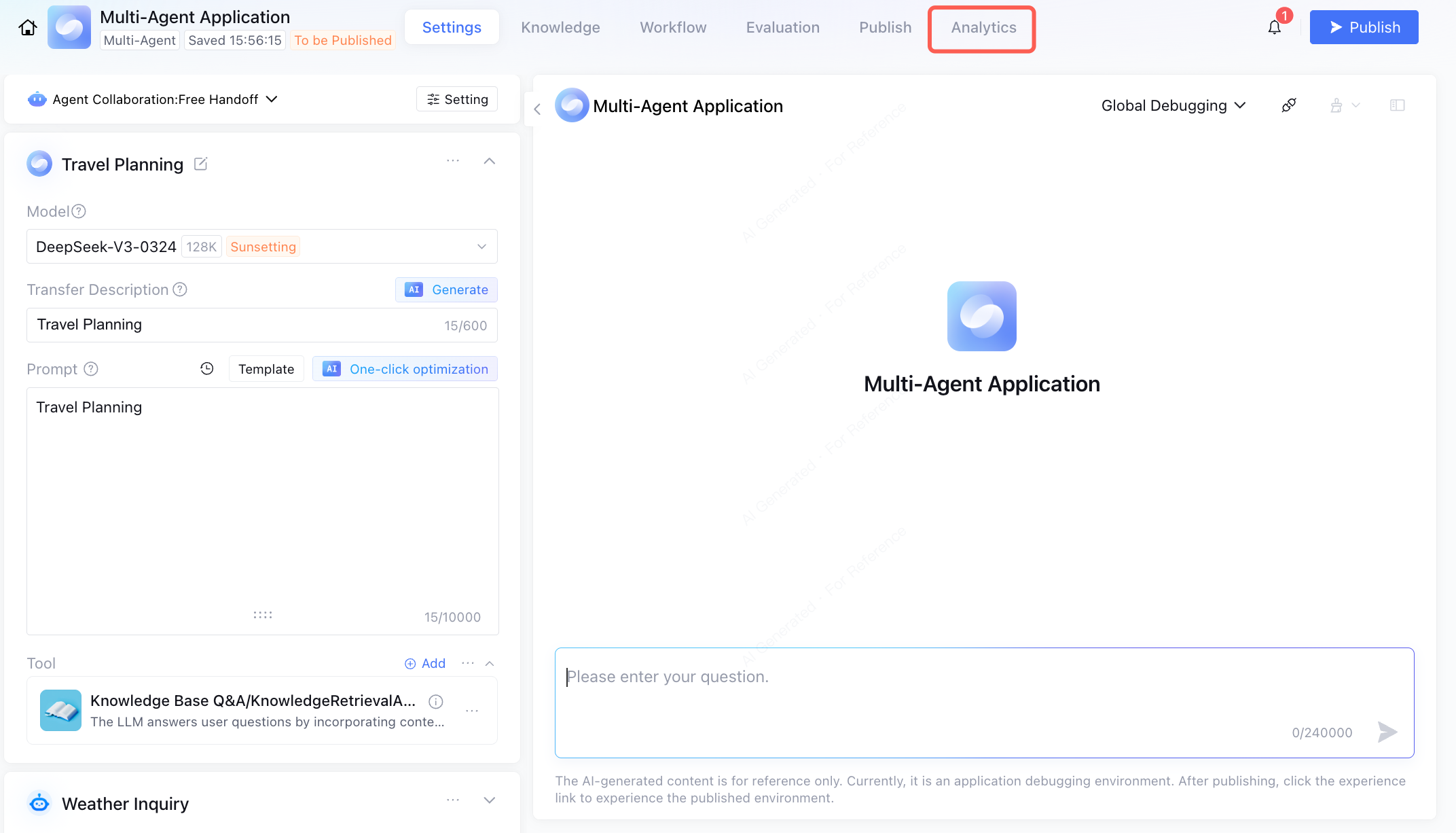
Click Application Analytics on the management details page to view the application data analytics.
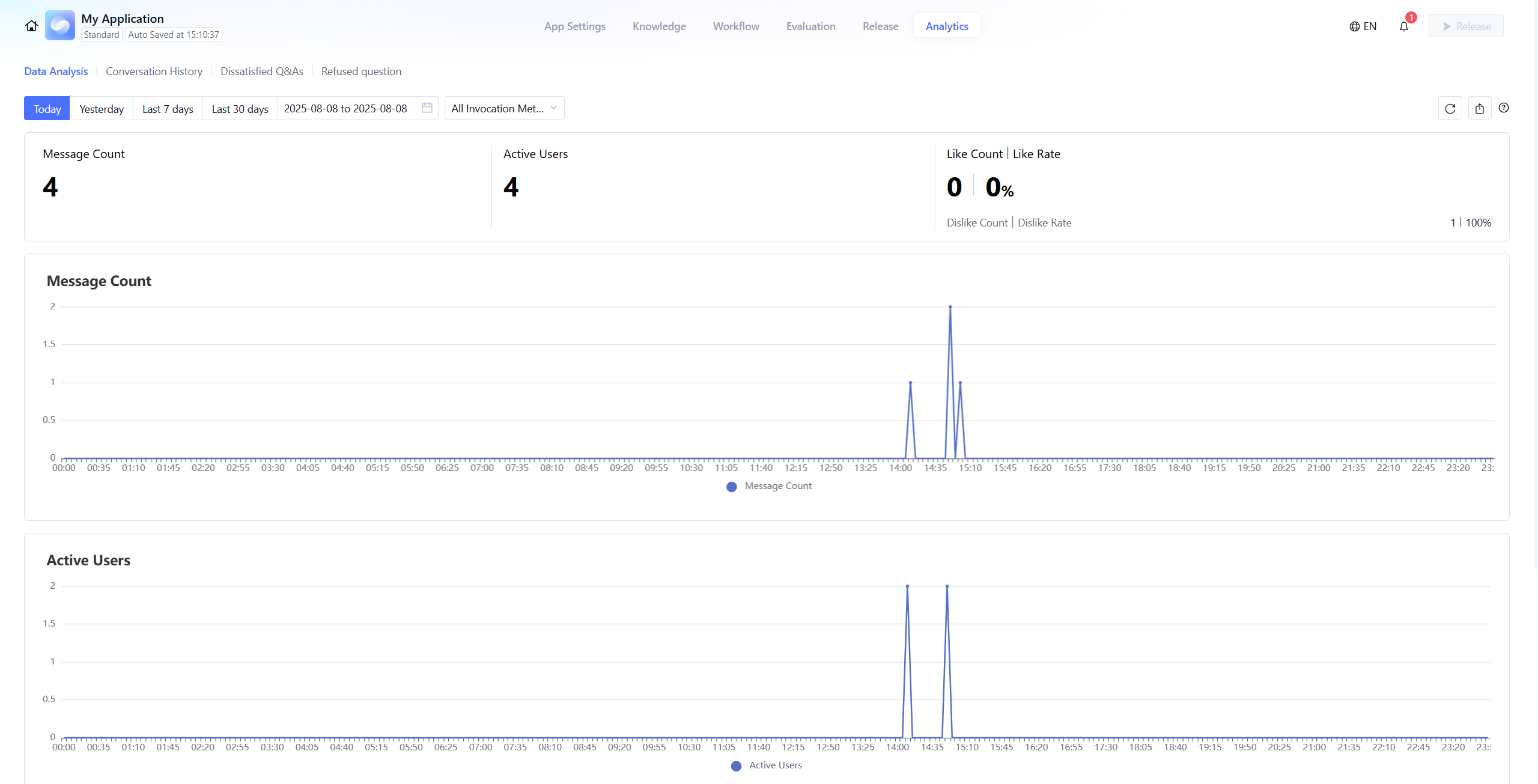
In data analysis, you can view the number of messages exchanged after the application is published, the number of users who interacted with the application (note: duplicate users across different channels cannot currently be de-duplicated), and the number of likes on application responses, and the percentage of likes relative to all rated responses. It supports time-based filtering, filtering by invocation type, and exporting detailed statistics.
Note:
Data is not in real-time and has about a 10-minute delay.
Conversation History
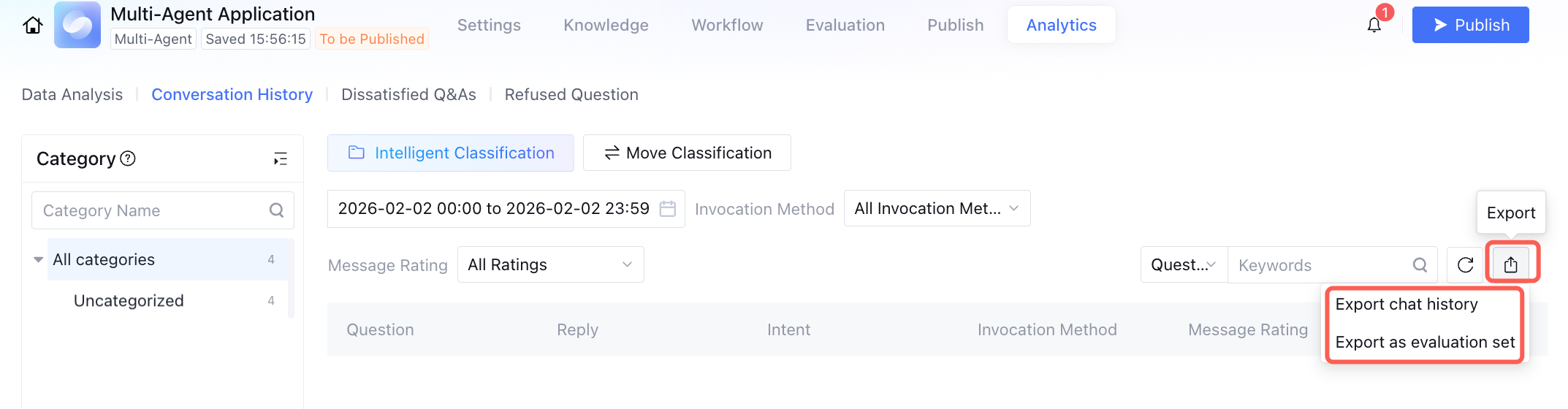
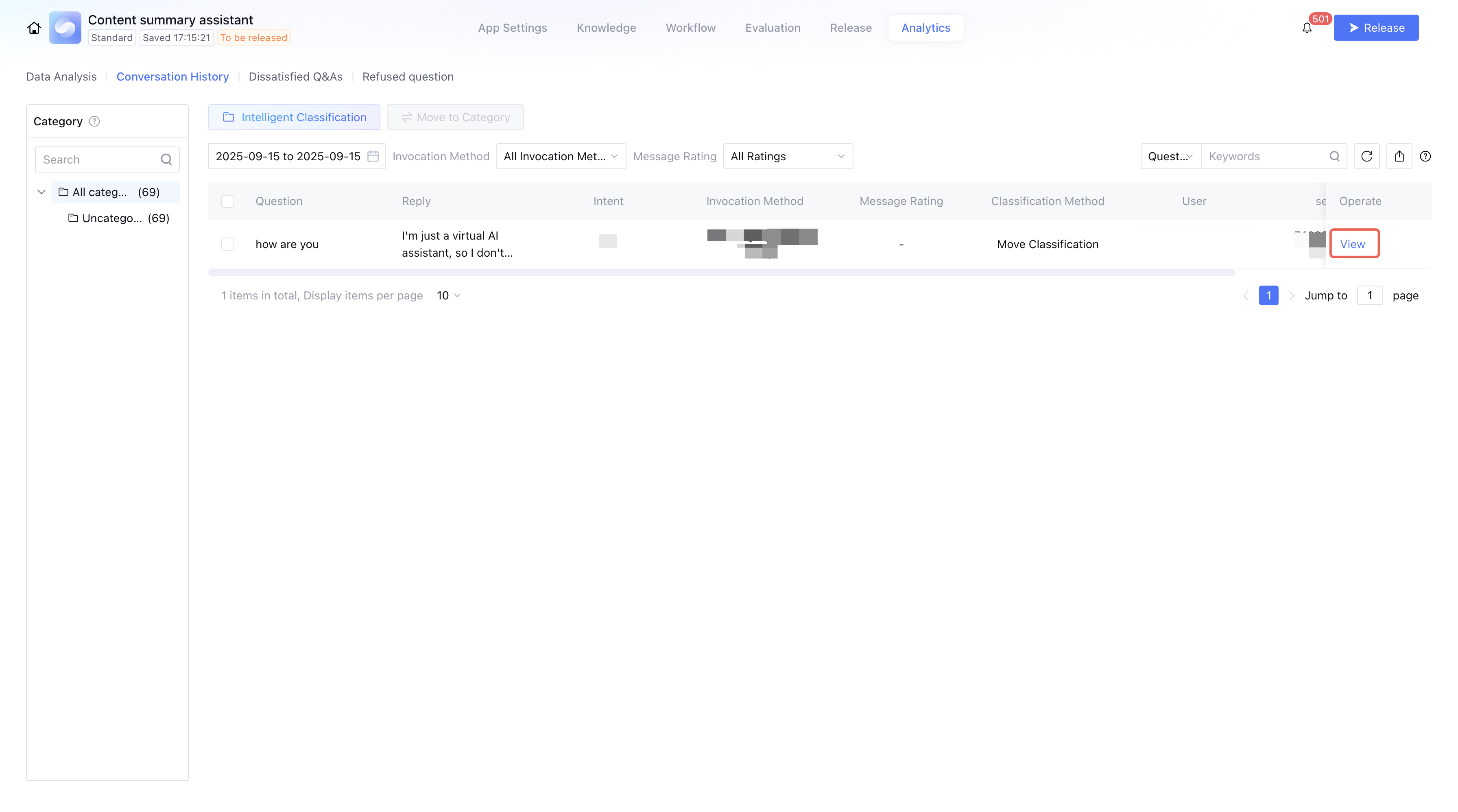
The conversation history section lets you view conversations after the application is published. Supports exporting histories by time or as evaluation set files. After export, users can modify related content and upload the file to the evaluation set for Application Evaluation. Click View to see the full conversation context, including knowledge bases, workflows, tools, and other related information. You can also apply corrections or submit feedback.
Note:
Currently, user-uploaded document content is not displayed in conversation history.
Intelligent Classification of Conversation Histories
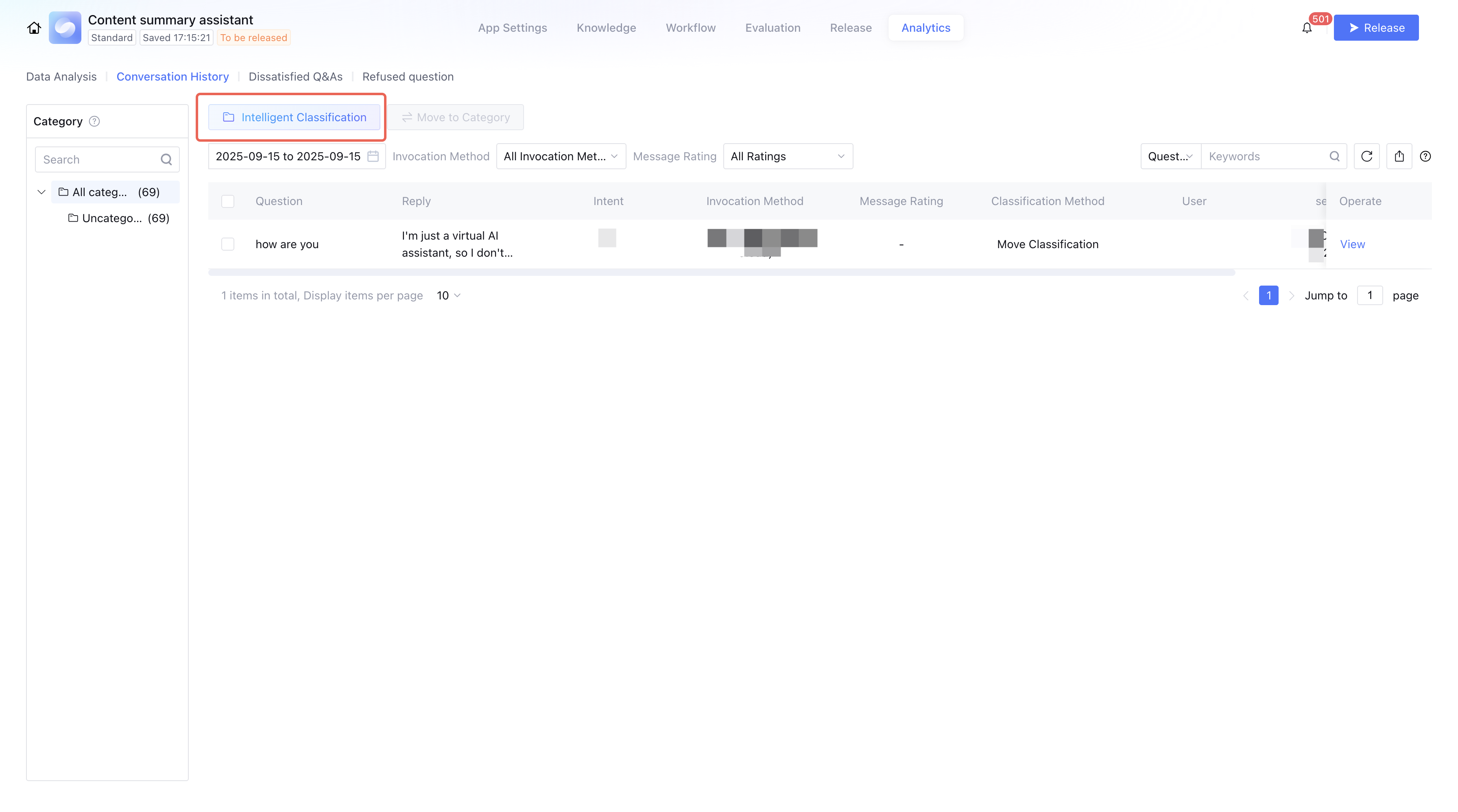
Conversation histories can be automatically classified. You can select unclassified histories and run intelligent classification. These histories come from production environment interactions, including web experience links, WeChat Official Accounts (service/subscription), and WeCom (Enterprise WeChat).
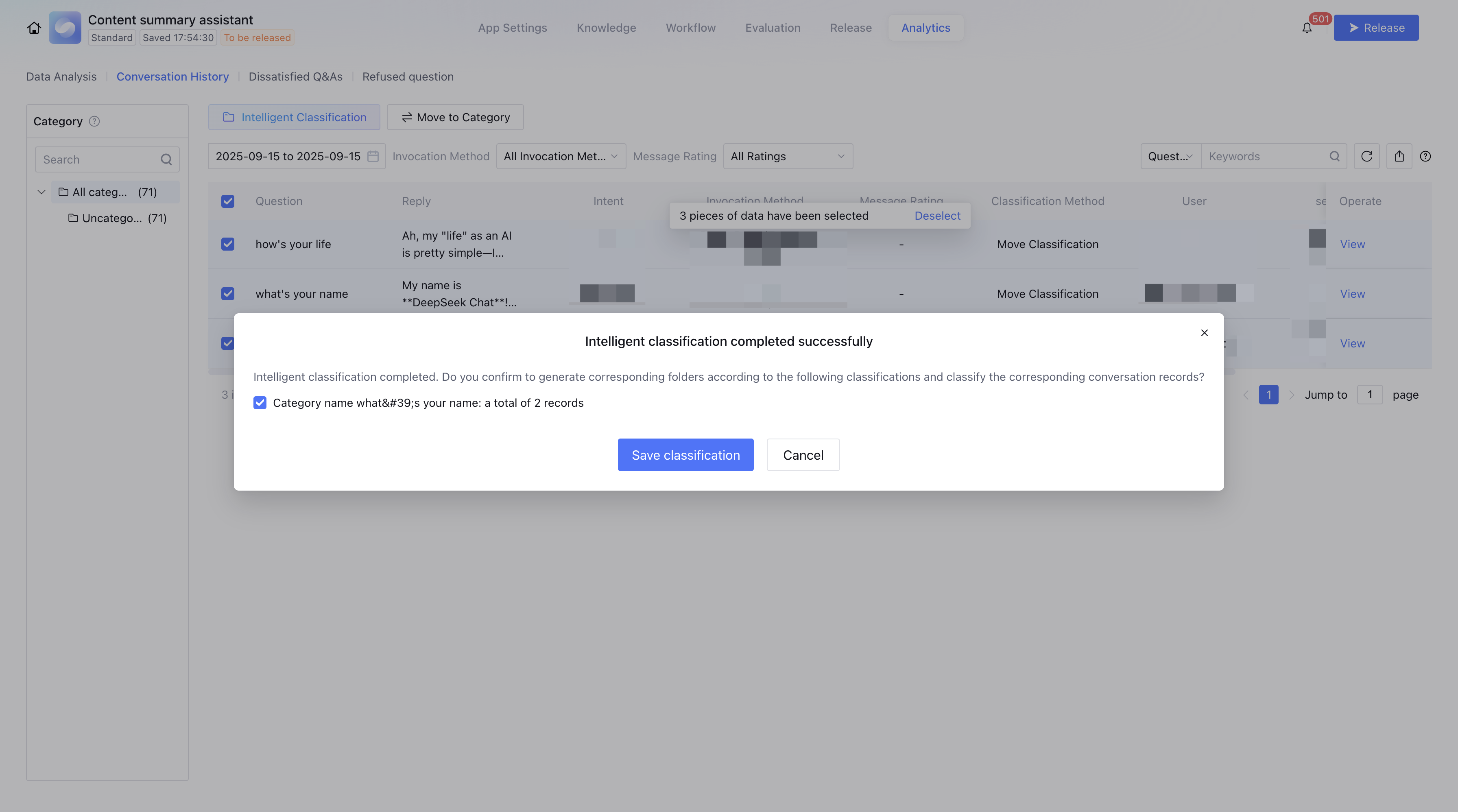
By filtering unclassified histories (e.g., by time, invocation type), and clicking Intelligent Classification, the system will run a clustering algorithm to classify them.
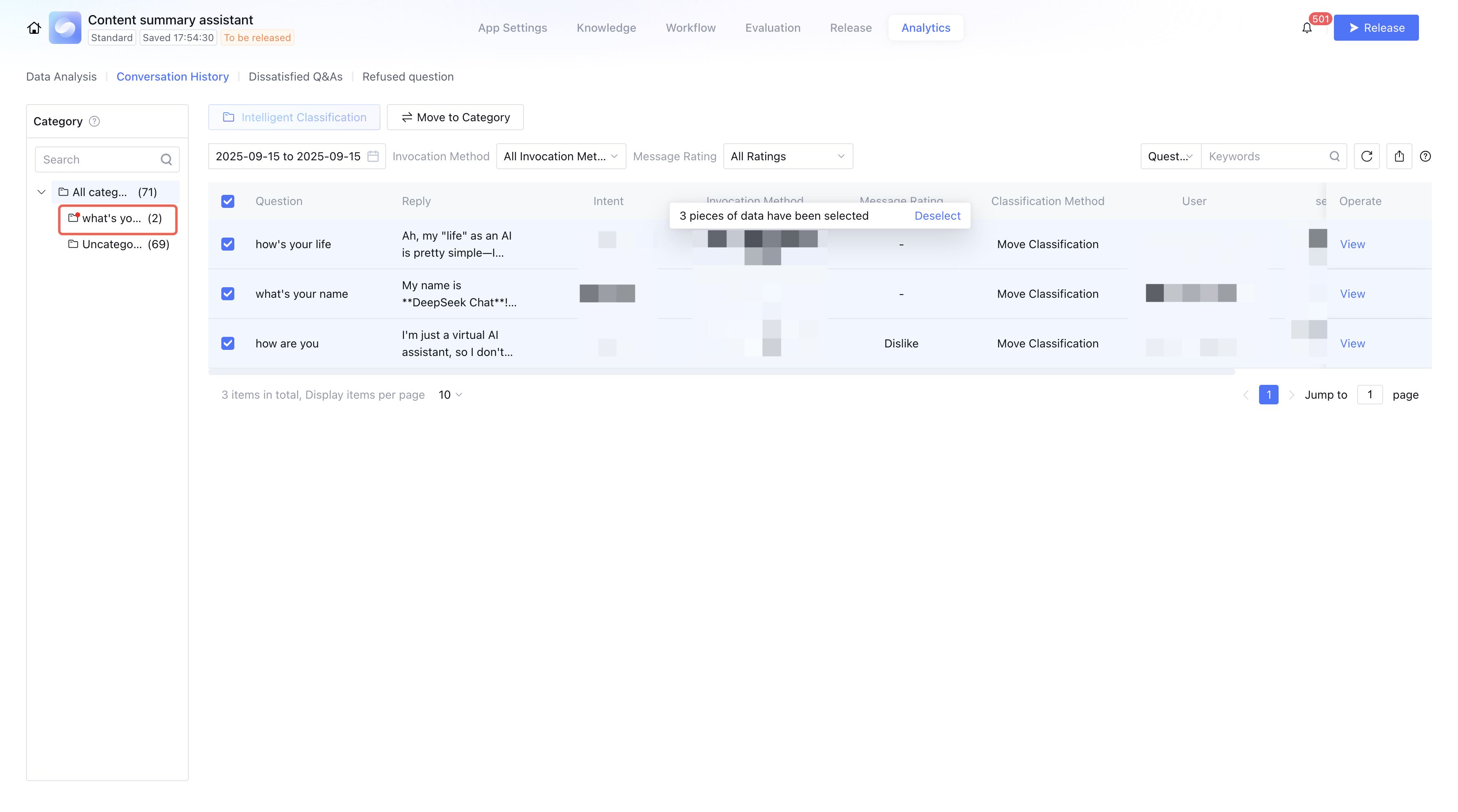
After saving, the classified records will be organized into folders on the left, sorted in descending order by entry count. Newly added unclassified logs can be incrementally clustered, with duplicates merged against existing categories.
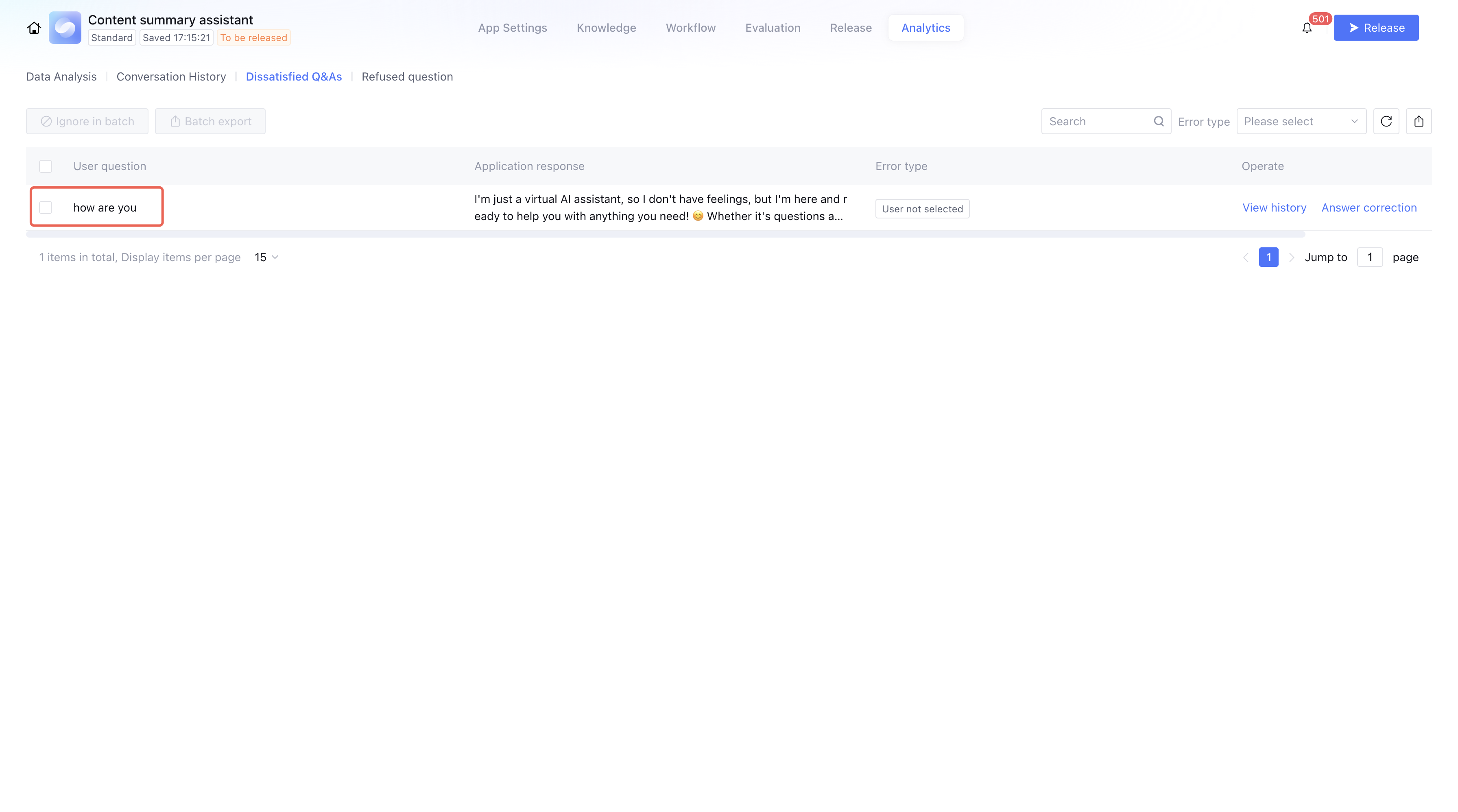
Dissatisfied Q&As
In the client interface, users can rate application responses. If a user marks a response as unsatisfactory by clicking Not Satisfied, the Q&A record is automatically uploaded to the Unsatisfactory Issues list for optimization. The Unsatisfactory Issues list supports: search, filtering, ignore in batch, and bulk export.
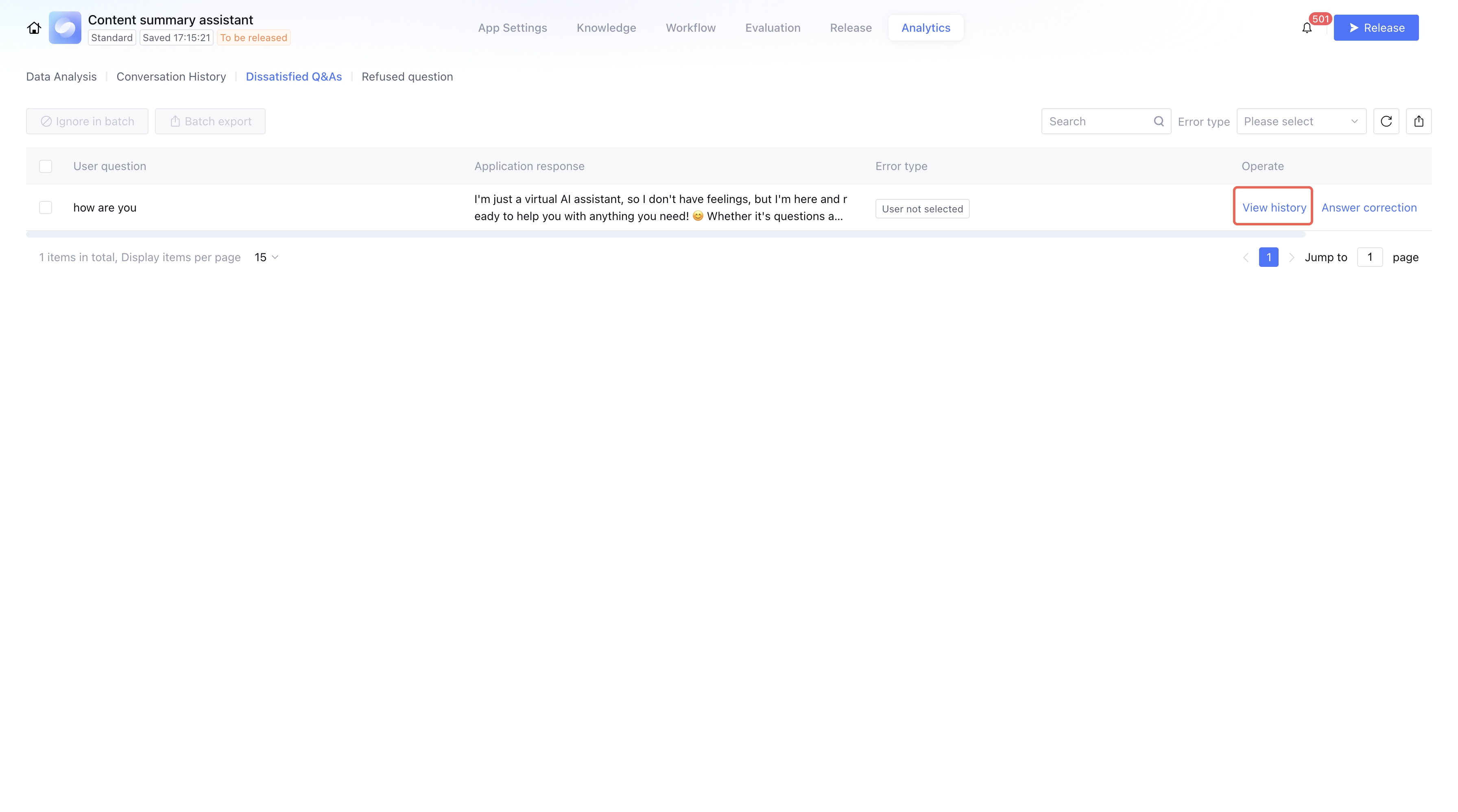
Viewing History
By clicking View history to open the full conversation context. This can be used as a reference for answer correction.
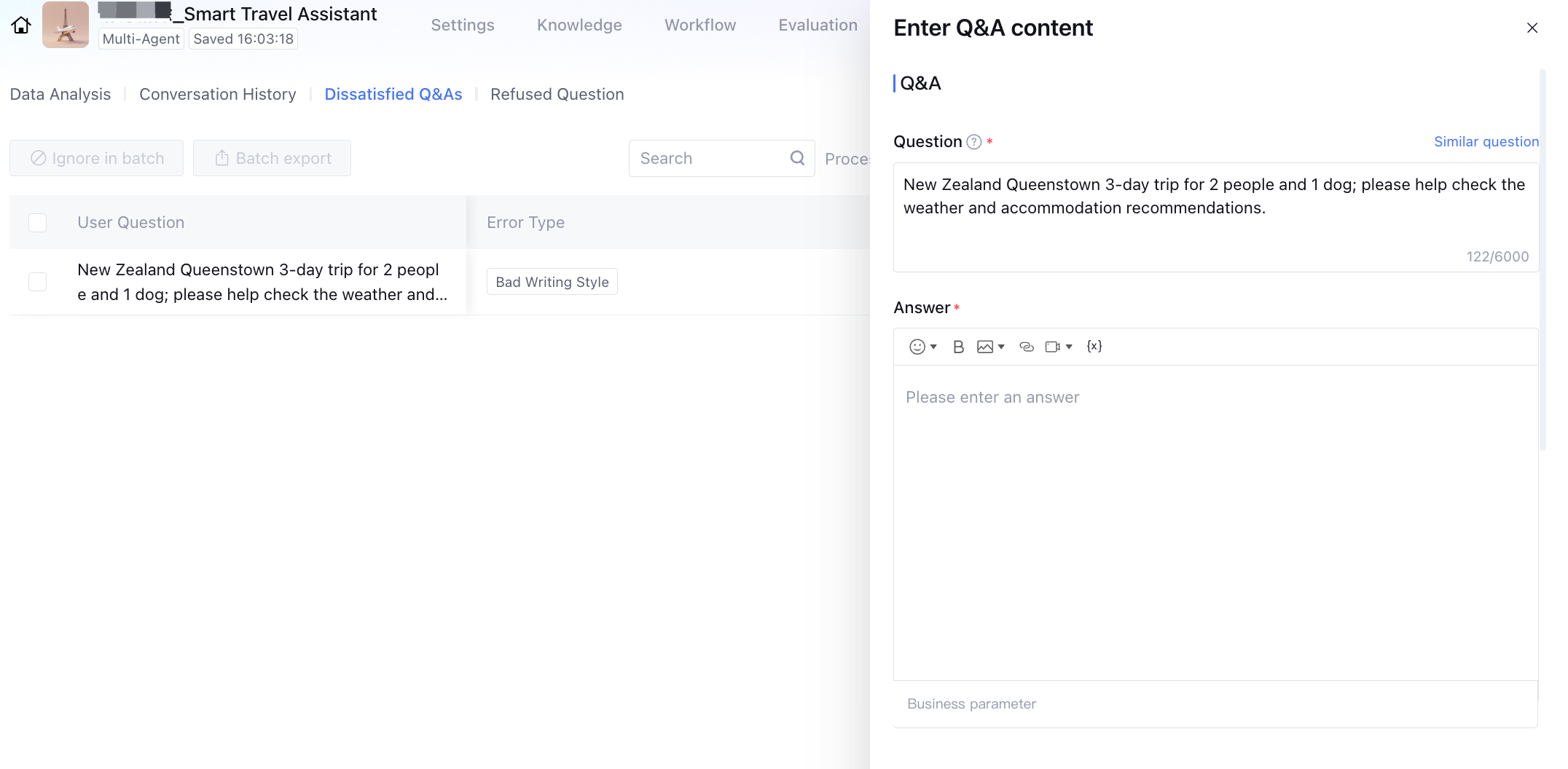
Revise
Click Revise in an unsatisfactory Q&A record to support selecting to add as a new Q&A or as a similar question. Clicking to add as a new Q&A will pop up the Q&A input window where you can edit the related Q&A. For details, refer to Q&A Entry. Clicking to add as a similar question supports selecting the knowledge base referenced by the application and choosing a Q&A pair to add a similar question. After editing and entry, the Q&A record will be stored in the knowledge base. Refuse
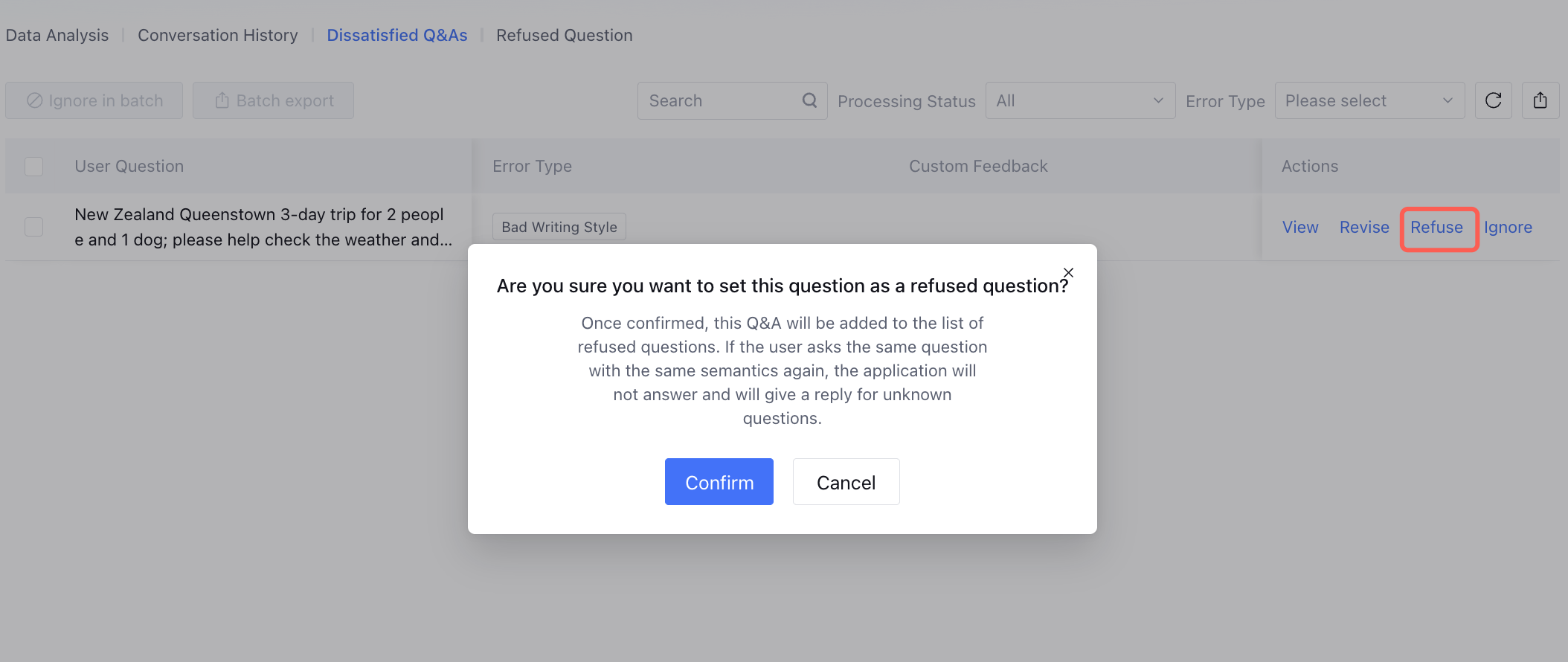
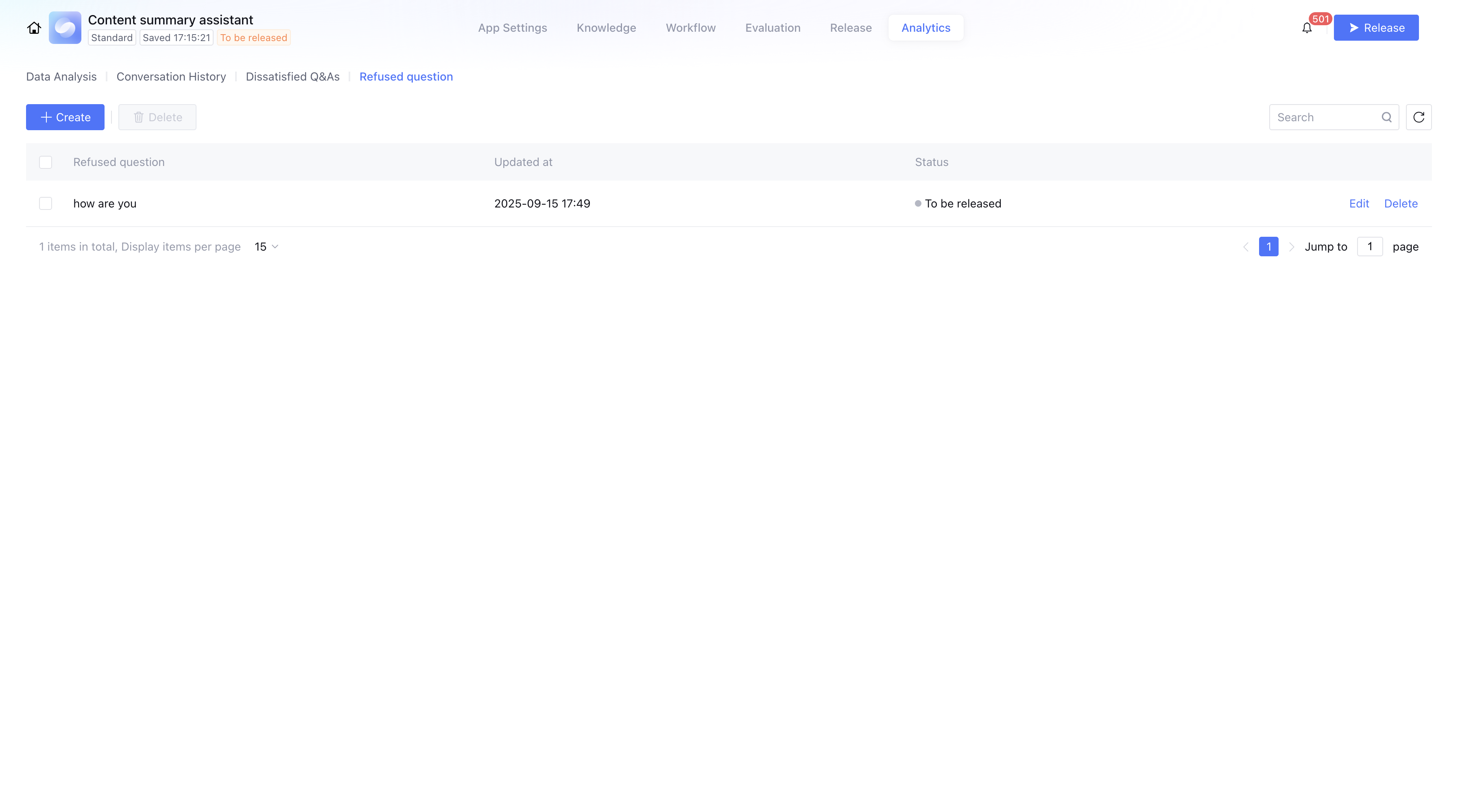
Click Refuse in an unsatisfactory record to mark the issue as a refusal case and add it to the Refusal Questions List. If a user asks a semantically similar question again, the application will reply with the default unknown response.
Ignore
Clicking Ignore in an unsatisfactory record to remove the item from the list.
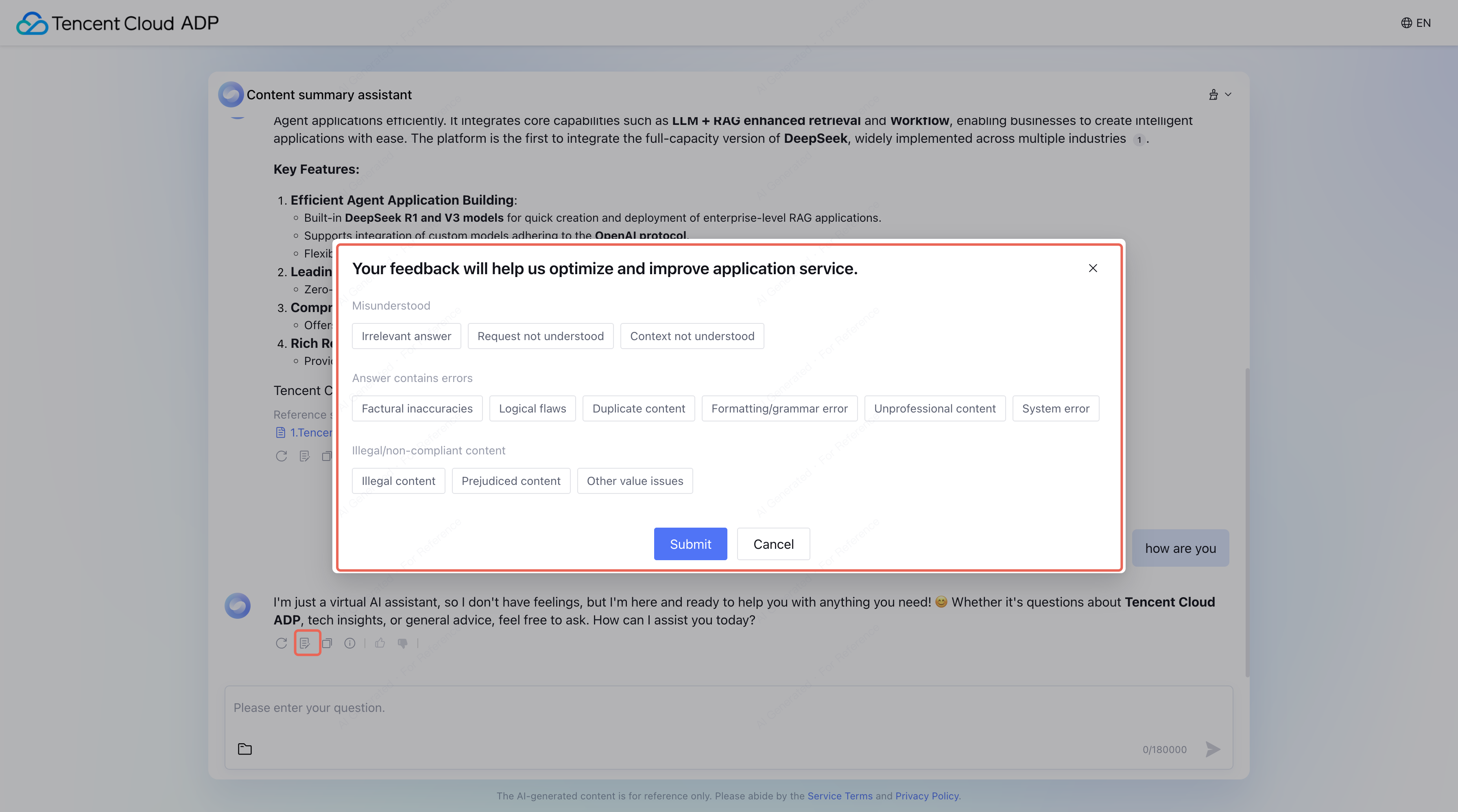
Error types in unsatisfactory responses are set by user feedback. When a user clicks Send Feedback in the client interface, a feedback button appears. After choosing an error type, it will be displayed in the Unsatisfactory Issues list. (Alternatively, you can send an evaluation event via the conversation API.)
Refused Questions
Once refusal questions are added, the model will identify similar questions and reject them with the default unknown response. Such as: “I’m sorry, I don’t have an answer for this question right now. Please try asking something else.”