In Polaris (North Star), each service has a unique service name. Services perform service discovery using service names. For an RPC call, the calling service sends the request to the called service. Service instances are specific business nodes registered under a service. Typically, multiple nodes are registered under a service, which are sometimes referred to as nodes or RS.
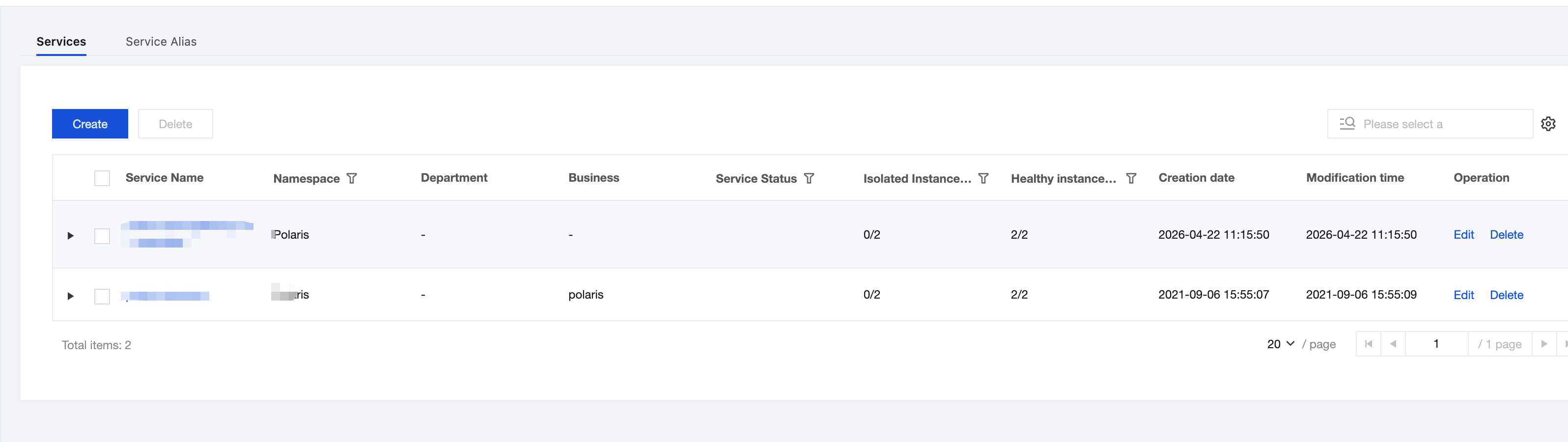
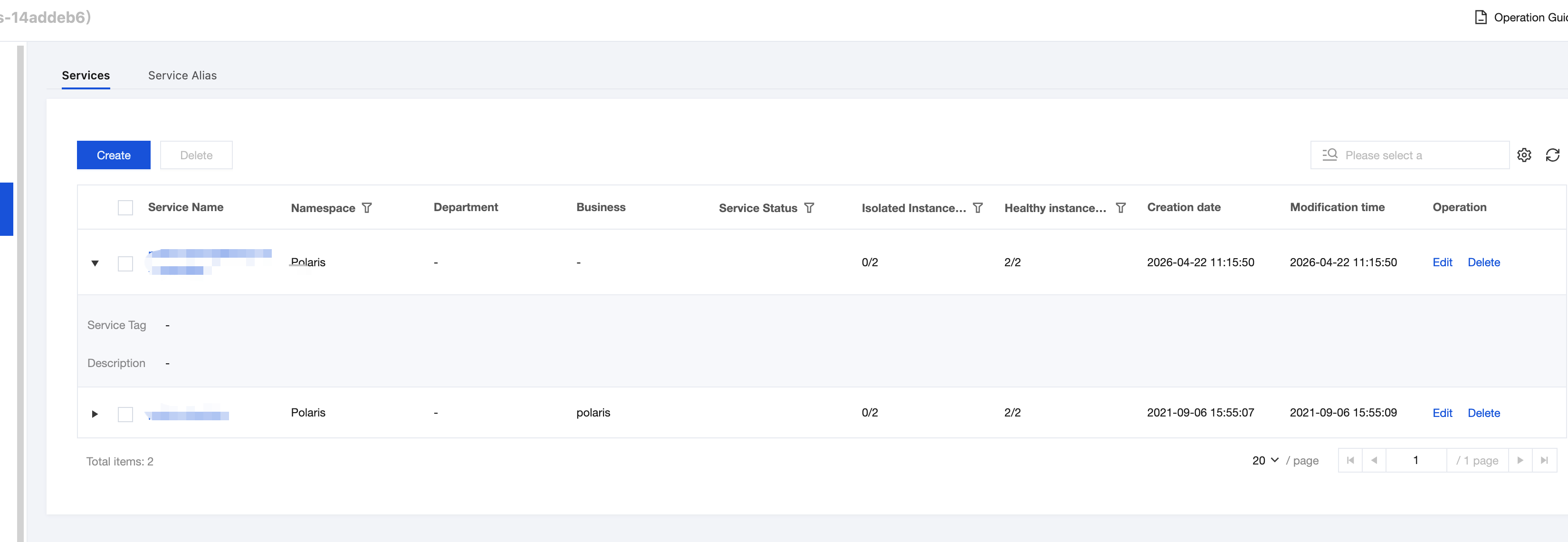
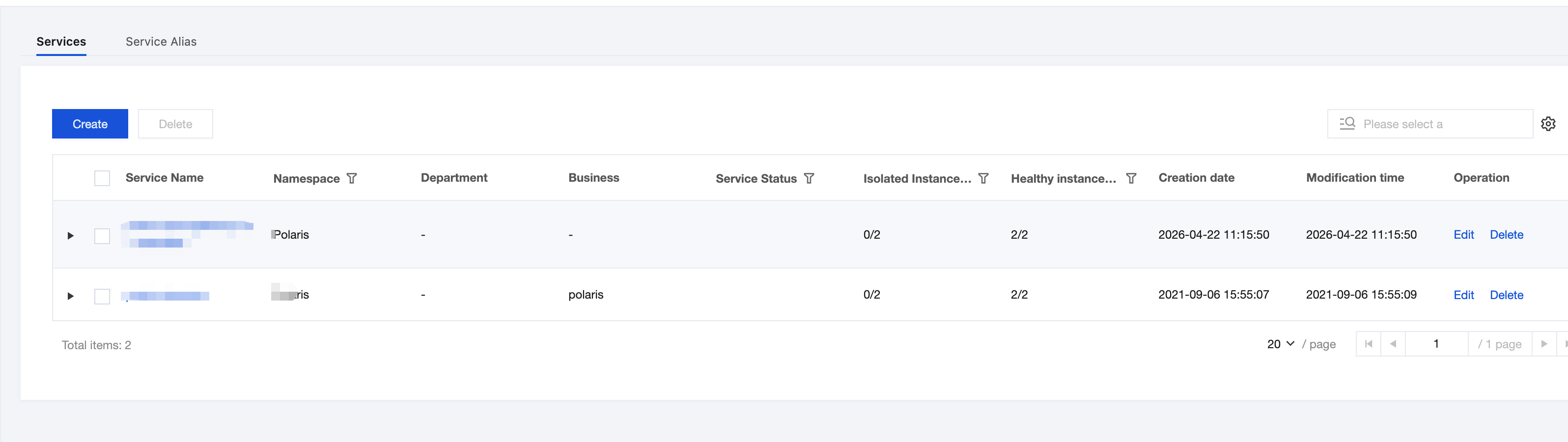
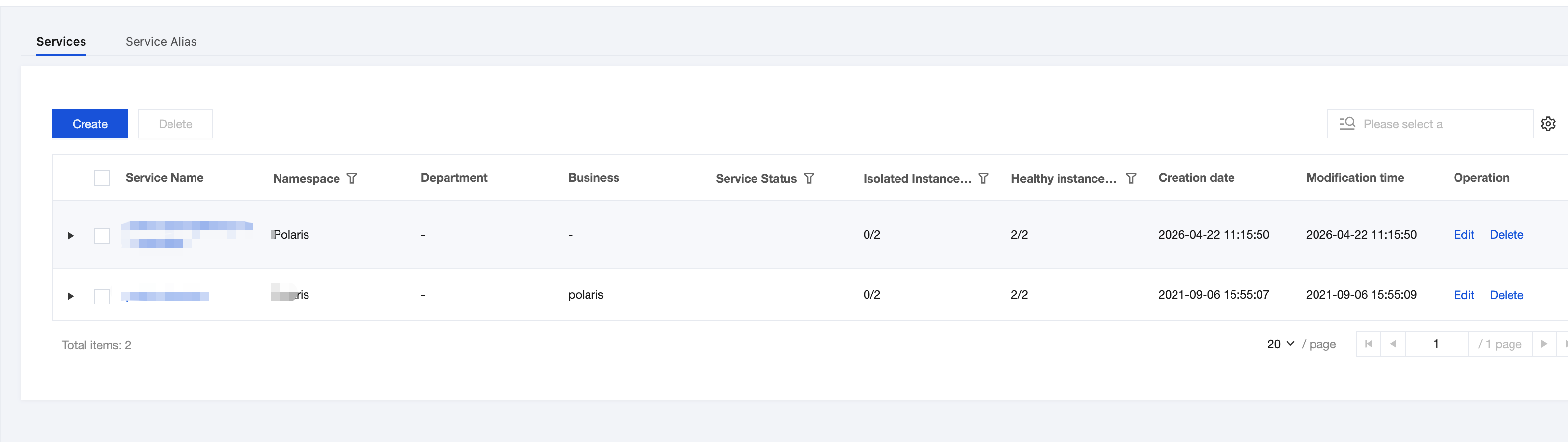
Polaris (North Star) provides a visualized service management interface. After services are registered to the registry, you can view service online/offline status and operational status in the Tencent Microservice Platform console, and edit services, and so on.
This task describes how to conduct service management under a Polaris engine via the Tencent Microservice Platform console.
If you access Polaris (North Star) through any of the following four methods, we will provide automatic service registration capability. You do not need to manually create services in the console, and can directly view service details on the TSF console.
Access method
Supported Type
SDK
Supports Java and Go.
Framework
Provides official integration with Spring Cloud and gRPC, and other frameworks can also be integrated independently.
ServiceMesh
Accesses via polaris-sidecar and is compatible with the xDS protocol and envoy.
K8s Service Governance
Supports automatic registration of K8s Service to Polarismesh, extending its governance capabilities.
If you need capabilities such as Service Tag, they can be achieved through the Edit Service capability.
Scenario 2
If you use other methods to access Polaris (North Star), you need to manually create a service and service instances in the TSF console. The steps are as follows:
1. Log in to TSF console, select Polaris (North Star) in the left sidebar, and go to the Polaris instance list page.
2. Click Console in the Operations column of the target instance engine, enter your username and password to enter the POLARIS MESH console page.
3. In the left sidebar, select Service Management and click New.
4. On the Create Service page, select the relevant information based on your business requirements.
Namespace: Select the created namespace.
Service name: Enter the service name, which allows numbers, English letters, ., -, and _, and is limited to 128 characters.
Department: Optional. Fill in according to your actual situation.
Business: Optional. Fill in according to your actual situation.
Service Tag: Optional. Service tags can be used to identify the purpose and characteristics of a service, in the format of key:value.
Description: Optional. Enter the service description.
5. Click Submit to complete creating the new service.
6. Click the dropdown button to view service-related attributes.
Next steps: After the service is created, you need to create service instances under this service. See Service Instance Management.
Note:
Polaris services are classified into three states: Normal, Abnormal, Offline.
Normal service: A service with at least one healthy service instance (number of service instances >= number of healthy instances > 0).
Abnormal service: A service without healthy instances (number of service instances > 0, number of healthy instances = 0).
Offline service: A service without service instances (number of service instances = 0).
Polaris service instances are classified into four states: Healthy, Abnormal, Isolated, Unisolated.
Healthy service instance: A service instance that has been registered and passed health checks.
Abnormal service instance: A service instance that has been registered but failed health checks.
Isolated service instance: An isolated service instance.
Non-isolated service instance: A service instance that is not isolated.
Edit Service
1. Log in to TSF console and go to the Polaris instance list page.
2. After the target engine instance is selected, on the Service List page under Polaris, select the target service, and click Edit in the Actions column.
3. On the Edit Service page, edit the relevant information based on your business requirements.
4. Click Submit to complete service editing.
Deleting a Service
1. Log in to TSF console and go to the Polaris instance list page.
2. After selecting the target engine instance, on the Service List page under Polaris, select the target service, and click Delete in the Actions column.
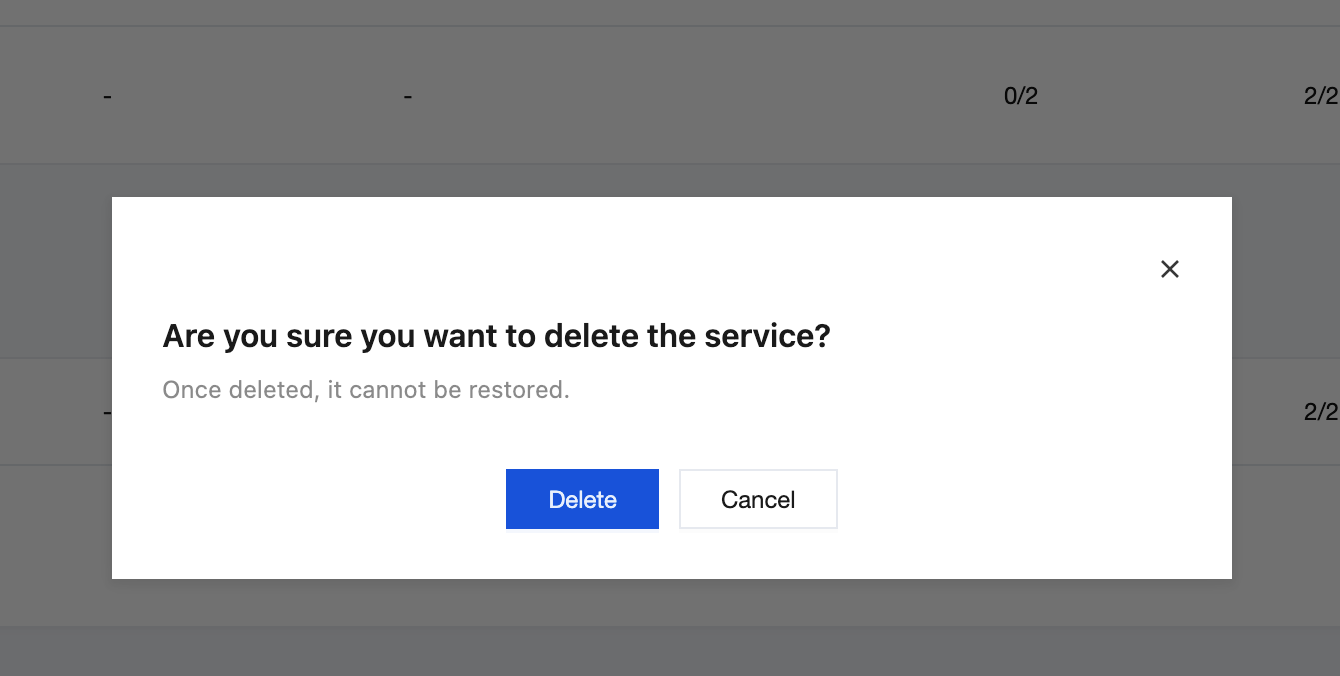
3. Confirm the deletion on the secondary dialog box page.