tencent cloud

Batch Compute

Product Introduction
What's Batch?
Scenarios
Strengths
Glossary
Quota & Limits
Data Security
Purchase Guide
Getting Started
Preparation
Using CLI - Submit a Job
Using CLI - Compute Environment
Configuring a Job
Using Console
Console User Guide
Task Template Management
Job Management
User Guide
How to create images usable by BatchCompute
Windows Custom Images
Environment Variables
Entering COS & CFS Paths
Event Notice & Callback
Cloud Access Management
Command Line Interface
Preparation
Quick Start
Running Remote Package
Mapping Remote Storage
Use Cases
Building Cluster Using Compute Environment
Example: 3ds Max 2018 Rendering
Example: Deep Learning
API Documentation
History
Introduction
API Category
Making API Requests
Compute Environment APIs
Configuration Viewing-related APIs
Task Template-related APIs
Job-related APIs
Data Types
Error Codes
SDK Documentation
Instructions
FAQs
Contact Us
Glossary

Information Query

PDF
フォーカスモード
フォントサイズ
最終更新日: 2024-01-13 11:19:29
You can query the job information in the BatchCompute Console. If you have not activated the BatchCompute service, activate it as prompted on the BatchCompute Console page.

Querying Job Information

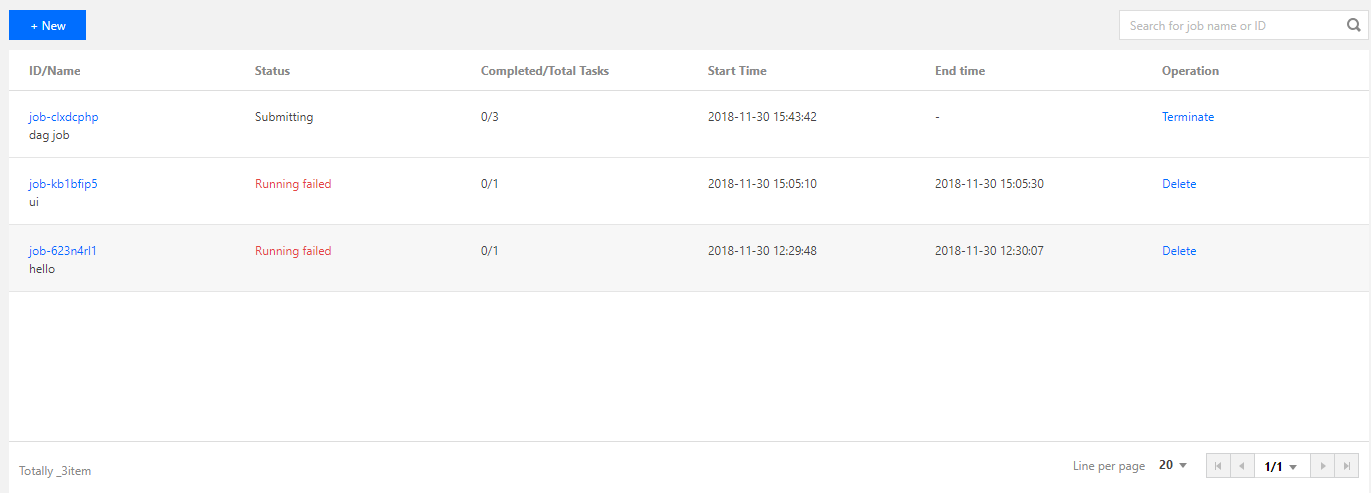
You can view the running status of a job on the job list page.


Querying Job Submission Information

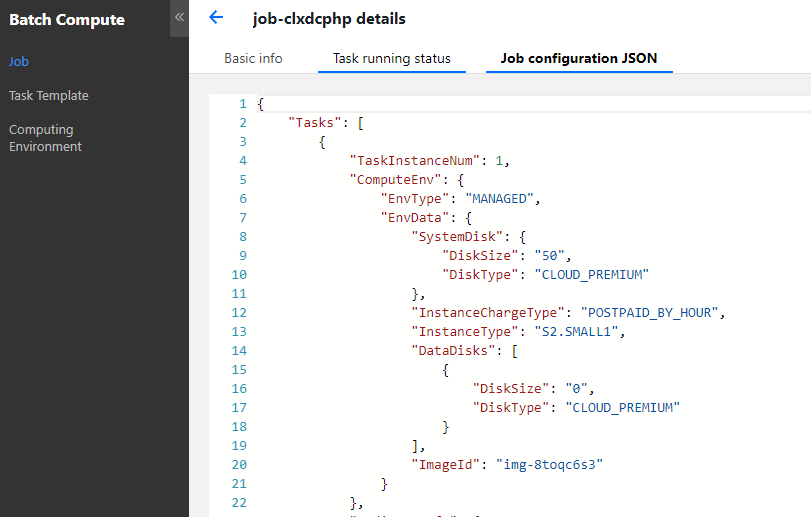
On the job list page, click a job ID to view the basic information of the job, and the job submission information is displayed in "Job Configuration (JSON)".


Querying Task Information

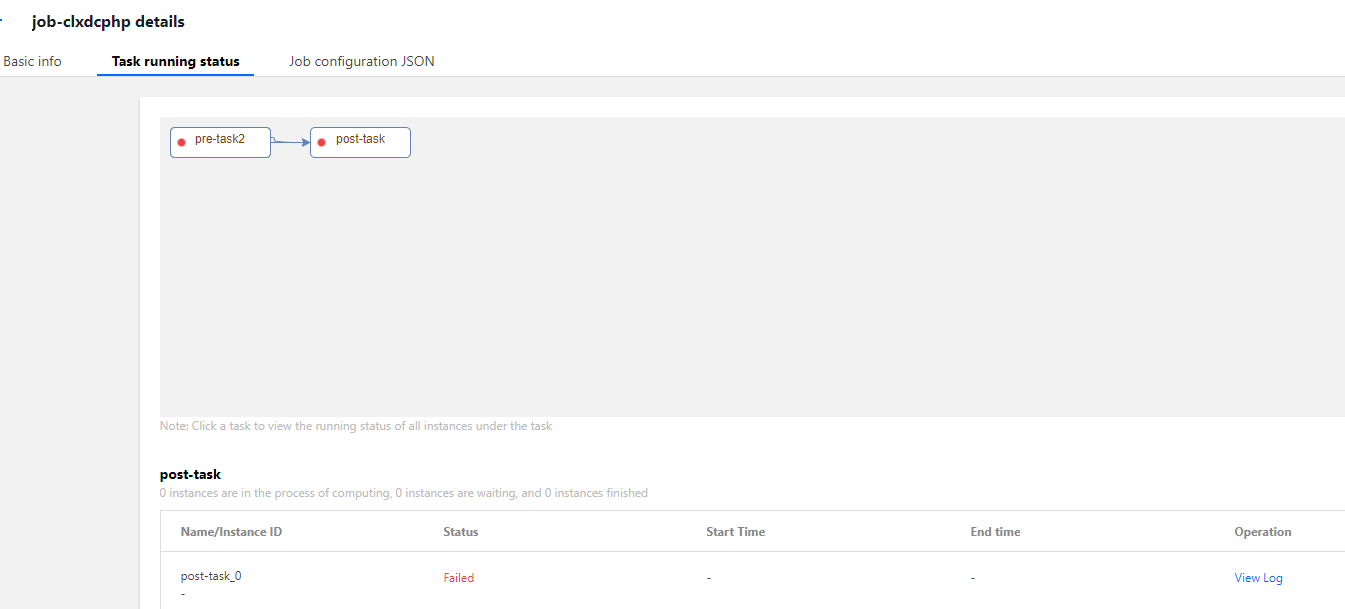
On the job list page, click a job ID to view the running status of each task instance in "Task Running Status". Click Query Log to view the standard output and standard error of a task instance.


ヘルプとサポート

この記事はお役に立ちましたか?

フィードバック