This document describes how to perform local testing before modifying DNS records to ensure the service availability.
Directions
DNS resolution is required when a local server accesses a website. Before DNS resolution, the IP address of the destination domain name will be obtained from the local hosts file. Therefore, you can modify the hosts file to direct local access traffic to WAF to test the connectivity between the website and WAF. This avoids direct modification of DNS records that may affect Internet users' access to the website.
1. Log in to the WAF console, select Asset Center > Domain Name List on the left sidebar. You can check the CNAME address of saas.technicalsupport.cn.
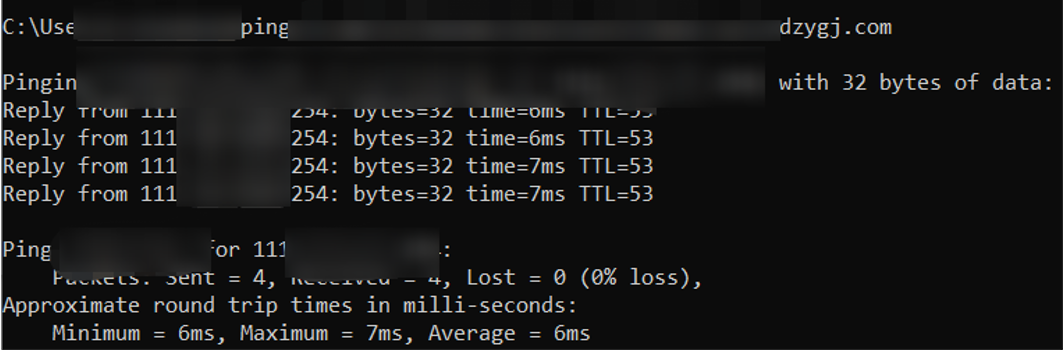
If you need to get the VIP address of the corresponding domain name, you can get it by pinging the CNAME address.
i. In Windows, open Command Prompt.
ii. Run the command: ping <WAF CNAME address>.
iii. The ping command output will record the WAF IP address of the domain name, which is required for subsequent operations. 2. Modify hosts file.
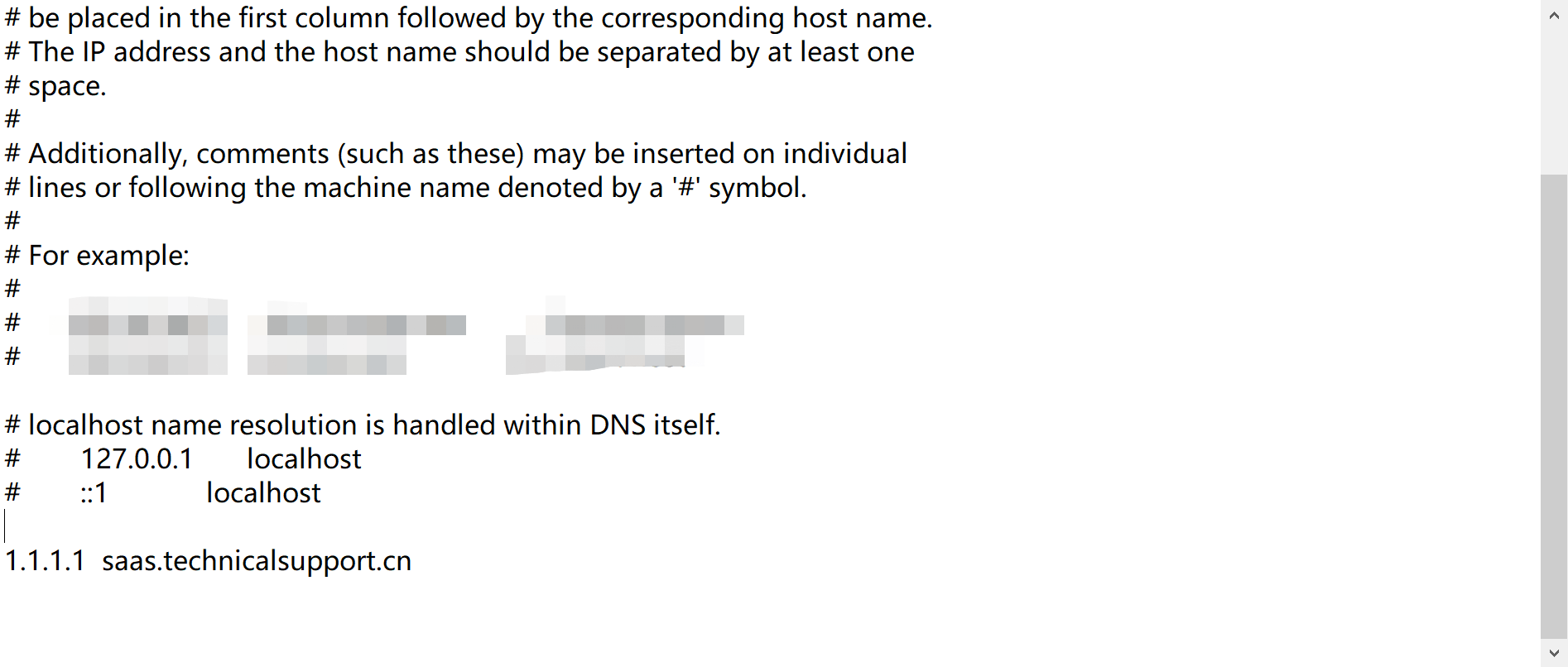
In Windows, modify C:\\Windows\\System32\\drivers\\etc\\hosts by adding the following entry.
Format: VIP address + Domain name added to WAF
Note:
Here, 1.1.1.1 is a test address, and it should be the VIP address in actual use.
In Linux, modify /etc/hosts by adding the following entry.
Format: VIP address + Domain name added to WAF
3. Test access.
Access the website from your local computer. If the website can be opened properly, the connectivity between the origin server and WAF is normal.
i. Enter the following URL in your browser to access:
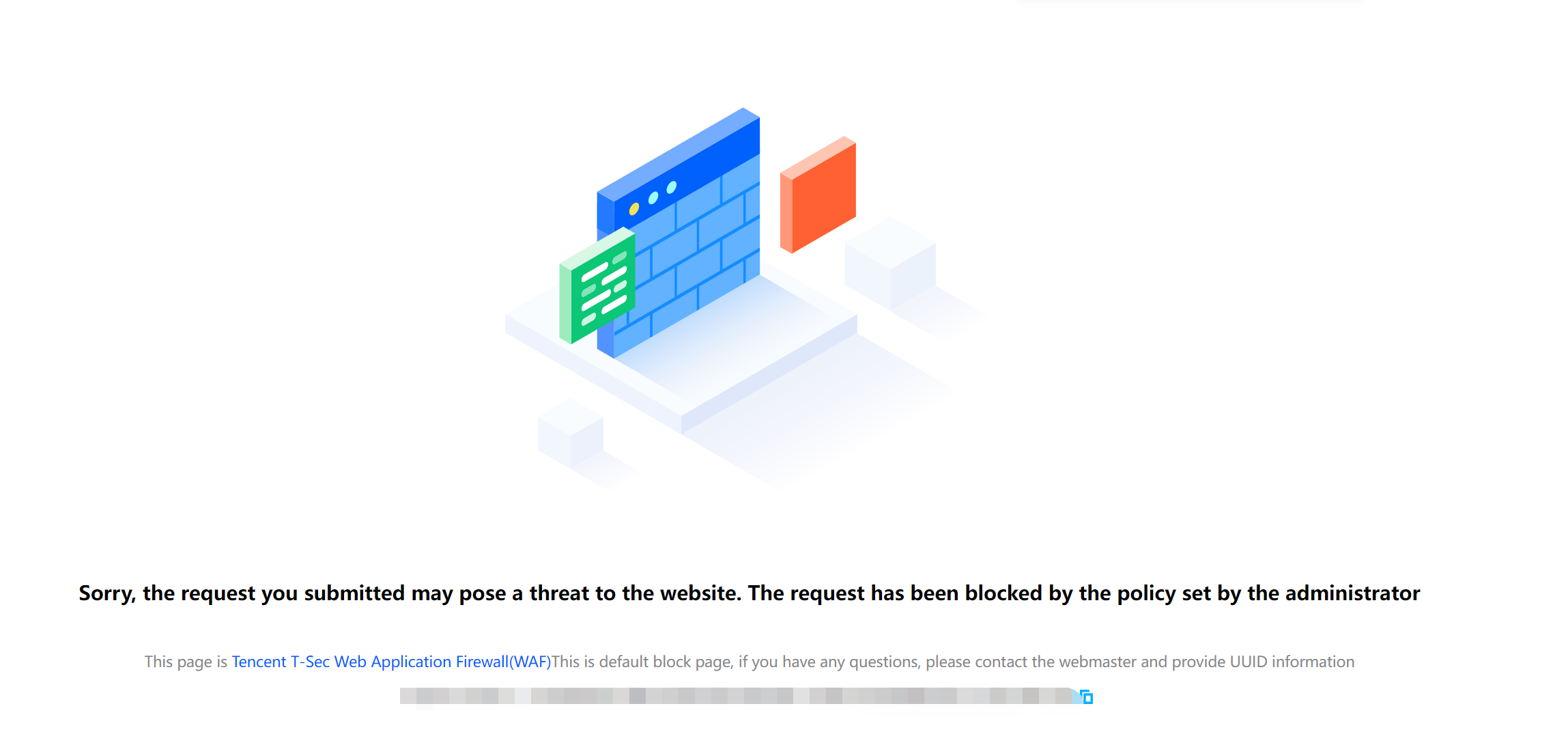
http://saas.technicalsupport.cn/?test=alert(123)
ii. If the browser returns a block page, the WAF is working properly.
Subsequent Operations
After performing the local test, you can proceed as follows: