Release Notes
Announcements
Security Announcements
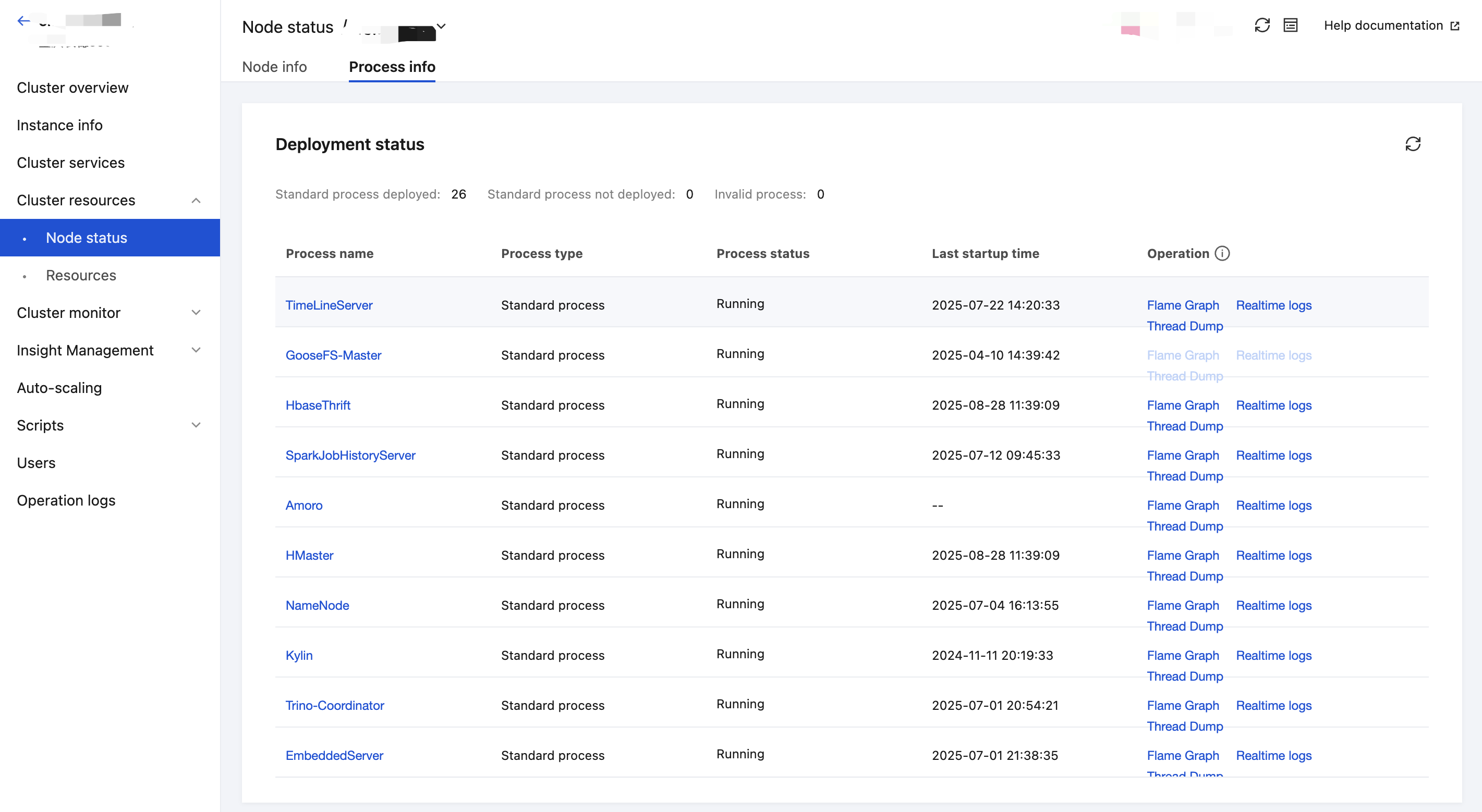
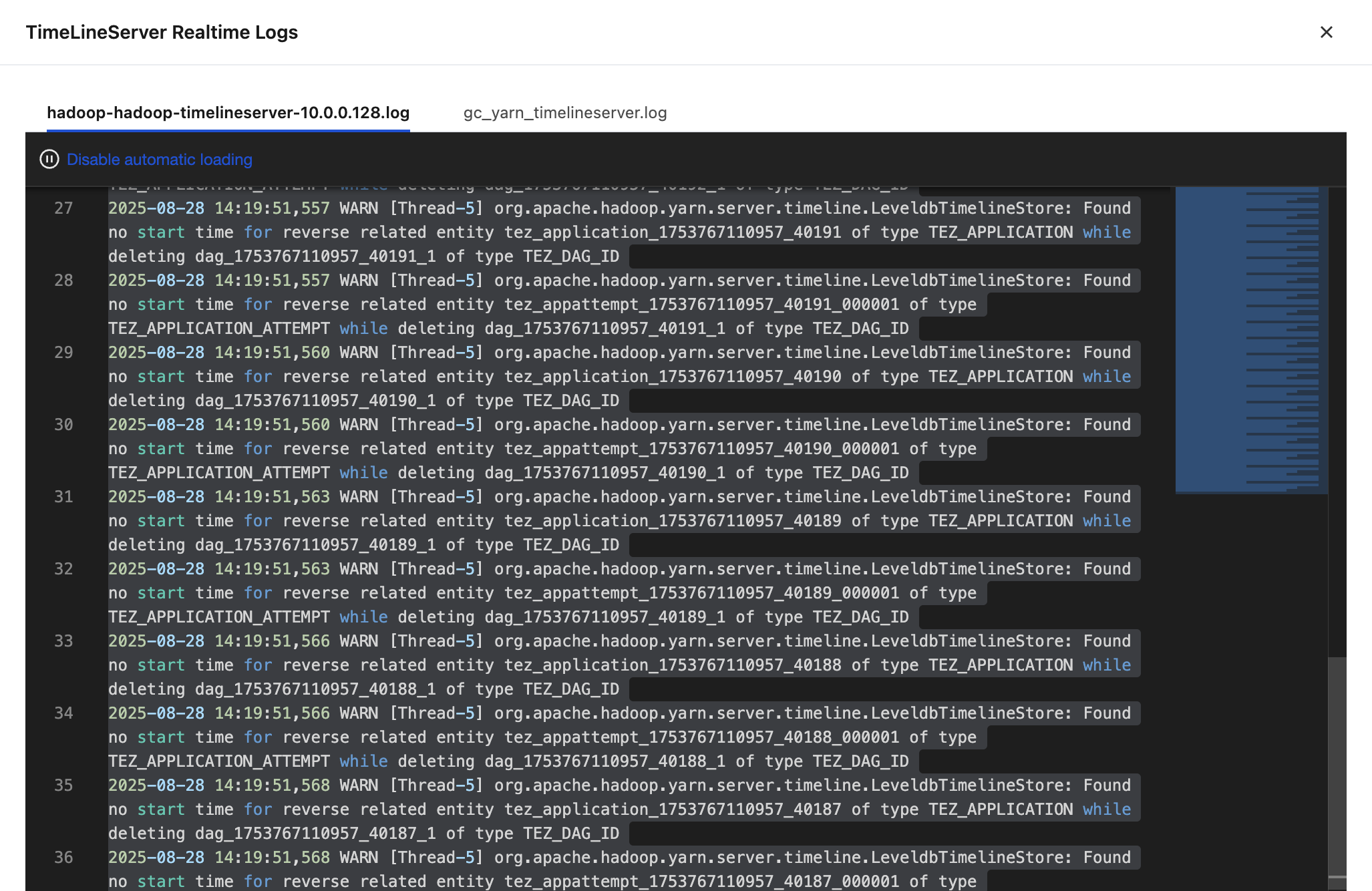
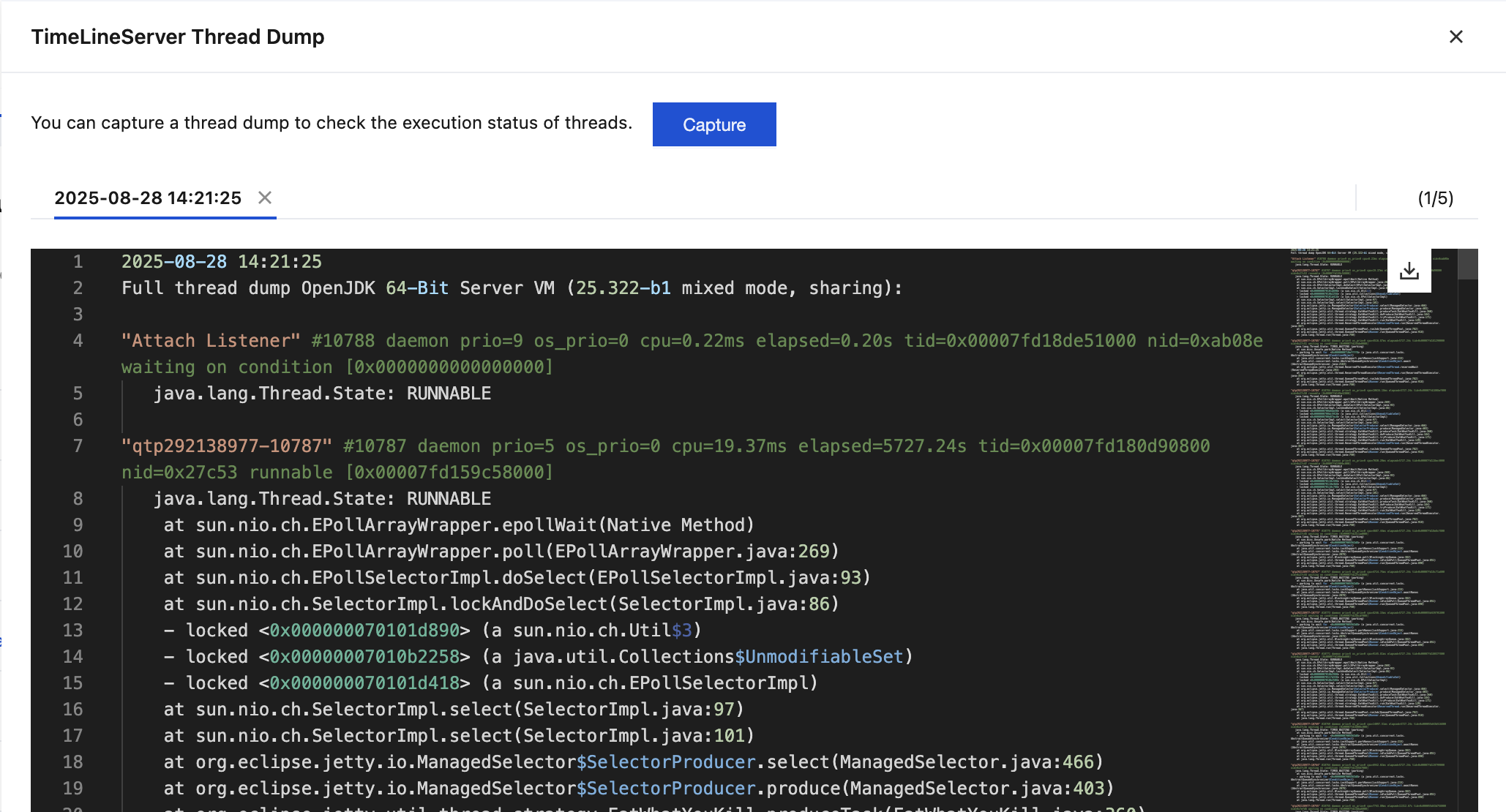
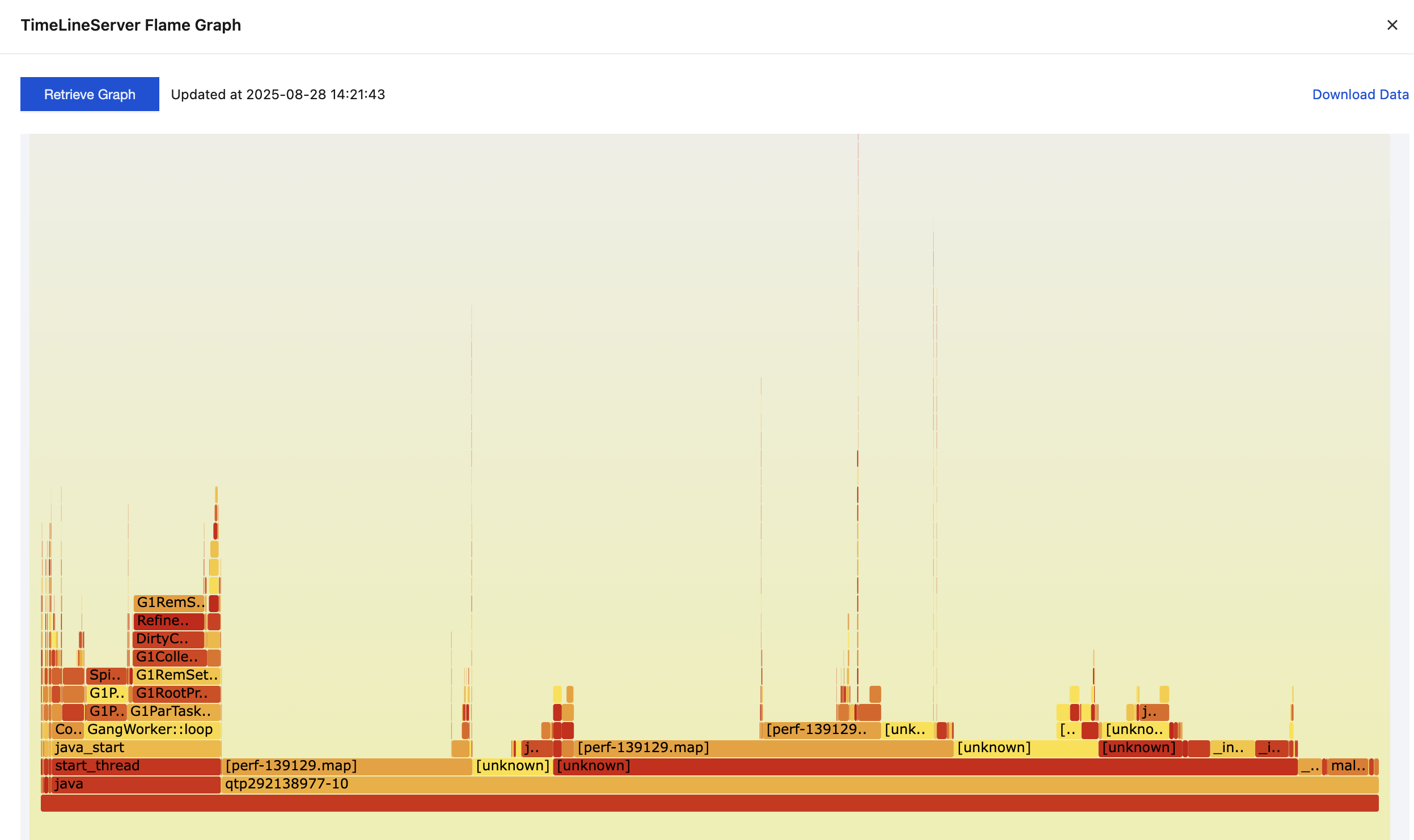
Service | Process | Log Path | Log File Name | Supported Version Description |
HDFS | NameNode | /data/emr/hdfs/logs | hadoop-hadoop-namenode-rHOST.log | 270, 340, and 350 |
HDFS | NameNode | /data/emr/hdfs/logs | nn-audit.log | 340 and 350 |
HDFS | DataNode | /data/emr/hdfs/logs | hadoop-hadoop-datanode-rHOST.log | 270, 340, and 350 |
HDFS | DataNode | /data/emr/hdfs/logs | SecurityAuth-datanode-audit.log | 340 and 350 |
HDFS | JournalNode | /data/emr/hdfs/logs | hadoop-hadoop-journalnode-rHOST.log | 270, 340, and 350 |
HDFS | JournalNode | /data/emr/hdfs/logs | SecurityAuth-journalnode-audit.log | 340 and 350 |
HDFS | ZKFailoverController | /data/emr/hdfs/logs | hadoop-hadoop-zkfc-rHOST.log | 270, 340, and 350 |
HDFS | ZKFailoverController | /data/emr/hdfs/logs | SecurityAuth-zkfc-audit.log | 340 and 350 |
HDFS | DFSRouter | /data/emr/hdfs/logs | hadoop-hadoop-dfsrouter-rHOST.log | 340 and 350 |
YARN | ResourceManager | /data/emr/yarn/logs | hadoop-hadoop-resourcemanager-rHOST.log | 270, 340, and 350 |
YARN | ResourceManager | /data/emr/yarn/logs | rm-audit.log | 340 and 350 |
YARN | NodeManager | /data/emr/yarn/logs | hadoop-hadoop-nodemanager-rHOST.log | 270, 340, and 350 |
YARN | NodeManager | /data/emr/yarn/logs | nm-audit.log | 340 and 350 |
YARN | JobHistoryServer | /data/emr/yarn/logs | hadoop-hadoop-historyserver-rHOST.log | 270, 340, and 350 |
YARN | TimeLineServer | /data/emr/yarn/logs | hadoop-hadoop-timelineserver-rHOST.log | 270, 340, and 350 |
Hive | HiveMetaStore | /data/emr/hive/logs | (1)hadoop-hivemetastore,(2)hcat.out | 270(1), 340(1,2), and 350(1) |
Hive | HiveMetaStore | /data/emr/hive/logs | hadoop_hive_metastore_audit | 270, 340, and 350 |
Hive | HiveServer2 | /data/emr/hive/logs | (1)hadoop-hive,(2)hadoop-hiveserver2 | 270(1), 340(2), and 350(2) |
Hive | HiveServer2 | /data/emr/hive/logs | hadoop_hiveserver2_audit | 270(manual setup), 340, and 350 |
Hive | HiveWebHcat | /data/emr/hive/logs | webhcat-console.log | 270, 340, and 350 |
HBase | HMaster | /data/emr/hbase/logs | hbase-hadoop-master-rHOST.log | 270, 340, and 350 |
HBase | HMaster | /data/emr/hbase/logs | SecurityAuth-hmaster-audit.log | 340 and 350 |
HBase | RegionServer | /data/emr/hbase/logs | hbase-hadoop-regionserver-rHOST.log | 270, 340, and 350 |
HBase | RegionServer | /data/emr/hbase/logs | SecurityAuth-regionserver-audit.log | 340 and 350 |
HBase | HbaseThrift | /data/emr/hbase/logs | hbase-hadoop-thrift-rHOST.log | 270, 340, and 350 |
Zookeeper | QuorumPeerMain | /data/emr/zookeeper/logs | zookeeper-root-server-rHOST.log | 270, 340, and 350 |
Zookeeper | QuorumPeerMain | /data/emr/zookeeper/logs | zookeeper-audit.log | 270, 340, and 350 |
Kudu | KuduServer | /data/emr/kudu/log | kudu-tserver.INFO | 270, 340, and 350 |
Kudu | KuduMaster | /data/emr/kudu/log | kudu-master.INFO | 270, 340, and 350 |
Alluxio | AlluxioMaster | /data/emr/alluxio/logs | master.log | 270, 340, and 350 |
Alluxio | AlluxioWorker | /data/emr/alluxio/logs | worker.log | 270, 340, and 350 |
Ranger | EmbeddedServer | /data/emr/ranger/logs | ranger-admin--.log | 270, 340, and 350 |
Ranger | EnableUnixAuth | /usr/local/service/ranger/usersync/logs | usersync-rHOST-root.log | 270, 340, and 350 |
CosRanger | CosRangerServer | /data/emr/cosranger/logs | info.log | 270, 340, and 350 |
Impala | Impala-Statestore | /data/emr/impala/logs | statestored.INFO | 270, 340, and 350 |
Impala | Impala-Catalog | /data/emr/impala/logs | catalogd.INFO | 270, 340, and 350 |
Impala | Impala-Daemon | /data/emr/impala/logs | impalad.INFO | 270, 340, and 350 |
Spark | SparkJobHistoryServer | /data/emr/spark/logs | spark-hadoop-org.apache.spark.deploy.history.HistoryServer-1-rHOST.out | 270, 340, and 350 |
Knox | Knox | /data/emr/knox/logs | gateway.log,gateway-audit.log | 270, 340, and 350 |
Kylin | Kylin | /data/emr/kylin/logs | kylin.log | 270, 340, and 350 |
Doris | DorisFeFollower | /data/emr/doris/fe/log | fe.log | Doris120 |
Doris | DorisBe | /data/emr/doris/be/log | be.INFO | Doris120 |
Doris | DorisBroker | /data/emr/doris/broker/log | apache_hdfs_broker.log | Doris120 |
Doris | DorisFeObserver | /data/emr/doris/fe/log | fe.log | Doris120 |
Druid | broker | /data/emr/druid/var/log/druid | broker.log | Druid110 |
Druid | coordinator | /data/emr/druid/var/log/druid | coordinator.log | Druid110 |
Druid | router | /data/emr/druid/var/log/druid | router.log | Druid110 |
Druid | overload | /data/emr/druid/var/log/druid | overload.log | Druid110 |
Druid | historical | /data/emr/druid/var/log/druid | historical.log | Druid110 |
Druid | middleManager | /data/emr/druid/var/log/druid | middleManager.log | Druid110 |
Oozie | Oozie | /data/emr/oozie/logs | oozie.log,jetty.out | 270, 340, and 350 |
Storm | Nimbus | /data/emr/storm/logs | nimbus.log | 270 |
Storm | Supervisor | /data/emr/storm/logs | supervisor.log | 270 |
Livy | LivyServer | /data/emr/livy/logs | livy-hadoop-server.out | 270, 340, and 350 |
StarRocks | StarRocksFeFollower | /data/emr/starrocks/fe/log | fe.log | SR140 and SR200 |
StarRocks | StarRocksFeObserver | /data/emr/starrocks/fe/log | fe.log | SR140 and SR200 |
StarRocks | StarRocksBe | /data/emr/starrocks/be/log | be.INFO | SR140 and SR200 |
StarRocks | StarRocksBroker | /data/emr/starrocks/broker/log | apache_hdfs_broker.log | SR140 and SR200 |
StarRocks | StarRocksCn | /data/emr/starrocks/be/log | cn.INFO | SR140 and SR200 |
Kyuubi | KyuubiServer | /data/emr/kyuubi/logs | kyuubi.log,kyuubi-hadoop-org.apache.kyuubi.server.KyuubiServer-rHOST.out | 270, 340, and 350 |
Trino | Trino-Coordinator | - | (1)/data/emr/trino/logs/coordinator.log,(2)/data/emr/trino/var/log/server.log | 270(2), 340(1), and 350(1) |
Trino | Trino-Coordinator | /data/emr/trino/logs | trino-audit.log | 340 (manual setup) and 350 (manual setup) |
Trino | Trino-Worker | - | (1)/data/emr/trino/logs/worker.log, (2)/data/emr/trino/var/log/server.log | 270(2), 340(1), and 350(1) |
Hue | Hue | /data/emr/hue/logs | supervisor.log,runcpserver.log | 270, 340, and 350 |
피드백