When daily health inspections of instances are needed, you can enable the database inspection capability for instances. DBbrain supports enabling database inspections for a single instance, multiple instances in batches, or all instances with one click, and the inspection feature can be disabled at any time.
After the inspection feature is enabled, an inspection task will start at midnight every day from the next day. Upon completion, a health report categorized as database inspection will be generated, allowing users to check the health status and details of the instances daily, aiding in troubleshooting potential risks and providing solutions.
2. In the left sidebar, select Instance Management.
3. Select the database type at the top of the page.
4. (Optional) In the search box at the top of the page, select resource attributes (including instance ID, instance name, and status), enter keywords, and click
.
5. Hover the mouse over the Status column of the target instance, and click
.
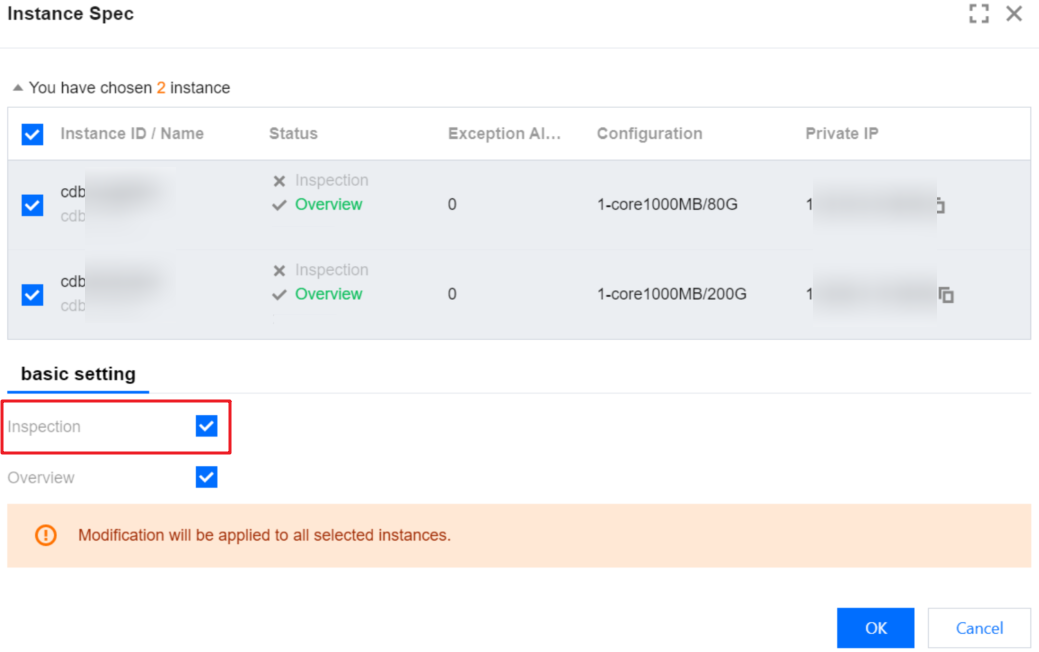
6. In the pop-up window on the right, check Database Inspection, and click OK.
Enabling Inspection for Multiple Instances in Batch
2. You can access the Instance Management page through the following two entries.
In the left sidebar, select Instance Management.
In the left sidebar, select Monitoring & Alarm > Database Inspection, and click Custom Settings in the upper right corner of the page to enter the Instance Management page.
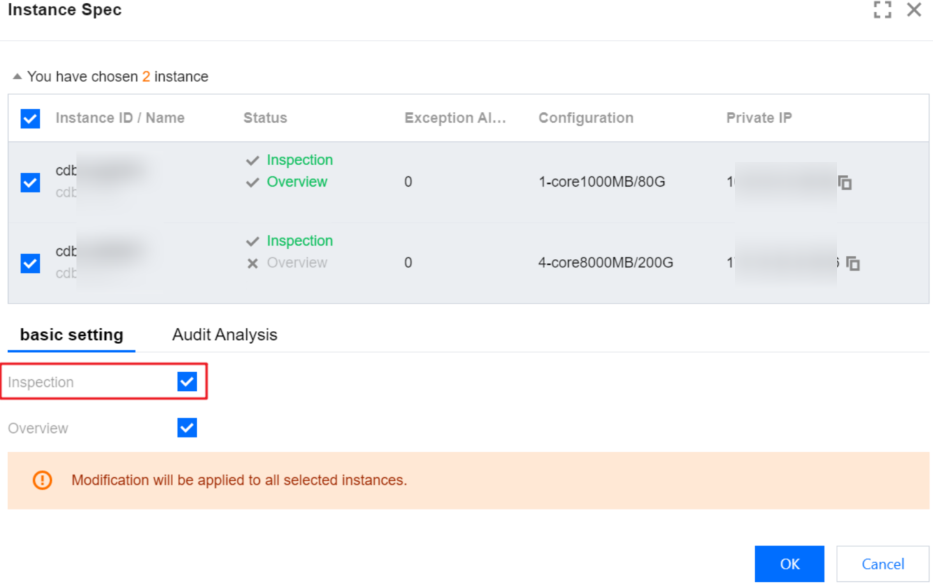
3. In the list, select one or more instances and click batch setting at the top of the page.
4. In the pop-up window on the right, check Database Inspection, and click OK.
2. In the left sidebar, select Monitoring & Alarm > Database Inspection.
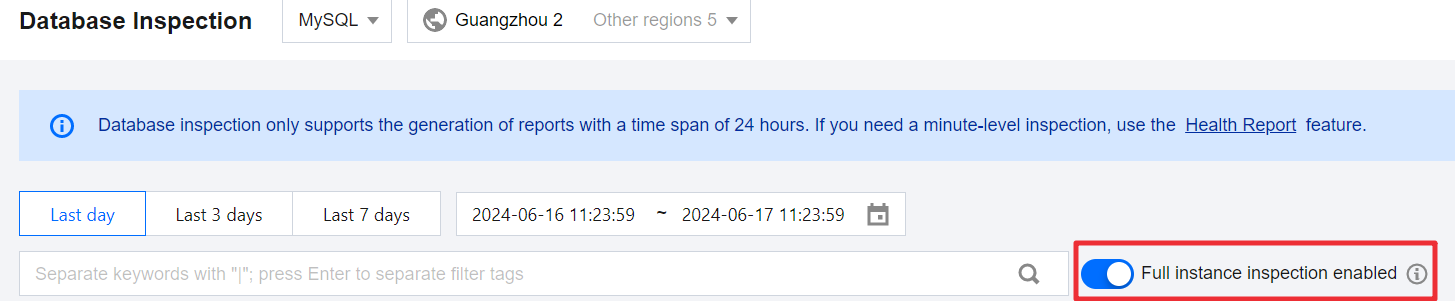
3. Enable the all-instance inspection switch at the top of the page.
Related Operations
Disable inspection feature:
Disable a single instance: On the Instance Management page, locate the target instance, click
in the Status column, and disable the database inspection switch.
Disable multiple instances: On the Instance Management page, select one or more instances, click batch setting at the top, and disable the database inspection switch.
Disable all instances: On the Database Inspection page, disable the all-instance inspection switch at the top of the page.