Enabling a Database Credential
Download
포커스 모드
폰트 크기
Prerequisites
You have created your account and password in the SSM console.
You have created a database credential. If haven’t, see Creating a Database Credential.
Directions
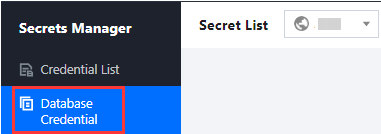
1. Log in to the SSM Console and click Database Credential on the left sidebar.
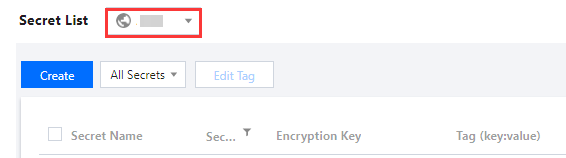
2. Click the drop-down button in the top left corner of the credential list to modify the region.
3. Search for a credential by entering keywords relevant to tags and credential names in the search box.
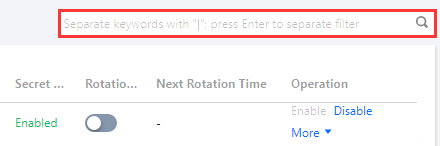
4. On the right of the credential of your choice, click Enable/Disable to enable/disable it.
Note:
By clicking the credential name, you can change its status on the credential details page. For details, see Editing a Database Credential.

피드백