CLB Stop Fault
Download
포커스 모드
폰트 크기
Background
As a proxy, Cloud Load Balancer (CLB) generally serves various business services by providing a cost-effective and transparent method to expand network device and server bandwidth, increase throughput, enhance network data processing capabilities, and improve network flexibility and availability.
As a crucial component of network transmission, CFG provides you the ability to simulate CLB stop faults, assisting you in achieving instance or listener unavailability.
Fault Principle
Injecting a stop fault into CLB causes instances or listeners to stop, and leads to client access failures.
Experiment Execution
Experiment Preparation
Create a virtual private cloud and deploy a CVM and CLB instance within this network. Deploy test services on the CVM instance and create listeners on the CLB instance to monitor the CVM service ports.
Experiment Steps
Step 1: Create an experiment
1. Log in to Tencent Cloud Smart Advisor > Chaotic Fault Generator, and enter the Experiment Management page, click Create a New Experiment.
2. Click Skip and create a blank experiment, and fill in the experiment details.
3. Add actions. The platform provides CLB Stop Fault Action.
Three stop objects are provided: CLB instance, Layer 4 path listener, and Layer 7 path listener.
Step 2: Execute experiment actions
Click Execute to distribute the fault actions. Log in to the same VPC instance and analyze the business service responses.
Observe Results
Stop Object: CLB Instance
1. In a steady-state metric performance, the corresponding instance status in the CLB console will show as Normal.
2. In a steady-state metric performance, the corresponding service responds normally when accessed via curl.
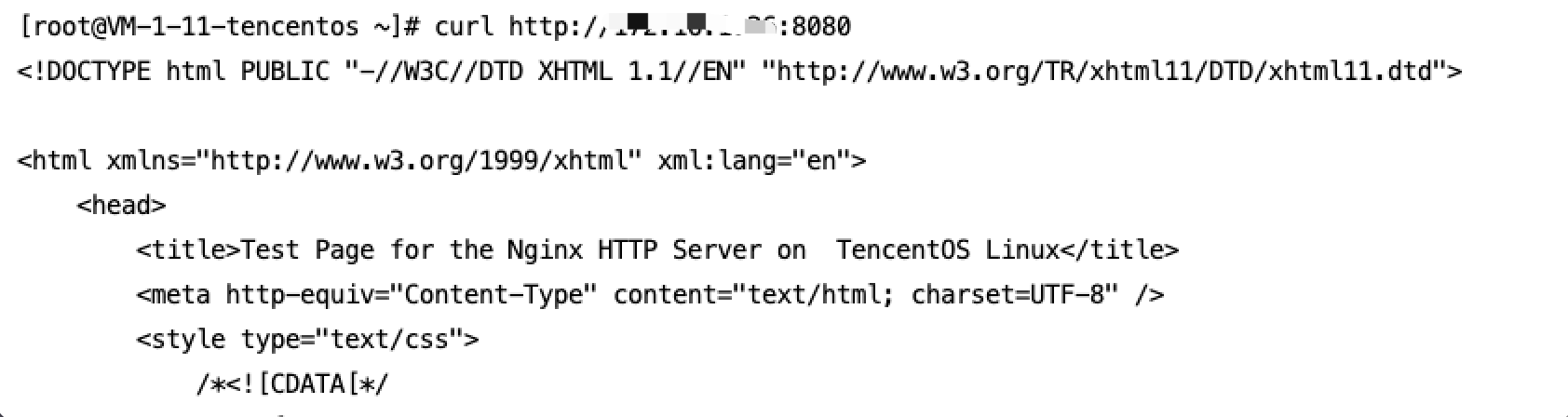
3. After fault injection, the corresponding instance status in the CLB console will show as stopped.
4. After fault injection, the service does not respond via curl.

Stop Object: Layer 4 Path Listener
In a steady-state metric performance, the listener service matched by the rule responds normally via curl.
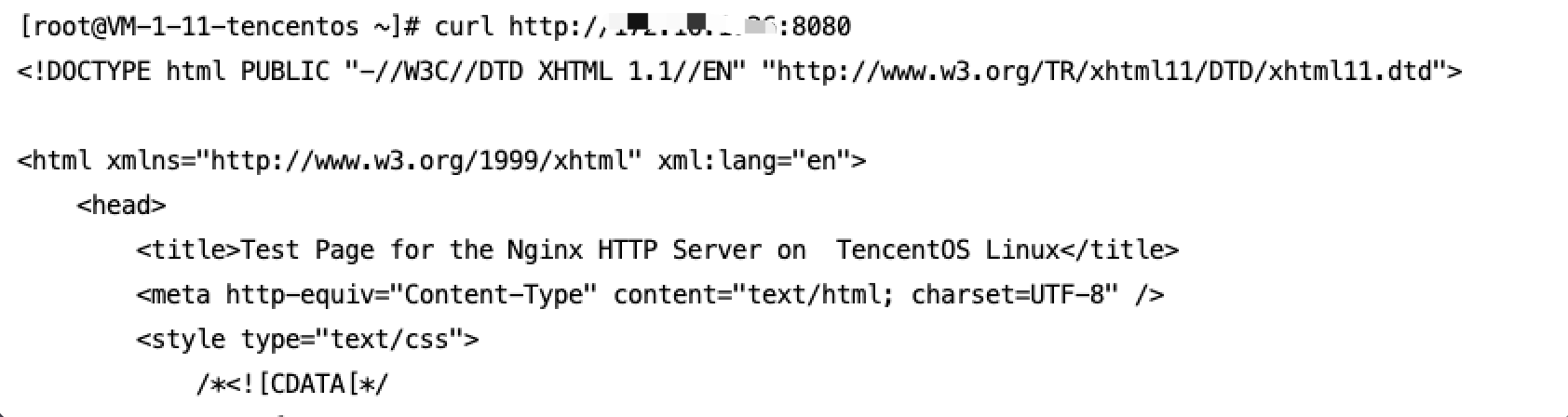
After fault injection, the listener service matched by the rule does not respond via curl.

Stop Object: Layer 7 Path Listener
In a steady-state metric performance, the listener service matched by the rule responds normally via curl.

After fault injection, the listener service matched by the rule does not respond via curl.

Long Link Results Observation (SSH Simulated Long Link)
In a steady-state metric performance, the client can access normal and input command operations.

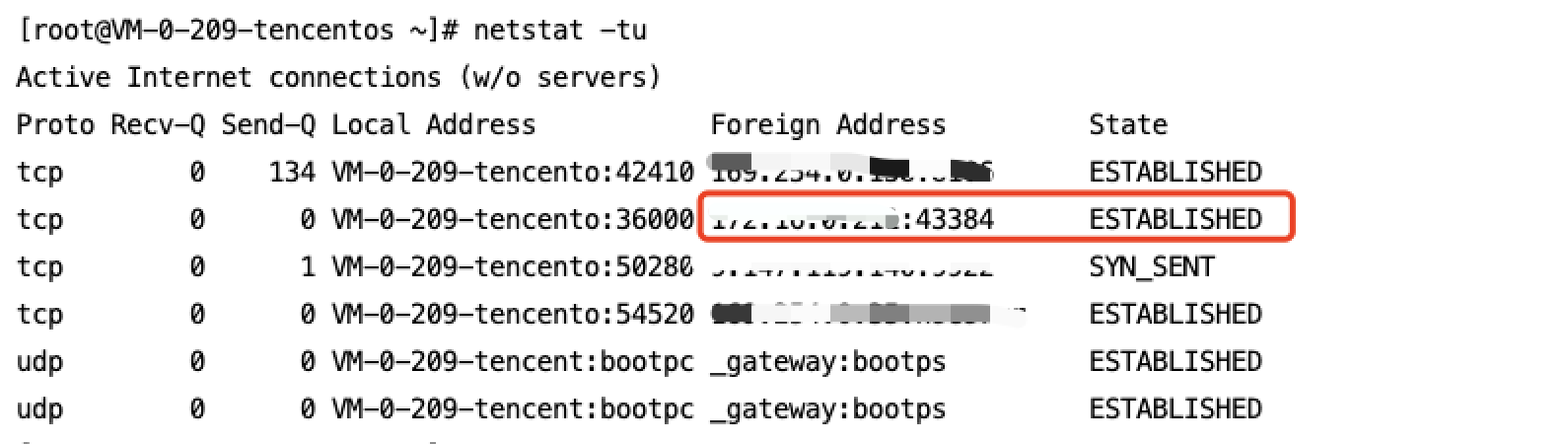
In a steady-state metric performance, long links with the client can be observed via
netstat -tu on the server side.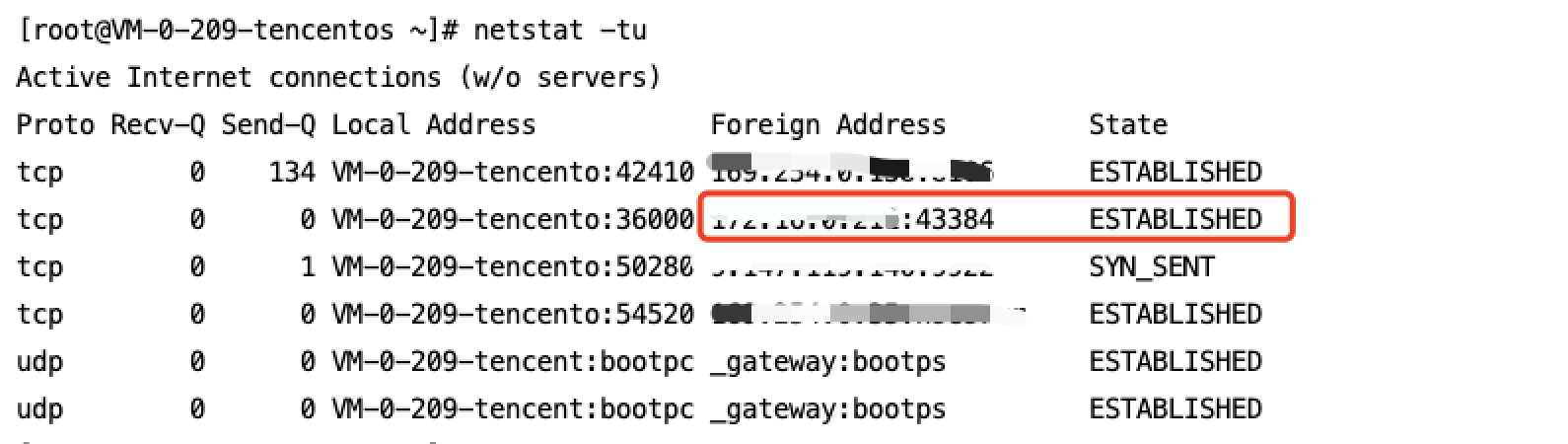
After the fault injection, the original client can no longer be accessed, and command input is not possible.
After the fault injection, establishing a new long link does not respond.

After the fault injection, the server-side long link still exists.
피드백