Overview
View the execution logs of Ops tasks to understand the task execution details.
Prerequisites
The administrator has informed the Ops personnel of the login address.
The administrator has granted host access permissions to the Ops personnel.
The BH has been upgraded to the professional version.
Directions
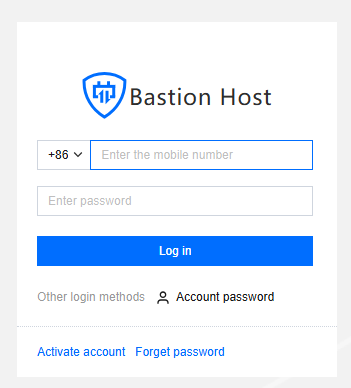
1. Enter the Ops page login address in the browser to open the BH Ops page. Log in using your mobile number and password. Alternatively, click Account password to switch to logging in with your account name and password.
2. After entering BH, select Auto Ops in the left sidebar.
3. Click Execution Log to proceed to the Execution Log page.
4. On the Execution Log page, you can view the task execution status.
5. Click Details to view the detailed information of the logs.