After virtual patching is enabled, CFW automatically identifies and blocks north-south traffic that may exploit vulnerabilities to launch attacks, preventing CVM vulnerabilities from being exposed to the Internet.
Directions
1. Log in to the Cloud Firewall console and click Intrusion Protection System in the left navigation pane.
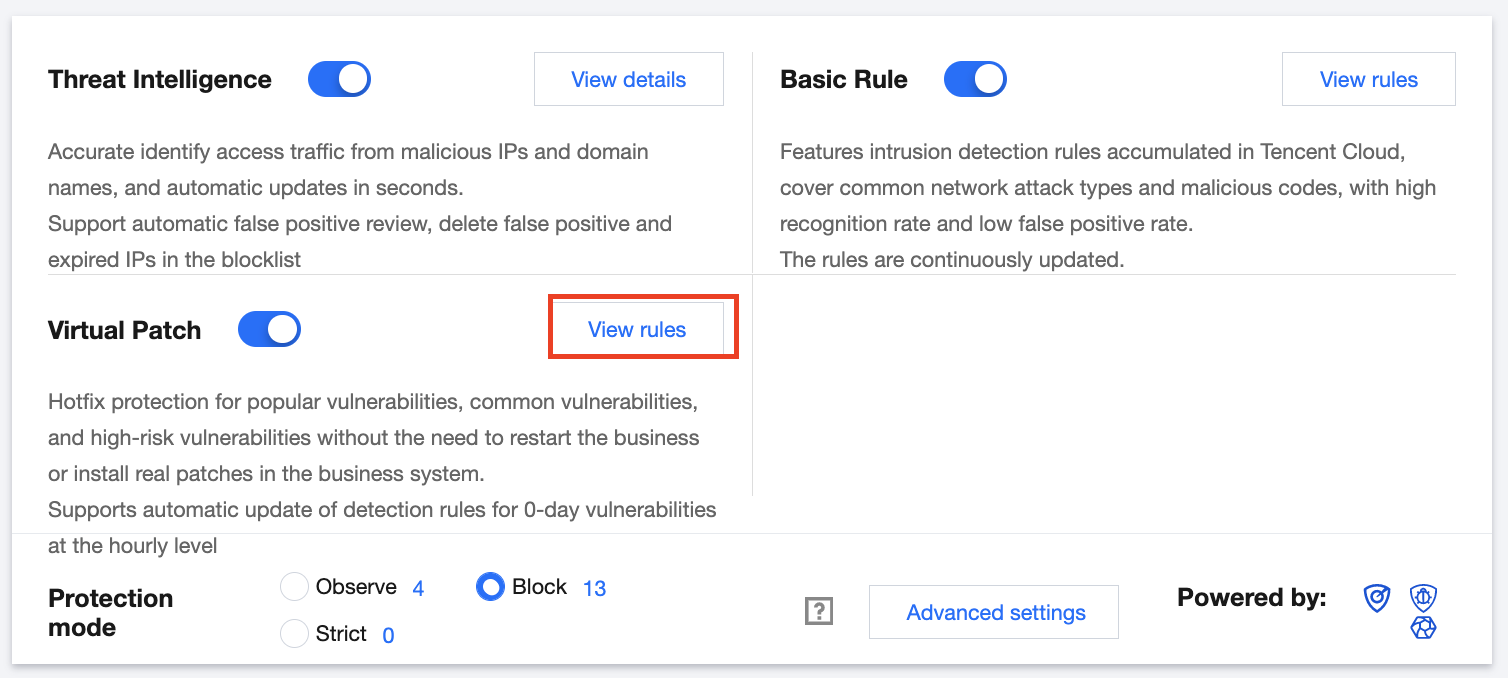
2. On the Intrusion protection system page, click View rules in the Virtual patching module.
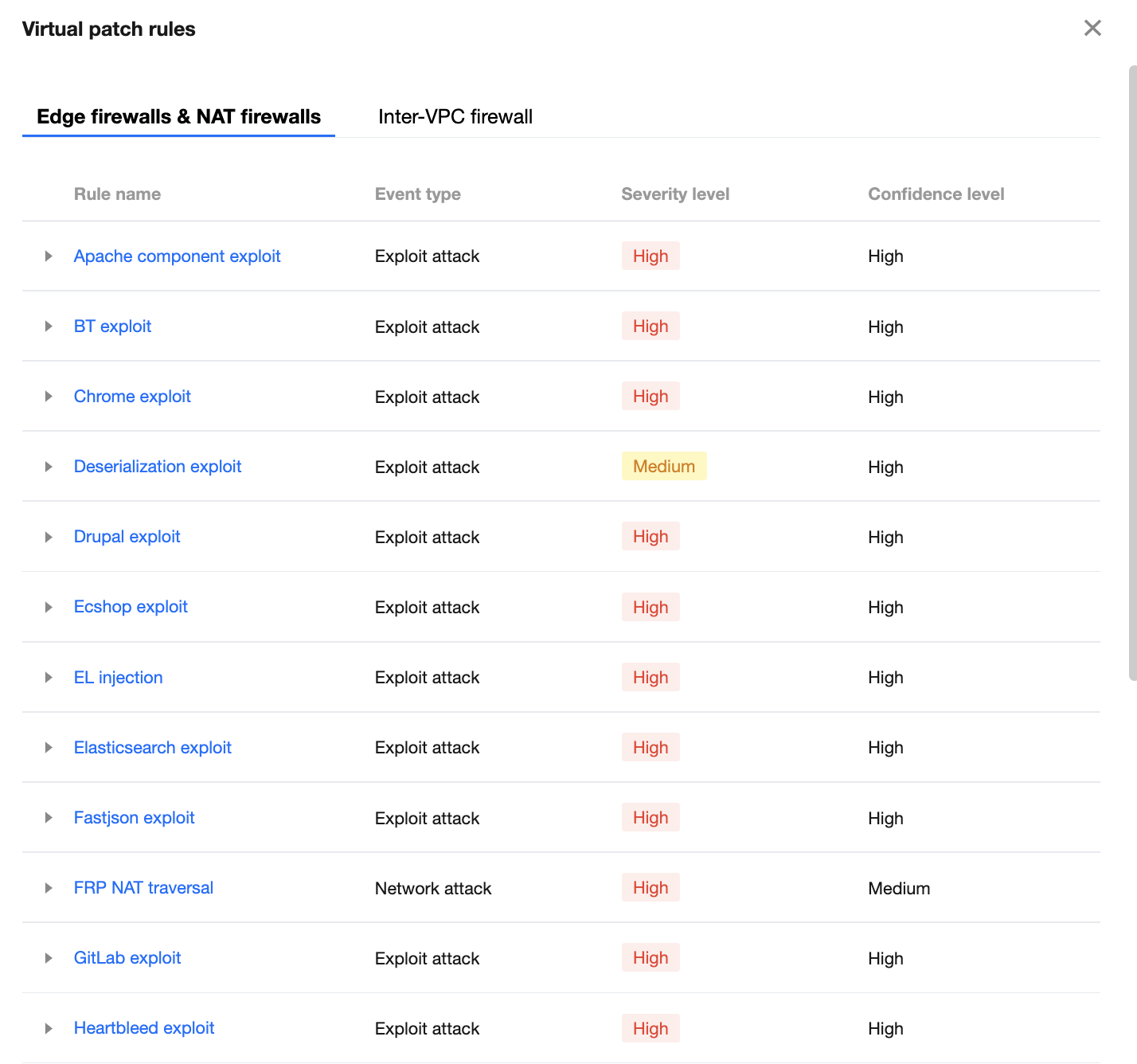
3. In the Virtual patch rules window displayed, you can view all the patches applied and the description of corresponding vulnerabilities.
4. After viewing patch rules, click
next to Virtual patching in the Virtual patching module to enable this feature.
Caution
When virtual patching is enabled, the virtual patch rules take effect for public IP addresses with this feature enabled.
When virtual patching is disabled, the virtual patch rules do not take effect.
In the Block mode, all intrusions are automatically blocked.