Scenarios
TencentDB for MongoDB audit service supports long-term storage of audit logs according to business needs, meeting the compliance regulation requirements of databases. Based on the security compliance requirements of business audit rules, you can adjust the retention period of audit logs at any time.
Prerequisites
The status of the replica set instance or sharded instance of TencentDB for MongoDB is Running.
Directions
2. In the left sidebar, select MongoDB > Database Audit.
3. At the top of the Database Audit page on the right, select Region.
4. In the upper right corner of the audit instance list, select an instance with Audit Status being Enabled.
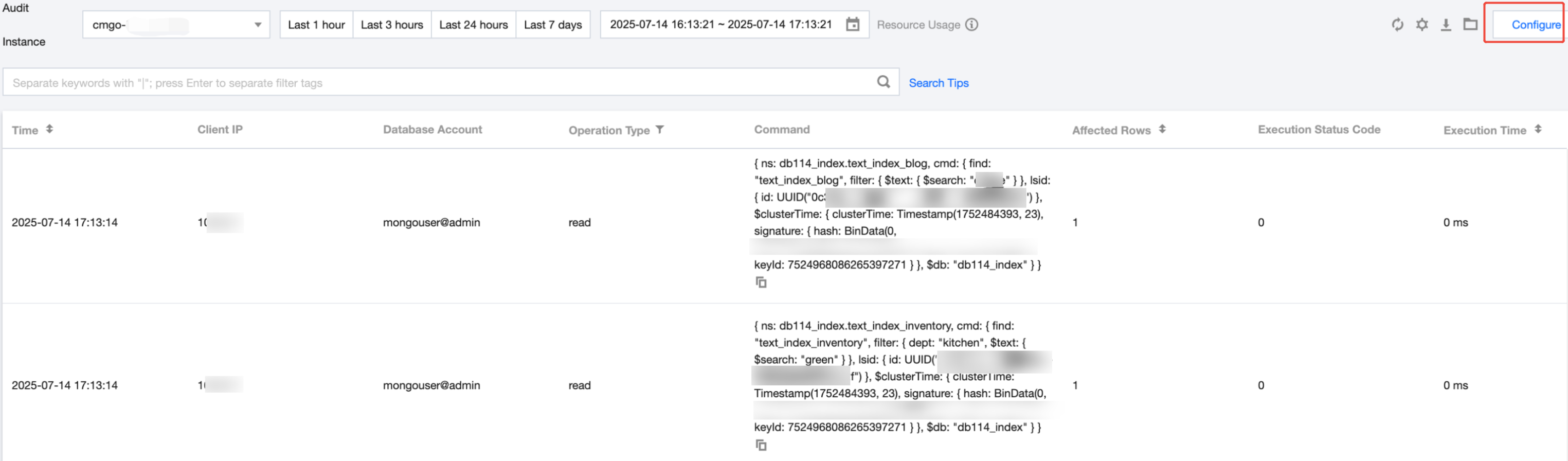
5. Click the instance ID with auditing enabled to redirect to the Audit Log page to view the corresponding log.
6. In the upper right corner of the Audit Log page, click Configure.
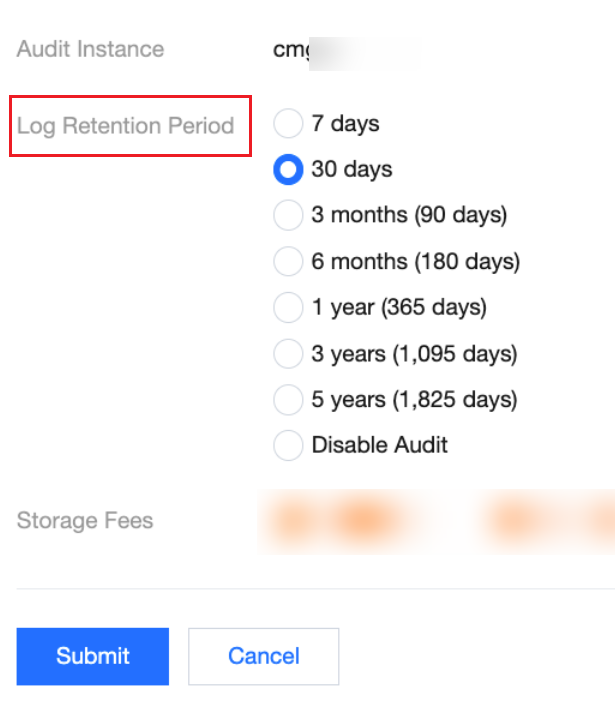
7. In the pop-up dialog box, modify the log retention period, and click Submit.
Note:
To meet the security compliance requirements for the retention period of audit logs, it is recommended that you select a retention period of 180 days or more.