Tencent Cloud Elasticsearch Service (ES) provides the scenario-based template configuration feature. You can select an appropriate scenario-based configuration index template based on your business needs to optimize the cluster performance in the corresponding scenario and reduce the performance problems caused by the use of an incorrect index template. General, search, and log scenarios are supported for such a template. This document describes how to select a template and the template parameters.
Notes
Before using a scenario-based index template, please pay attention to the following:
There is a default index template named default@template that has been optimized for most scenarios in your ES cluster. You can run the GET _template/default@template command in Dev Tools of Kibana to view the template.
The index template optimized for specific scenarios is named scene@template. You can run the GET _template/scene@template command in Dev Tools of Kibana to view the template.
When purchasing an instance, you can select a scenario on the purchase page. The general scenario is selected by default. After the purchase is completed, the configuration of the corresponding index template will be automatically applied to the cluster. You can change the scenario in the console.
Directions
Initializing scenario configuration
Enter the ES purchase page and select an initial scenario configuration template in the scenario-based configuration section. After the ES cluster is successfully purchased, the corresponding index configuration will be applied to it.
Modifying scenario configuration
1. Log in to the ES Console, click a cluster ID in the cluster list to enter the cluster details page, and then enter the advanced configuration page.
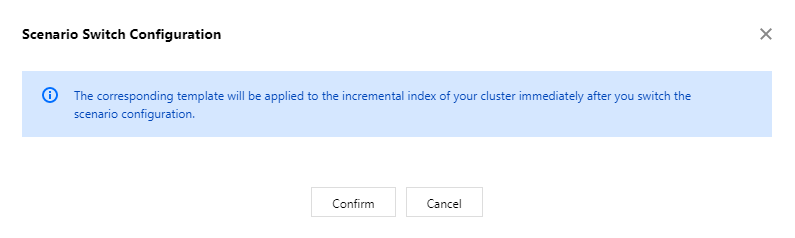
2. In the scenario-based configuration section, select the target scenario configuration template to be modified. In the pop-up window, if you click Cancel, the existing template will stay unchanged; if you click OK, the corresponding index configuration will be applied to the cluster immediately.
Scenario-based Index Template Description
The scenario-based index template parameters are detailed as below:
Parameter
Description
order
Template priority. The higher the value, the higher the priority
index_patterns
Index mode matched by index template. Wildcard is supported, which is * by default
index.refresh_interval
Index refreshing interval. Once indexed, a document can be queried only after the specified interval elapses. If you have a high requirement for query real-timeliness, you can slightly decrease the value; however, if the value is too small, the write performance will be affected
index.translog.durability
Translog data storage method.
request: stores translog data after each update to ensure data reliability and that no translog data will be lost when a node is exceptional.
async: stores translog data asynchronously on a regular basis. It increases the write performance at the cost of data reliability.
index.translog.sync_interval
Async refreshing interval which takes effect when the translog storage method is async