SSM allows you to manage multiple versions of secrets. You can leverage this feature to rotate secrets at the application layer in beta tests.
Directions
1. Log in to the SSM console and click Credential List in the left sidebar. You can switch between regions on the upper left corner of the page to find the secret to which you want to add a version. You can click the name of the secret to go to the Basic Information page.
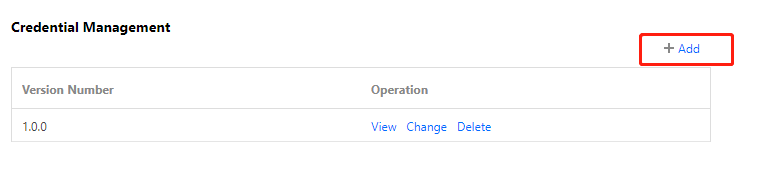
2. In the Credential Management module, click Add to go to the Add Credential Information page.
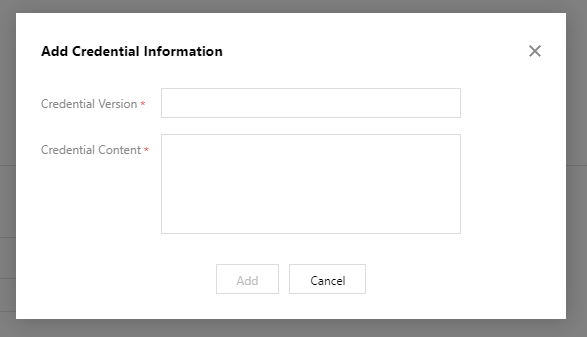
3. On the Add Credential Information page, enter the credential version and credential content, and then click Add.
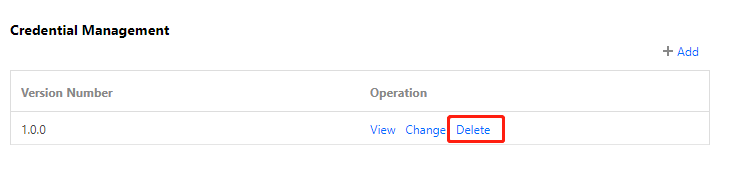
4. If you want to delete an added secret, you can click Delete in the Operation column to the right of the unwanted version, and then click Delete to confirm the deletion.
Note:
Each secret can have a maximum of 10 versions at the same time.