Deleting File System
Download
Modo Foco
Tamanho da Fonte
This document describes how to delete a file system in the CHDFS console.
Note:
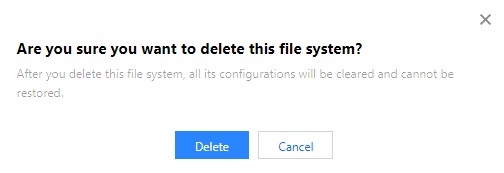
After a file system is deleted, all the configuration under it will be cleared and cannot be restored; therefore, please do so with caution.
Directions
1. Log in to the CHDFS console.
2. On the left sidebar, click File Systems.
3. On the file system page, select the region of the target file system, such as Guangzhou.

4. Find the file system to be deleted in the file system list and click Delete on the right.

5. In the pop-up window, click Delete.
Ajuda e Suporte
Esta página foi útil?
Você também pode entrar em contato com a Equipe de vendas ou Enviar um tíquete em caso de ajuda.
comentários