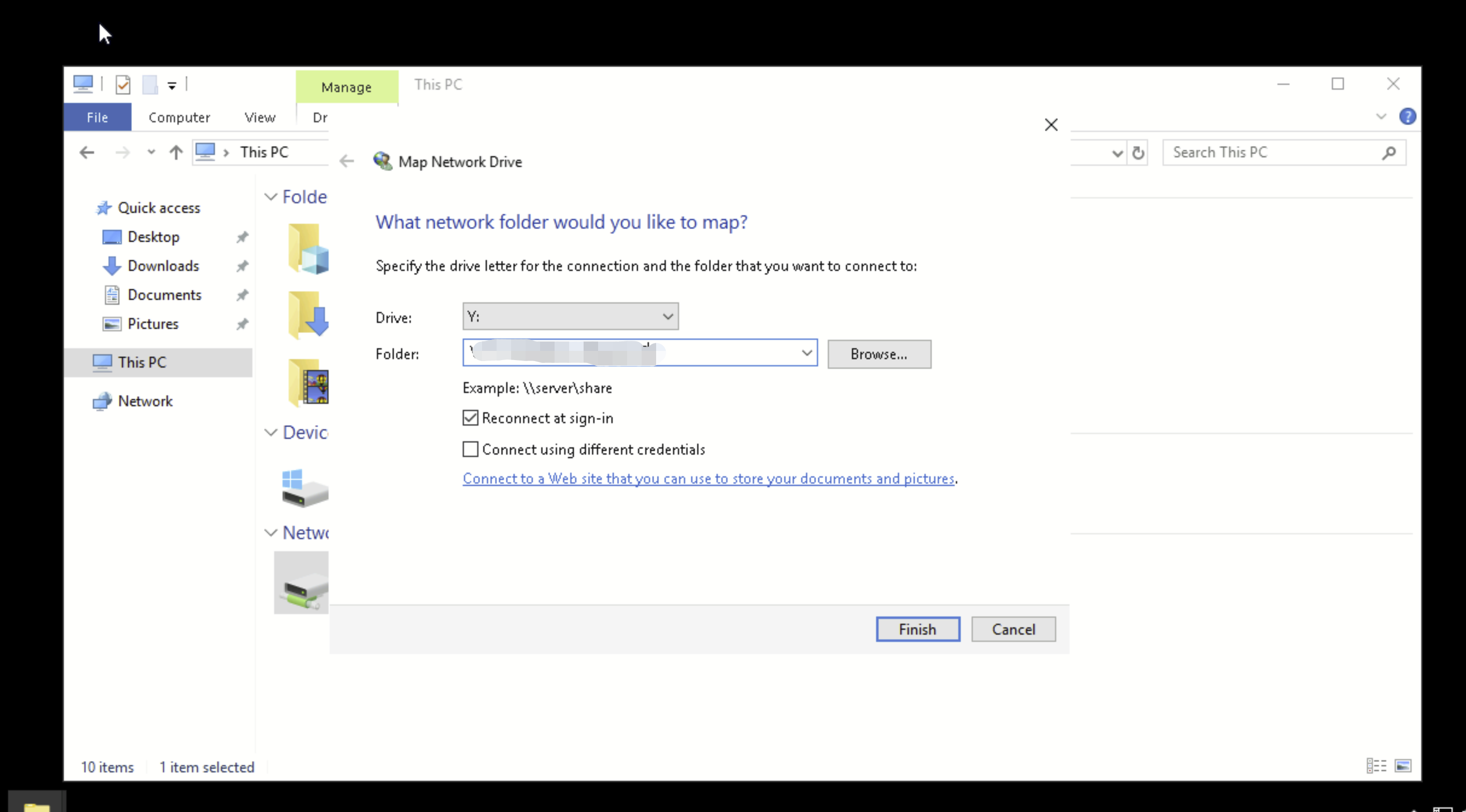
You can configure a Linux or Windows client to which a Cloud File Storage (CFS) file system is mounted, so that the file system can be automatically mounted after the client is restarted.
Directions
Automatically mounting an NFS file system on Linux
1. Connect to the CVM instance that needs to automatically mount the file system by logging in to the CVM console or performing remote login. Then, open the "/etc/fstab" file (make sure that your login account has the root privileges).
// Run the following command to open the "fstab"file
vi /etc/fstab
2. Enter "i" (insert) and add the following command to /etc/fstab. The mounting methods are as follows:
Mount the file system with NFS v4.0
<Mount target IP>:/ <target mount directory> nfs vers=4,minorversion=0,hard,timeo=600,retrans=2,_netdev,noresvport 00
3. Press Esc and enter ":wq" to save the change. Restart the client, with the file system automatically mounted.
Note:
When the command for automatic mounting is added, but the shared file system is abnormal, Linux may not be started normally, because the automatic start command in fstab is not executed. To solve this problem, enter "Single User Mode" upon startup, delete the automatic mounting command in fstab, and then restart the server.