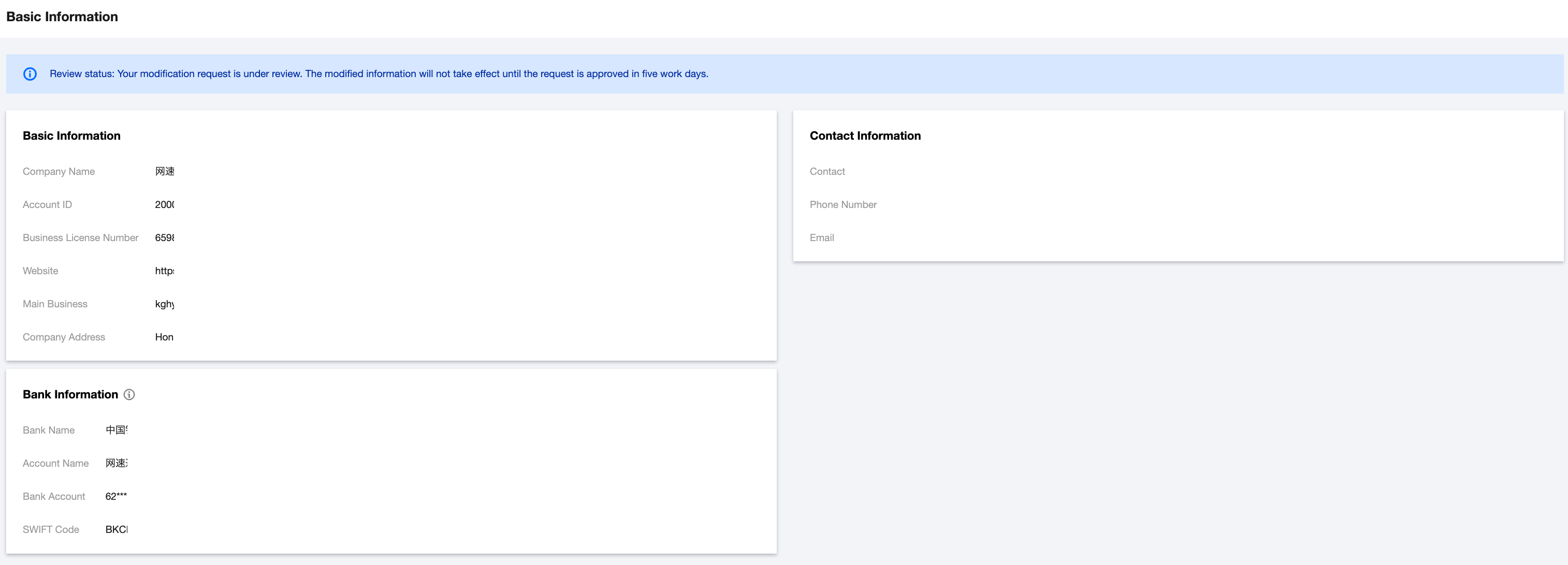
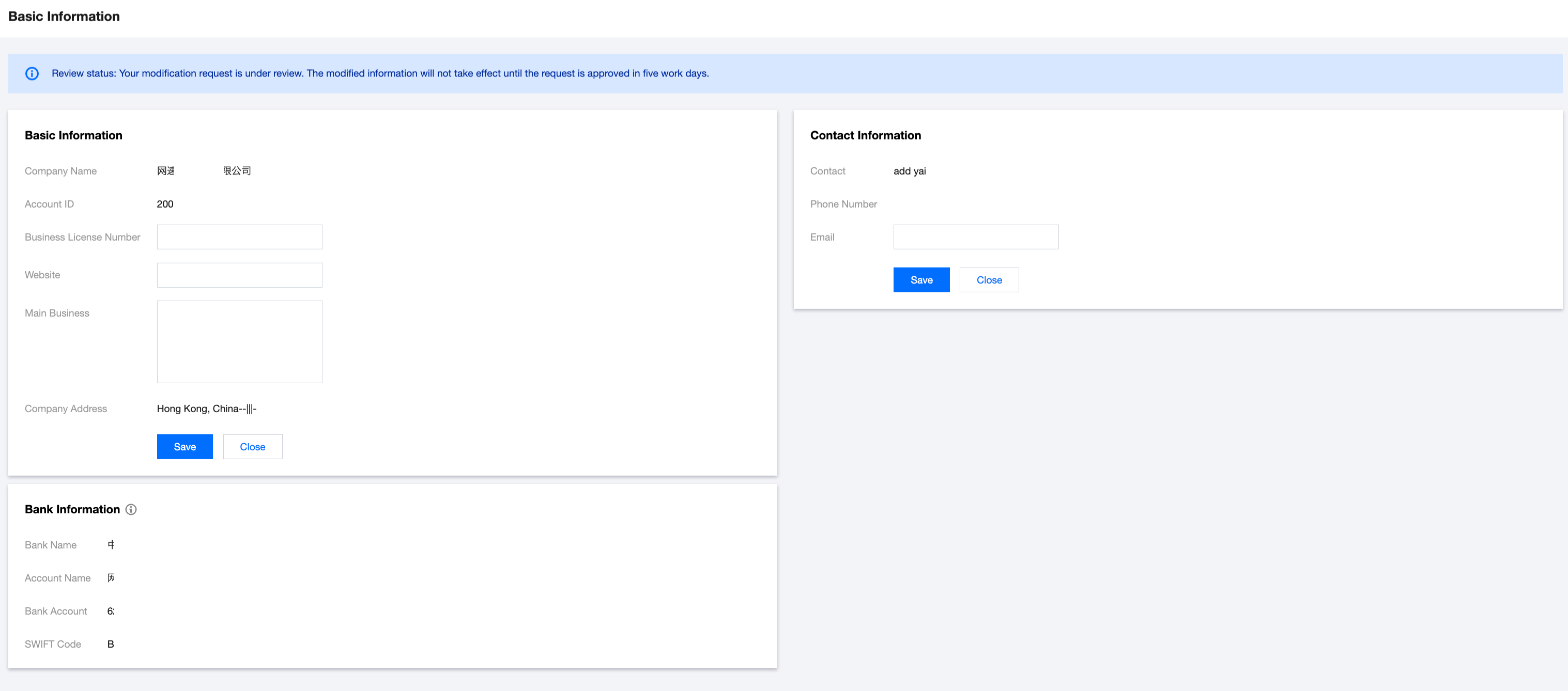
This document describes how to check and edit company information in the Partner Center console.
Applicable Objects
This document is suitable for first-level resellers and resellers to read.
Prerequisites
Partners must meet the following conditions to log in to Partner Center:
Checking and Editing Information
2. Basic info, bank information, and contact information are viewable on the page.
3. Hover over the information module, click Edit to edit information related to.
Note:
Only supports modifying partial content of basic info and contact information.