Installing Plugin
Currently, TCMG provides common Grafana plugins for you to install as needed. This document describes how to install plugins.
Prerequisites
Directions
1. Log in to the TCMG console.
2. Select the Grafana instance from the instance list.
3. Click Plugin on the left sidebar.
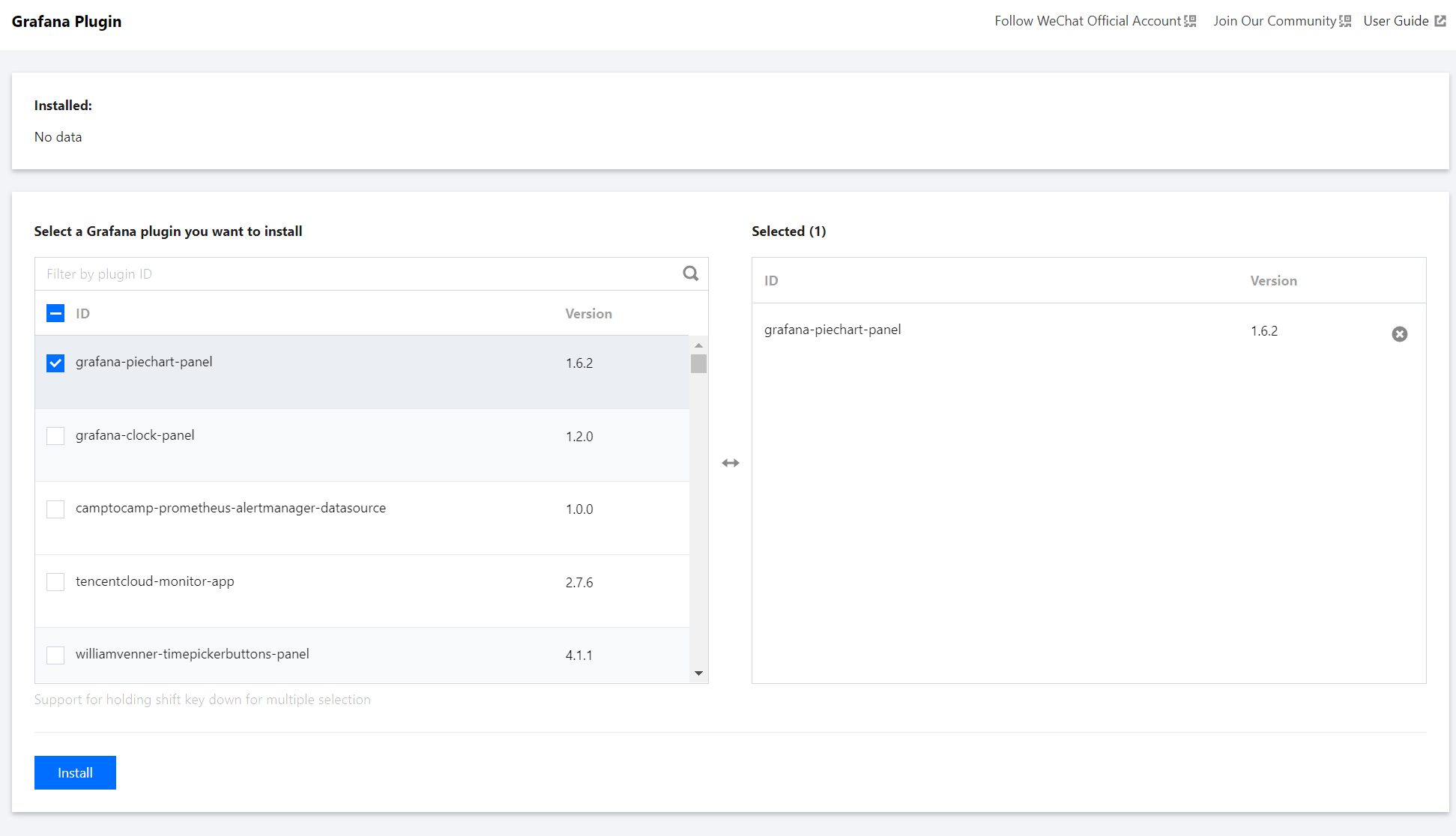
4. Select the desired plugin in the list and click Install.
Help and Support
Was this page helpful?
You can also Contact sales or Submit a Ticket for help.
Help us improve! Rate your documentation experience in 5 mins.
Feedback