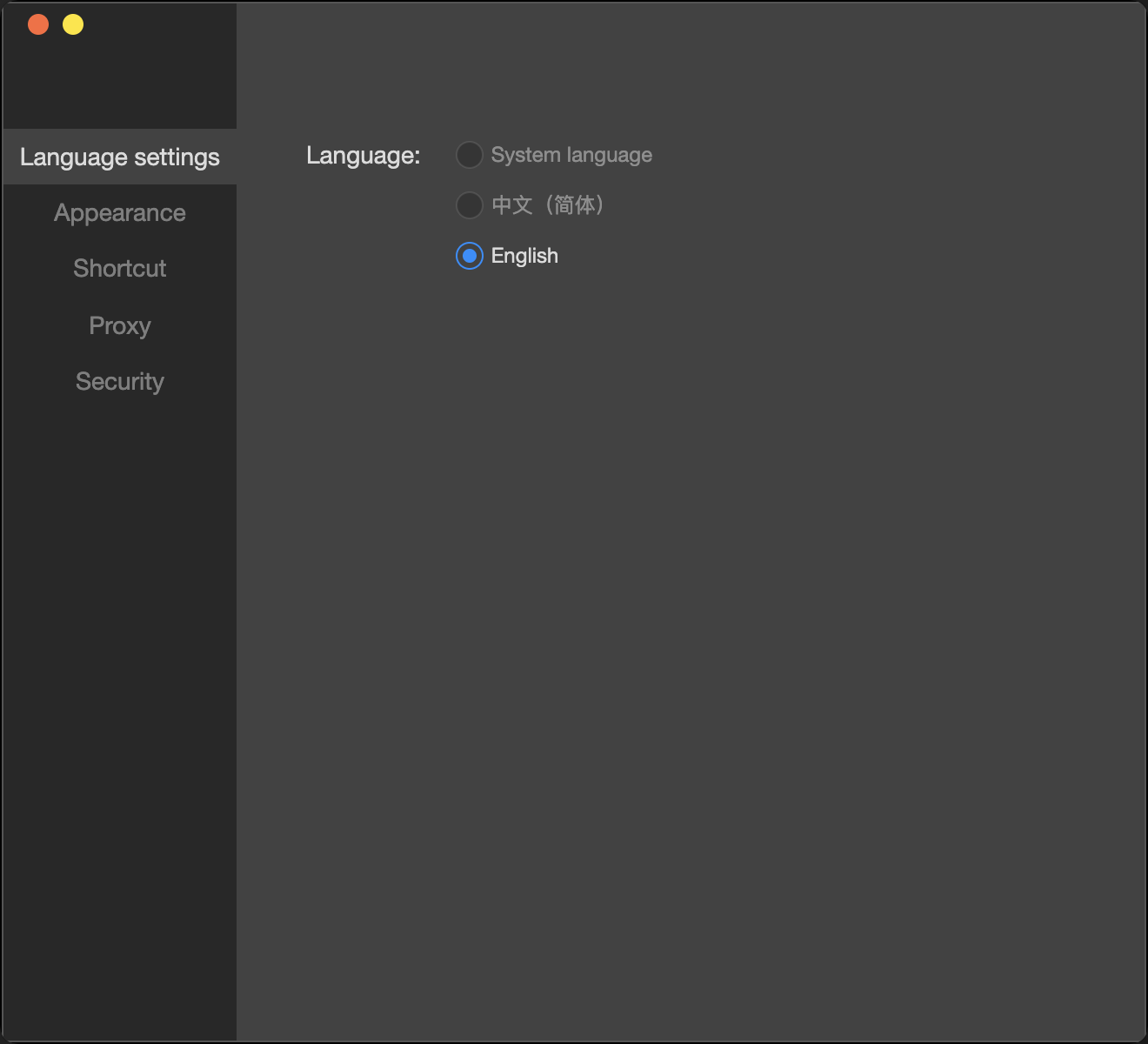
The IDE settings page allows you to manage and configure various global settings, including theme, language, shortcuts, and security proxies.
Language settings
Set the language for the current editor, supporting Chinese and English, with the default following the system language.
Editor theme
Set the IDE theme, supporting both dark and light mode.
Shortcuts
Include interface toggles and tool shortcuts
for showing and hiding the simulator, debugger, editor, and toolbar.
Proxy
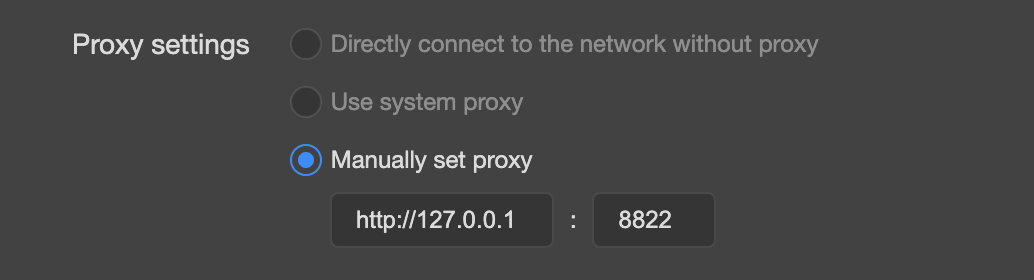
Users can choose to use the system proxy, no proxy (direct connection), or manually set a proxy.
In special network environments (e.g., intranet), you may need to configure a special proxy to access the public network. Manual proxy settings can be configured for such cases.