개인 정보 보호 정책
데이터 개인 정보 보호 및 보안 계약

Category | Description |
Basic Information | Basic information of the client, including client ID, address, connection status, creation time, and MQTT protocol version. |
Session Details | The session details block shows the in-memory information of the current session connection. This information is not persistent. After the network is disconnected and reconnected, the data is reset and recounted. |
Subscription Relationship | Shows the topics subscribed by the client and their QoS levels, and the counts of unacknowledged and accumulated messages. |
Client Certificate | After a client certificate is registered, you can manage it on the page at any time. For example, you can view the status of registered certificates, filter invalid client certificates or those that are expiring within 30 days, and view client details. For client registration methods, see Step 4: Configuring Client Certificate. |
Client Event | Supports displaying and querying certificate events and client behavior events within a specified time period, such as going online or offline, and connecting. For details, see Querying Client Events. |
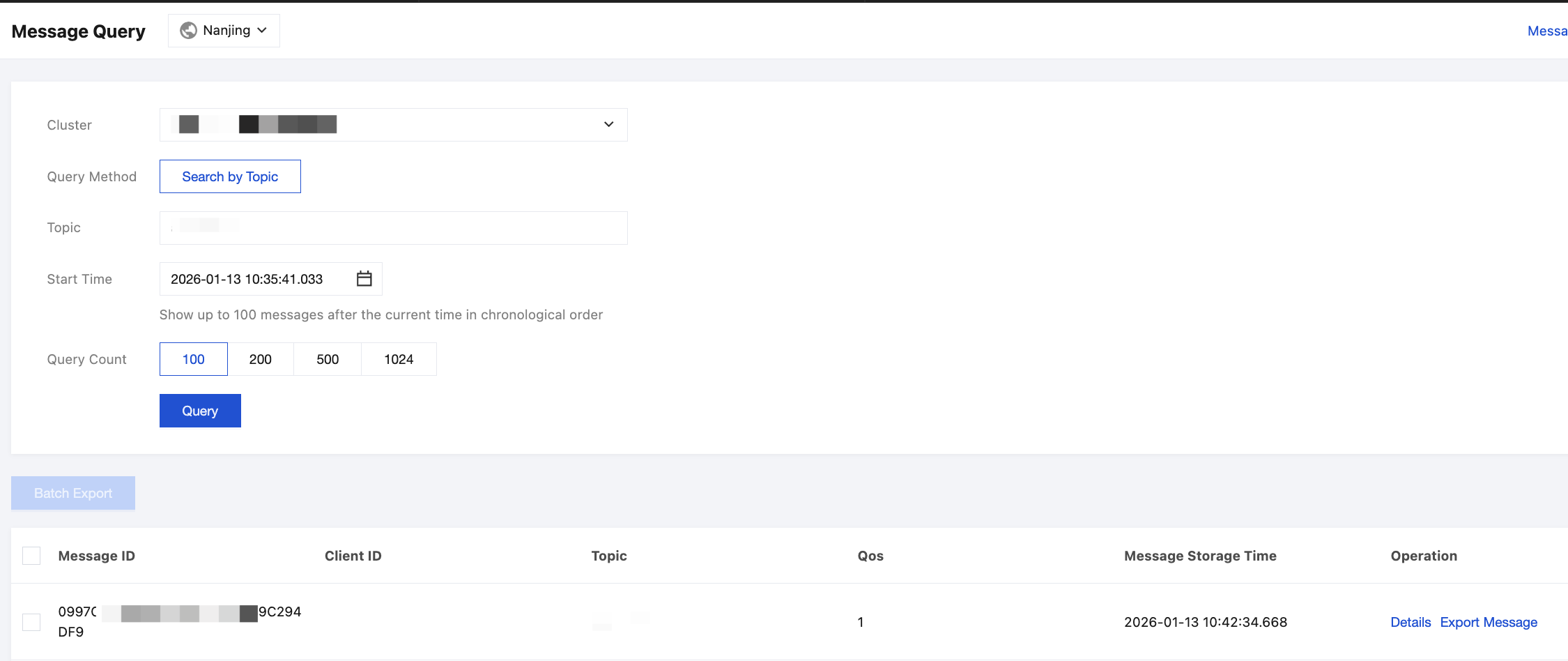
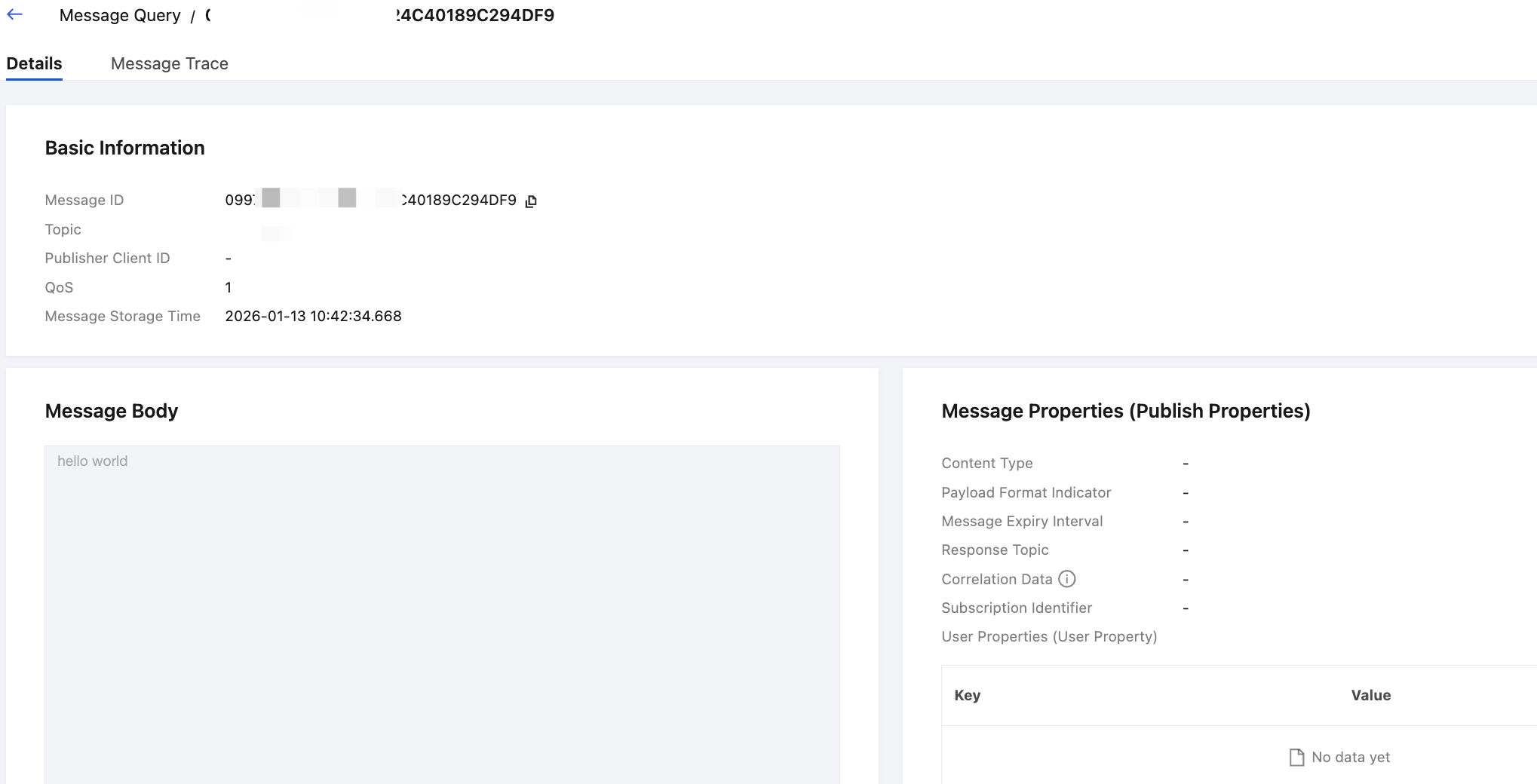
Client Message Trace | Supports querying details of a specific client message, such as message ID, request time, and QoS. If the target trace is not found, you can narrow the search by filtering with the precise time and message ID. The message ID can be obtained on the Message Query page. |
피드백