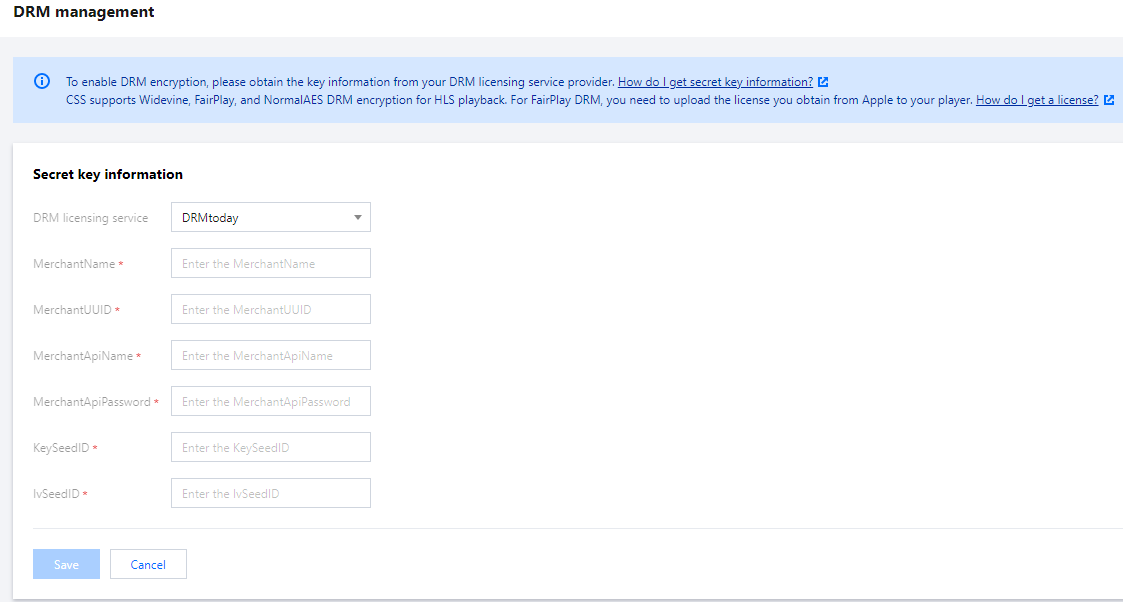
The licensing services of DRM encryption in CSS are provided by the third-party vendors SDMC and DRMtoday. To use DRM encryption, you need to provide CSS with your SDMC or DRMtoday user key. This document shows you how to obtain an SDMC or DRMtoday user key.
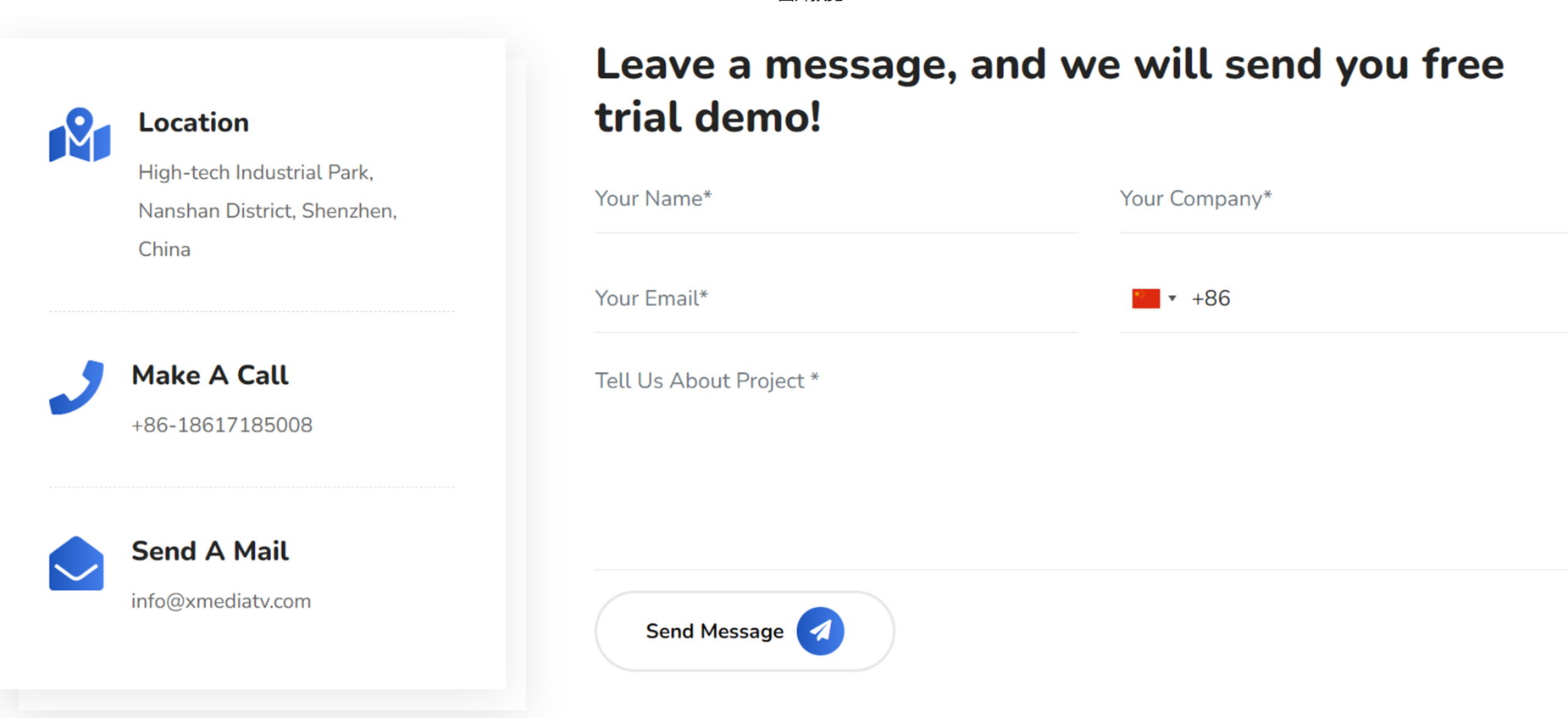
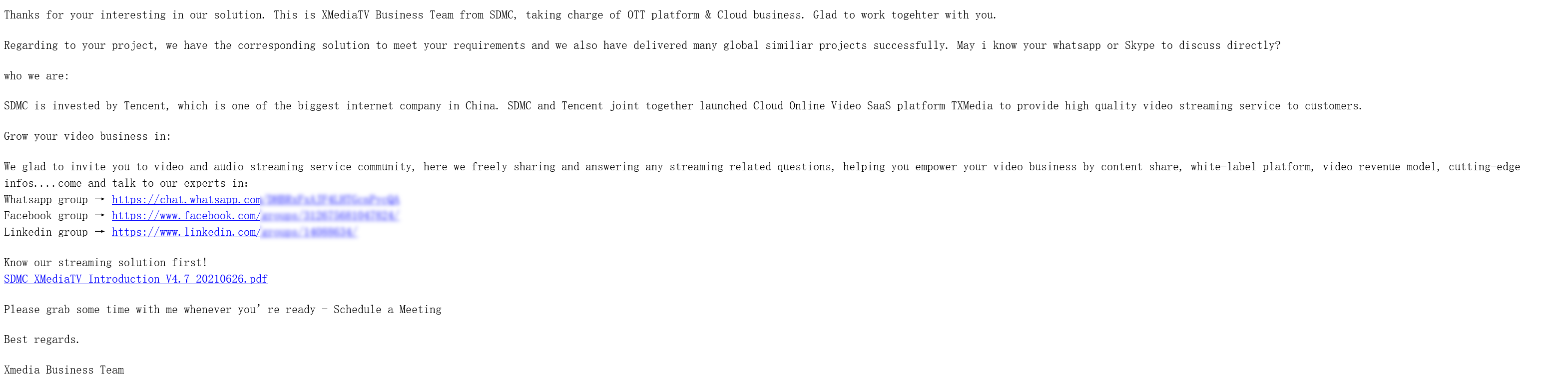
2. Enter your information and click Send Message. You will receive an acknowledgement email from SDMC in a few hours, and the company’s salespeople will contact you to confirm your information.
3. SDMC will review your application and email you the address of its DRM console and your initial password.
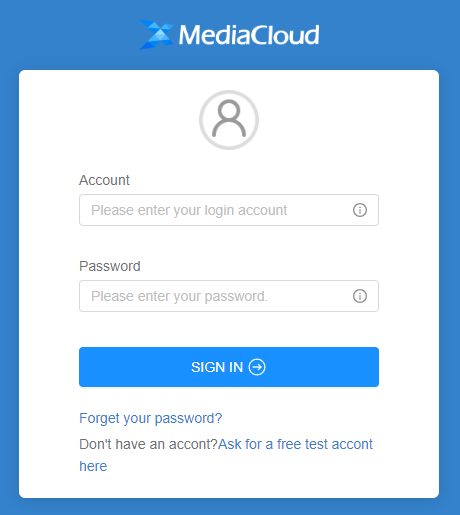
4. Log in to the SDMC DRM console with the account and password you received.
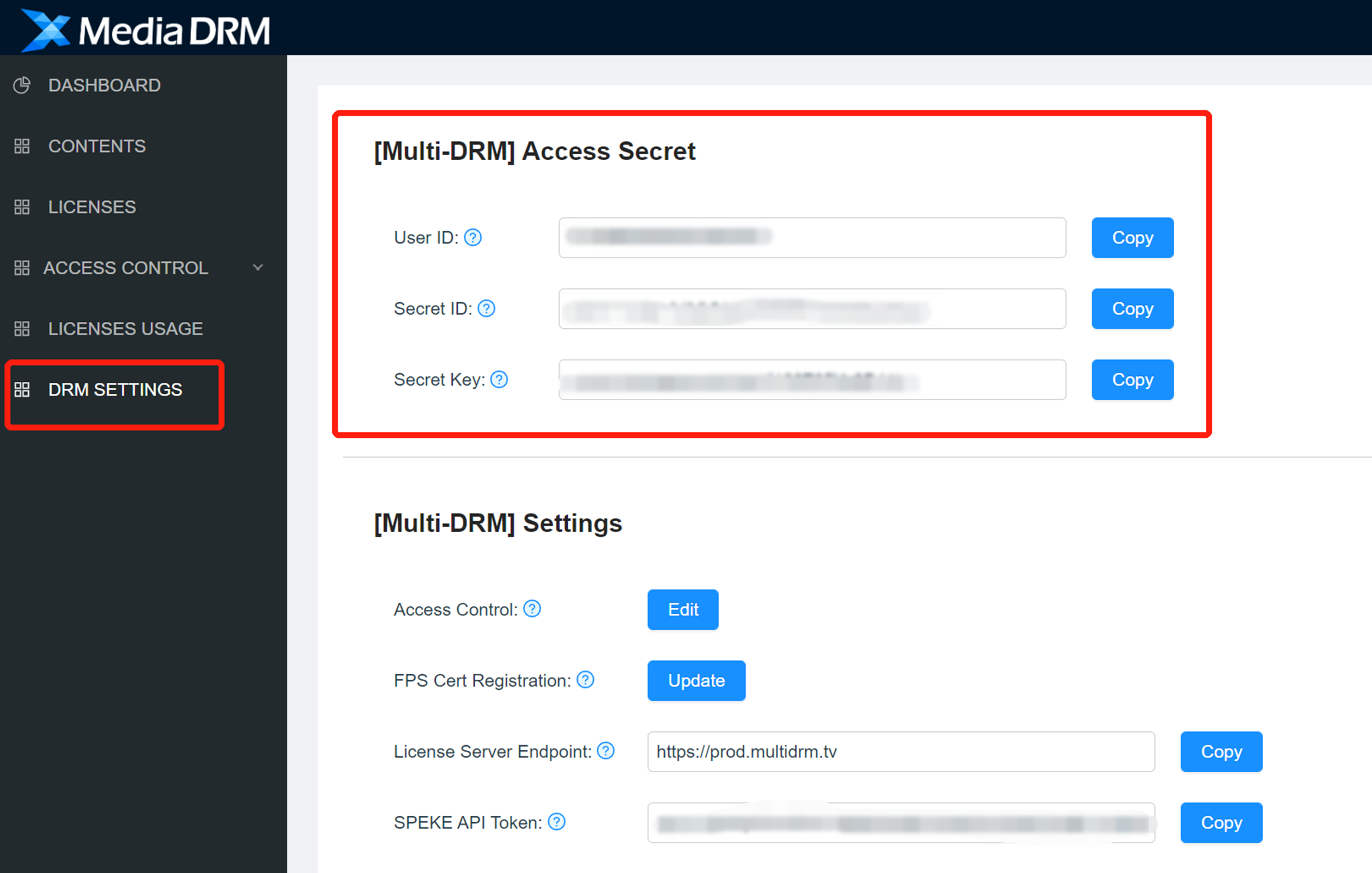
5. Click DRM SETTINGS to view your user ID, secret ID, and secret key.
6. Go to DRM management of the CSS console and enter the information obtained.
DRMtoday
Directions
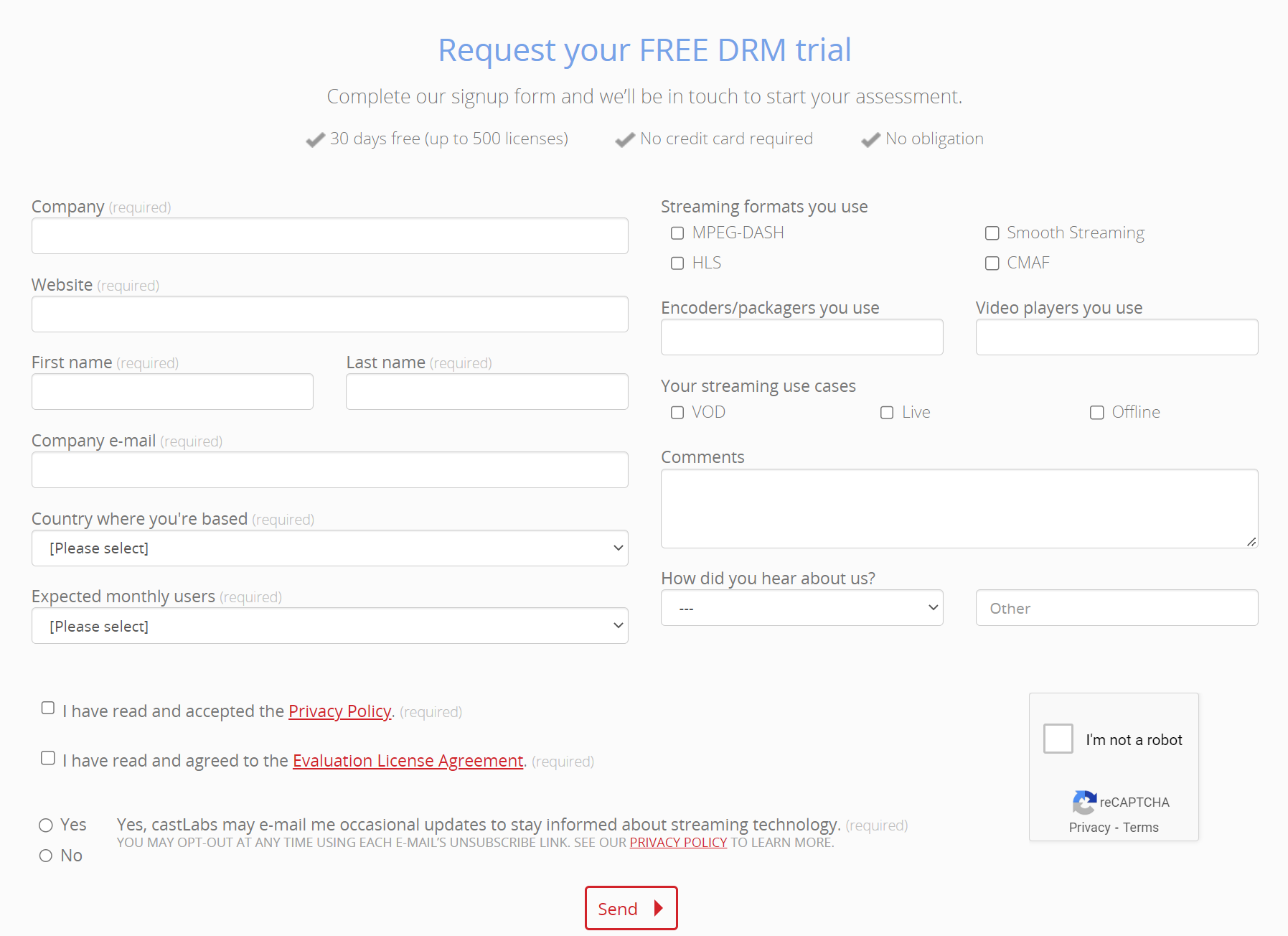
1. Visit the DRMtoday website and fill in the information as required.
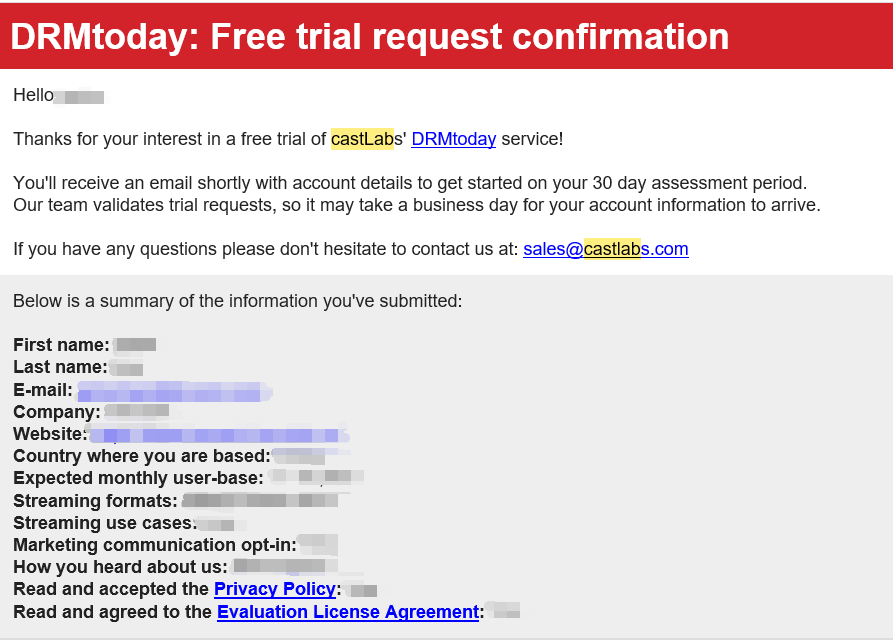
2. Click Send. Normally, you will receive a system email from DRMtoday within a few hours.
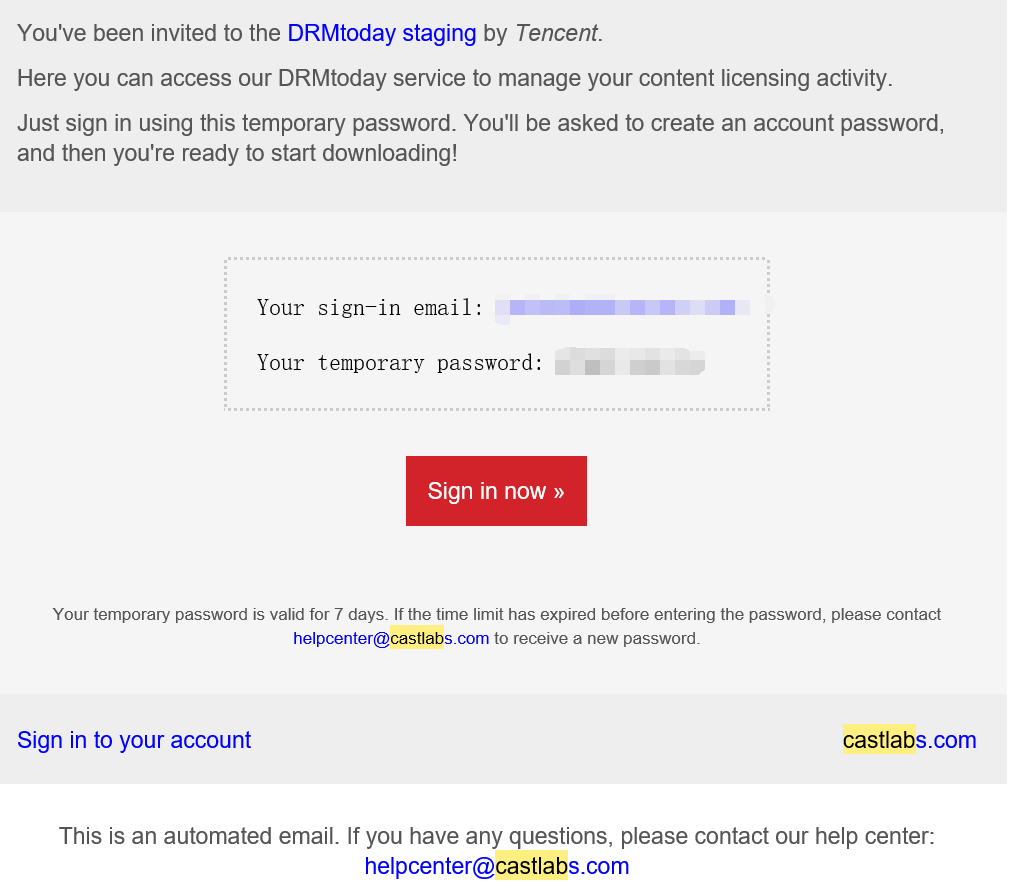
3. Shortly after that, DRMtoday will send you another email containing your account details.
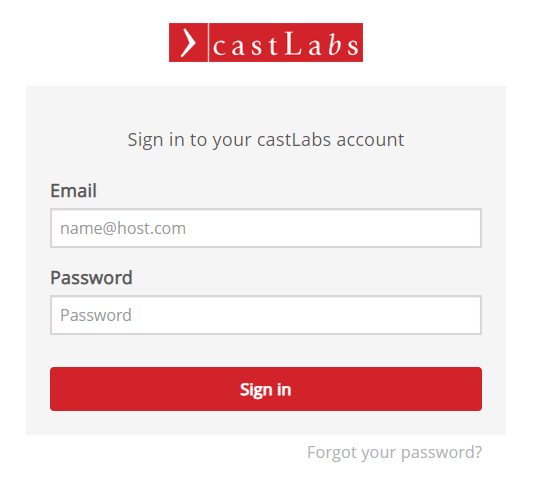
4. Visit the DRMtoday login page, enter your account, and create a password to log in.
5. You will enter the DRMtoday Dashboard.
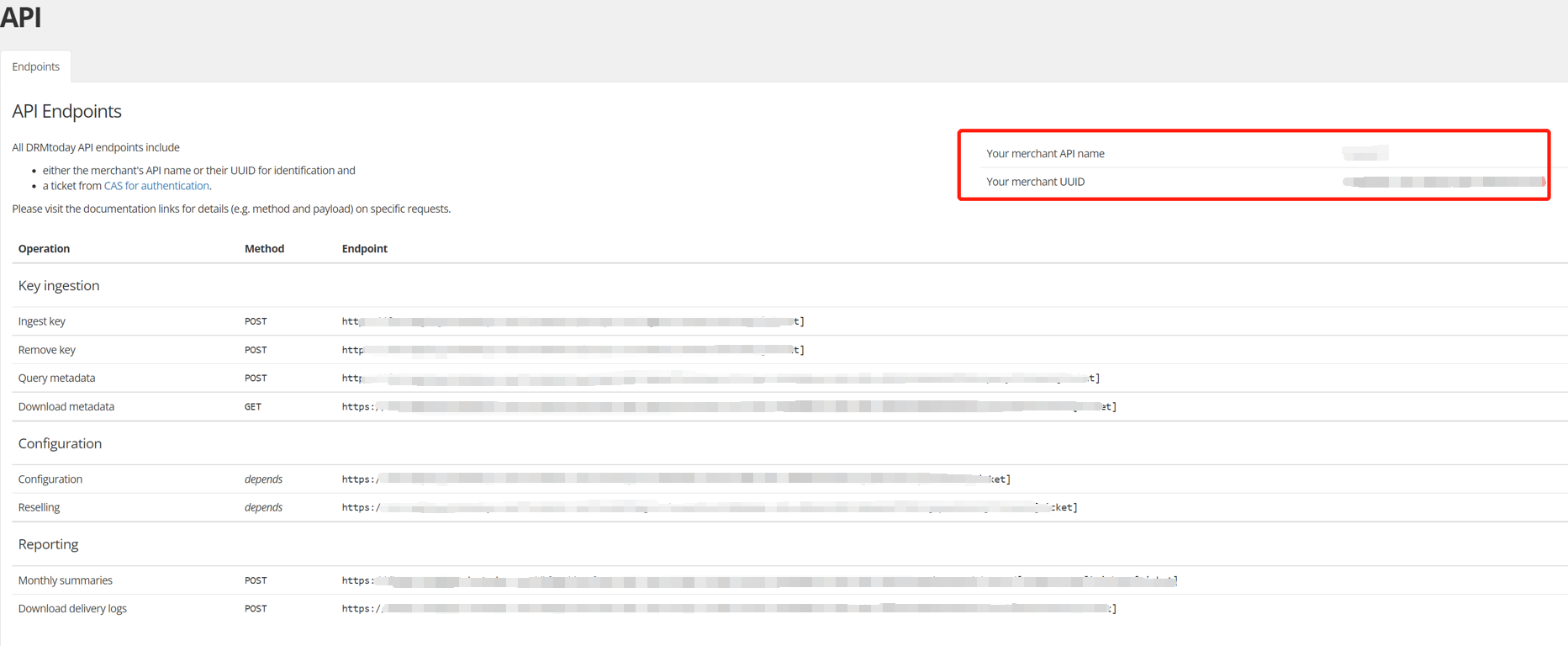
6. Click API. On the page below, note your merchant name and UUID.
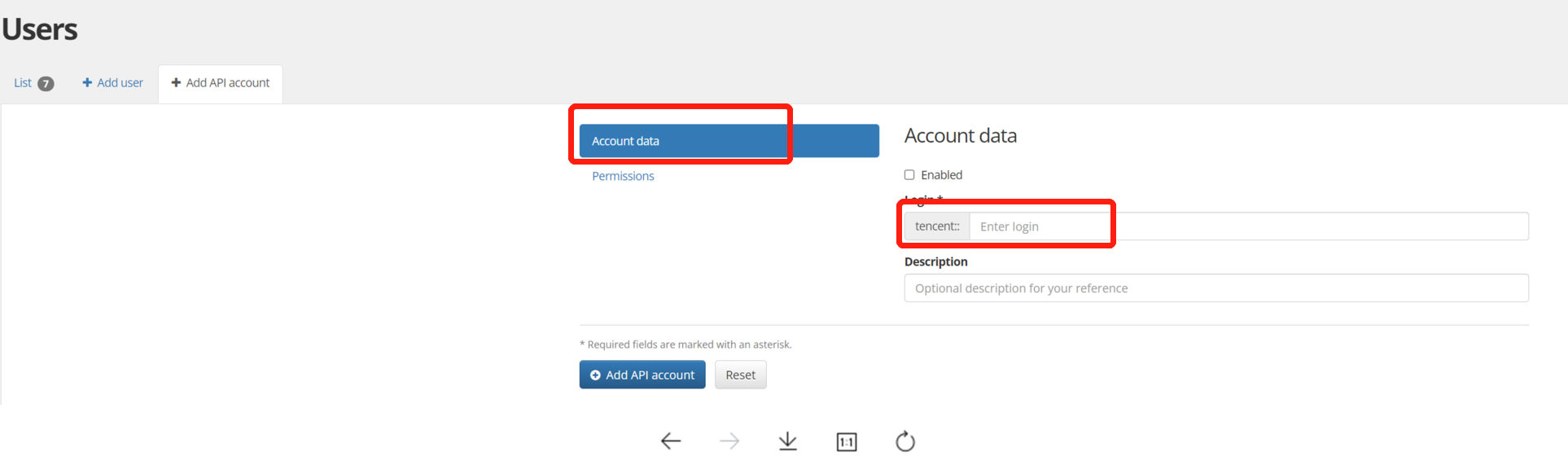
7. Go to the Users page. Add an API account, grant the permissions, and note the password.
Note:
The password will appear only once. Make sure you note your merchant API name and password.
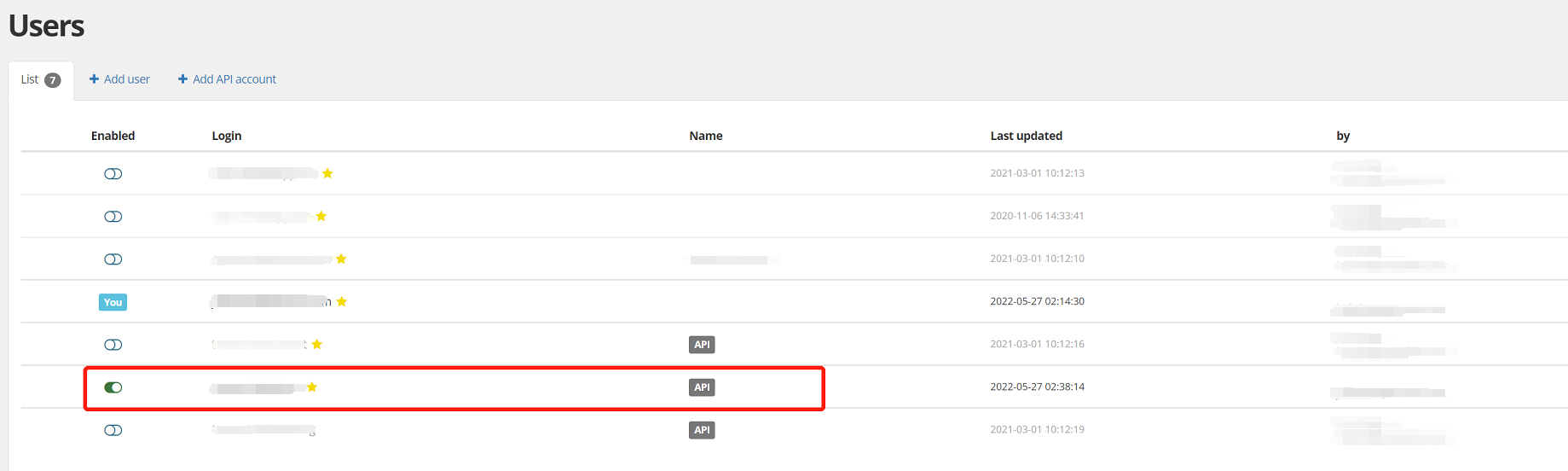
Enable the API account you created:
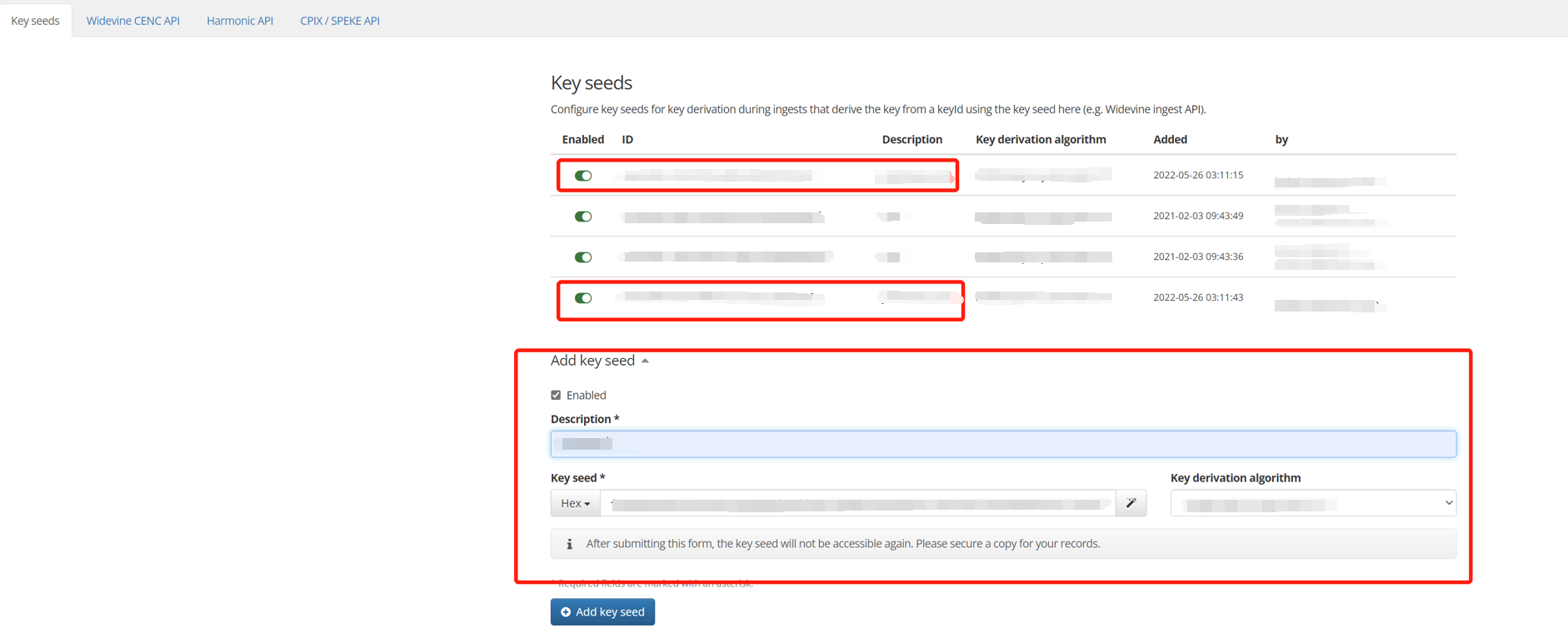
8. Go to Configuration > Ingest Settings. Add a key seed to generate the key (key seed ID) and IV (IV seed ID)
Note:
A key generated by a key seed can be viewed multiple times. You can provide it to your DRM encryption provider. For simple encryption with HMAC SHA512, you can use the key seed and key ID to generate an HMAC SHA512 string and use the first 16 characters of the string as the key or IV.
9. After obtaining the merchant name, merchant UUID, merchant API name, merchant API password, and key seed ID, and IV seed ID, enter the information in DRM Management of the CSS console.
Note:
If you encounter any problems while trying to obtain the above information, please submit a ticket. We will help you navigate the process.