Combining Supabase to Quickly Build Backend Service Based on TencentDB for PostgreSQL
Download
Mode fokus
Ukuran font
Supabase provides a full-stack development platform based on PostgreSQL, integrating real-time database, identity verification, auto-generated APIs, Cloud Object Storage (COS), and edge functions. It possesses ready-to-use real-time data sync, fine-grained permission control, and Serverless scaling capability, supporting developers to quickly build AI-integrated modern applications while maintaining full control over SQL and the open-source ecosystem. For more detailed Supabase features, refer to official documentation.
This document will guide you to quickly deploy Supabase, configure connection to TencentDB for PostgreSQL as the backend database, and rapidly build your application.
Environment Preparation
You need to first create a CVM instance and a TencentDB for PostgreSQL instance under the same VPC network.
Pulling Supabase Code
# Get the codegit clone --depth 1 https://github.com/supabase/supabase# Make your new supabase project directorymkdir supabase-project# Tree should look like this# .# ├── supabase# └── supabase-project# Copy the compose files over to your projectcp -rf supabase/docker/* supabase-project# Copy the fake env varscp supabase/docker/.env.example supabase-project/.env# Switch to your project directorycd supabase-project# Pull the latest imagesdocker compose pull
Modifying the Env File
Modify the following items in the
supabase-project/.env file. Please ensure the corresponding account has been created in the TencentDB for PostgreSQL instance.POSTGRES_HOST=TencentDB for PostgreSQL instance vipPOSTGRES_DB=postgresPOSTGRES_USER=supabase_adminPOSTGRES_PORT=5432POSTGRES_PASSWORD=TencentDB for PostgreSQL Instance Account Password
Modifying the Docker-Compose.Yml File
Modify the
supabase-project/docker-compose.yml file, search for the external Postgres database keyword. There is a note in the file: if using an external PG, comment out the corresponding part.depends_on:# db:# Disable this if you are using an external Postgres database# condition: service_healthy
Creating Objects in TencentDB for PostgreSQL
Before pulling up Supabase, we need to create some objects (user, database, schema), otherwise lead to unable to pull up Supabase. Here the password should match the POSTGRES_PASSWORD.
CREATE USER supabase_admin pg_tencentdb_superuser password 'your password';CREATE DATABASE _supabase;create schema _analytics;
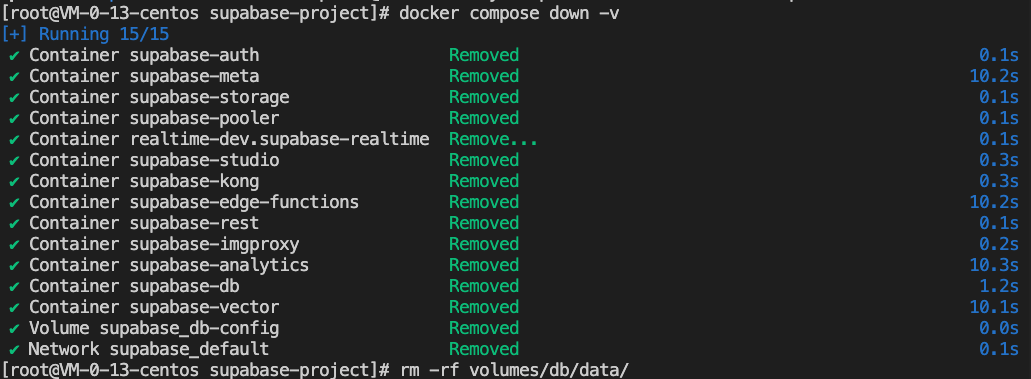
Purging Cache
If Supabase was not started before, no need to execute this step.
# Stop docker and remove volumes:docker compose down -v# Remove Postgres data:rm -rf volumes/db/data/
Starting Up Supabase
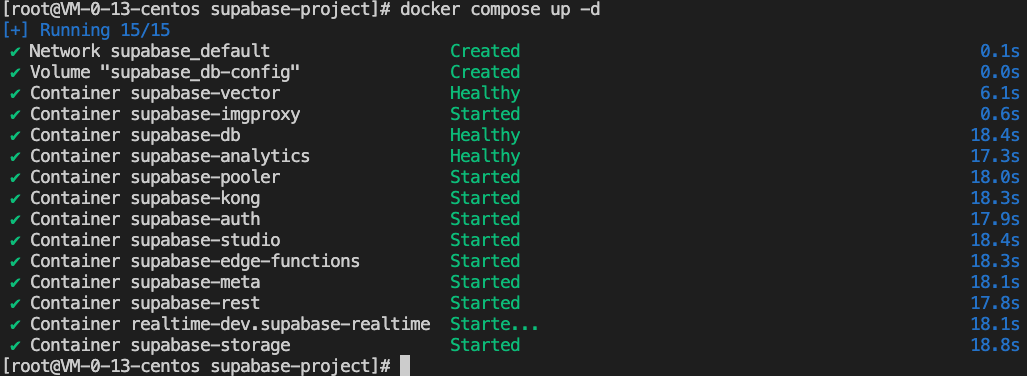
After the above configurations are completed, Supabase is bootable.
docker compose up -d
Logging in to the Supabase Interface
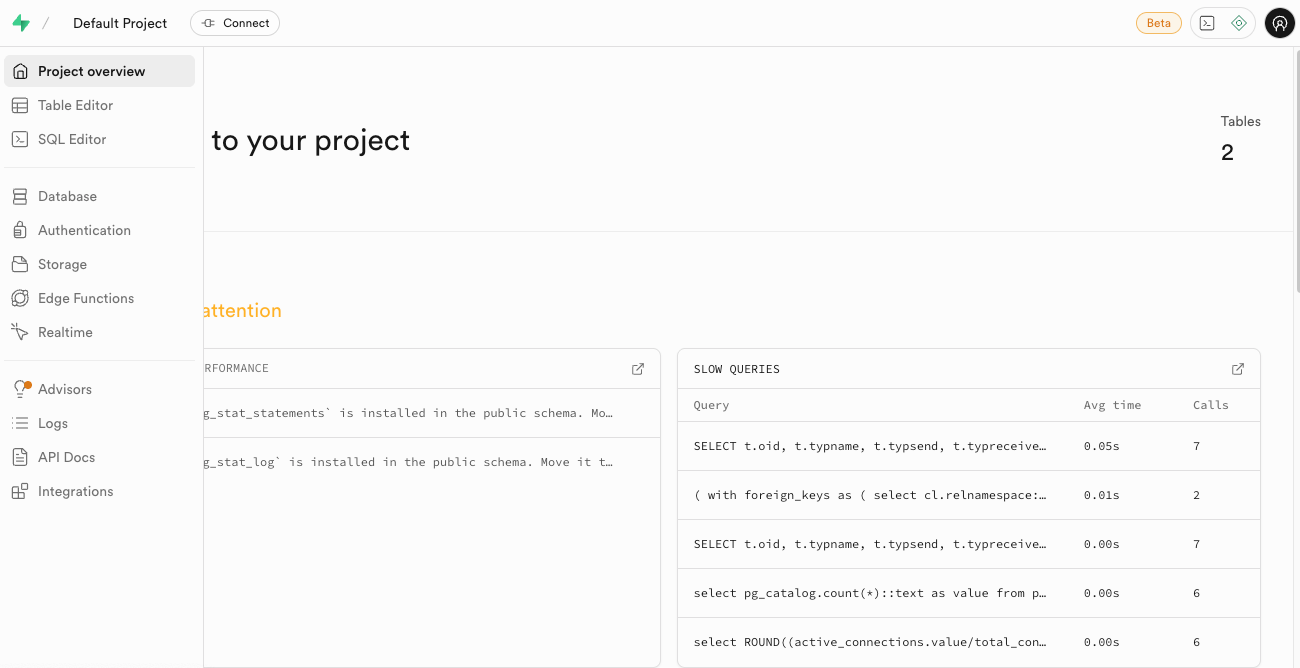
Access the following link for the virtual machine instance's public IP: http://[public IP]:8000/. The Initialize Account Password is provided by Supabase.
supabase
this_password_is_insecure_and_should_be_updated
The interface after successful login:
Bantuan dan Dukungan
Apakah halaman ini membantu?
Anda juga dapat Menghubungi Penjualan atau Mengirimkan Tiket untuk meminta bantuan.
masukan