Dynamic Release Record (2026)
Monitoring List
Feature Overview
Configuring a quality monitoring task is the starting point of the data quality module. In this module, you can:
1. Add Quality Monitoring Task.
2. Manage Quality Monitoring Task.
Core Capabilities
Add Quality Monitoring Task
Support various Tencent Cloud Big Data Storage Engines (Hive, Spark, DLC, TCHouse-D, TCHouse-P, TCHouse-X, Doris, StarRocks).
Configure data quality inspection rules at table or field level.
Configure execution policies based on actual business scenarios.
Set rule strength to determine whether to block downstream tasks.
Support various user reach methods (WeCom Group, WeChat, call, SMS, mail, Lark Group, DingTalk Group).
Support trial run.
Manage Quality Monitoring Task
Support viewing the monitor task list based on data tables, and enable and disable them.
Support viewing the Quality Rule List, and support editing and management.
Prerequisites
Tencent Cloud Big Data Engine (Hive, Spark, DLC, TCHouse-D, TCHouse-P, TCHouse-X, Doris, StarRocks) is bound in the project.
The scheduling resource group is bound in the project.
Management and Monitoring List
Quality tasks created in the Quality Module and orchestration space will display in this list.
Step 1: Search Table
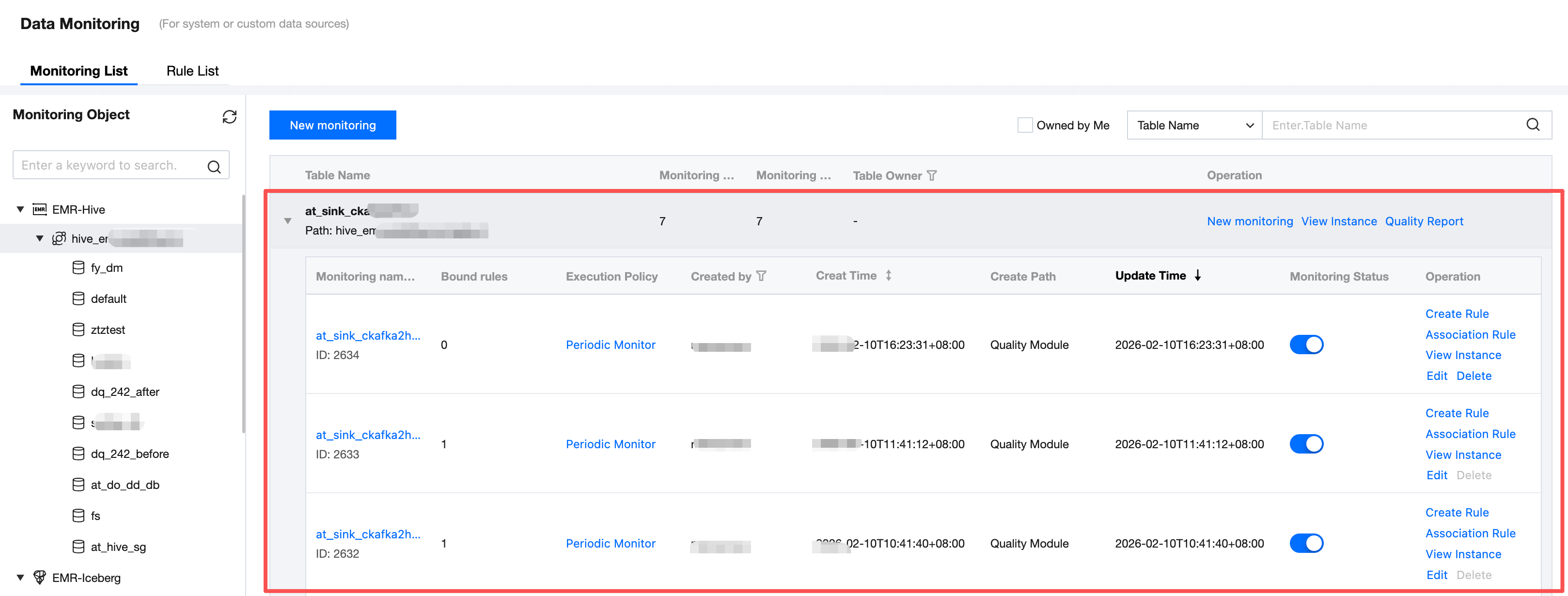
Locate the table to view or create a monitor by unfolding the tree structure on the left side of the page. You can also use the search box to quickly locate the table.
After locating the table, you can view all associated monitoring tasks by unfolding it.
Step Two: Query the Monitor
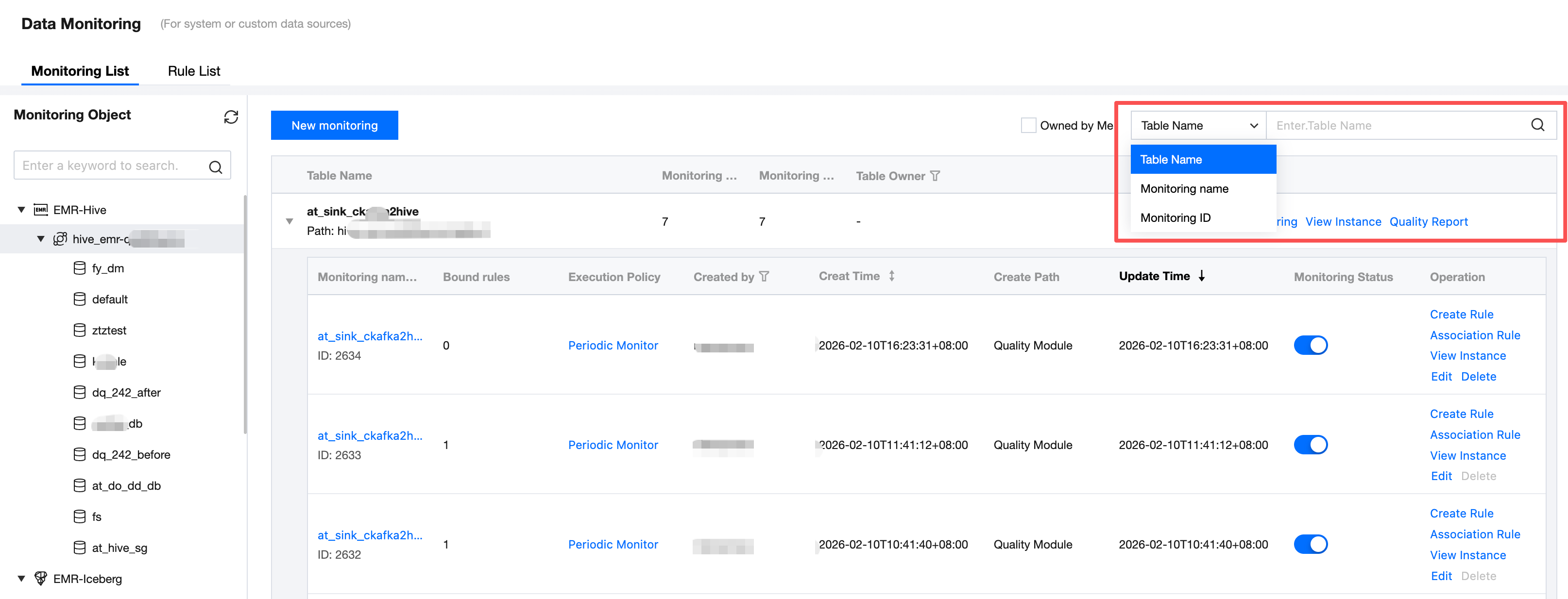
Search for objects within the list by table name, monitor name, or monitor ID using the search box on the right side of the page.
Step Three: View/Manage the List
Show the quality rule details such as ID/monitoring name, quality rule, table name, create path, association scope, rule template, quality monitoring data scope, severity, enabled status, and associated scheduling. Meanwhile, you can modify, delete, view operations, or view quality reports in the operation list.
Add monitoring: Set monitoring rules for tables.
View instance: View data quality task execution instances. View all task instances of a table by table dimension, or view instance of one monitoring task.
Quality report: View table quality reports. For more information, see quality report.
Association rule: View monitoring associated rule detail.
Edit: Edit monitoring task.
Delete: Delete monitoring task. Only tasks with associated rules can be deleted after disassociation.
フィードバック