Get Offline and Log Out
Download
フォーカスモード
フォントサイズ
Offline
Click the agent avatar in the top right corner and select Offline .
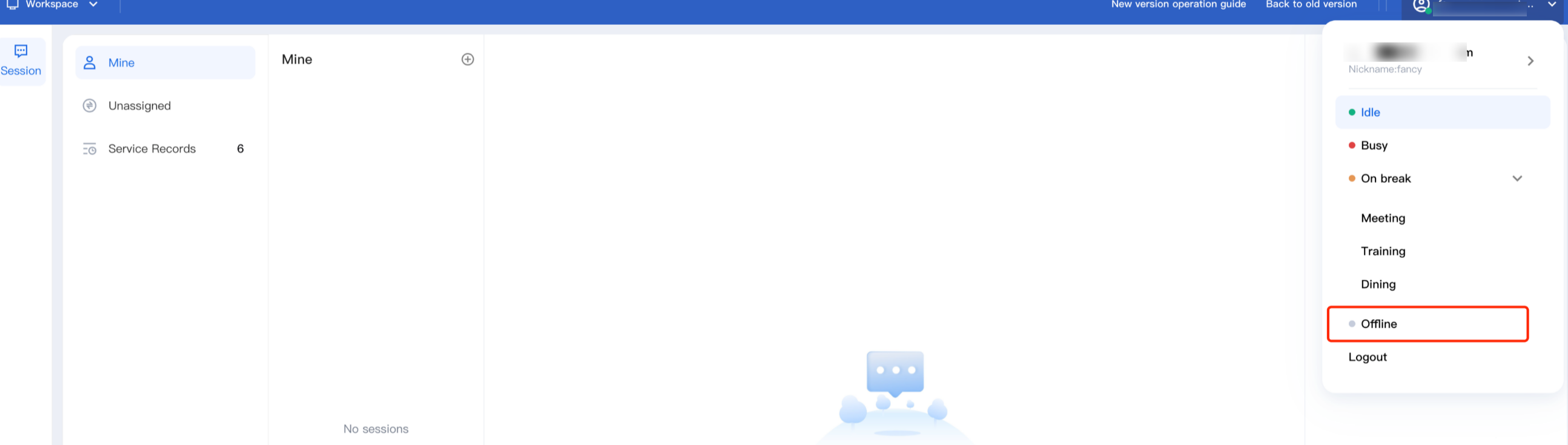
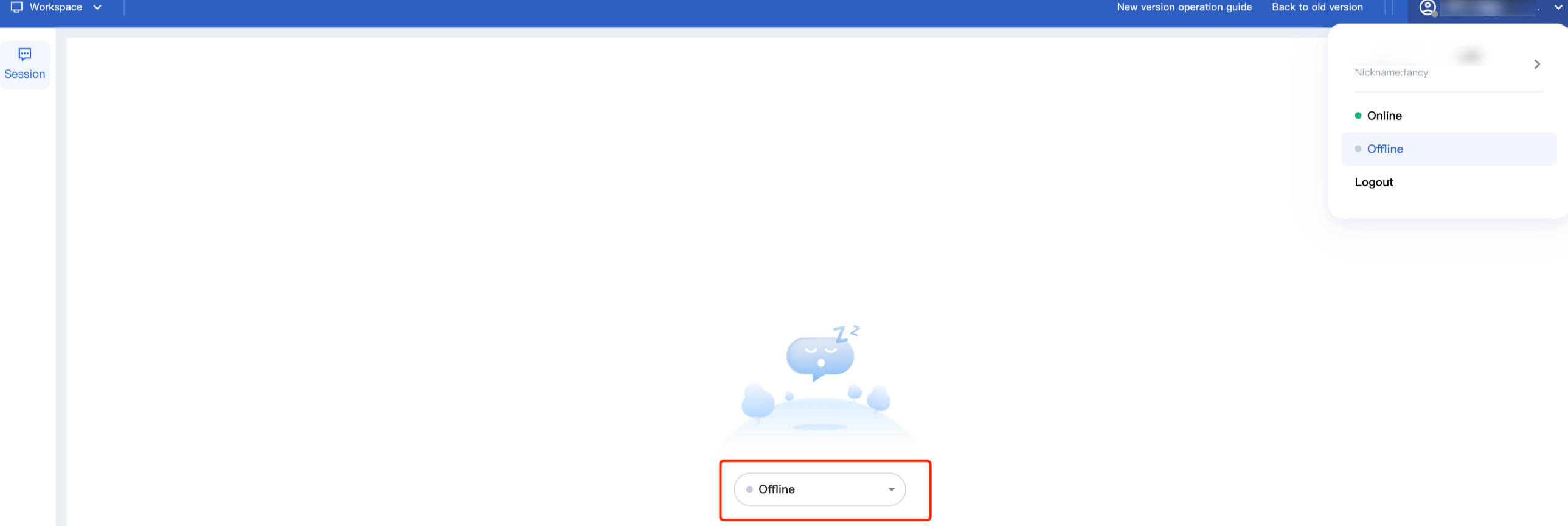
Once set to Offline, the staff status will be marked as unavailable, and the system will no longer assign new sessions. Staff can manually switch back to Online.
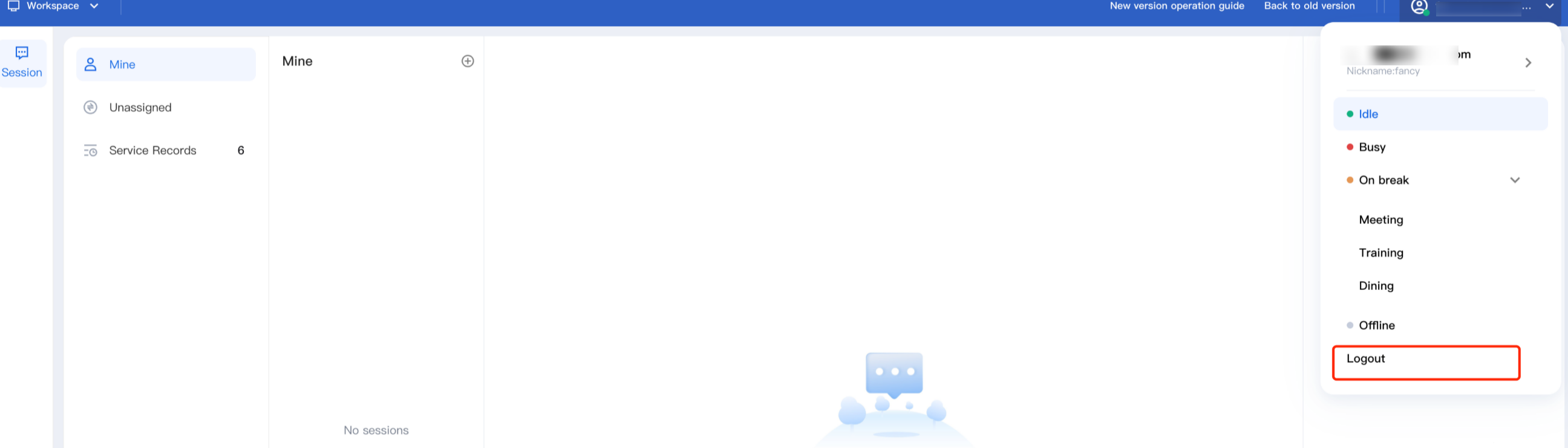
Log Out
Click the agent avatar in the top right corner and select Logout .
フィードバック