Resetting Password
Download
フォーカスモード
フォントサイズ
The system supports resetting instance passwords. If you forget your database account password or need to modify it during database usage, you can reset the password via the console.
Note:
To ensure data security, it is recommended that you regularly change your password, at intervals not exceeding 3 months.
Operation Steps
1. Log in to the TDSQL Boundless console, in the Instance List, click Instance ID or Operation in the Manage column, and go to the Instance Management page.
2. Select the Account Management tab. In the row of the account for which you need to reset the password, click Reset Password.

3. In the Reset Password dialog box, set the new password for the user and click OK.
The password must be 8 to 32 characters long, cannot start with a
/, and must contain at least two types of the following: letters, numbers, and special characters ()~!@#$%^&*-+=_|{}[]:<>,.?/.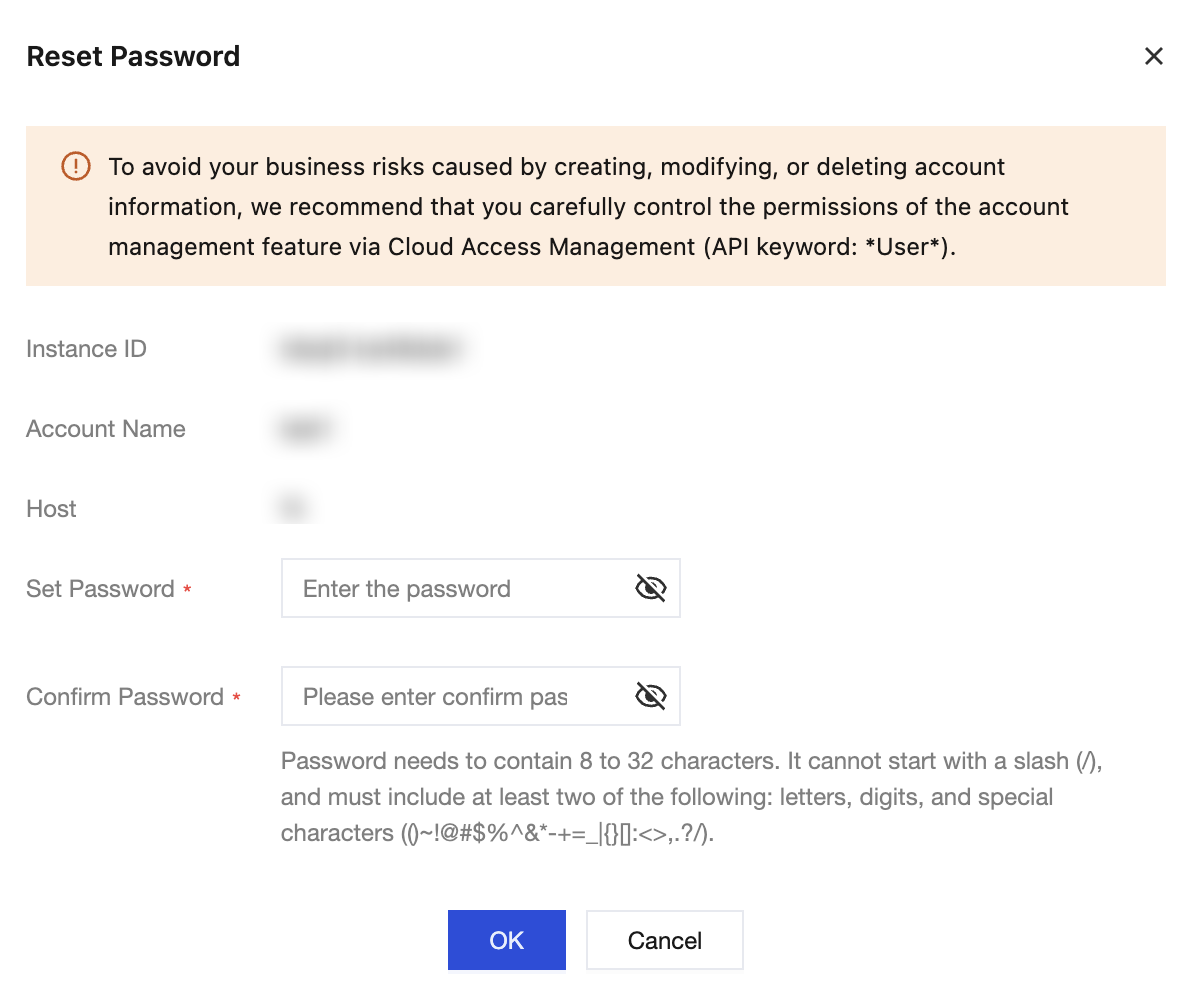
フィードバック