2. On the ENI list page, click the ID of the instance that you want to bind to go to the details page.
3. Click the IPv4 Address Management tab to view the bound private IP addresses.
4. Locate the row of the private IP address that you want to bind and click Bind in the Public IP/EIP column.
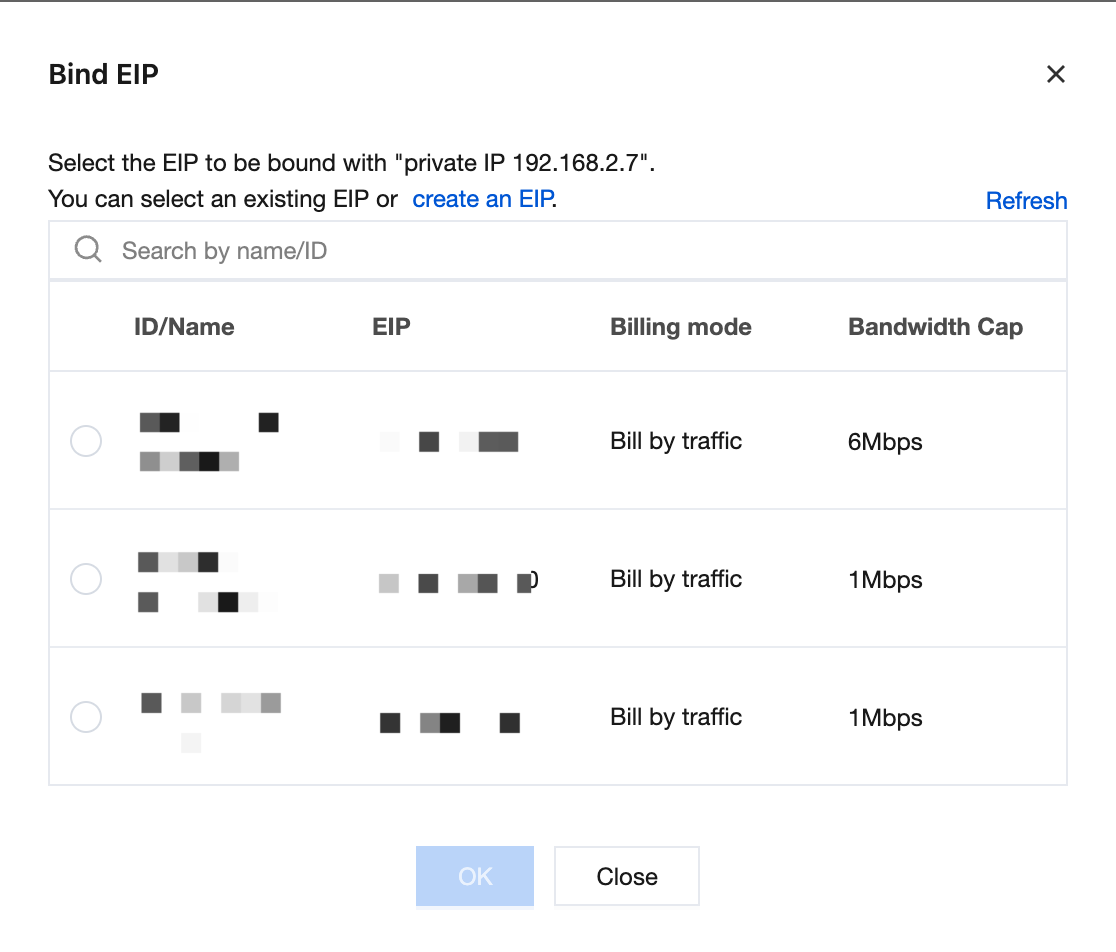
5. In the dialog box:
If there are available EIPs, select one and click OK.
If no EIP is available, click Create an EIP at the top of the dialog box to apply for one. For details, see Applying for an EIP. After successful application, return to the dialog box, click Refresh, select the newly applied EIP, and click OK.
Unbinding an EIP
Note:
After an EIP is unbound, the corresponding IPv4 address of the ENI will no longer provide Internet access via the EIP. Before unbinding, make sure that the operation meets your business expectations.