Querying Port Forwarding Rule
Download
포커스 모드
폰트 크기
You can query port forwarding rules by completing the steps below.
1. Log in to NAT gateway Console
2. In the NAT gateway list, click the ID of the NAT gateway to be queried to go to its details page. Then, select Port Forwarding.

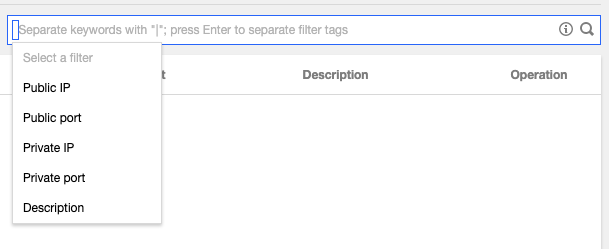
3. In the search box, select a resource attribute value or enter a keyword to query the corresponding port forwarding rule.
Note:
Be sure to check whether a NAT gateway routing policy has been added to the route table associated with the subnet where the instance resides.
피드백