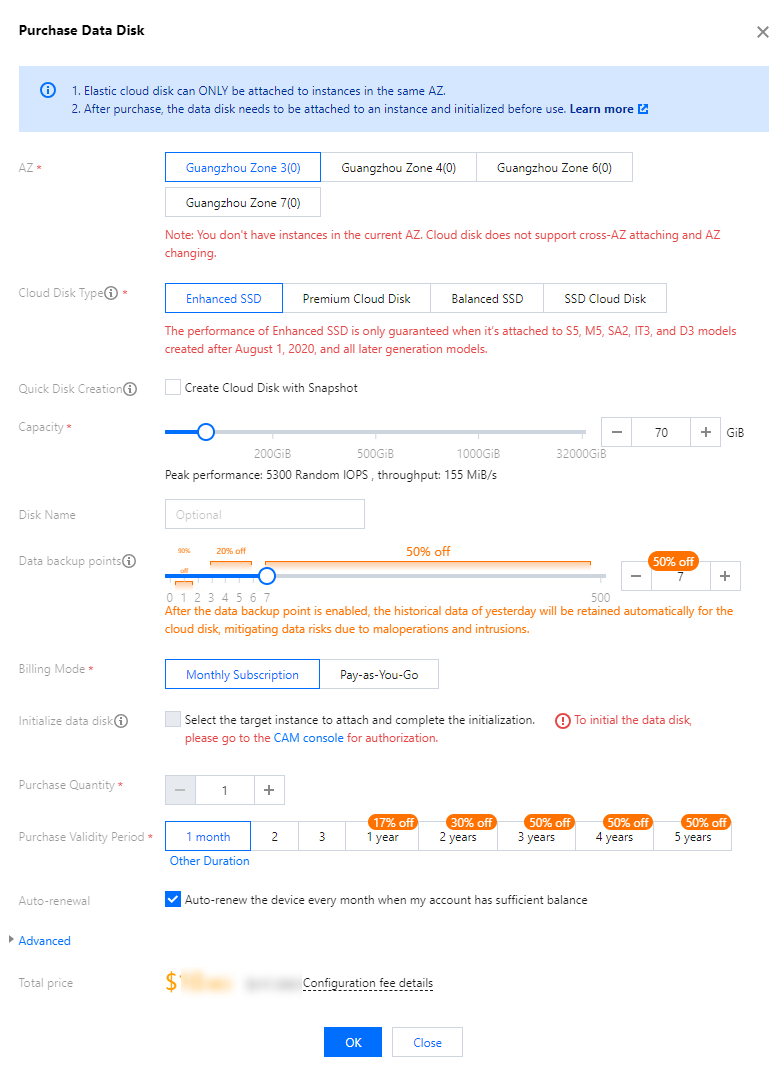
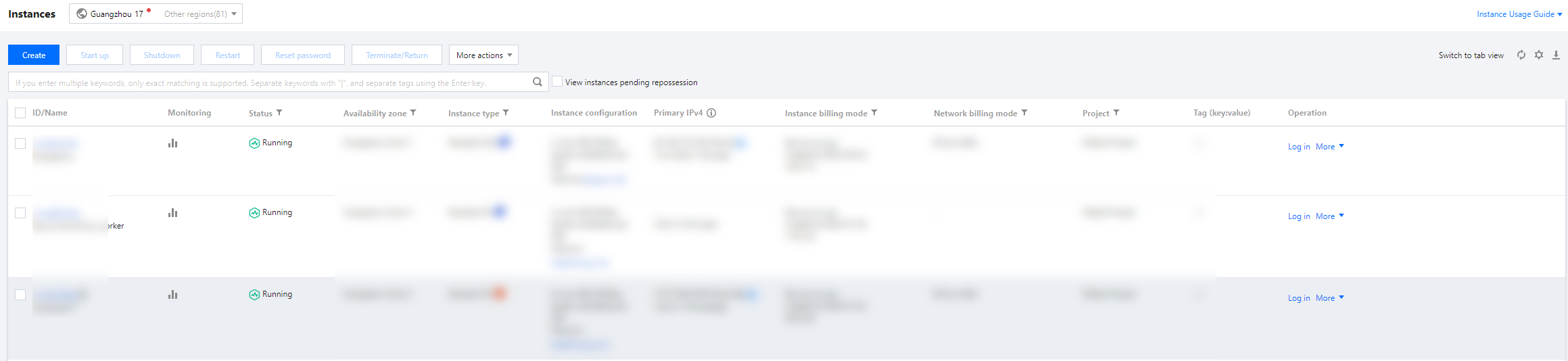
2. Click Create to enter the product purchase page.
3. Set the information of the purchased product according to your business requirements and then click Confirm.
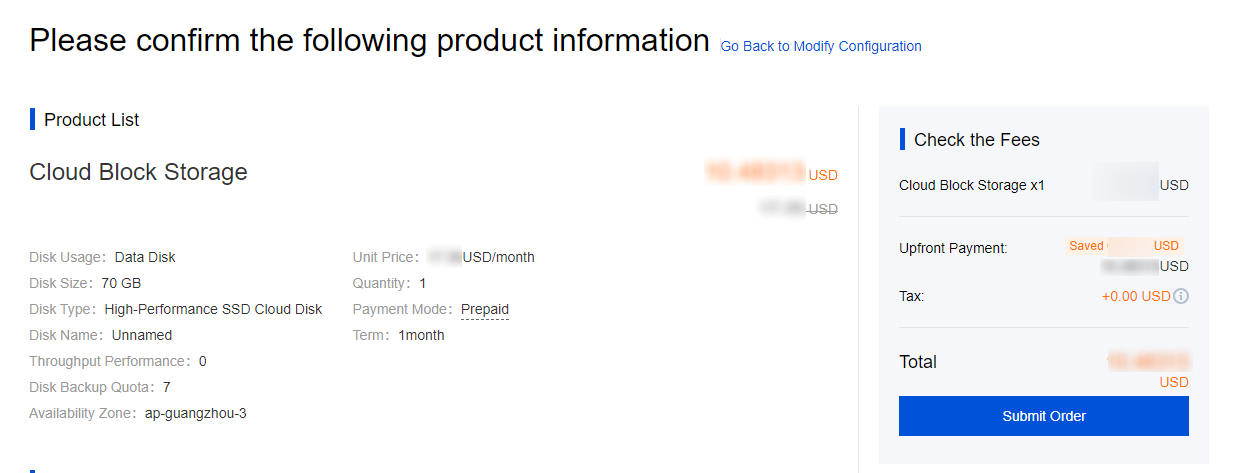
4. After confirming the order information, you can view the product list. Click Submit Order for payment.
5. In the pop-up "Payment" window, set the payment method for the order and follow the interface prompts to complete the payment.
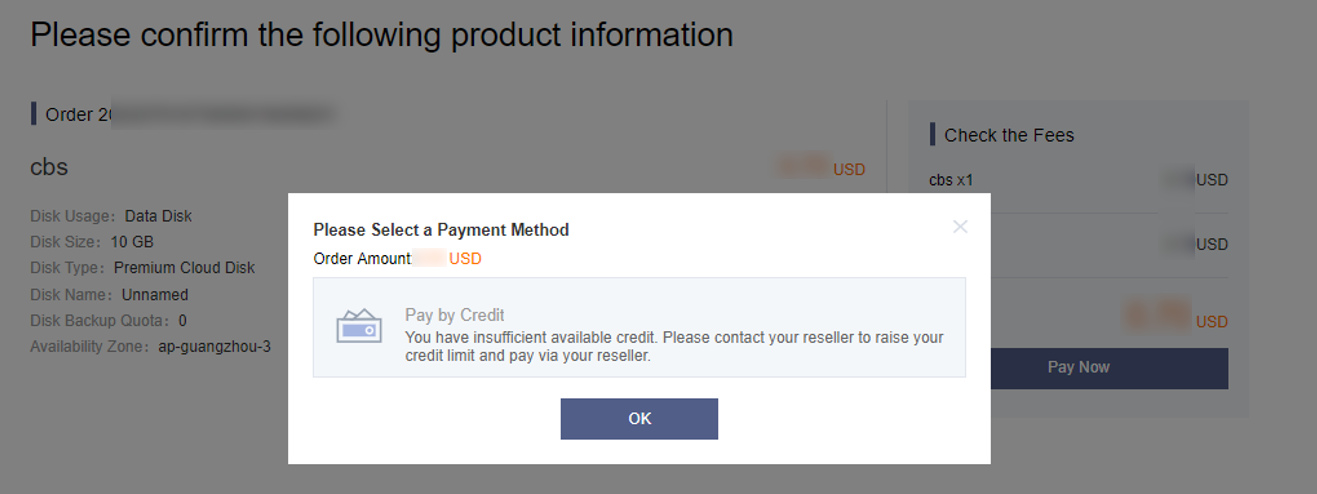
If the available customer credit is insufficient, a pop-up window will appear as follows.
Note:
You should contact your reseller for repayment or raising your credit limit and then submit the order again.
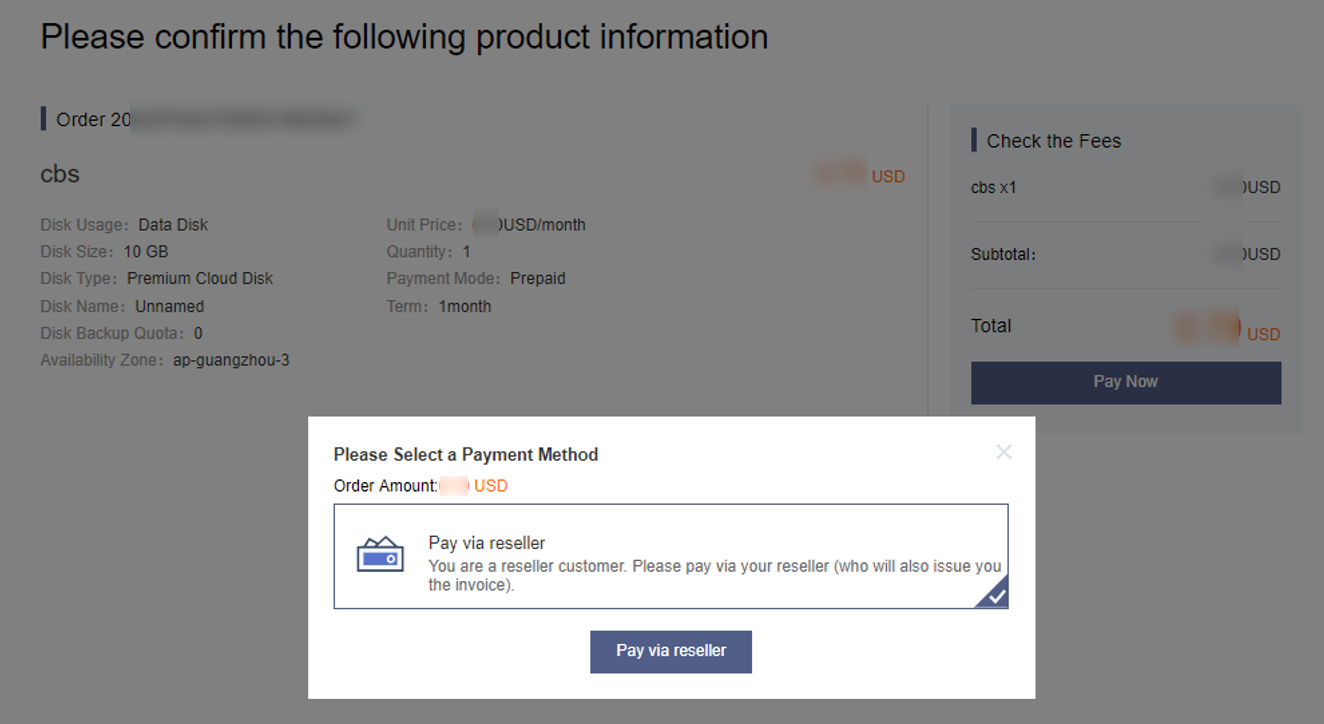
If the customer credit is sufficient, select Pay via reseller.
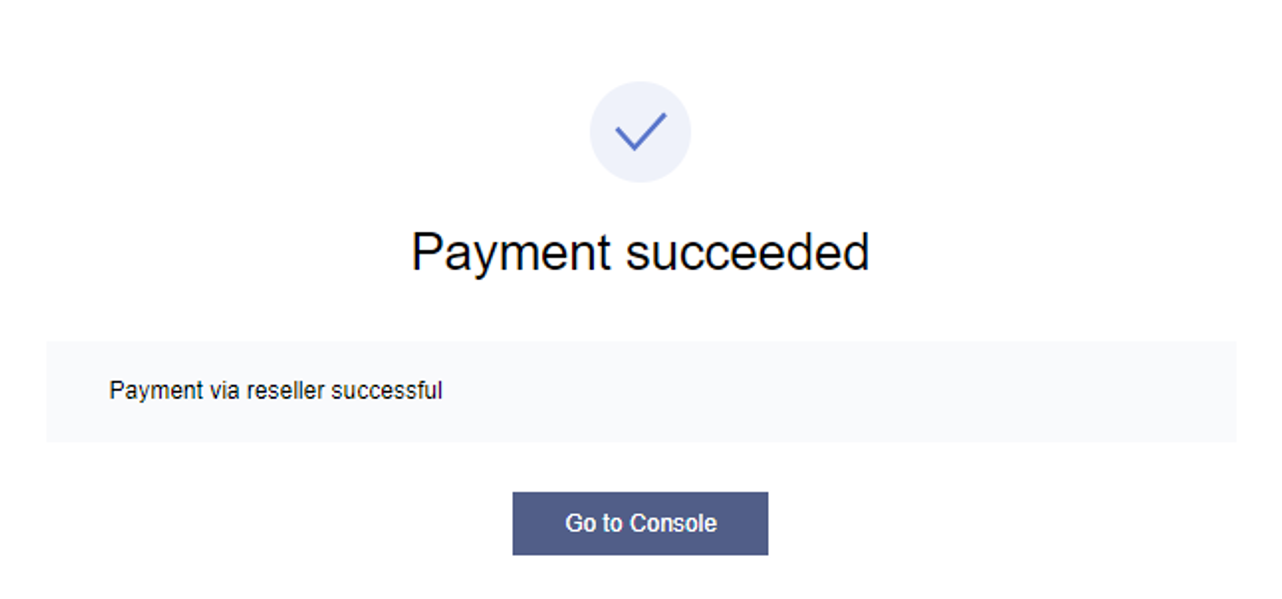
6. View payment result.
When the reseller credit is sufficient, the order will be automatically paid. Customers can view a corresponding resource instance in the console for the purchased product.
Note:
To return yearly/monthly subscription products, you can submit a ticket. Configuration upgrading or downgrading is not supported yet for yearly/monthly subscription products.
Pay-as-You-Go Products (with CVM as an Example)
1. In the cloud product navigation bar, select Cloud Virtual Machine.
2. Click Buy Now on the product introduction page.
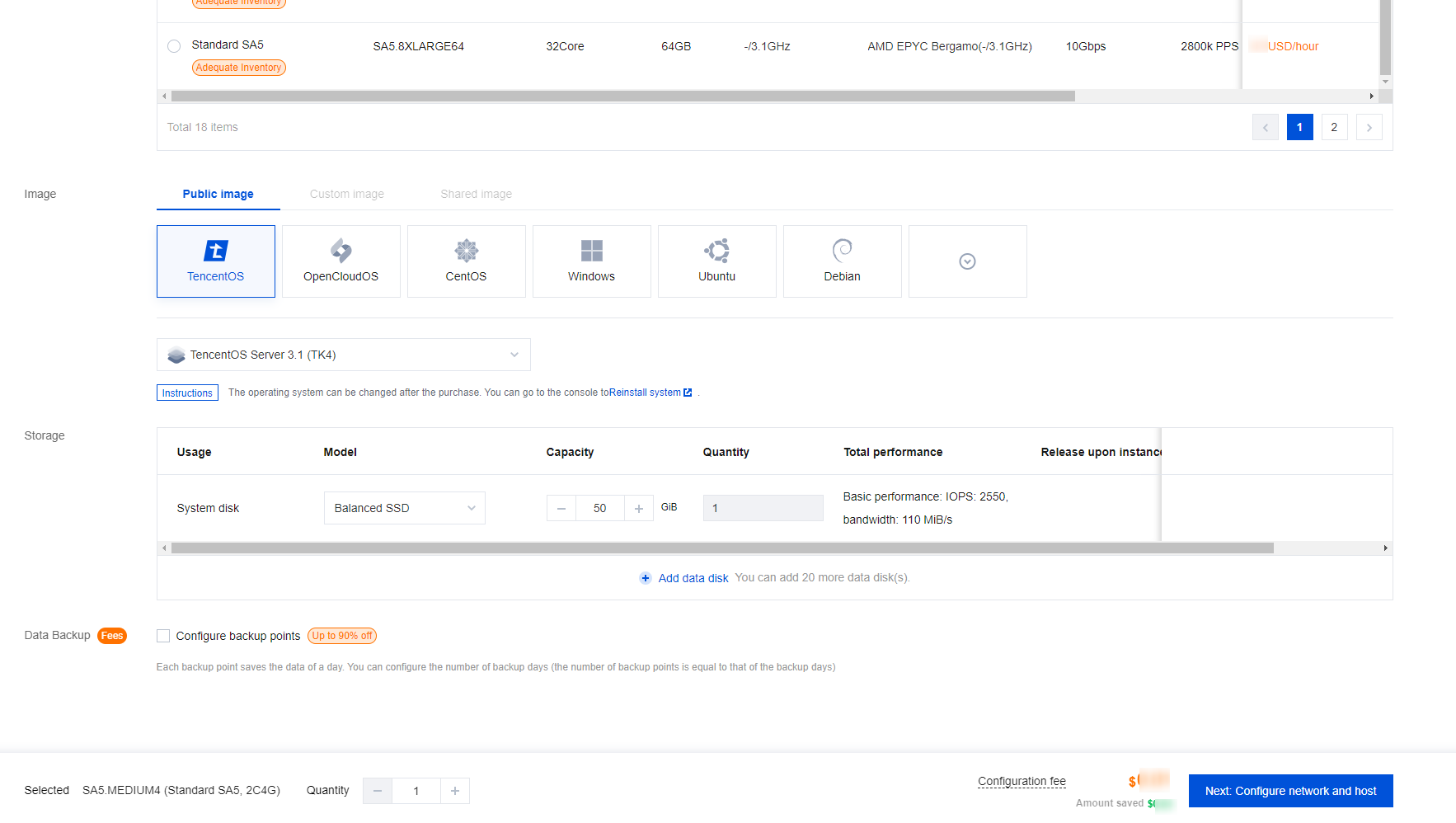
3. Set the CVM configuration information according to your business requirements.
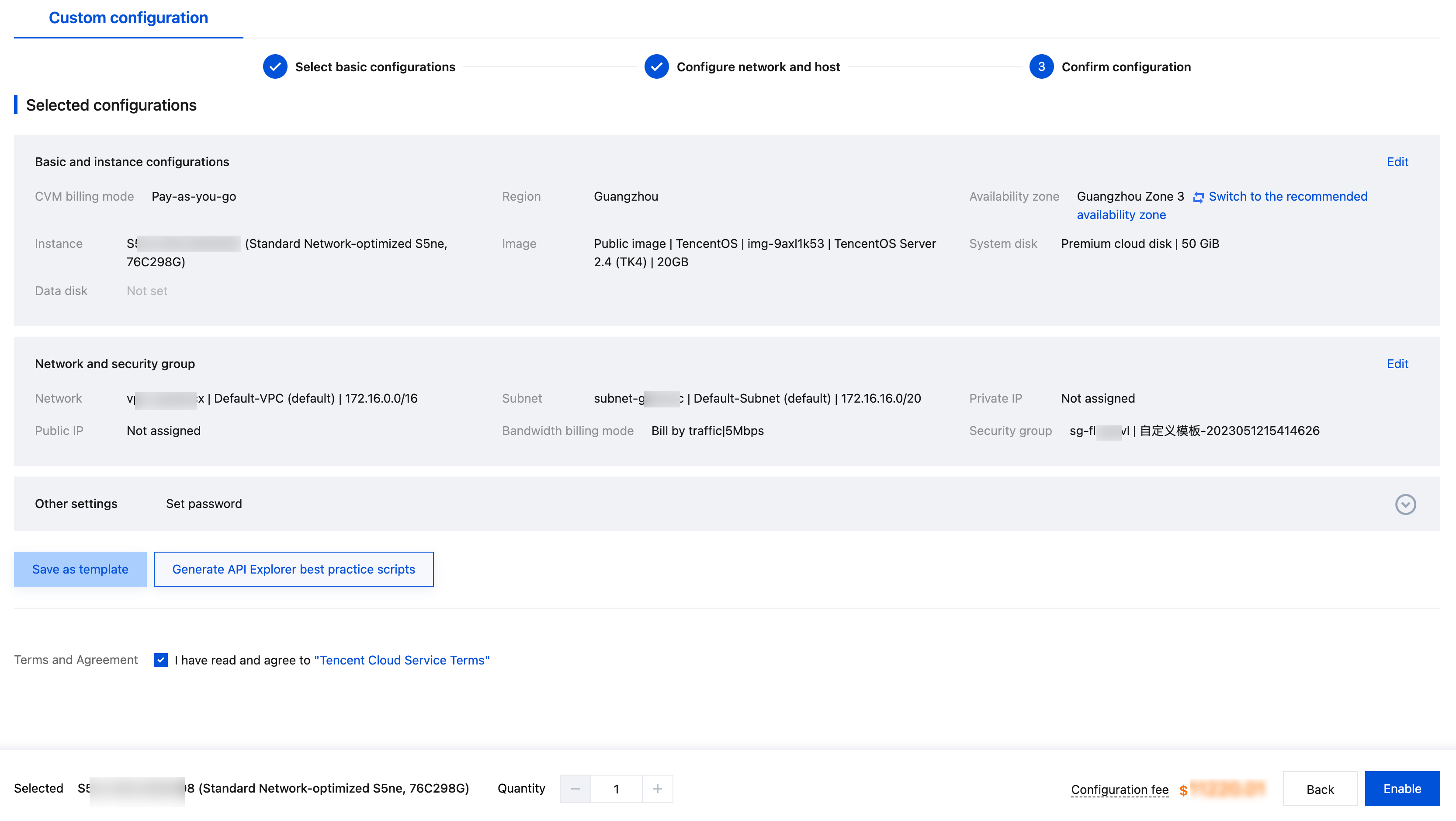
4. After confirming the configuration information, check I have read and agree to the Tencent Cloud Service Agreement, and click Enable.
5. When a pay-as-you-go instance is enabled, a certain amount of your account balance is frozen. The frozen amount is calculated as Unit price for the product configuration × Duration × Adjustment coefficient. It cannot be deducted using vouchers and will be unfrozen after the resource is unsubscribed and released.
Note:
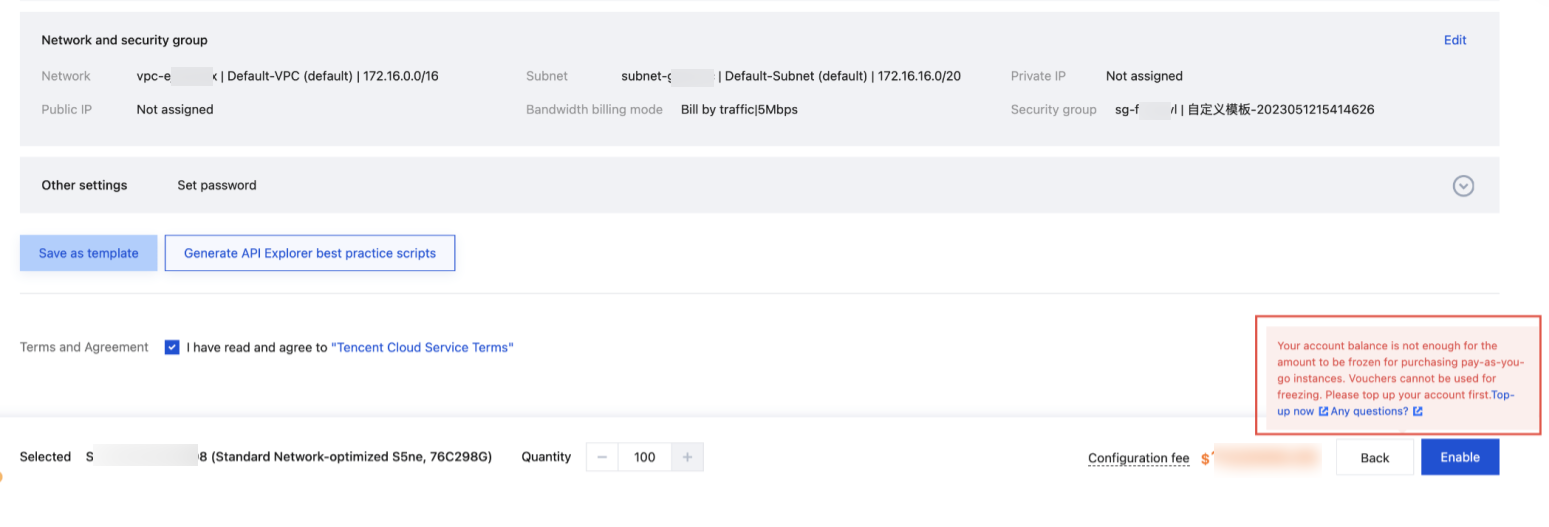
If the available customer credit is less than the amount to be frozen, an error message will appear as follows. You should contact your reseller for repayment or raising your credit limit and then enable the instance again.
6. Once enabled, the CVM instance will be displayed on the Cloud Virtual Machine page of your Tencent Cloud console. You can view the product status. If the status is "Running", you can use the CVM instance just purchased.