Creating CBS
Download
포커스 모드
폰트 크기
This article describes how to create CBS in Tencent Cloud CDC.
Prerequisites
You have created a Tencent Cloud CDC. For specific operations, see create a dedicated cluster.
The local cluster has purchased storage service. For the purchase method, see create and pay for an order.
Directions
1. Log in to Tencent Cloud CDC console.
2. In the left sidebar, click Dedicated Cluster to go to the Tencent Cloud CDC management page.
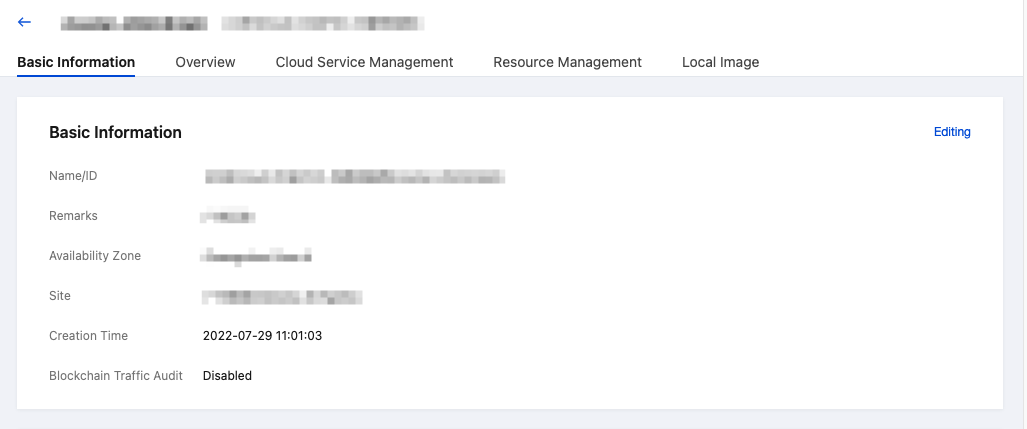
3. Click any cluster to view the cluster basic information.
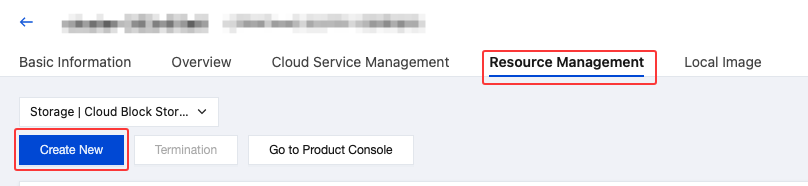
4. Click Resource Management, select the CBS tab, and click New to configure a CBS.
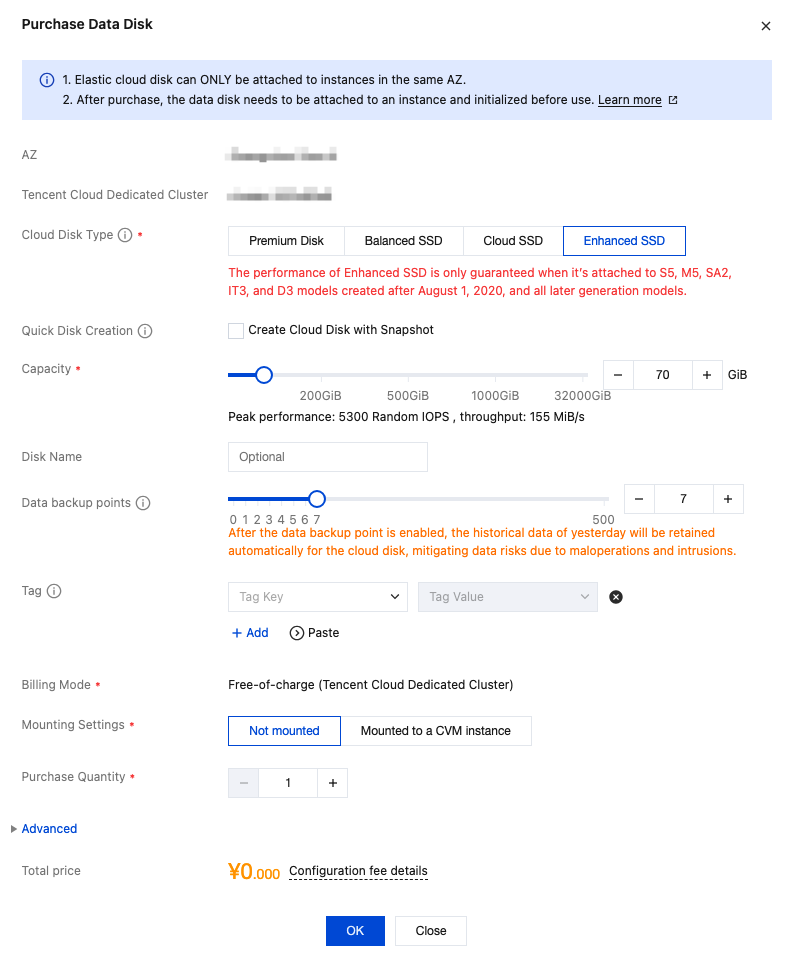
5. Configure the information on the data disk purchase page.
6. Click the created CBS to perform more operations, such as scale out, create snapshots, and so on. For details, see:
피드백