Configuration Trail
Scenarios
This article guides you on how to view the configuration deployment trajectory for a specific Polaris engine via the TSF console, including the complete process and status flow path of configuration data from the server side to the operation side.
Prerequisite
The Polaris engine instance has been created.
The namespace has been created.
Operation Steps
Creating a Configuration File
1. Log in to TSF console, click Polaris (Polaris) in the left sidebar to go to the instance list details page.
2. Click the target instance ID to go to the engine instance information page. Then, in the left sidebar, select Configuration Management to go to the Configuration Management details page.
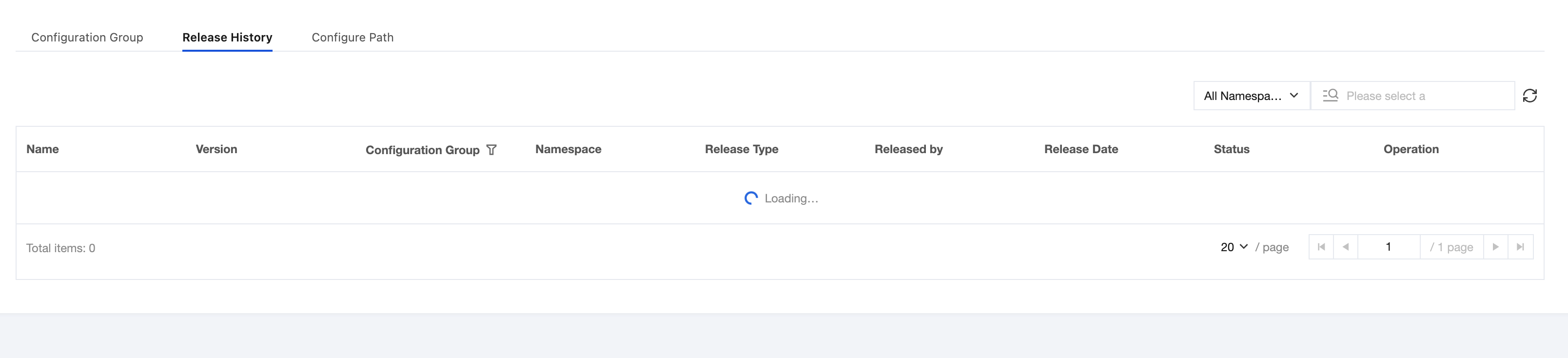
2.1 Select Release History
After selecting the target release record, click Configuration Trajectory in the operation bar to go to the Configuration Trajectory page.
2.2 Select the Configuration Trajectory tab, and you can filter and view the target configuration trajectory by configuration group, client IP address, and client type.
피드백