Register Configuration Monitoring
Polaris (North Star) provides multiple monitoring metrics for the registration and configuration capabilities of running instances, such as: Client and Connection, Registration Configuration Metrics, and Server Request Metrics, to monitor the operational status of instances and services. You can use these metrics to track Polaris's operational conditions in real time, take timely actions to address potential risks, and ensure system stability. This document explains how to view Polaris registration configuration monitoring data through the TSF console.
Monitoring Metrics and Descriptions
Client and Connection
Metric Category | Metric Name | Meaning of Metrics | Metric Unit |
Service processes | Number of service processes | Total number of background processes corresponding to the service instances running on a client (considering a scenario where a single client process launches multiple SDK instances) | Counts |
Client | Number of clients | Total number of clients accessing Polaris in the system (excluding Nacos and Eureka clients, but including client types accessed through different protocols/frameworks) | Counts |
| Number of clients (SDK) | Number of service instances registered via the native Polaris SDK | Counts |
| Number of clients (XDS) | Number of clients accessing via the Envoy XDS protocol | Counts |
| Number of clients (L5) | Number of clients accessing via the Tencent L5 CLB framework | Counts |
Connect | Connections (Total) | Total number of active connections from all clients (SDKs and third-party components) and management APIs (OpenAPI) to the server | Counts |
| Connections (Polaris_Registry) | Number of connections established by clients via the Polaris SDK | Counts |
| Connections (Polaris_Configuration center) | Number of persistent connections for clients monitoring or pulling dynamic configurations | Counts |
| Connections (Nacos) | Number of connections accessing Polaris via Nacos clients in compatibility mode | Counts |
| Connections (Eureka) | Number of connections accessing Polaris via Eureka client in compatibility mode | Counts |
| Connections (XDS) | Number of connections established via the Envoy XDS protocol | Counts |
| Connections (OpenAPI) | Number of connections established for performing administrative operations (such as creating services or modifying configurations) via the Polaris RESTful API | Counts |
| Connections (L5) | Number of connections between internal L5 load balancing components and Polaris | Counts |
Server-Side Request Metrics
Metric Category | Metric Name | Metric meaning | Metric Unit |
Number of requests | Number of requests | Total number of various operation requests initiated by clients and OpenAPI to the server | |
| Number of successful requests | Total number of various successful operation requests initiated by clients and OpenAPI to the server | |
| Number of failed requests | Total number of various failed operation requests initiated by clients and OpenAPI to the server | |
| Request success rate | Number of successful requests/Number of requests | % |
| Number of write requests | Number of data modification requests initiated by clients or OpenAPI to the server | |
| Number of successful write requests | Number of successful data modification requests initiated by clients or OpenAPI to the server | |
| Number of failed write requests | Number of failed data modification requests initiated by clients or OpenAPI to the server | |
| Number of read requests | Number of data query or pulling operation requests initiated by clients or OpenAPI to the server | |
| Number of successful read requests | Number of successful data query or pulling operation requests initiated by clients or OpenAPI to the server | |
| Number of failed read requests | Number of failed data query or pulling operation requests initiated by clients or OpenAPI to the server | |
Request failure breakdown | Number of system failures | Number of requests failed due to internal server errors (such as database connection timeout and thread pool exhaustion) | |
| Number of other failures | Number of requests denied due to invalid parameters or insufficient permissions | |
| Number of network failures | Number of requests failed due to underlying communication issues such as connection timeout or interruption | |
Request latency | Average request latency | Average overall time from request initiation to response reception when clients access the Polaris server | ms |
| Maximum request latency | Maximum time from request initiation to response reception when clients access the Polaris server | ms |
| Minimum request latency | Minimum time from request initiation to response reception when clients access the Polaris server | ms |
Registry Configuration Metrics
Metric Category | Metric Name | Metric meaning | Metric Unit |
Registry | Total number of services | Number of registered services, including normal, abnormal, and offline services | Counts |
| Number of normal services | Number of services with at least one healthy instance (number of service instances >= number of healthy instances > 0) | Counts |
| Number of abnormal services | Number of services without any healthy instances (number of service instances > 0, number of healthy instances = 0) | Counts |
| Number of offline services | Number of services without service instances (number of service instances = 0) | Counts |
| Total number of service instances | Number of registered service instances, including healthy, abnormal, isolated, and non-isolated service instances | Counts |
| Number of healthy service instances | Number of registered service instances that have passed health checks | Counts |
| Number of abnormal service instances | Number of registered service instances that failed health checks | Counts |
| Number of isolated service instances | Number of manually isolated service instances, which will not be called by clients | Counts |
| Ratio of abnormal service instances | Number of abnormal service instances/Total number of service instances | % |
Configuration center | Number of configuration groups | Number of created configuration groups | Counts |
| Number of configuration files | Number of created configuration files | Counts |
| Number of published configuration files | Number of configuration files pushed to clients | Counts |
Viewing Monitoring Data
1. Log in to the Tencent Service Framework (TSF) console.
2. In the left sidebar, select Polaris (North Star), then go to the engine instance list page, and click the target instance ID.
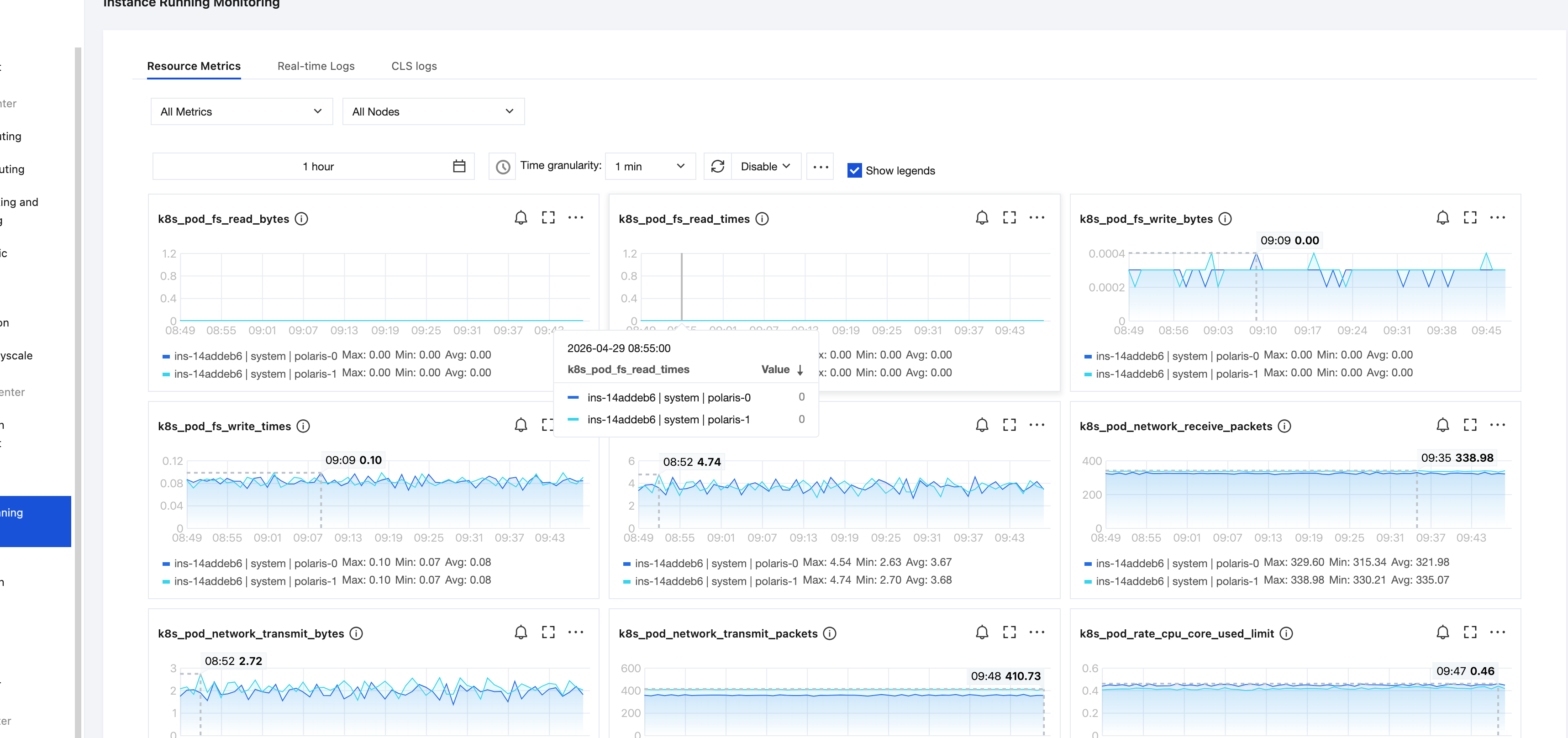
3. In the left sidebar tab, select Registry Configuration Monitoring, then choose the target resources and set the time range as needed to view the corresponding monitoring data.
피드백