When there is no need to use a snapshot again, you can delete it to release virtual resources.
Notes
When you delete a snapshot, only the data exclusive to the snapshot will be deleted, and the file system for which the snapshot is created will not be affected.
You can use a snapshot to restore a file system to the data status when the snapshot is created. Deleting a snapshot created earlier for a file system will not affect your use of snapshots created later.
Deleting a snapshot will also permanently delete all data in the snapshot. Deleted snapshots cannot be restored. Please proceed with caution.
Directions
1. Log in to the CFS console, and go to the Snapshot Overview page to view the snapshot quota usage in regions.
2. On the Snapshot List page, click Delete Snapshot for the target snapshot.
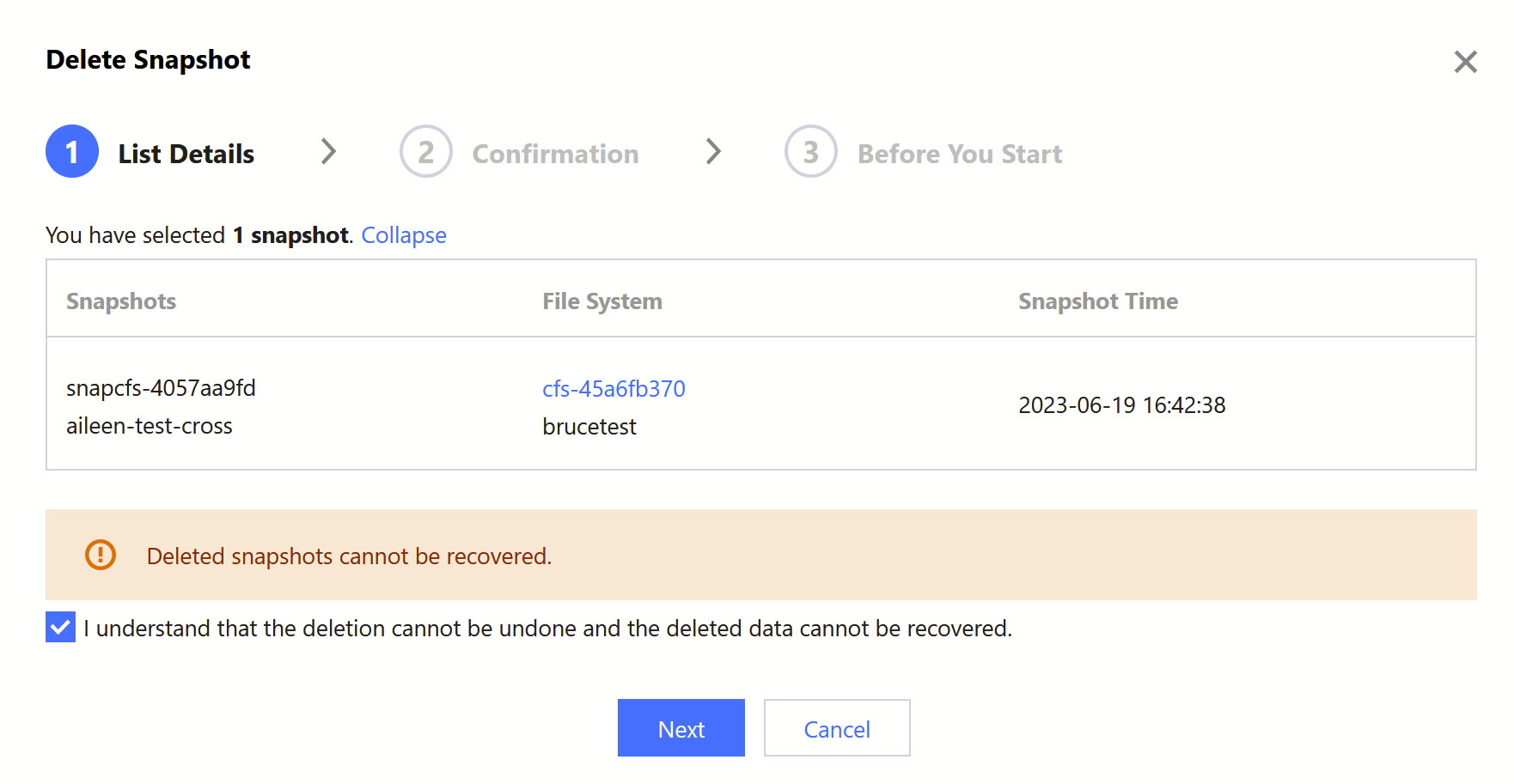
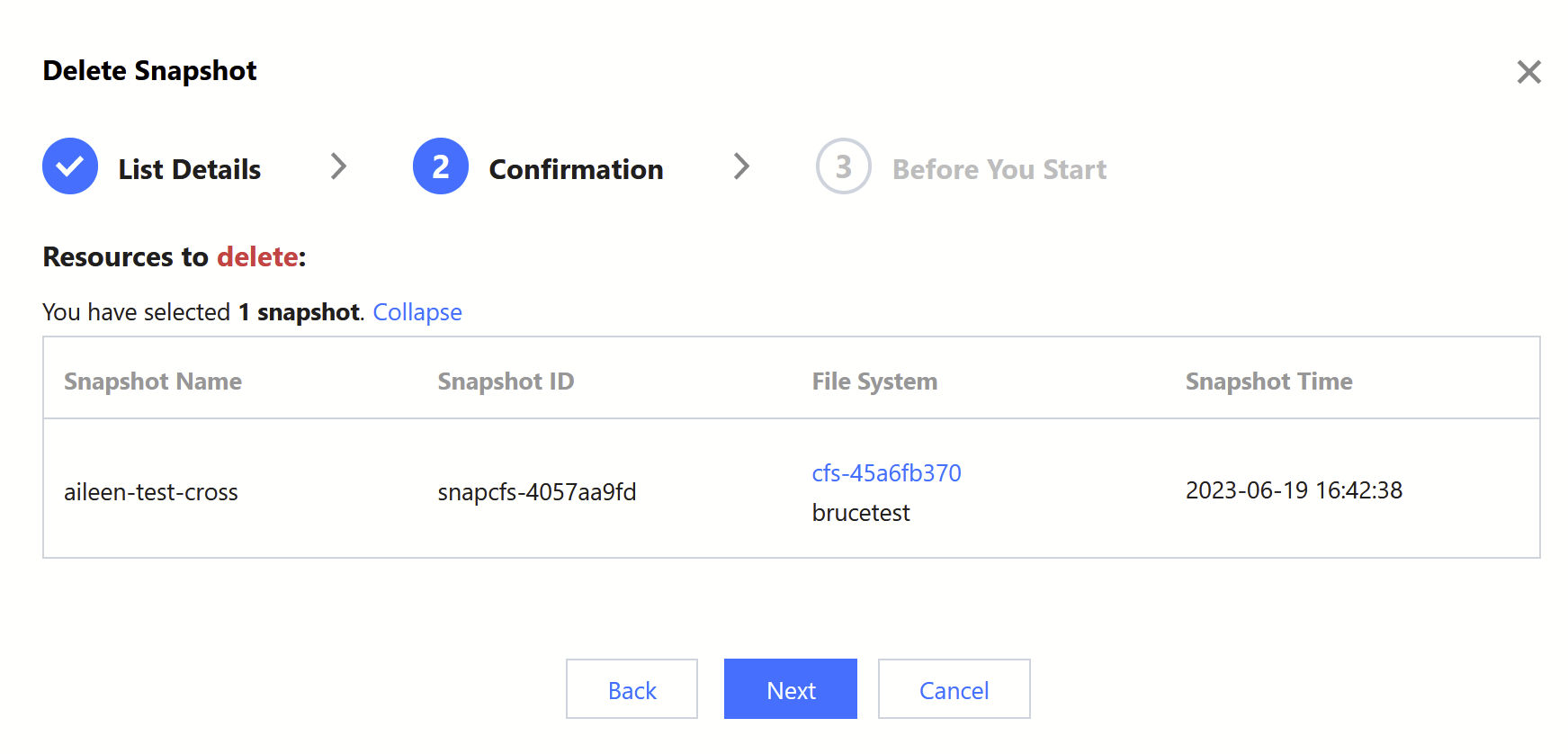
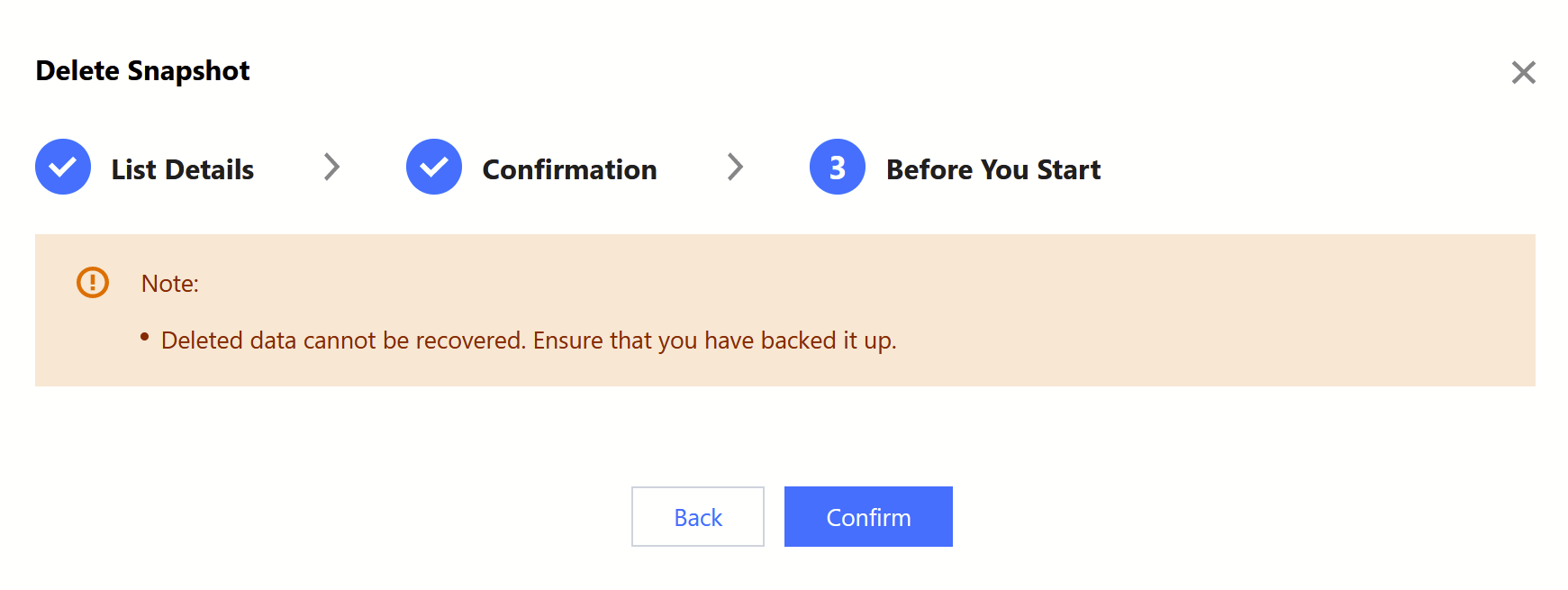
3. Confirm the information of the snapshot to be deleted:
3.1 Confirm the snapshot to be deleted, and click Next.
3.2 Confirm the information, and click Next.
3.3 Read the precautions and click Confirm to execute the deletion.