SCF Connection
다운로드
포커스 모드
폰트 크기
Step 1: Confirm SCF configuration
If your Web service has enabled Tencent Cloud SCF (Serverless Cloud Function), you can add domain names for protection in the SCF WAF instance. Log in to the Serverless console, select Function Service in the left sidebar, and check whether SCF is being used.
Note:
Step 2: Add Domain and Bind SCF
1. Log in to the WAF console, choose Connection Management > Domain Onboarding in the left sidebar.
2. On the Domain names page, click Add domain, enter the relevant configuration parameters, and click OK.
Field Note:
Associated instance: Select Cloud-Native and the corresponding cloud-native WAF instance name.
Domain name: In the domain input box, add the domain to be protected, such as
test.com.Traffic source: Select SCF.
Use proxy: Select whether proxies such as Anti-DDoS, CDN, or Cloud Acceleration are used based on the actual situation.
Note:
Selecting "Yes" allows WAF to obtain the client's real IP address through the XFF field as the source address, which may carry the risk of source IP address spoofing.
Outside Mainland China: Selected based on the geographical location of the SCF service.
Remarks: Enter remarks as needed.
3. After the Confirm button is clicked, you will return to the Domain Access page where you can view information such as the domain name protected by SaaS WAF, Gateway Instance ID, and name.
4. After completion, return to the SCF console. On the Custom Domain Names page, select Web Application Firewall to enable it, and choose the corresponding instance ID from the WAF instance dropdown list. For more details, see the SCF Product Documentation.
Step 3: Verification Test
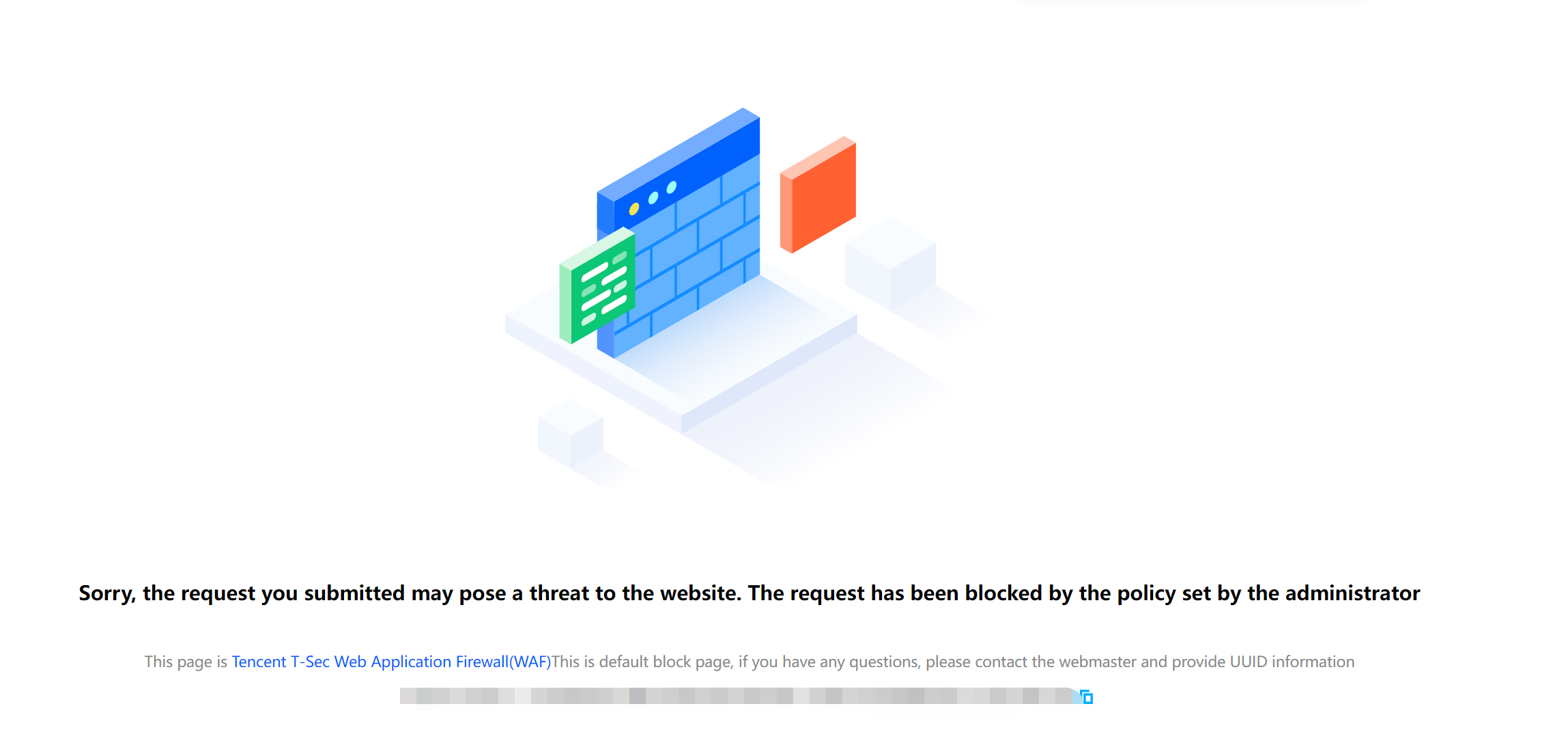
Enter the URL http://<gateway domain name or IP>/?test=alert(123) in the browser and access it. The browser returns a block page, indicating that the WAF protection feature is functioning properly.
피드백