Set up cross-account log delivery for group accounts
Baixar
Modo Foco
Tamanho da Fonte
Última atualização: 2026-01-08 14:03:54
Scenarios
This article introduces how to use the tracking set in the CloudAudit console to set up cross-account log delivery for group accounts. After the feature is enabled, the tracking set will ship logs of members under the group account to the delivery location you have set.
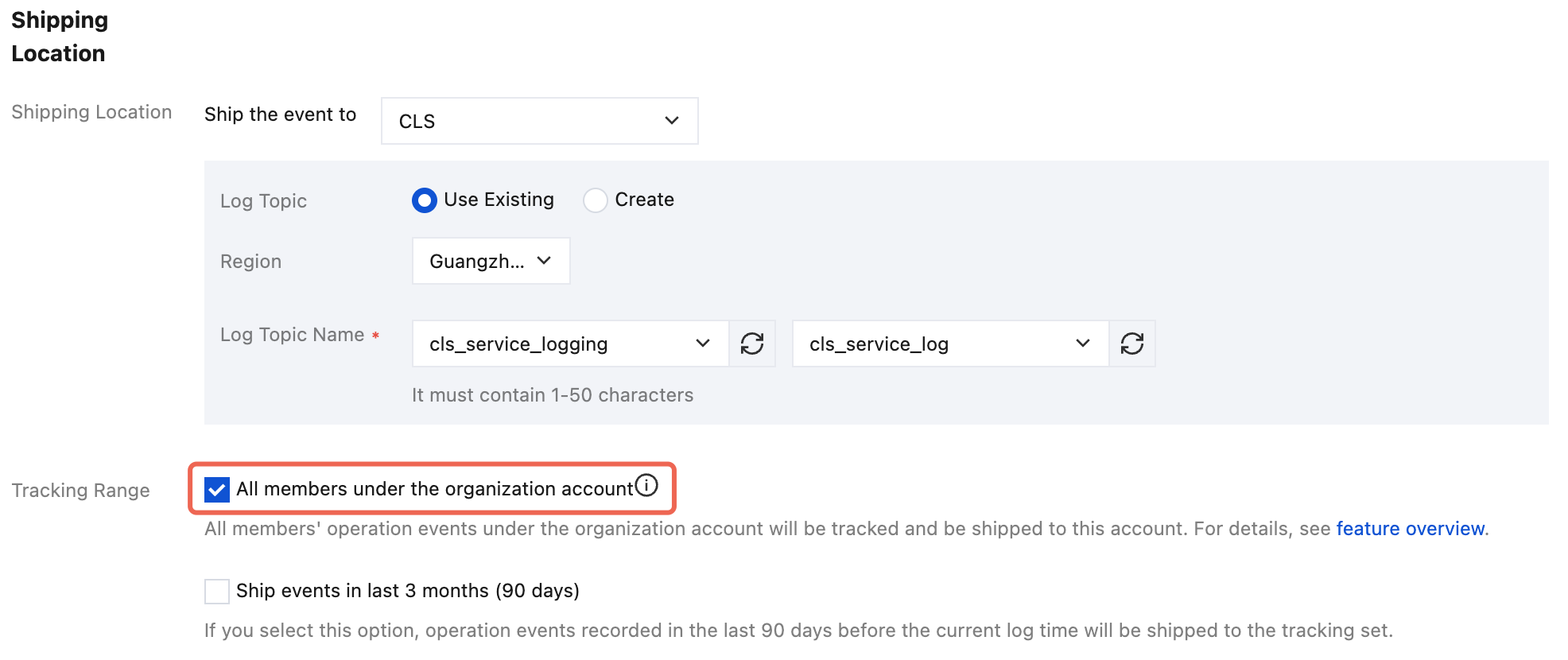
3. In the delivery location configuration, check all members under the group account. As shown below:
4. Click Save to enable cross-account delivery feature. The tracking set will deliver logs of all members under the group account to the delivery location you have set.
Note:
After a group organization creates a tracking set and delivers logs, member account log information can only be seen in the delivered Cloud Log Service (CLS) or Cloud Object Storage (COS). Operation records cannot show logs across different accounts.
When a group organization adds/removes members, it will normally/stop shipping operation logs generated by members after 20 minutes.