Business Monitoring Alarm
Business monitoring provides unified management and display of Polaris (North Star) client links, service discovery links, and configuration pull links. You can view client link details and configure alarm notification rules for business monitoring metrics, helping you promptly identify and resolve issues.
Note:
This document applies only to Polaris engine instance version 1.14.0.0 and later versions.
This document describes how to view business monitoring details and configure business monitoring alarm rules on the TSF console.
Operation Steps
Viewing Event Details
1. Log in to the Tencent Service Framework (TSF) console.
2. In the left sidebar, select Polaris (North Star) to go to the Polaris Engine instance list page.
3. Click Console in the Operations column of the target instance engine, enter your username and password to enter the POLARIS MESH console page.

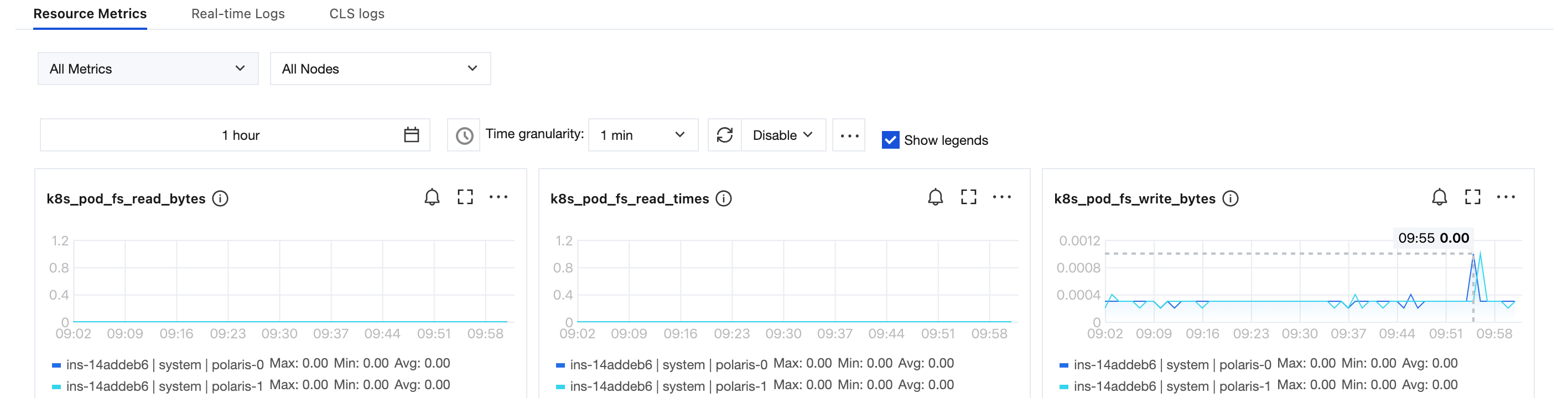
4. In the left sidebar, select Business Monitoring. You can view the link quantity metrics of the Polaris client.
Configure Alarm Rule
1. Log in to the Tencent Service Framework (TSF) console.
2. In the left sidebar, select Polaris (North Star) to go to the Polaris Engine instance list page.
3. Click Console in the Operations column of the target instance engine, enter your username and password to enter the POLARIS MESH console page.

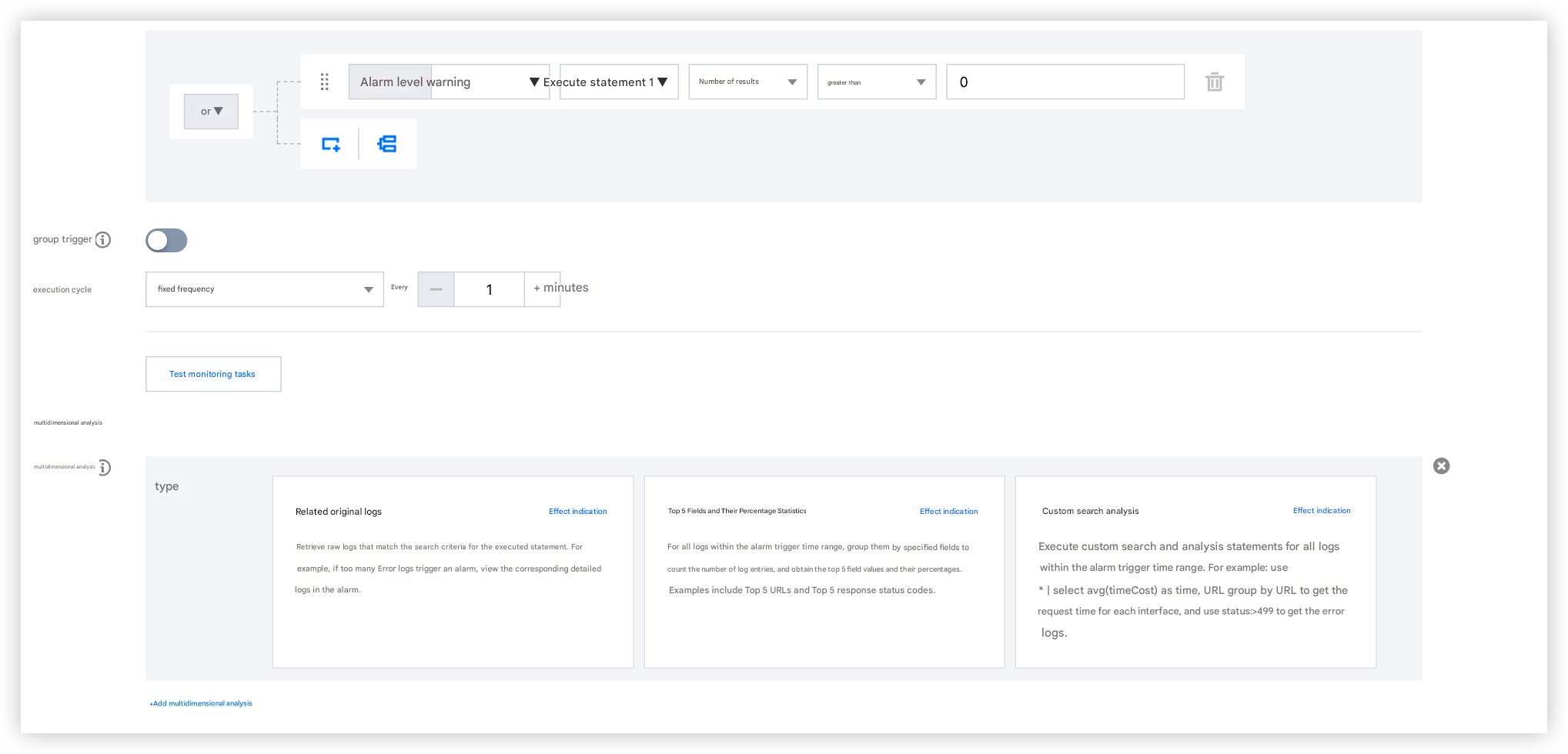
4. Click Alarm Configuration, click New Policy, and then configure alarms for business monitoring metrics.

5. For the alarm policy created in the previous step, you need to click Enable to take effect.
6. When an alarm is triggered, the Polaris Engine writes the alarm information to the user's CLS.
Alarm notification configuration
1. Log in to the Tencent Service Framework (TSF) console.
2. In the left sidebar, select Polaris (North Star) to go to the Polaris Engine instance list page.
3. Click the "ID" of the target engine to go to the basic information page.
4. Click Operation Logs, switch to the CLS log page tab, and then click the log topic whose log type is Monitoring Alarm.

5. Click the alarm policy of CLS, click New Policy, and then configure alarm notification for the monitoring alarm log topic.
Ajuda e Suporte
Esta página foi útil?
Você também pode entrar em contato com a Equipe de vendas ou Enviar um tíquete em caso de ajuda.
comentários