When a sub-account uses TSE, authorization is required in three aspects:
1. Before a sub-account uses the Cloud Native Gateway of the Microservices Engine, authentication is required. Therefore, you must first grant the Cloud Native Gateway permission to access CAM. For details, see Step 1.
2. TSE needs to obtain permissions to access other cloud product resources of the user, such as viewing the AZ information of the user's subnet. Therefore, you must pass a service role to the Cloud Native Gateway. Two policies need to be bound to the sub-account. For details, see Step 2. For details about the specific APIs and usage scenarios in the policies, see Appendix.
3. When a sub-account operates TSE resources, it requires read and write permissions. Therefore, you must use a root account to grant the sub-account read and write permissions for Cloud Native Gateway resources. For details, see Step 3.
2. In the left sidebar, click Users > User List to go to the User Management page.
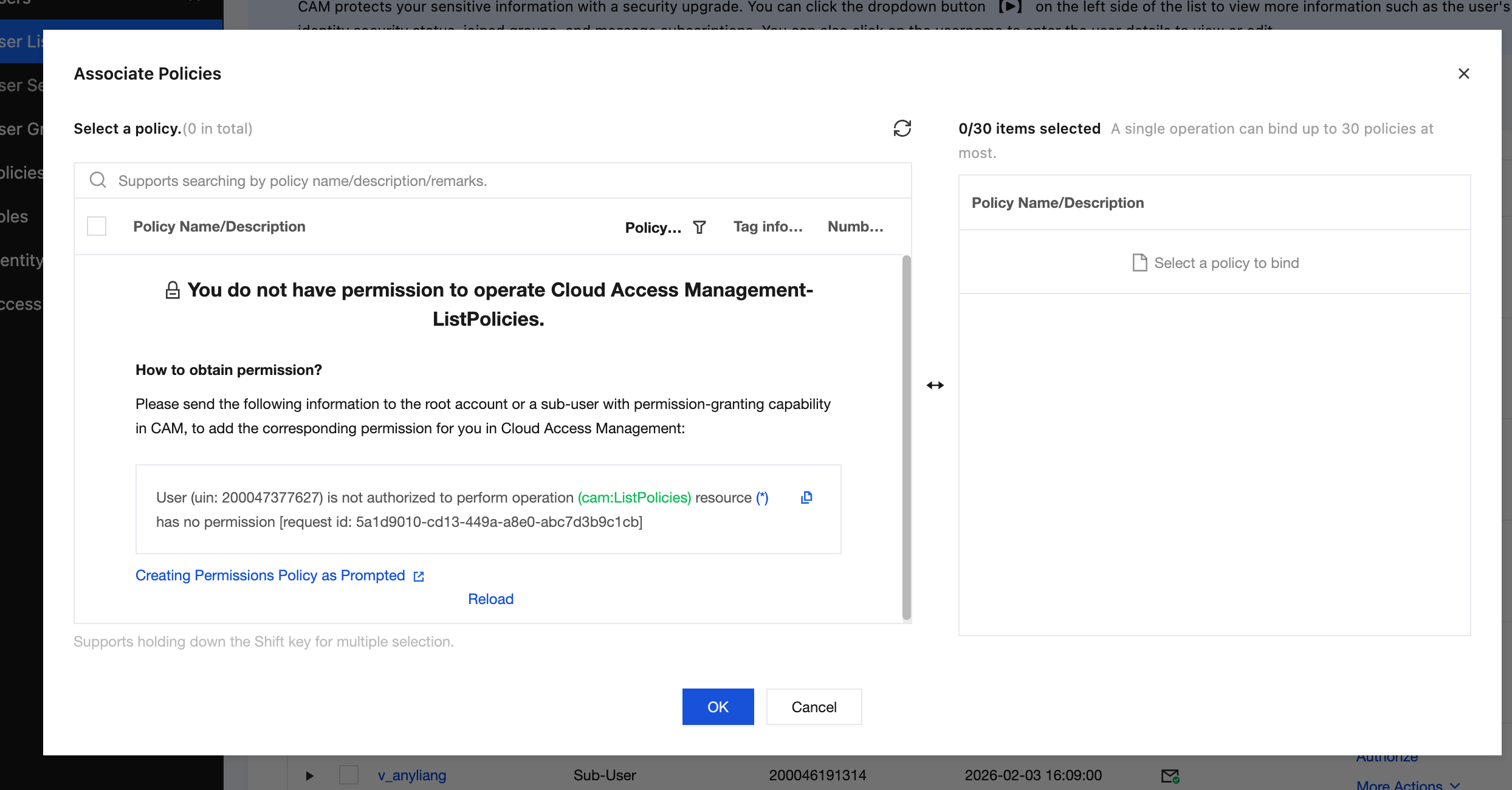
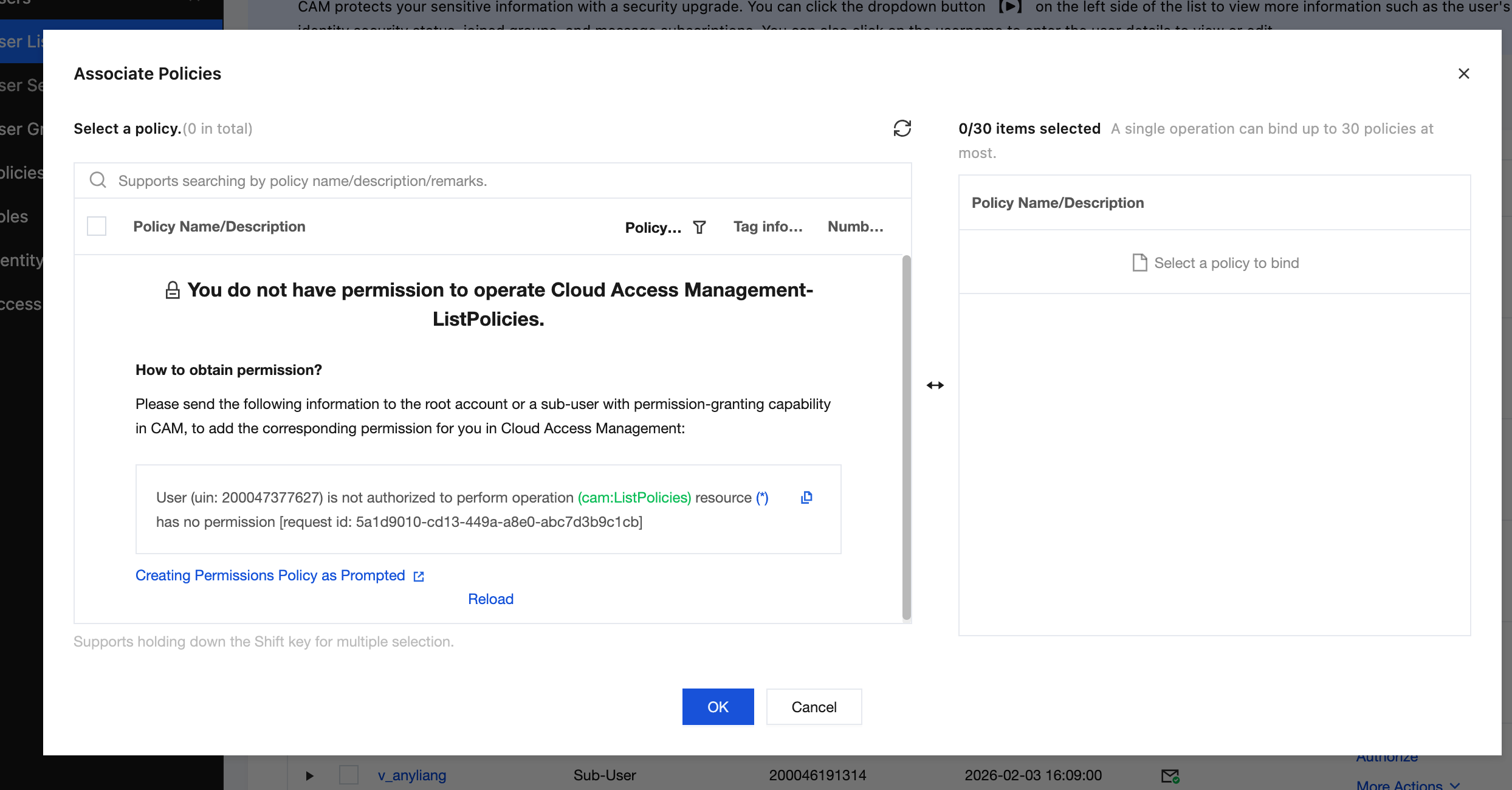
3. Select the user to whom you want to grant TSE usage permissions, and click Authorize in the Operations column.
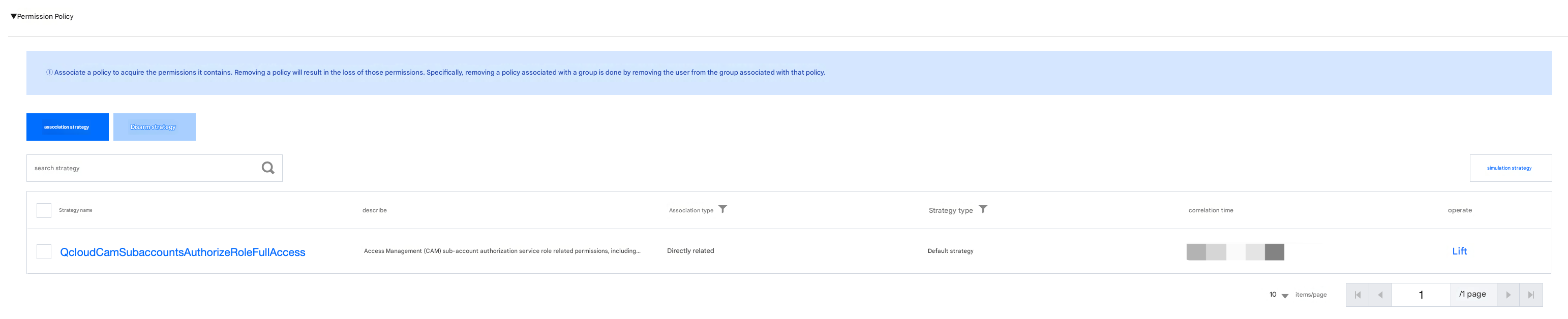
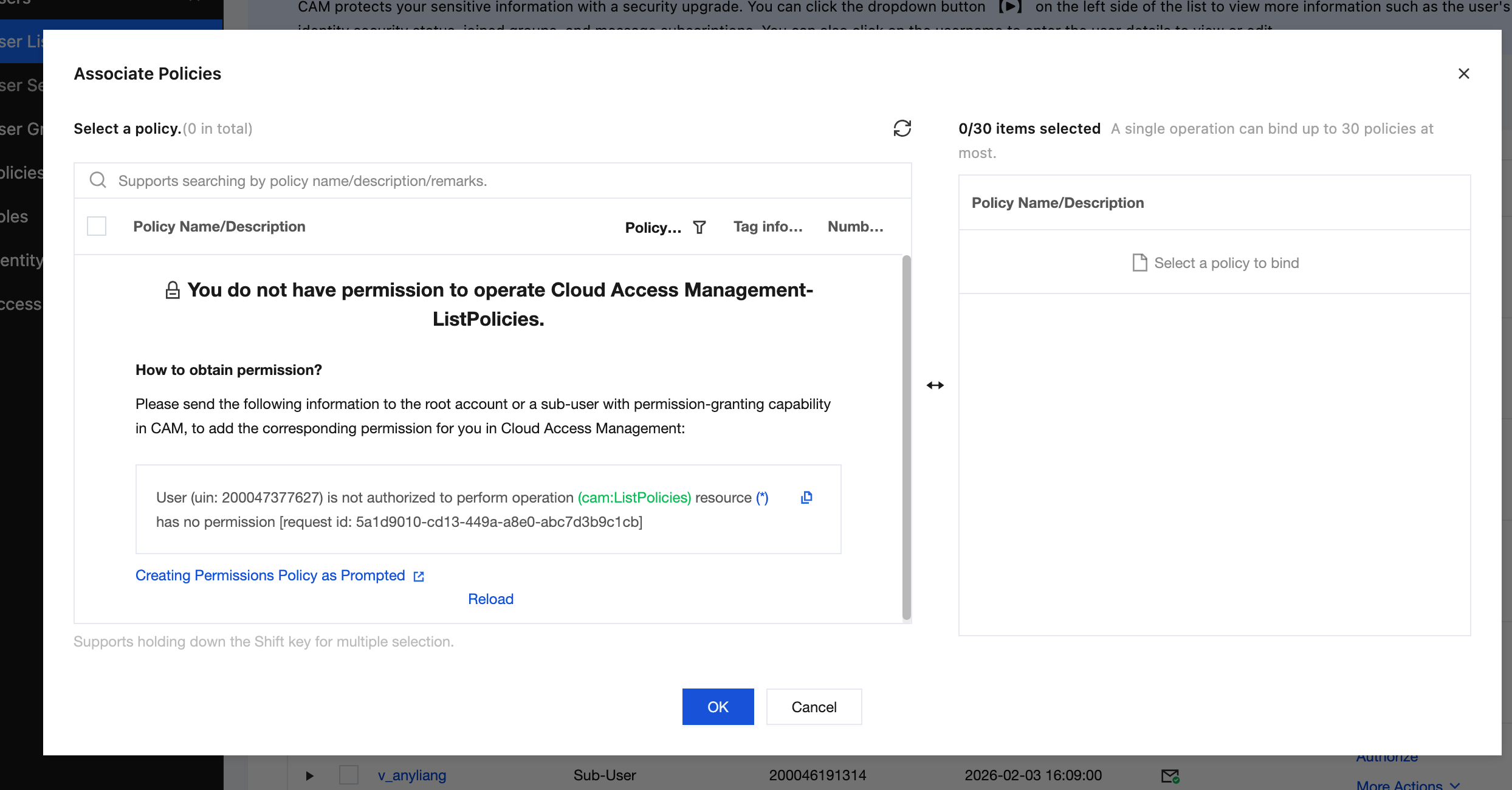
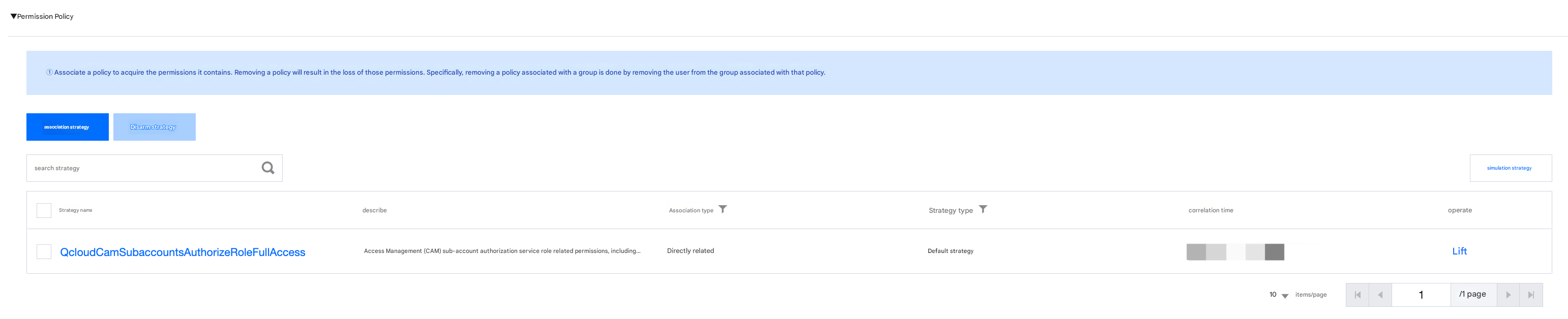
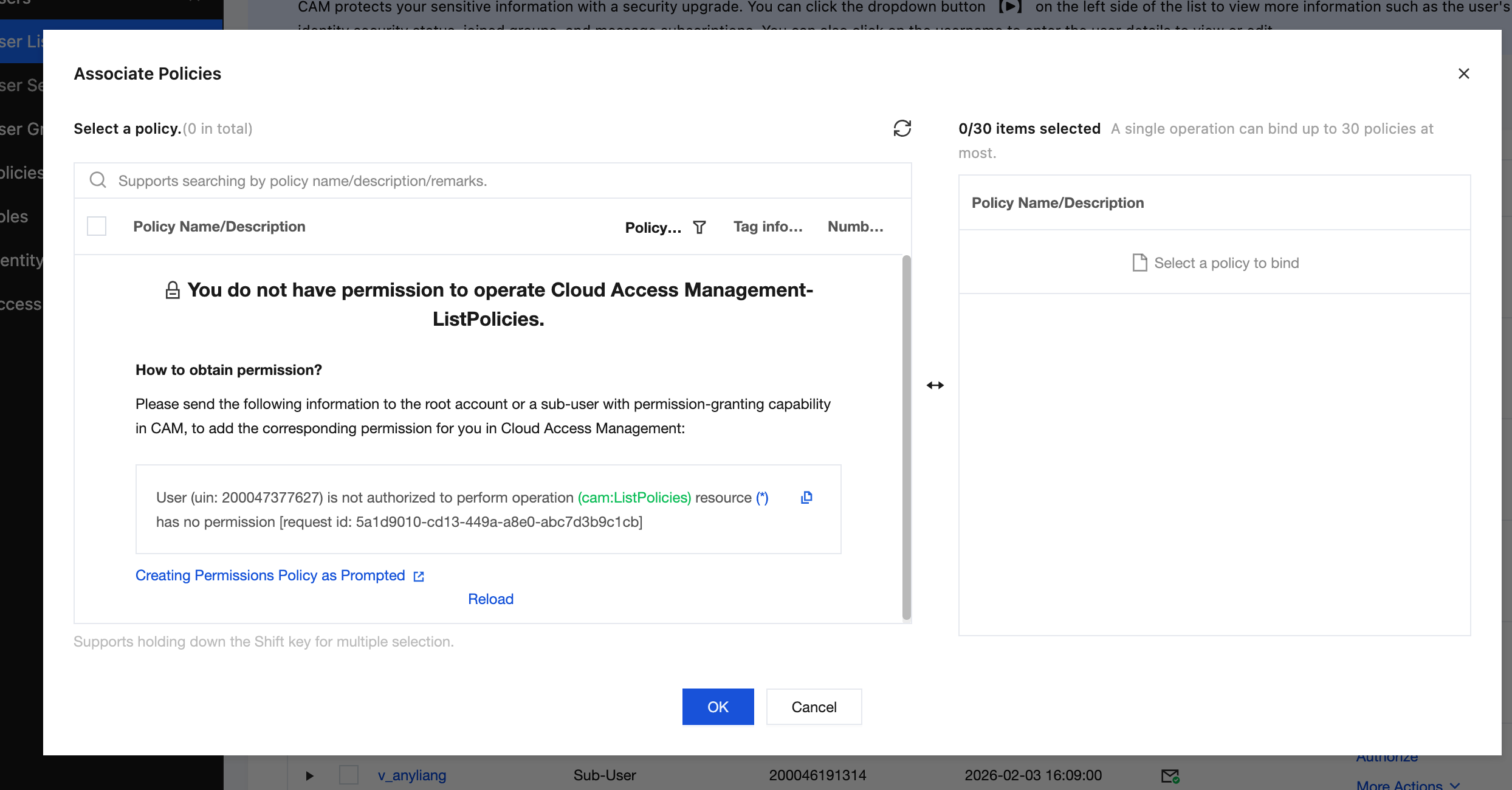
4. Filter the QcloudCamSubaccountsAuthorizeRoleFullAccess policy from the policy list.
Note
The QcloudCamSubaccountsAuthorizeRoleFullAccess policy represents the permissions related to sub-account authorization of service roles in Cloud Access Management (CAM). It includes all permissions involved when a sub-account authorizes a service role.
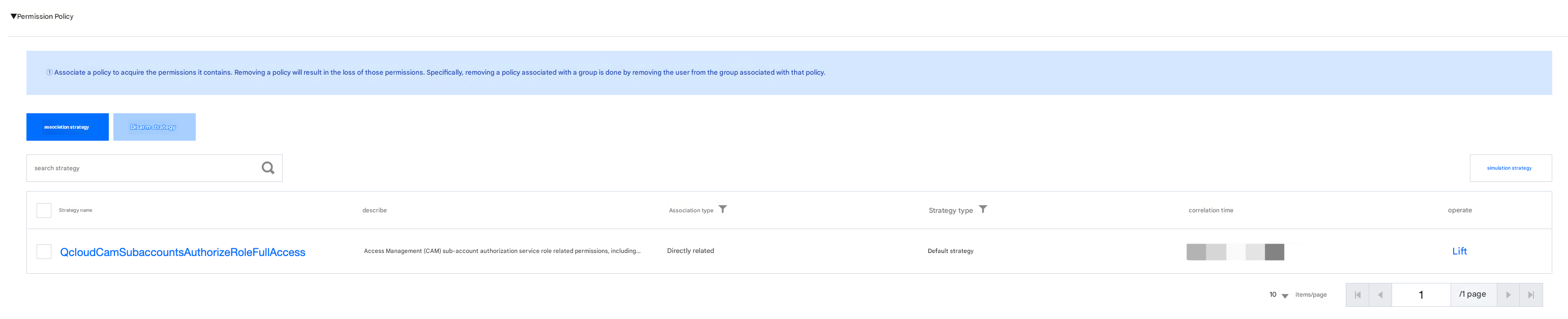
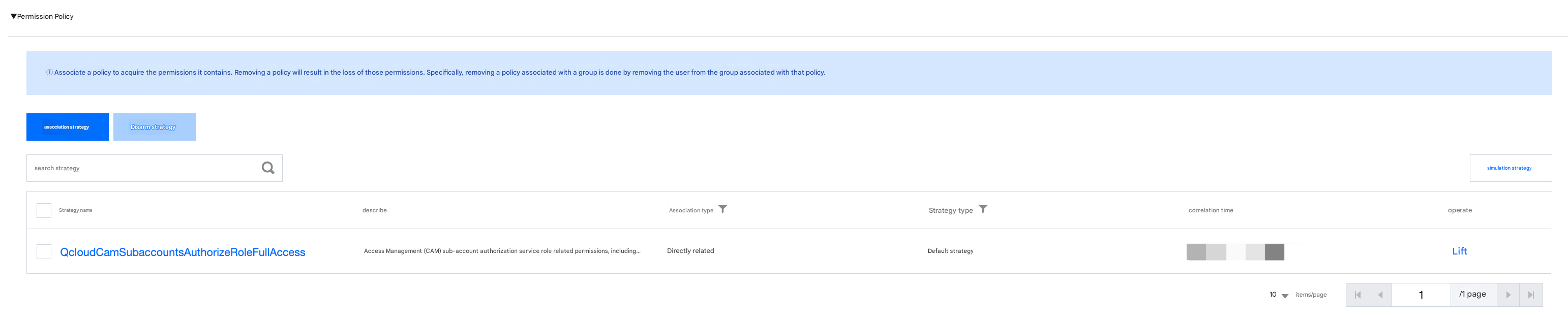
5. Click OK to bind the policy. The policy will be displayed in the user's policy list.
Step 2: Passing a Service Role
Step 2.1: Binding a Passable Service Role (Policy 1)
2. In the left sidebar, click Policy to go to the Policy Management List page.
3. In the search bar on the right, enter QcloudAccessForTSERole to search.
Note
QcloudAccessForTSERole: This policy is exclusively for association with the Tencent Cloud Microservices Engine (TSE) service role (TSE_QCSRole), enabling TSE to temporarily access cloud service resources.
4. In the search results, click Associated Users/Groups for QcloudAccessForTSERole, and select the sub-account to be authorized.
5. Click OK to complete the authorization. This policy will appear in the user's policy list.
Step 2.2: Binding a Passable Service Role (Policy 2)
2. In the left sidebar, click Policy to go to the Policy Management List page.
3. In the search bar on the right, enter QcloudAccessForApiGateWayRoleInCloudNativeAPIGateway to search.
Note
QcloudAccessForApiGateWayRoleInCloudNativeAPIGateway: This policy is exclusively for association with the API Gateway (ApiGateWay) service role (ApiGateWay_QCSRole), enabling IoTHuB to access other cloud service resources.
4. In the search results, click Associated Users/Groups for QcloudAccessForApiGateWayRoleInCloudNativeAPIGateway, and select the sub-account to be authorized.
5. Click OK to complete the authorization. This policy will appear in the user's policy list.
2. In the left sidebar, click Policy to go to the Policy Management List page.
3. In the search bar on the right, enter QcloudTSEFullAccess to search.
Note
QcloudTSEFullAccess: Full read/write access permissions for Tencent Cloud Microservices Engine (TSE). Currently, the Cloud Native Gateway only supports granting full operation permissions and does not yet support resource-level authorization.
4. In the search results, click Associated Users/Groups for QcloudTSEFullAccess, and select the sub-account to be authorized.
5. Click OK to complete the authorization. This policy will appear in the user's policy list.
6. Repeat steps 3.2 to 3.5 to complete the binding of the QcloudAPIGWReadOnlyAccess policy.
Note
QcloudAPIGWReadOnlyAccess: Read-only access permissions for API Gateway, including partial permissions for Cloud Monitor (MONITOR).
Appendix
The use of the TSE platform involves calls to the following cloud products. The root account must grant separate authorization to the sub-account to ensure the use of corresponding TSE product features. The calls to cloud products involved by TSE are as follows:
Cloud Product
API Name
API Function
Operation Affecting the TSE Platform
CVM
DescribeZones
Query AZs
Viewing the AZ of a subnet when an instance is created
VPC
DescribeVpcs
Queries the VPC list.
Selecting the VPC to which the instance access address belongs when an instance is created
VPC
DescribeSubnets
Queries the VPC list.
Selecting the subnet to which the instance access address belongs when an instance is created