tencent cloud

Service Registry and Governance

Full-link grayscale

PDF
Modo Foco
Tamanho da Fonte
Última atualização: 2026-05-07 18:12:22

Scenarios

This document describes how to develop a Java application locally, access Polaris (North Star) via Spring Cloud, and implement full-link grayscale capability.

Prerequisite

1. Before you start development, please ensure you have downloaded and installed Java and Maven.
2. A Polaris (North Star) instance has been created. For detailed steps, see Engine Management.

Operation Steps

For your convenience in quick access, we have prepared a Demo application for you. Click to download.

Step 1: Add Dependencies for Service Registration and Discovery

1. Add the spring cloud tencent Dependency

Modify the pom.xml in the application's root directory to add dependencyManagement:
<dependencyManagement>
<dependencies>
<dependency>
<groupId>com.tencent.cloud</groupId>
<artifactId>spring-cloud-tencent-dependencies</artifactId>
<version>${version}</version>
<type>pom</type>
<scope>import</scope>
</dependency>
</dependencies>
</dependencyManagement>
Note:
Please choose based on the versions of Spring Boot and Spring Framework in your project, and select the appropriate Spring Cloud Tencent version.

2. Add the spring cloud tencent starter

Method 1: Introduce both spring-cloud-starter-tencent-polaris-discovery and spring-cloud-starter-tencent-polaris-router.
<dependency>
<groupId>com.tencent.cloud</groupId>
<artifactId>spring-cloud-starter-tencent-polaris-discovery</artifactId>
</dependency>

<dependency>
<groupId>com.tencent.cloud</groupId>
<artifactId>spring-cloud-starter-tencent-polaris-router</artifactId>
</dependency>
Method 2: Introduce all SCT starters via spring-cloud-starter-tencent-all.
<dependency>
<groupId>com.tencent.cloud</groupId>
<artifactId>spring-cloud-starter-tencent-all</artifactId>
<!-- Note: you need to specify type=pom -->
<type>pom</type>
</dependency>
If using Spring Cloud 2020 and later versions, you also need to add the following dependencies:
<dependency>
<groupId>org.springframework.cloud</groupId>
<artifactId>spring-cloud-starter-bootstrap</artifactId>
</dependency>

Step 2: Add Polaris Configuration File

1. Create a bootstrap.yml file in the project's main/resources directory.
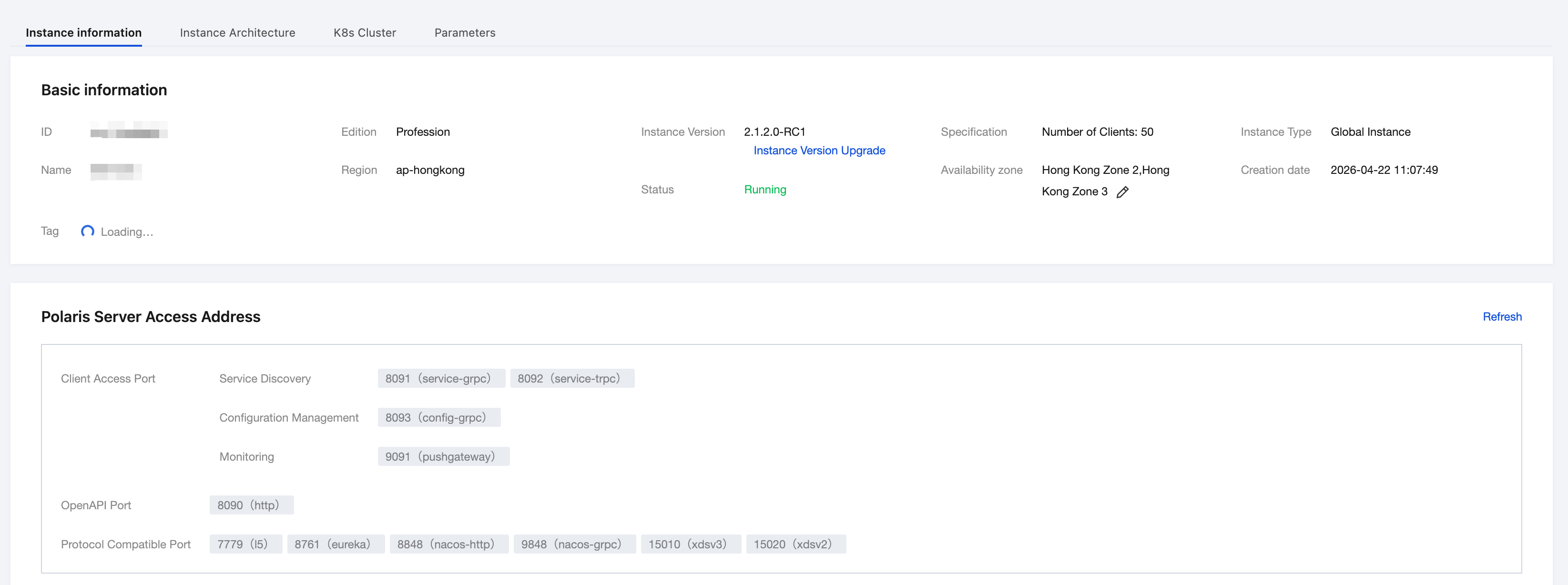
2. Configure the application name, Polaris (North Star) server address, and other information in the bootstrap.yml file. For server address details, see: Engine Management > Client Access Address.
spring:
application:
name: ${application.name}
cloud:
polaris:
enabled: true
address: grpc://${replace with the Polaris service address}:8091
namespace: default

Step 3: Start the Application

After the application successfully starts, go to the Polaris console to view the service registration information, as shown in the figure below:

image


Step 4: Configure Full-Link Grayscale Rules on the Console

After completing client access, you can configure your full-link grayscale rules in the Polaris console. For details, see: Full-link Grayscale Configuration.

Ajuda e Suporte

Esta página foi útil?

comentários