Configuring Message Properties
Scenarios
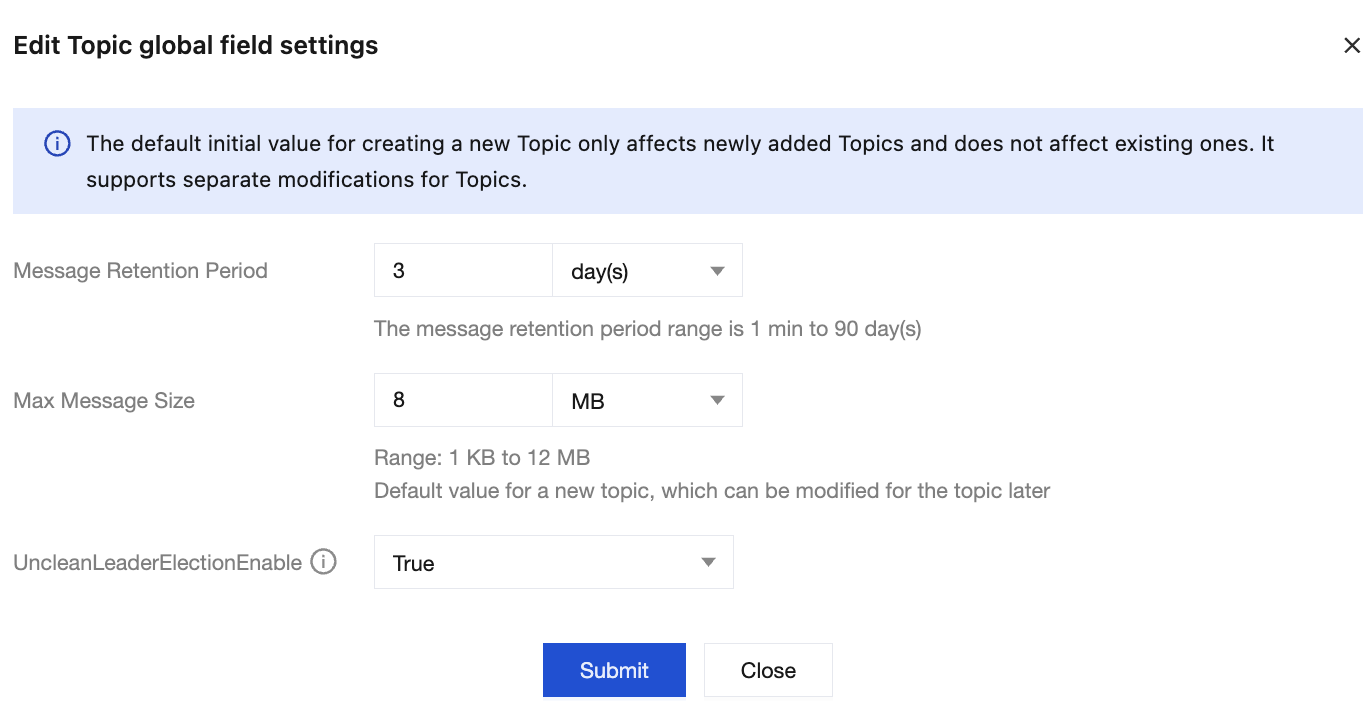
TDMQ for CKafka supports setting the default message size of instances as the default initial value for new topics, which can be modified for specific topics later.
Configuring Default Message Size
1. Log in to the CKafka console.
2. In the left sidebar, click Instance List, and click ID/Name of the target instance to go to the basic information page.
3. On the basic instance information page, click Modify Configuration in the Message Configuration module.
4. After setting the message retention period and maximum message size, click Submit.
Configuring Message Size for a Topic
1. Log in to the CKafka console.
2. In the left sidebar, select Instance List, and click ID/Name of the target instance to go to the instance details page.
3. On the instance details page, click the Topic List tab, and click Edit in the Operation column.
4. On the topic editing page, click Advanced Configuration, where you can modify the maximum message size for the topic at max.message.bytes.

Ajuda e Suporte
Esta página foi útil?
Você também pode entrar em contato com a Equipe de vendas ou Enviar um tíquete em caso de ajuda.
comentários