tencent cloud

Game Multimedia Engine

Product Introduction
Overview
Strengths
Features
Scenarios
Compliance
Console Guide
Usage Querying
Activating Services
Getting Started
Quick Integration of SDK
Quick Integration of Sample Project
Basic Feature Development Guide
Authentication Key
Voice Chat Role Configuration
Sound Quality
Client API
SDK for Unity
SDK for Unreal Engine
Cocos2D SDK
SDK for Windows
SDK for iOS
SDK for Android
SDK for macOS
H5 SDK
Electron SDK
SDK for Flutter
SDK Version Upgrade Guide
Error Codes
Toolchain
Server APIs
History
Introduction
API Category
Usage APIs
Recording APIs
Making API Requests
Voice Chat APIs
Application APIs
Data Types
Error Codes
FAQ
Product Features
Troubleshooting Guide
Billing
Sample Project Usage
General
Authentication
Voice Chat Room Entry Failure
Sound and Audio
Network
Speech-to-text Conversion
Program Export
Service Agreement
Service Level Agreement
Política GME
Contrato de Privacidade e Segurança de Dados
Política de privacidade

Network

PDF
Modo Foco
Tamanho da Fonte
Última atualização: 2024-01-18 15:16:53

How much traffic does GME voice chat consume?

The bitrate is 30 Kbps for the fluency sound quality, and 64 Kbps for the standard and high sound quality. The traffic is related to the bitrate and also the number of room members who communicate through voice chat. The formula is: bitrate x the number of the members / 8 = bytes.

The error code 7004 indicating a network error is returned when I am entering a room. How to fix it?

Please check the following for troubleshooting:
1. Whether the parameters of the EnterRoom API are valid, such as AppID, UIN, and AuthBuffer. For more information, please see relevant API documentation.
2. Whether your testing devices are in the private network or public network. If they are in the private network, please troubleshoot as instructed in How to Deal with the Restrictions of Corporate Firewall.
3. Other network problems below:

How do I troubleshoot network problems?

Network diagnosis
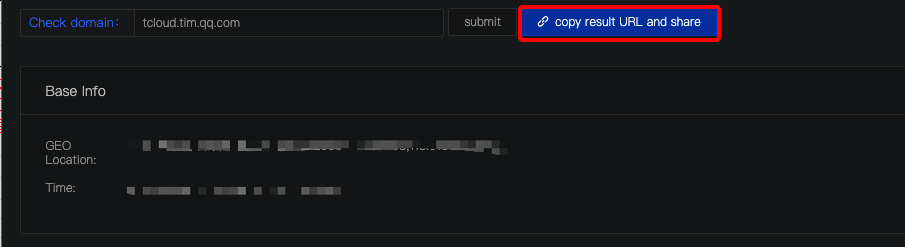
Please use the device with network issues to open the three URLs above in a browser, and wait for the results (the checks take about 5 to 10 seconds to finish). Click copy result URL and share and then submit a ticket for assistance.


SSO diagnosis
Please use the device with network issues to open [tcloud.tim.qq.com](https://tcloud.tim.qq.com) for domain name status checks. Take a screenshot of or copy the results and then submit a ticket for assistance.
The sample code is as follows:
{"ActionStatus":"FAIL","ErrorCode":60002,"ErrorInfo":"HTTP parse Error"}


Ajuda e Suporte

Esta página foi útil?

comentários