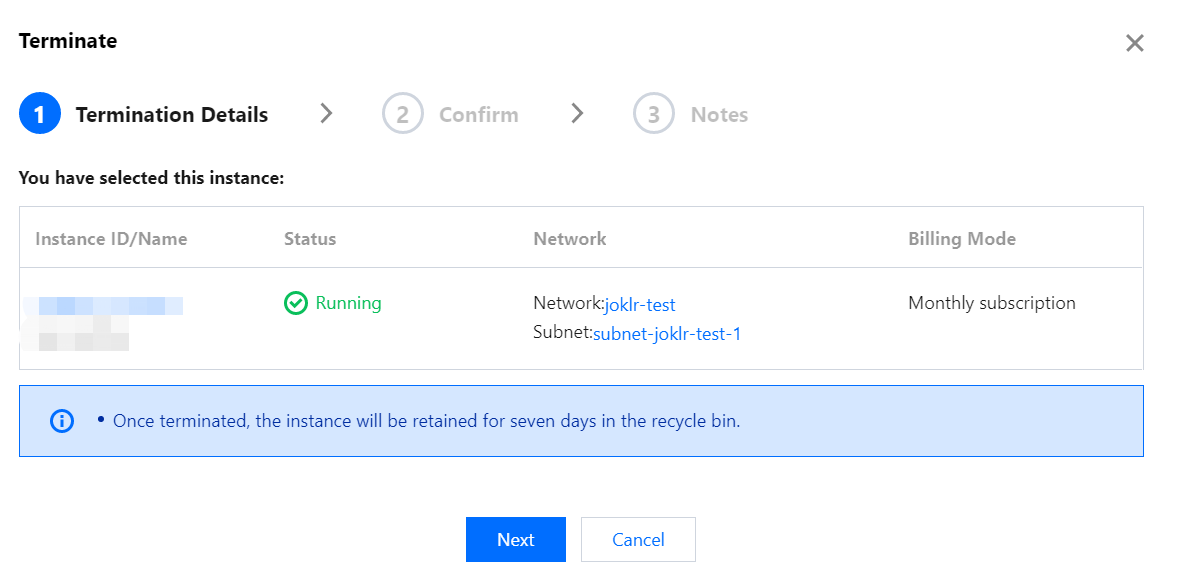
If you no longer use an instance, you can terminate/return it, and it will be suspended once terminated/returned. You can reboot suspended instances according to different scenarios and needs.
Impact
Once an instance is suspended, its data will be affected as follows:
IP: the corresponding IP address will be returned.
Grafana: Grafana cannot be accessed at the corresponding domain name.
Data retention: after an instance is terminated/returned, it will be suspended and retained for 7 days, after which it will be terminated and its data will be deleted and cannot be recovered.
2. In the instance list, select the Grafana instance to be terminated/returned and click More > Instance Status > Terminate/Return on the right.
3. As termination/return is a high-risk operation, in the Terminate/Return window that pops up, complete the three termination/return steps as prompted and click OK.