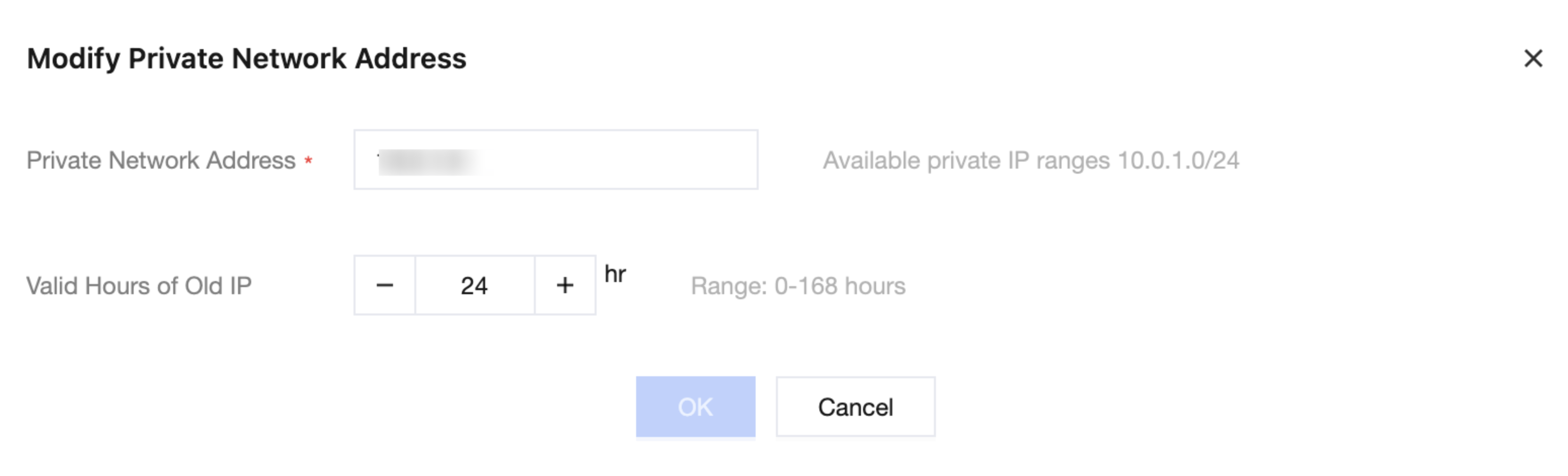
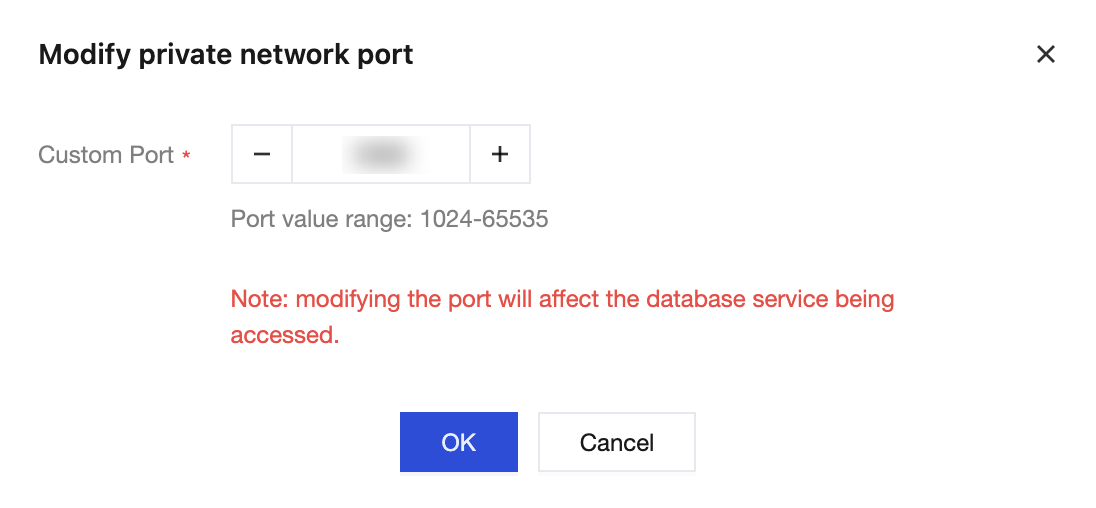
TDSQL Boundless distributed database supports modifying the private network address and port number of instances. This article describes how to modify them via the console.
Note:
TDSQL Boundless distributed database only supports modifying the private network address and port number of instances.
Both primary instances and disaster recovery instances support adjusting the private network address and port number, and the adjustment does not affect data synchronization between the disaster recovery instances and the primary instance.