Tagging Resources
Overview
This document describes how to tag resources in the console so that you can manage your resources centrally and by category.
Prerequisites
Directions
1. Log in to the Tag console.
2. Click Tag List on the left sidebar.
3. Find the key-value pair you created and click Bind Resources in the Operation column.

4. On the Bind Resources page, select a Tencent Cloud service and resource type and choose the resources to tag.
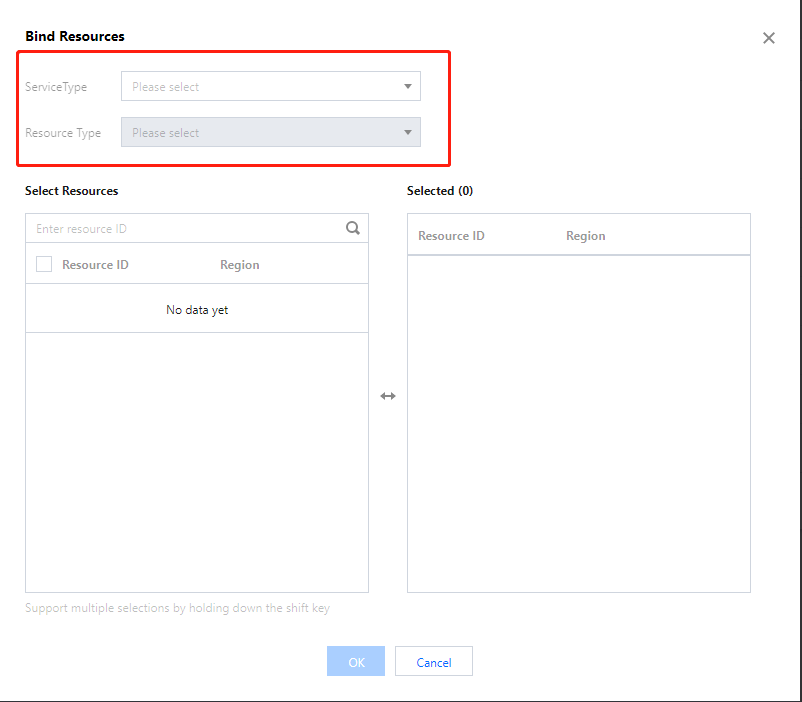
5. Click OK to tag the resources.
Related Operations
Bantuan dan Dukungan
Apakah halaman ini membantu?
Anda juga dapat Menghubungi Penjualan atau Mengirimkan Tiket untuk meminta bantuan.
masukan