The Web SDK is implemented in pure JavaScript and supports running in environments such as Vue, React, uni-app, PHP, and JSP.
Can the SDK interface display other information?
No.
Can call toolbar button in the SDK be hidden?
Yes
What is UserID when SDK is initialized?
UserId refers to the account in Cloud Contact Center, usually in the format of an email address. It can be created from the console or the management background.
How do I switch accounts with the SDK?
By reinitializing the SDK with a different UserId, the accounts can be automatically switched.
Why does the SDK need to use HTTPS in the deployment page?
Due to browser restrictions, microphone access can only be obtained under HTTPS.
How do I specify the display number when making an outbound call?
It is not supported on the interface. You can specify the display number when calling the outbound API of the SDK.
Token renewed? What if it expires?
After SDK initialization, Token no need to be renewed. Please make sure the Token is valid while initializing the SDK.
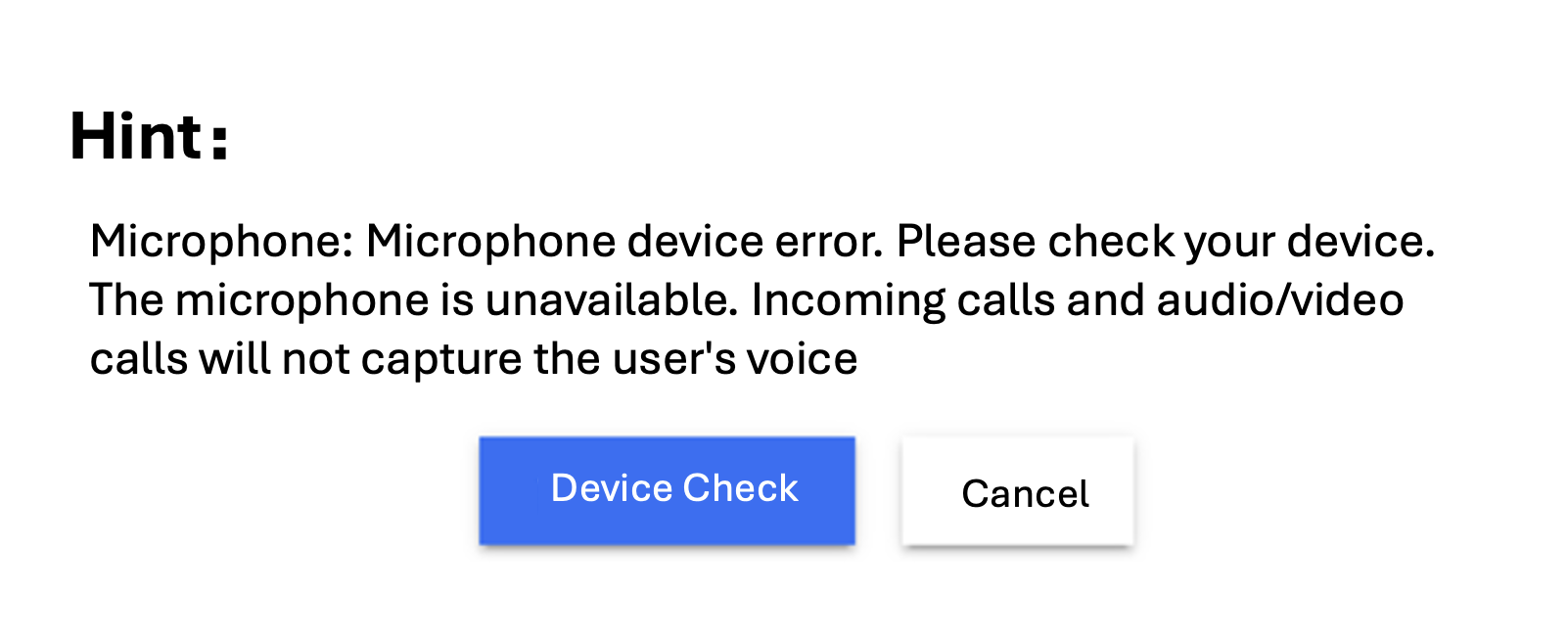
Why is a device error is prompted after login?
1. Check whether the website URL is HTTPS.
2. Check whether the microphone access is allowed.
4. Developers can make a custom prompt according to the API provided by the SDK, isBrowserSupported and isEnvSupported.
Why inbound call not ringing?
If the SDK page is minimized or switched during an inbound, browser's restrictions may cause the ringtone to be muted. It is recommended to enable browser notifications or use the `SDK callIn` event to implement a strong alert on the business side.
Why outbound call failed?
After the SDK initialization is complete, wait for the ready event before making an outbound call. In addition, ensure that there are numbers that can make outbound calls in the list of instances.
Why call disconnected unexpectedly?
Check the closeBy field of the SDK's sessionEnded event to determine who hung up.