tencent cloud

Tencent Cloud Agent Development Platform

Release Notes and Announcements
Release Notes
Product Announcement
Product Introduction
Product Overview
Advantages
Use Cases
Model Introduction
Purchase Guide
Package Subscription
Previous Version
Getting Started
Agent Application and Its Three Modes
Creating a "Content Summary Assistant" in Standard Mode
Creating a “Webpage Scraping Assistant” in Single Workflow Mode
Creating a “Stand-up Comedy Content Creation Assistant” in Multi-Agent Mode
Operation Guide
Application Development
Workflow
Multi-Agent
Knowledge Base
Widget
Plugin Marketplace
Model List 
Prompt Templates
Application Templates
Platform Management
Business, Workspace and Permissions
API Documentation
History
API Category
Making API Requests
Atomic Capability APIs
Operation Optimization APIs
Document Library APIs
Q&A Database APIs
Knowledge Tag APIs
Application Management APIs
Enterprise Management APIs
Billing APIs
Release Management APIs
Dialogue Endpoint APIs
Data Statistics APIs
Data Types
Error Codes
Application API Documentation
Dialogue API Overview
Dialog API Documentation (WebSocket)
Dialog API Documentation (HTTP SSE)
Image Chat or File Chat (Real-time Document Parsing + Chat)
Offline Document Upload
Tencent Cloud Agent Development Platform Operation COS Guide
ADP Document Parsing Protocol
FAQs
Product FAQs
Technical FAQs
Related Agreements
Tencent Cloud Agent Development Platform Service Level Agreement
Tencent Cloud Agent Development Platform Service Specific Terms
Tencent Cloud Agent Development Platform Privacy Policy
Tencent Cloud Agent Development Platform Data Processing and Security Agreement
Open-Source License Statement
Lighthouse OpenClaw Connector Plugin Service Agreement
Contact Us
Glossary

Publish the Application to WeCom App

PDF
フォーカスモード
フォントサイズ
最終更新日: 2025-09-15 14:42:53

Overall Overview

This documentation introduces how to publish an Intelligent Agent-based app developed on the platform to WeCom.

Operation Guide

Creating a WeCom App

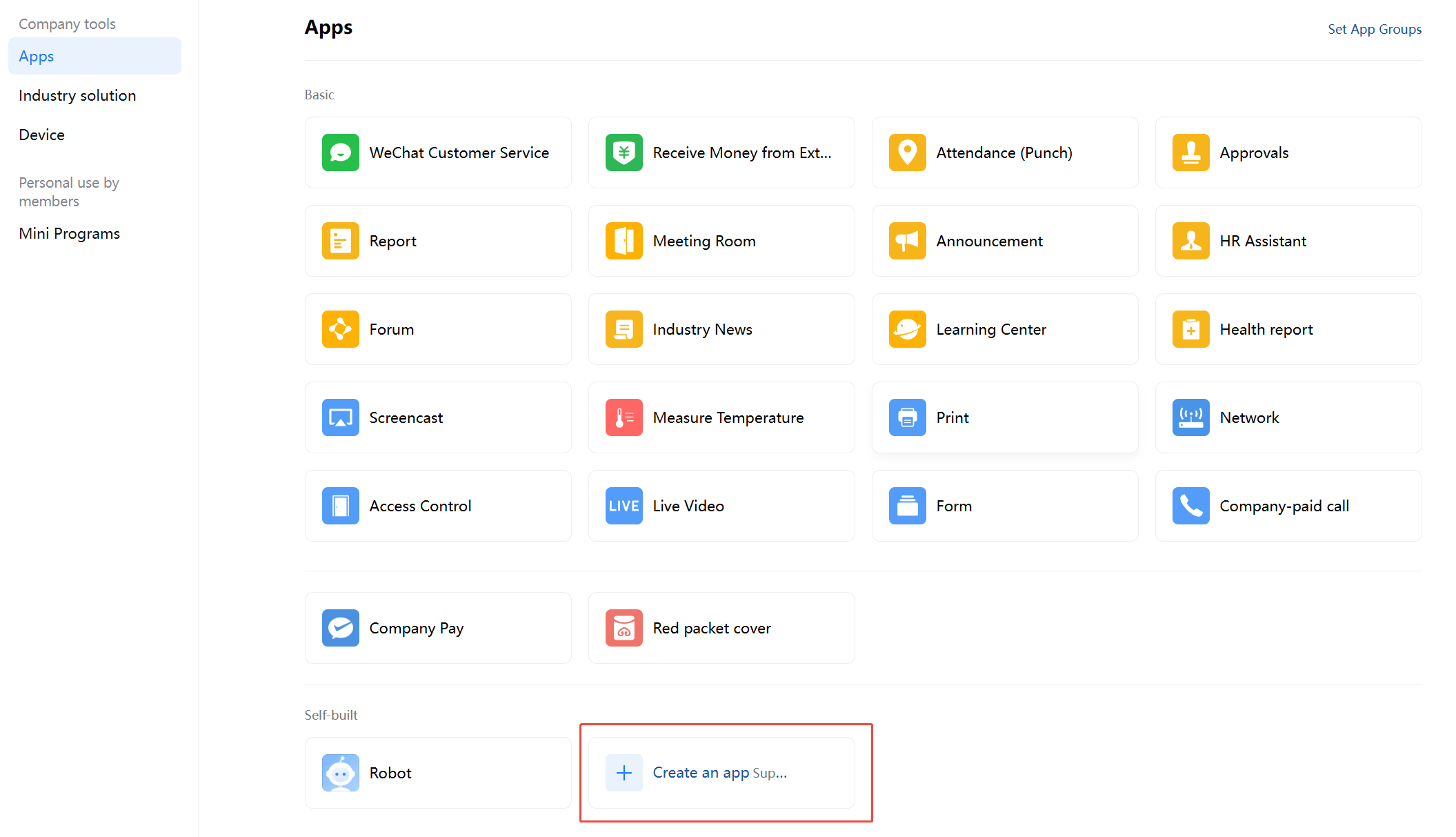
1. Log in to WeCom, enter Application Management > Application, and click to create an application.

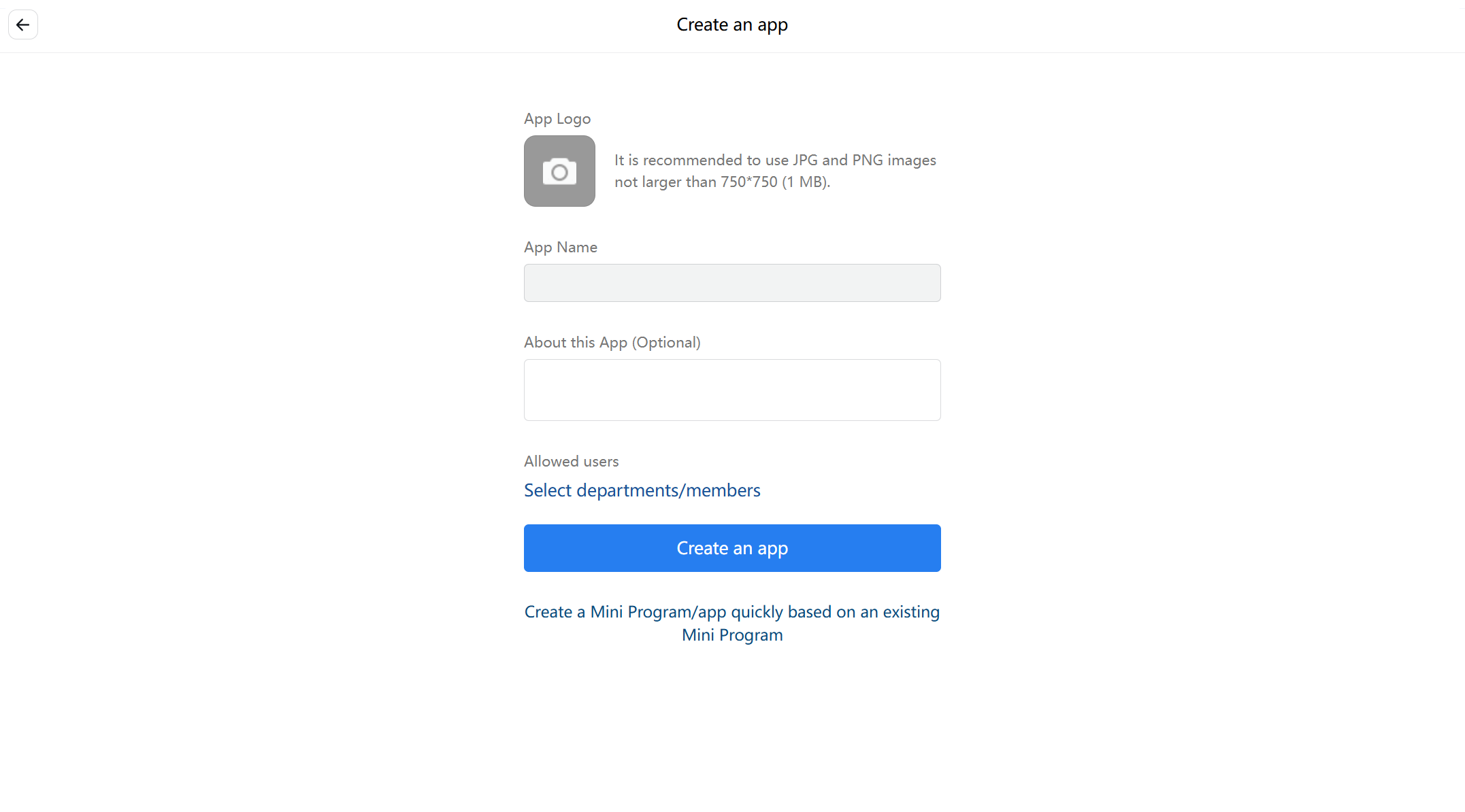
2. Enter the application name and related information.


Setting the WeCom App Home Page

1. Enter Tencent Cloud Agent Development Platform (Tencent Cloud ADP) > Application Release > Service Status > Experience Link.

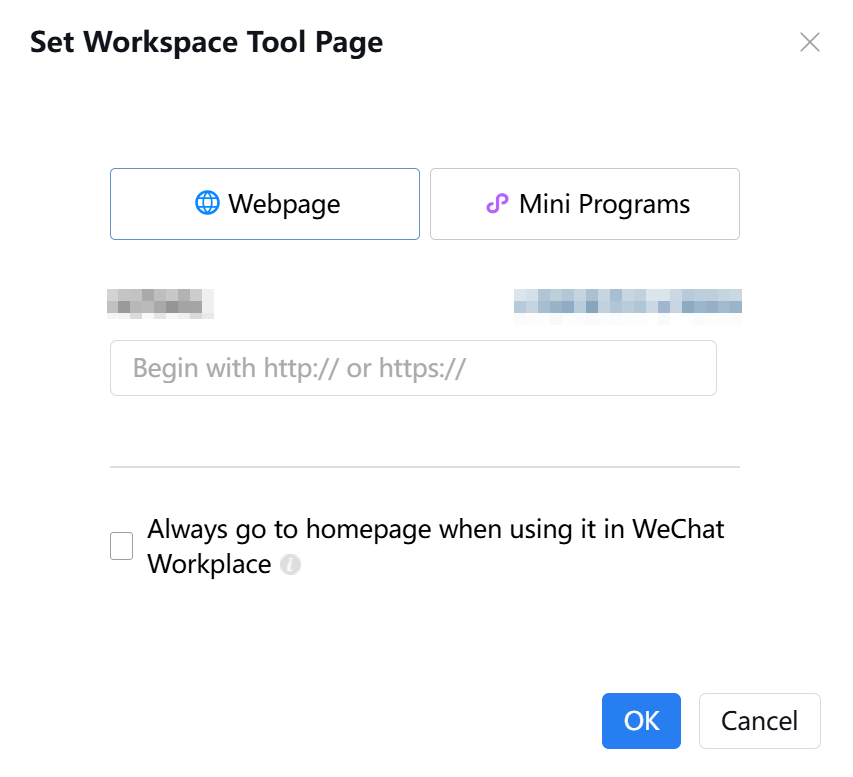
2. Enter WeCom App Details > App Homepage, click on Settings and fill in the URL.

3. Set the WeCom app homepage URL as the Intelligent Agent application experience link.


Entering WeCom Access

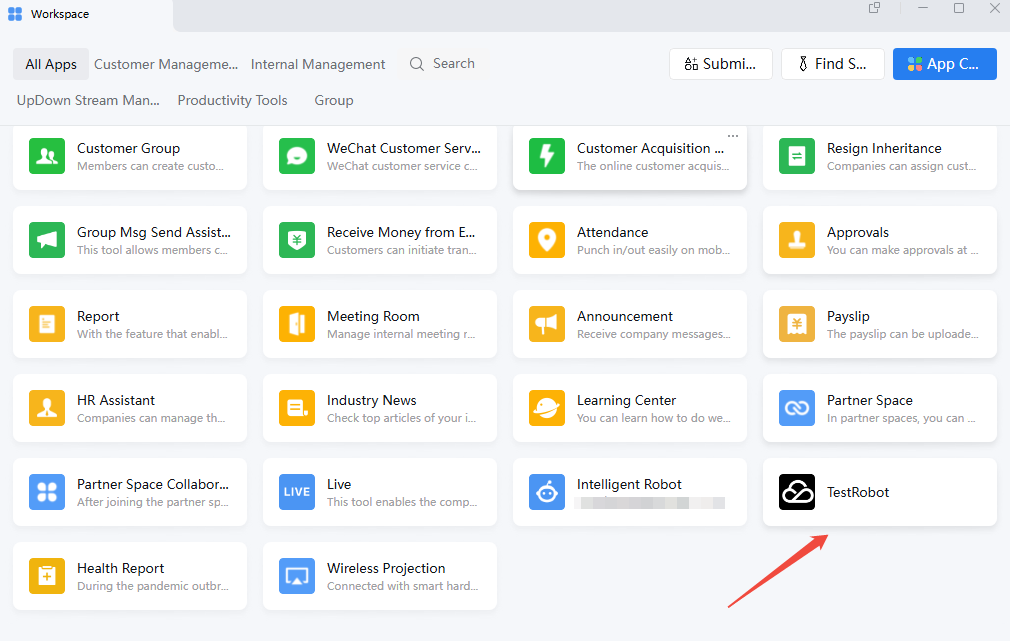
In the WeCom console, click the Tencent Cloud ADP application to start a dialogue.


ヘルプとサポート

この記事はお役に立ちましたか?

フィードバック