Feature Overview
Support importing created Widget configuration files, compatible with .widget files exported by OpenAI Widget Builder. The imported Widget can be used directly or modified on this basis.
Applicable Scenarios
Existing Widget files can be used directly for quick reuse.
The same Widget needs to be used in different environments or applications.
Perform Widget sharing.
Steps
The directions are as follows:
1. Create a Widget
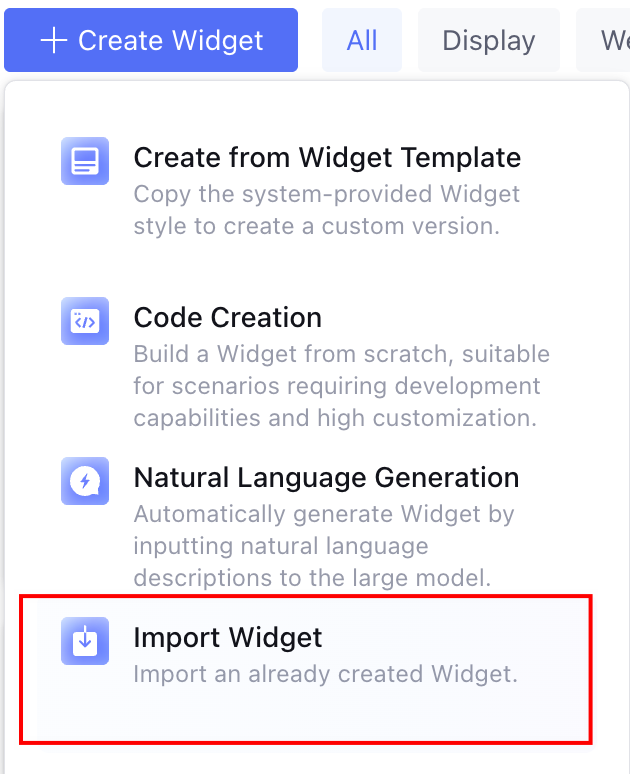
On the Widget development page, click Create a Widget and select Import Widget.
2. Upload a File
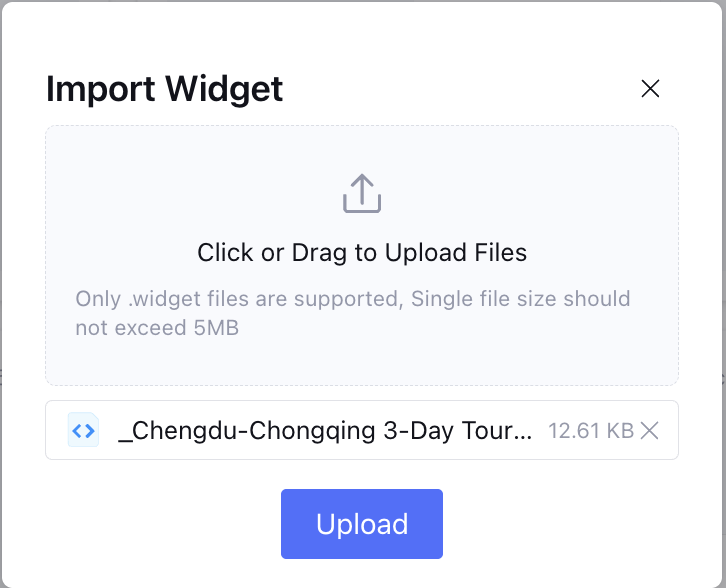
Select and upload the .widget file, click Confirm. After successful upload, enter the Widget editing page.
3. Edit and Save a Widget
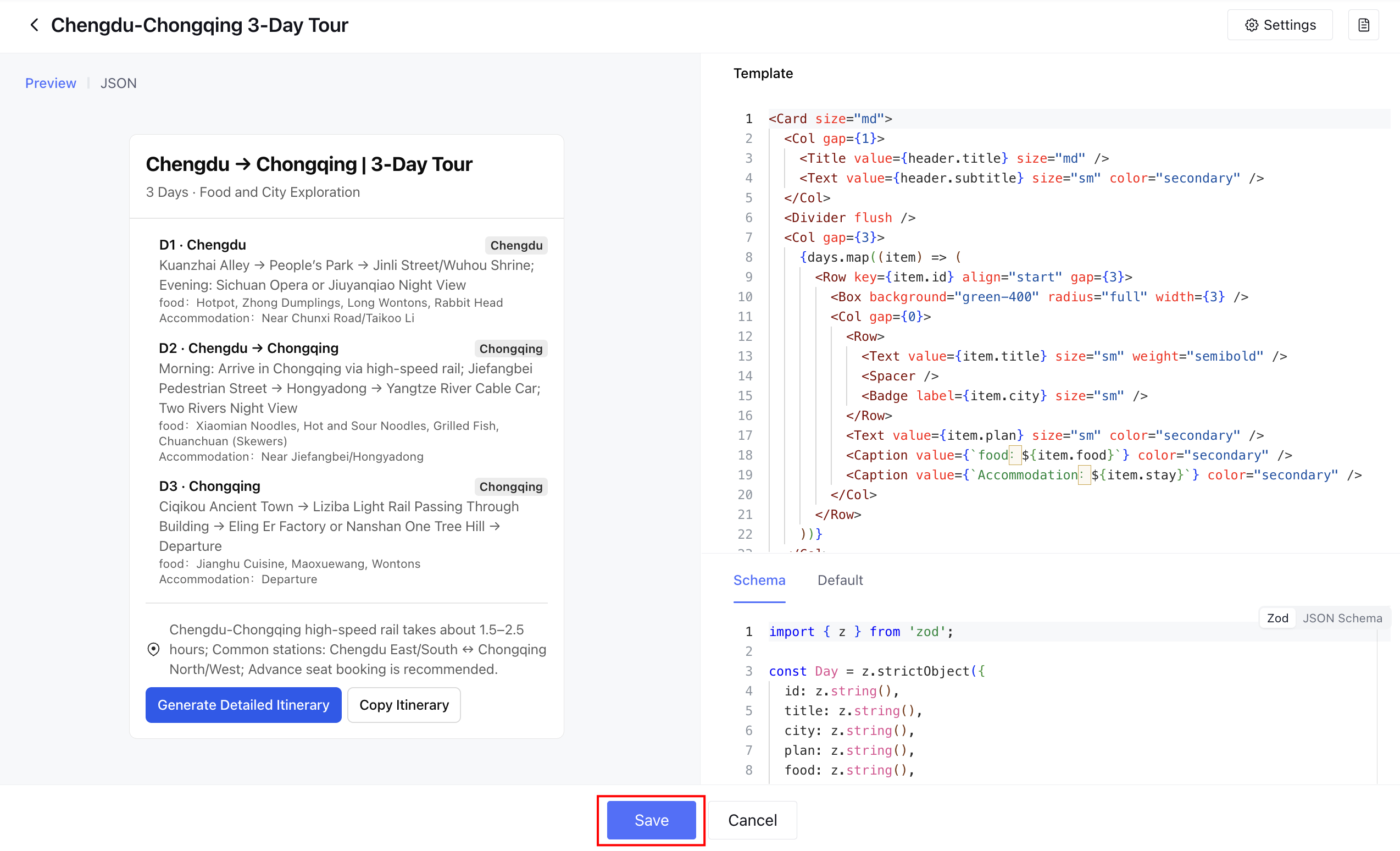
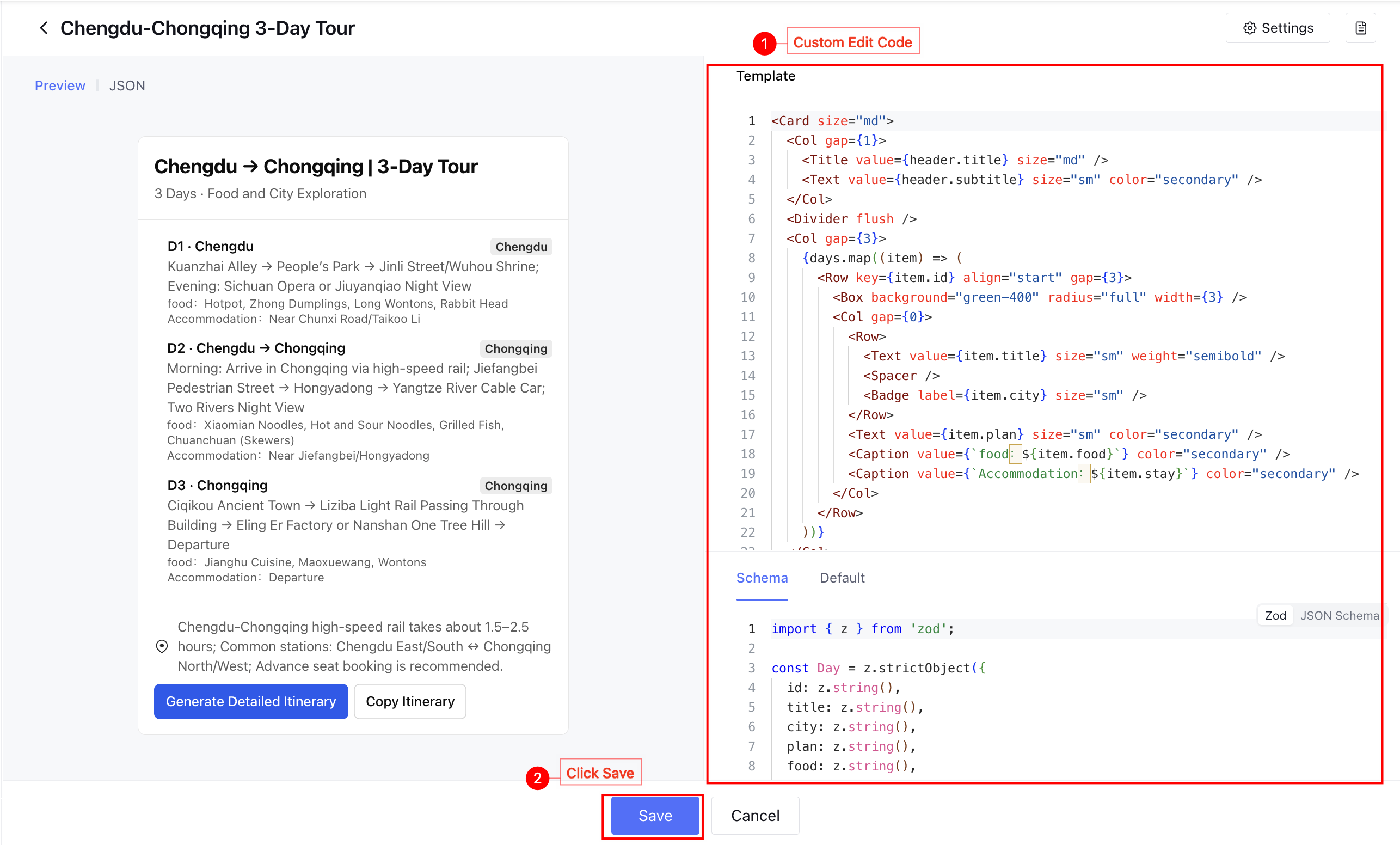
On the Widget editing page, at this point you can:
Click confirm to save the Widget file directly.
Customize Template, Schema, and Default before saving the Widget file. For component usage and editing methods, see Widget Components.