The video evaluation feature currently supports video quality evaluation and BD-rate evaluation. You can create evaluation tasks on the console video evaluation page, compare video transcoding quality and transcoding template effects, and support the presentation of visualized data results. See Billing Overview for the pricing standards of related features.
Use Case
Transcoding Template Effect Evaluation
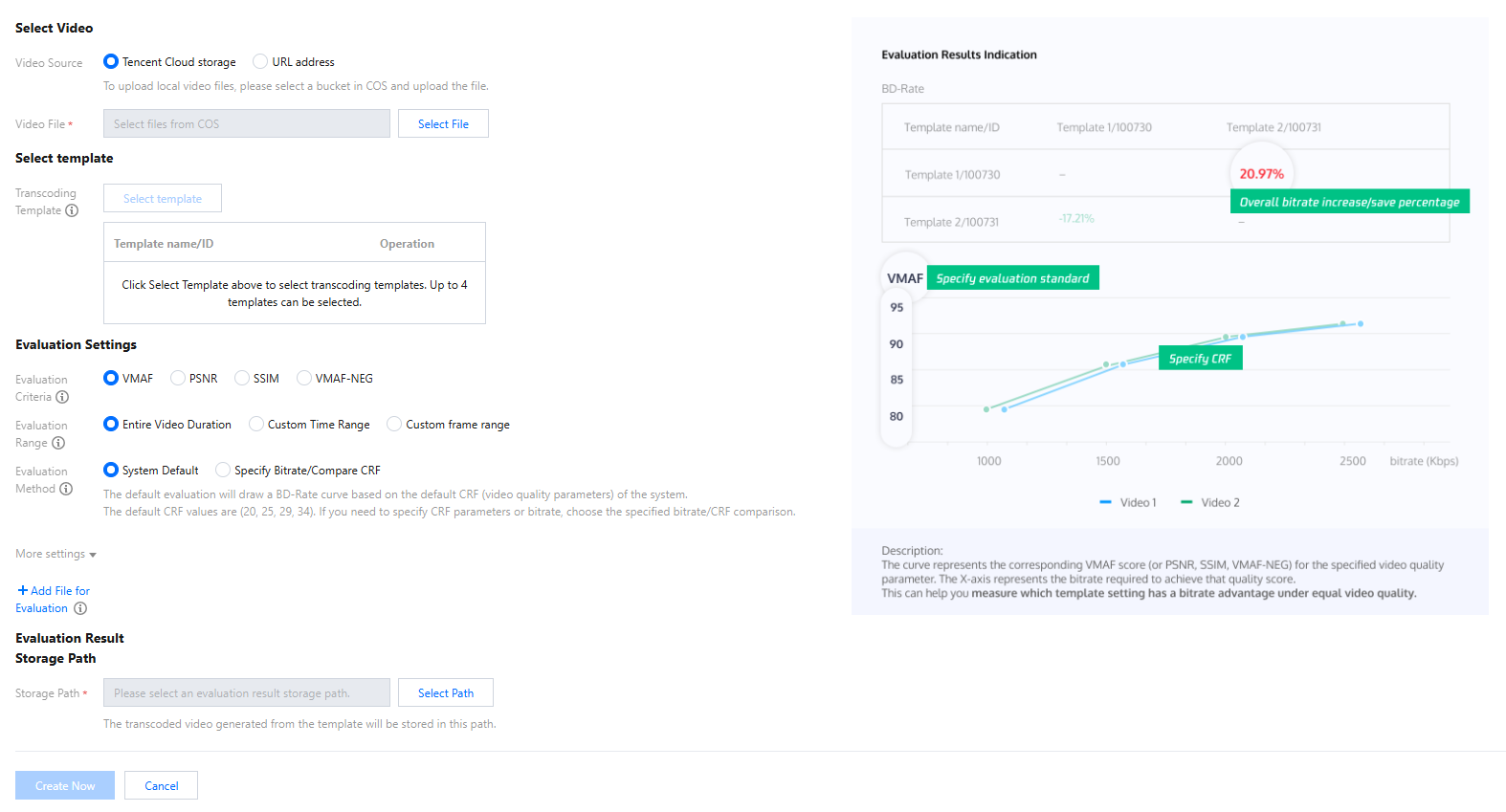
Media Processing Service transcoding templates consist of varying parameters, allowing for the selection of optimal transcoding parameters through BD-rate evaluation. Choose a source video and transcoding templates with different parameters to evaluate the BD-rate of the transcoding templates. Based on at least four transcoding sessions, compare the evaluation data to select the transcoding template that meets your needs. The evaluation results can generate a BD-rate score table and an evaluation score curve chart among different transcoding templates.
Instructions
1. Create an evaluation task
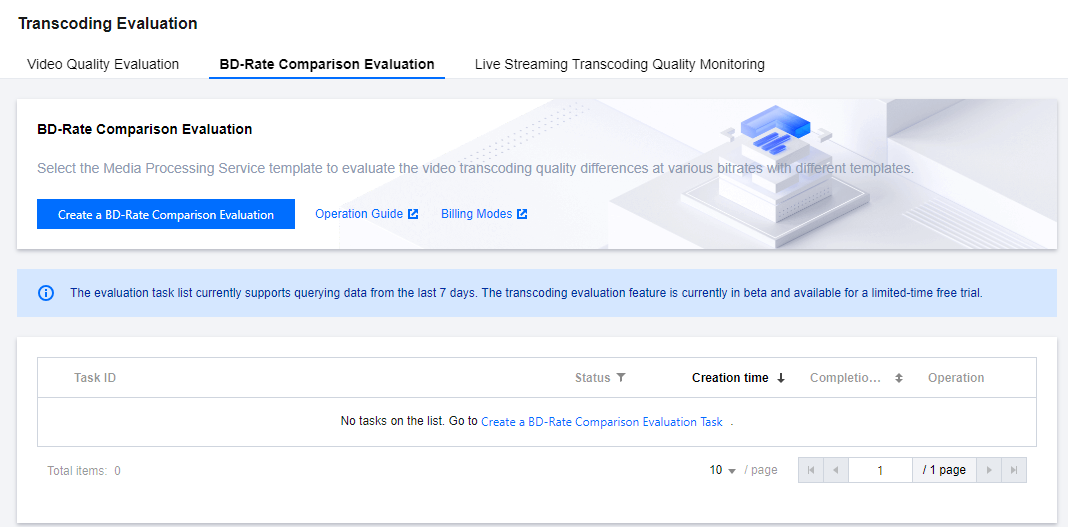
Go to the Media Processing Service console's video evaluation page and click to Create a BD-Rate Comparison Evaluation Task.
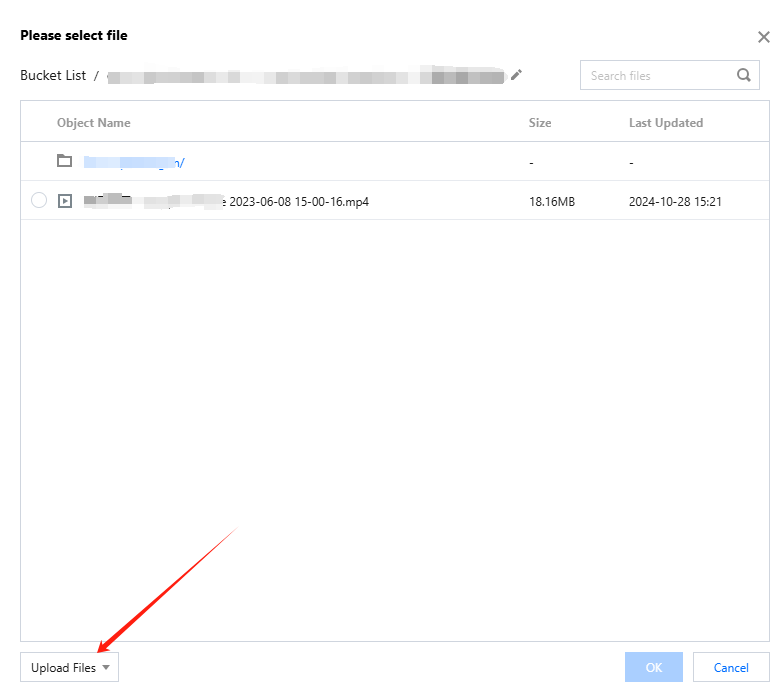
1.1 Select the original video, which will be used as the source video in the evaluation. It supports selecting video files from COS Storage and accessing videos via URL. If using a local video file, please upload it to COS and then select it through the COS method.
Note:
Uploading local files to COS Storage will incur related storage costs.
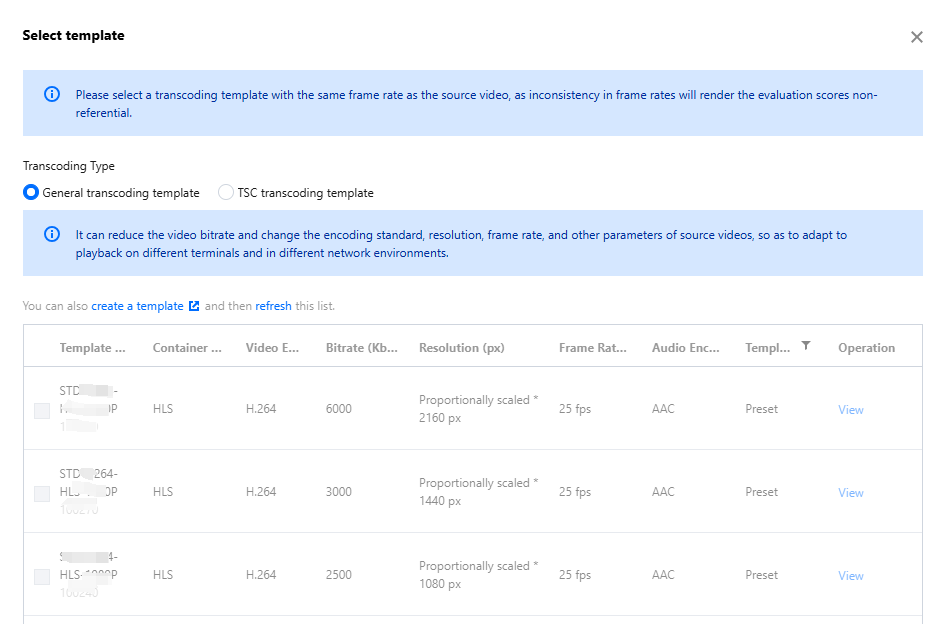
1.2 Select transcoding templates. Each chosen template will perform a single transcoding on the source video, and the results of the transcoding will be evaluated. Each BD-rate evaluation allows the selection of 2 to 4 transcoding templates.
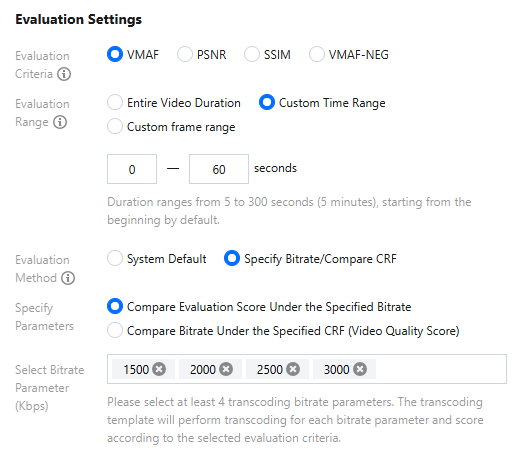
1.3 Select the evaluation criteria. You can choose one of the evaluation methods: PSNR, SSIM, VMAF, or VMAF-NEG.
1.4 Select evaluation parameters. The default evaluation parameters use video quality parameters (CRF = 18, 24, 29, 34), but you can also choose custom parameters bitrate or video quality parameters.
In a Custom Definition parameters scenario, you need to choose 4-8 parameters. During billing, each evaluation parameter's transcoding result will be calculated separately for evaluation frame count.
Example: With an original video of 1,000 frames, selecting 2 transcoding templates, using PSNR as the evaluation standard, and simultaneously choosing 5 bitrate Custom Definition parameters, the cost generated by the evaluation task is:
(1,000 frames x 2 templates) * 0.105 USD / 1000 frames * 1 type of evaluation method * 5 evaluation parameters = 1.05 USD
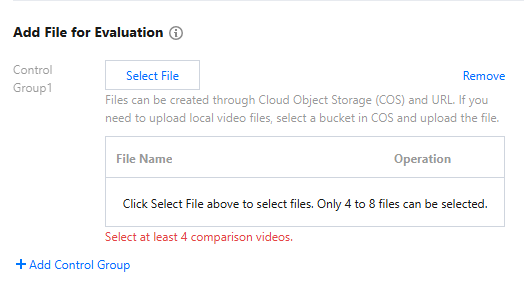
1.5 In the evaluation process, it also supports adding files for evaluation. You can create a control group and put 4 to 8 videos generated from the same transcoding template into a control group. Each evaluation task supports no more than 4 control groups.
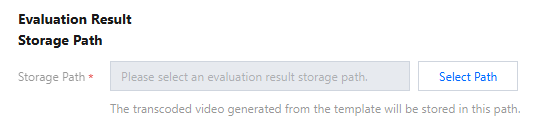
1.6 Choose the storage location for results. Each transcoding result video will be saved in this path, and these videos will not be deleted with the deletion of the evaluation task, please remember to clean up in time.
2. View the evaluation results
After creating the evaluation task, a task record will be generated on the Video Quality Evaluation Page. Once the evaluation task is successfully executed, you can click peek at the Evaluation Result Report in the task details.
Note:
The retention period for evaluation tasks is 7 days. Evaluation records exceeding 7 days will be deleted, please Download the evaluation report results in time;
If none of the comparison videos can generate evaluation results, the evaluation report will not be viewed.