Terms Introduction
Download
포커스 모드
폰트 크기
TCCC
Tencent Cloud Contact Center (TCCC) is designed to help enterprises rapidly establish an integrated customer engagement platform that combines voice calls and chat. TCCC SDK supports embedding the communication console into an enterprise's own business systems, providing a robust, stable, and unified communication foundation.
Our Platforms
Cloud Contact Center (TCCC) provides three major platforms: user end, workspace and management panel.
User Side: Offers two integration methods—no code required or low-code development—covering multiple platforms and channels.
User end refers to the platform provided for users to use. It is the carrier of user inquiries, mainly providing two access methods:
1. No development required, ready-to-use web SaaS.
2. A small amount of development, supports integration into platforms such as enterprise websites, mobile applications, and mini programs. Selectable SDK integration with or without UI is available to better satisfy business customization needs.
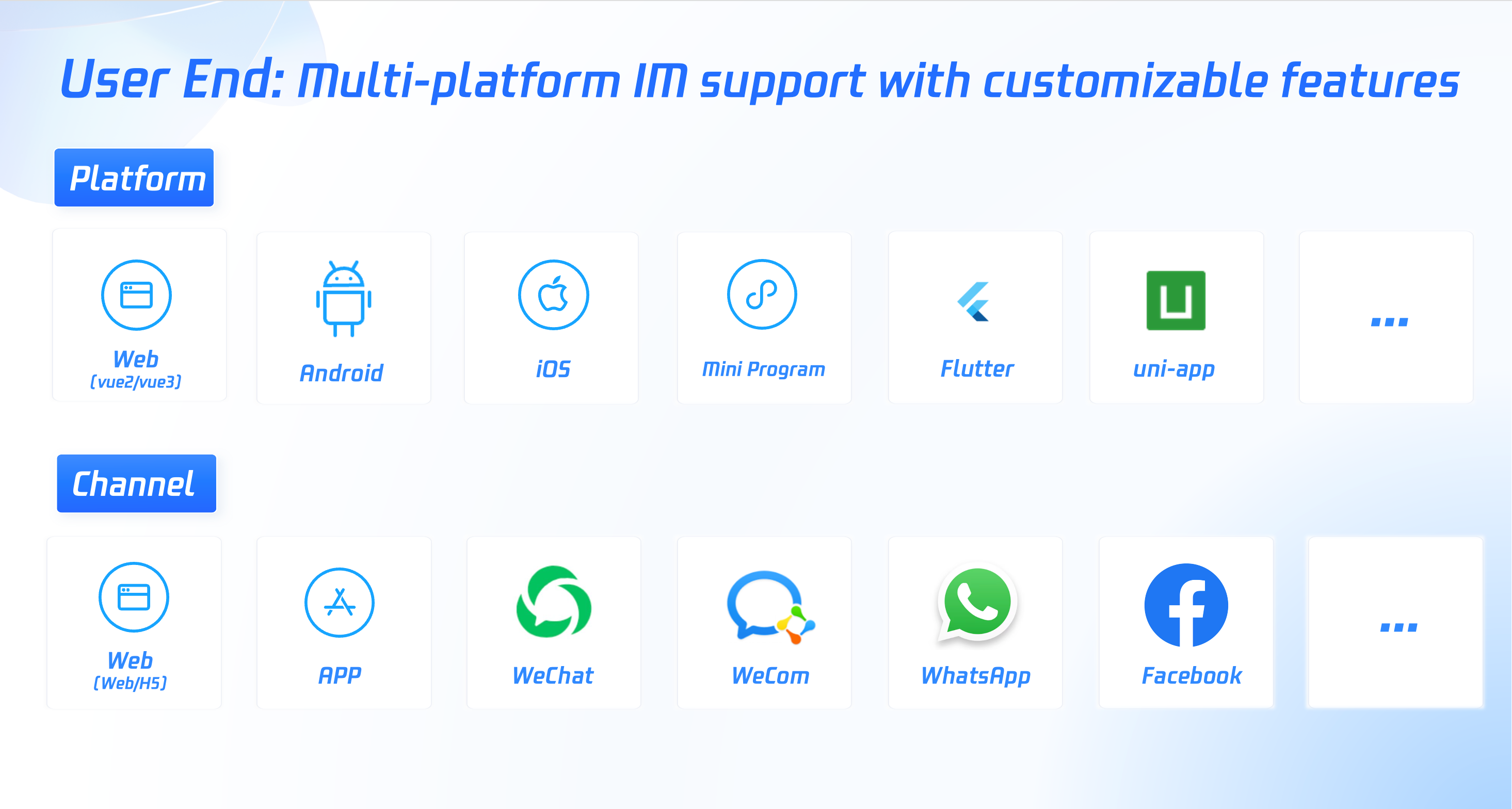
The user end can cover across the platform and multi-channel, including but not limited to:
Supported platforms: Web, Android, iOS, mini program, Flutter, uni-app.
Supported channels: Web/H5, App, WeCom, WeChat official account, WhatsApp, Facebook.
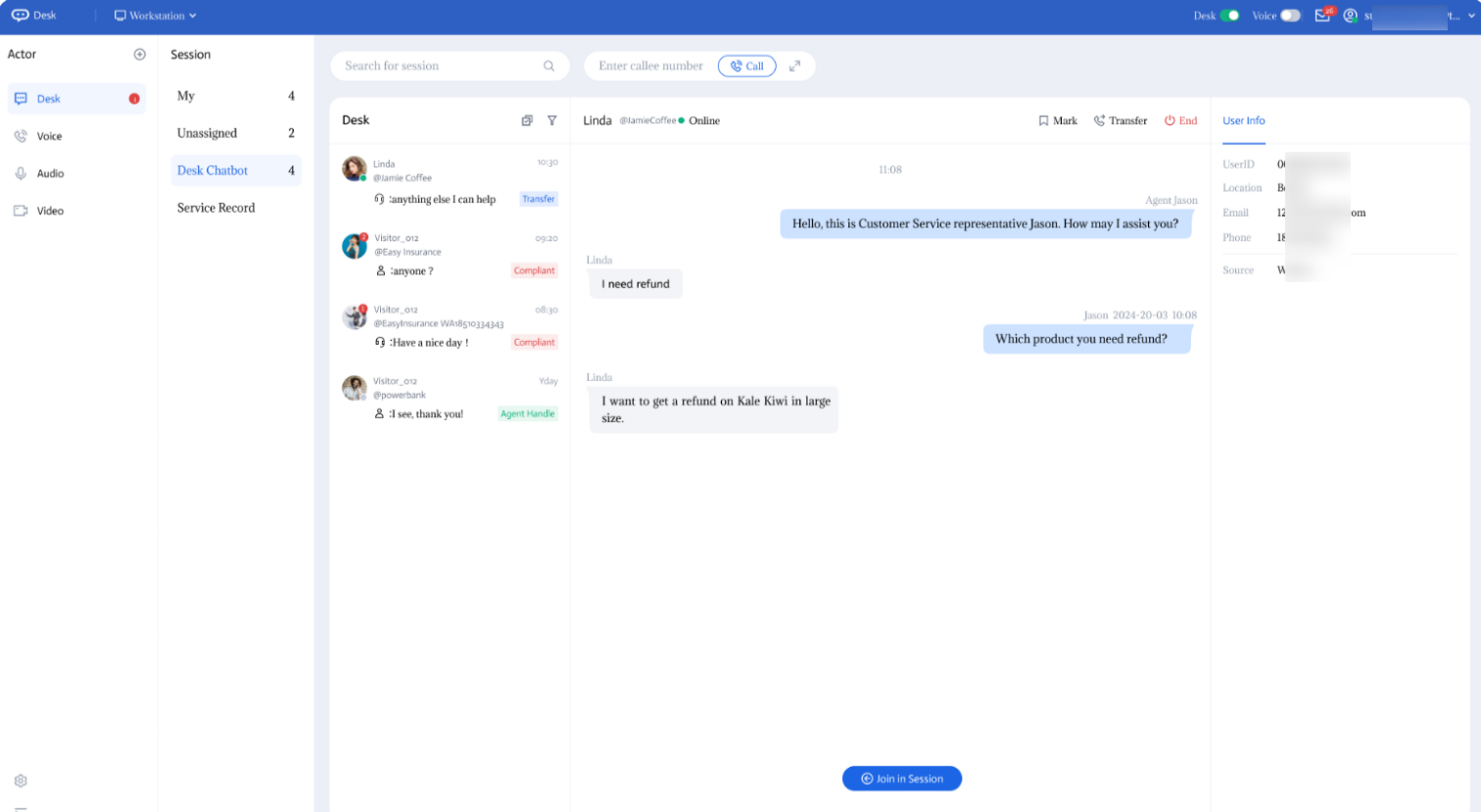
Workspace: Two Access Methods, No Code or SDK Integration. Quickly get on a unified workspace for your agents.
Workstation: A platform for staff to handle inquiries and respond to multi-channel messages, offering two access methods.
1. No Code, ready-to-use web page/mini program workbench.
2. Low Code: our omnichannel workspace can be embeded into your business system via SDK integration.
Workspace:
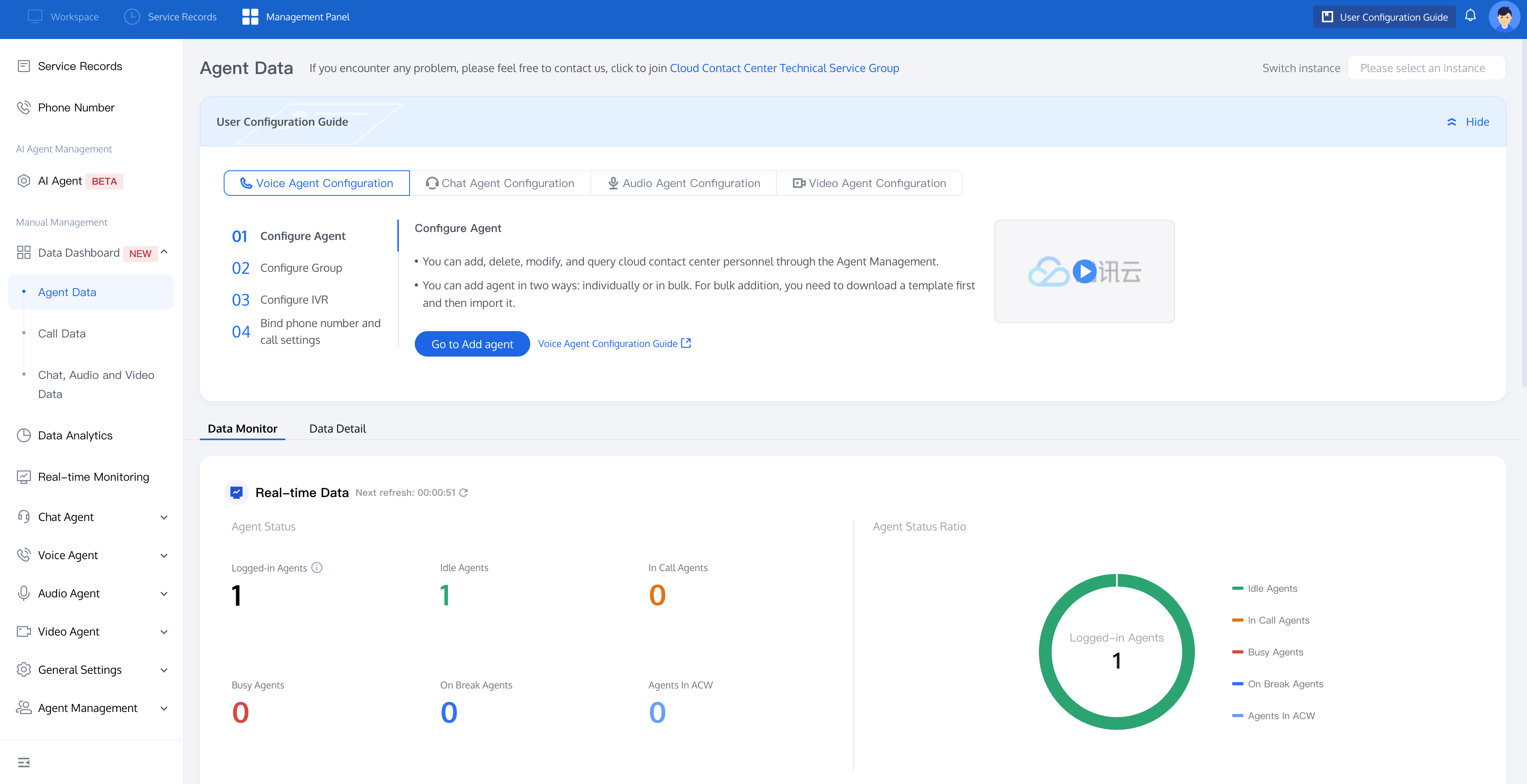
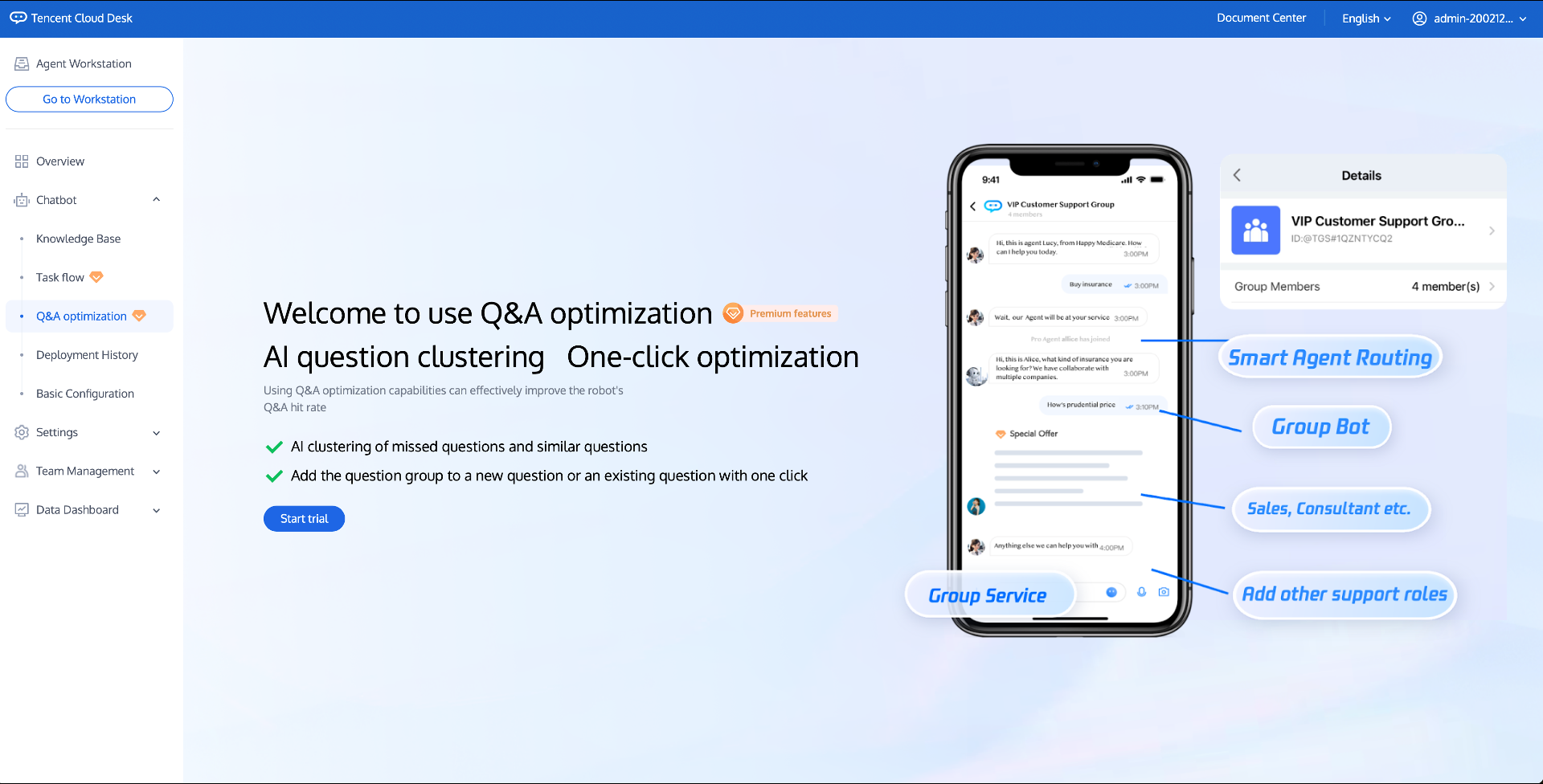
Management Panel: Feature-rich, easy to use, and configurable in 5 minutes without documentation.
Management Panel: A one-stop platform for admins and super admins to configure bots, set up conversation flows, assign routing logic, and manage team members.
Management Panel:
Four Types of Roles
User
User: An external individual using the client-side platform to seek assistance, typically a consumer or potential customer of a service/product.
Staff
Employee: A workspace user responsible for assisting users, typically from customer service inquiry, sales, or reception, engaging directly with users.
Admin
Admin: A management panel user responsible for overseeing personnel and system configuration. They can edit team member details, reset passwords, force logouts, delete accounts, configure bots, set prompts, and monitor in real time.
Super Admin
Super Admin: The default role created when the intelligent customer service account is activated. It cannot be deleted or modified and has all role permissions.
IVR
Interactive Voice Response (IVR) is the voice service process that users enter when they call a company's phone. Through IVR, users can be guided according to their own needs, using keypad navigation to be directed to the appropriate agent. It's like: Welcome to XX Company. For product inquiries, press 1, for business cooperation, press 2.
Session Service Flow
The session service flow is similar to IVR. IVR is applied to telephone reception, and the session service flow is applied to the graphic text session reception process. Through the session service flow, users can be guided to perform keypad navigation according to their needs and be guided to appropriate agent receptions. For example: Hello! What can I do for you? For product consultation, please reply "product". For business cooperation, please reply "business".
Inbound Call Pop - Up
Inbound call pop-up window refers to the embedding of a third-party page directly into the agent's workstation within the Cloud Contact Center. When a user calls in, this page can pop up with business information related to that user. This information is generally derived from the company's customer management CRM systems, ticketing systems, or order systems, etc., and can serve as a reference for the agent.
피드백