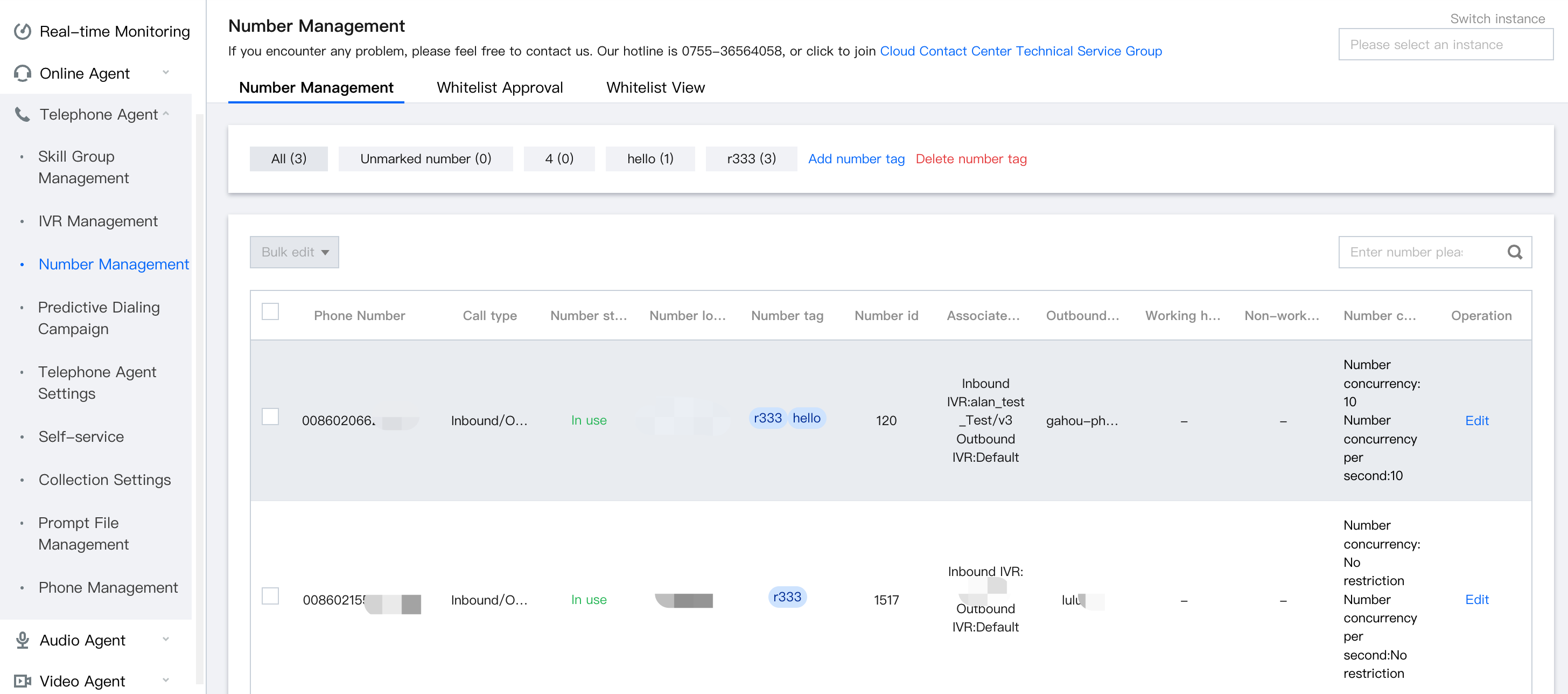
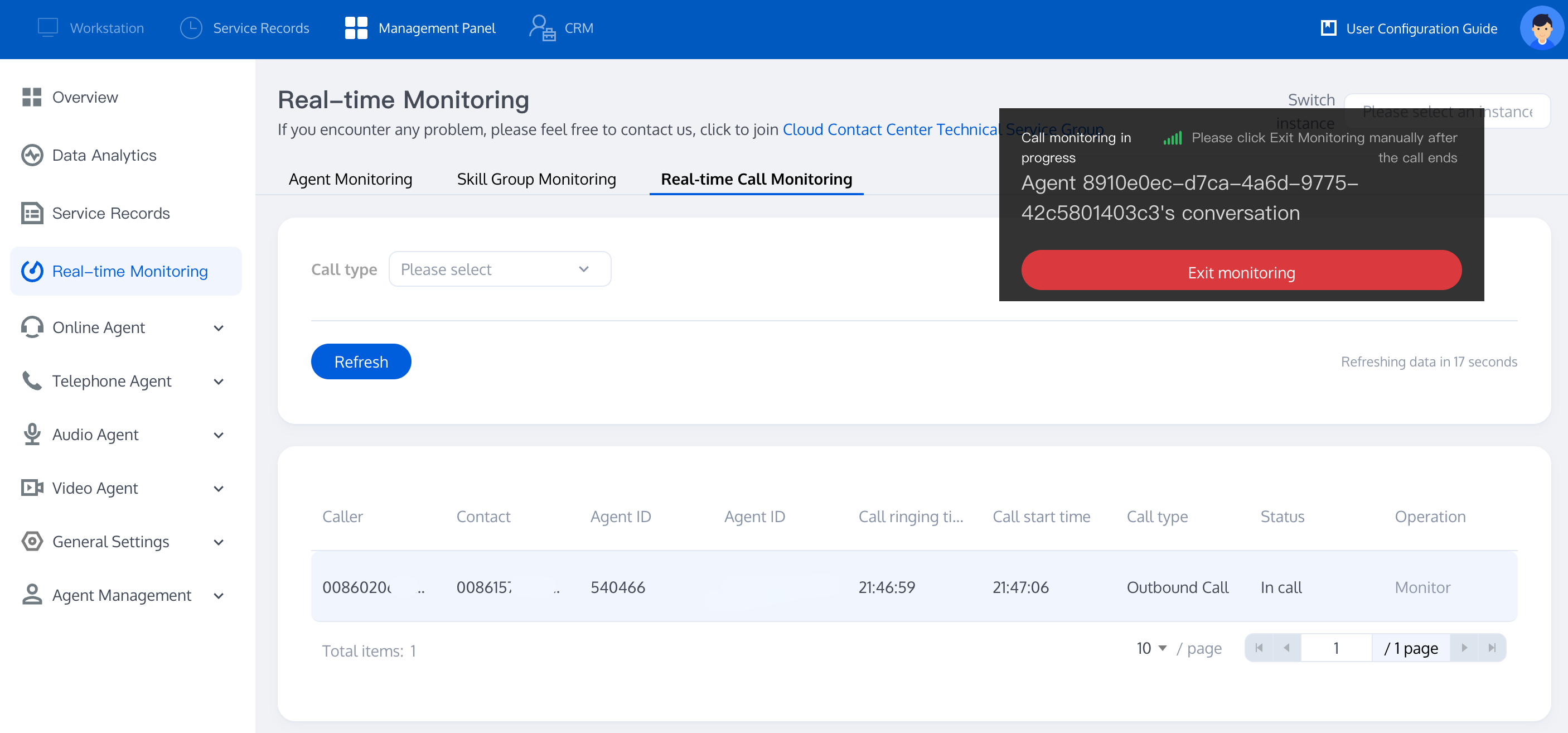
Go to Voice Agent > Number Management, select the number, click Edit (supports add IVR flow, group members, etc.)
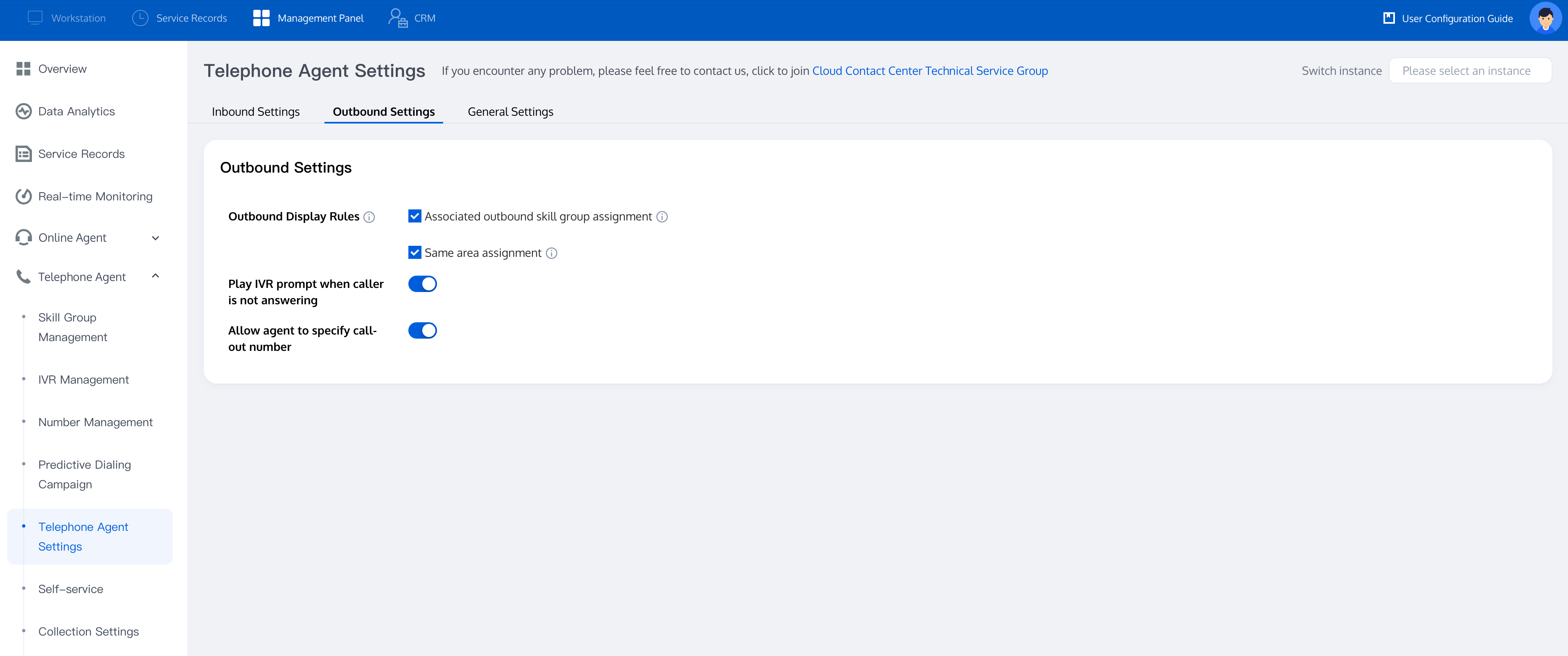
Go to Telephone Agent Settings > Outbound Call Settings to set up your preference
2. Outbound Call Modes
2.1 Manual Dialing
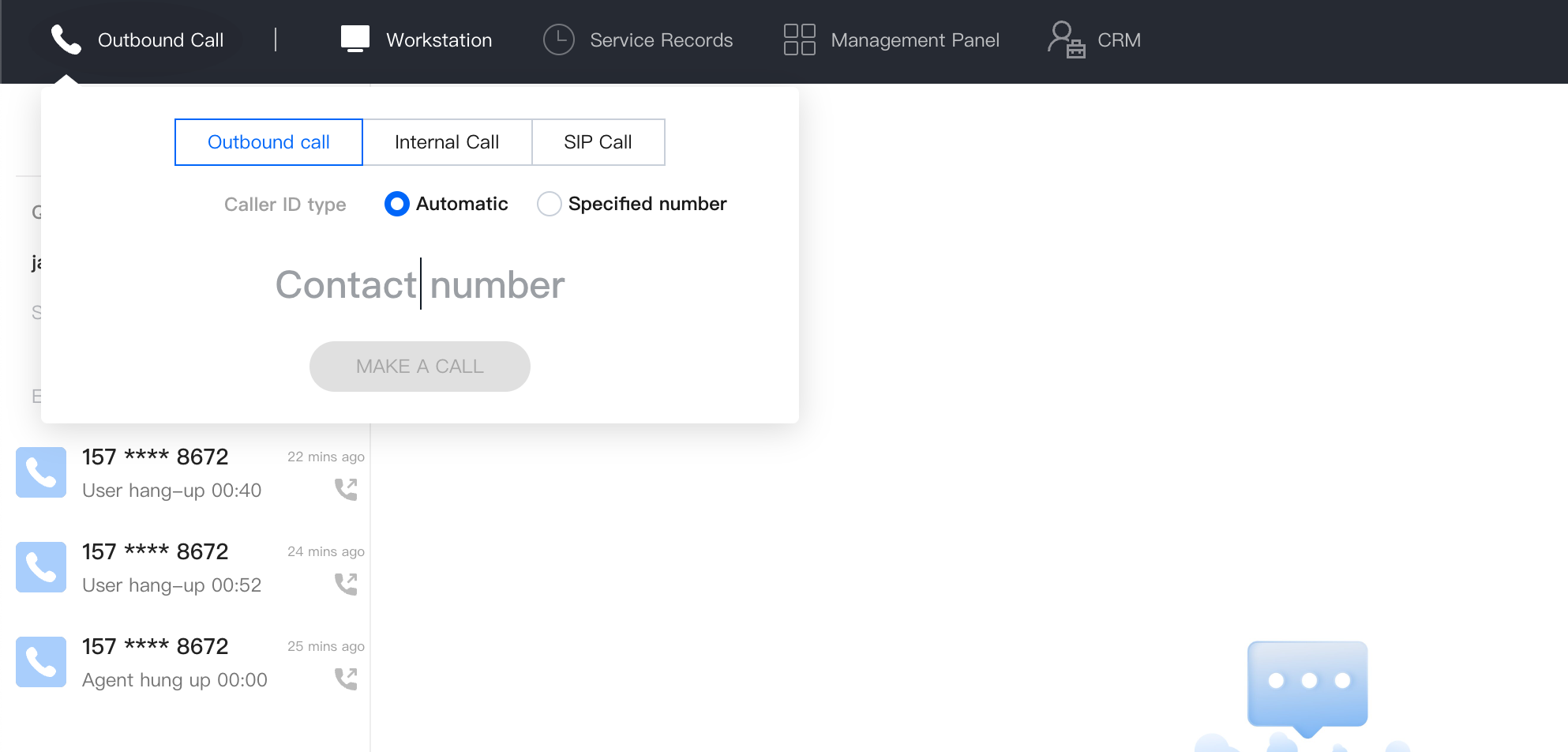
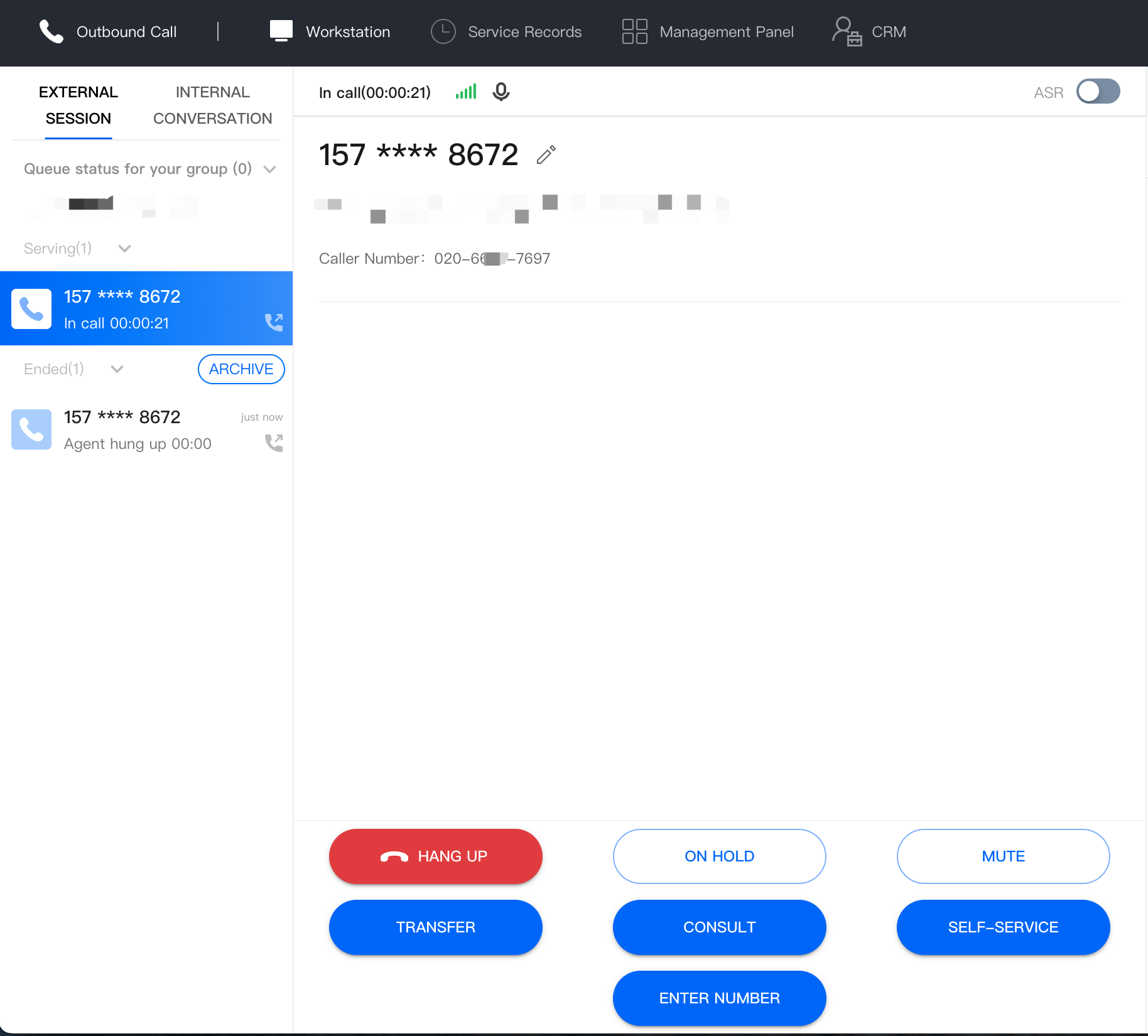
Agents can directly enter numbers dialpad to make calls, support communication across internal member, SIP phones, and external lines.
Pro: Agents to call via dialpad, better customer service
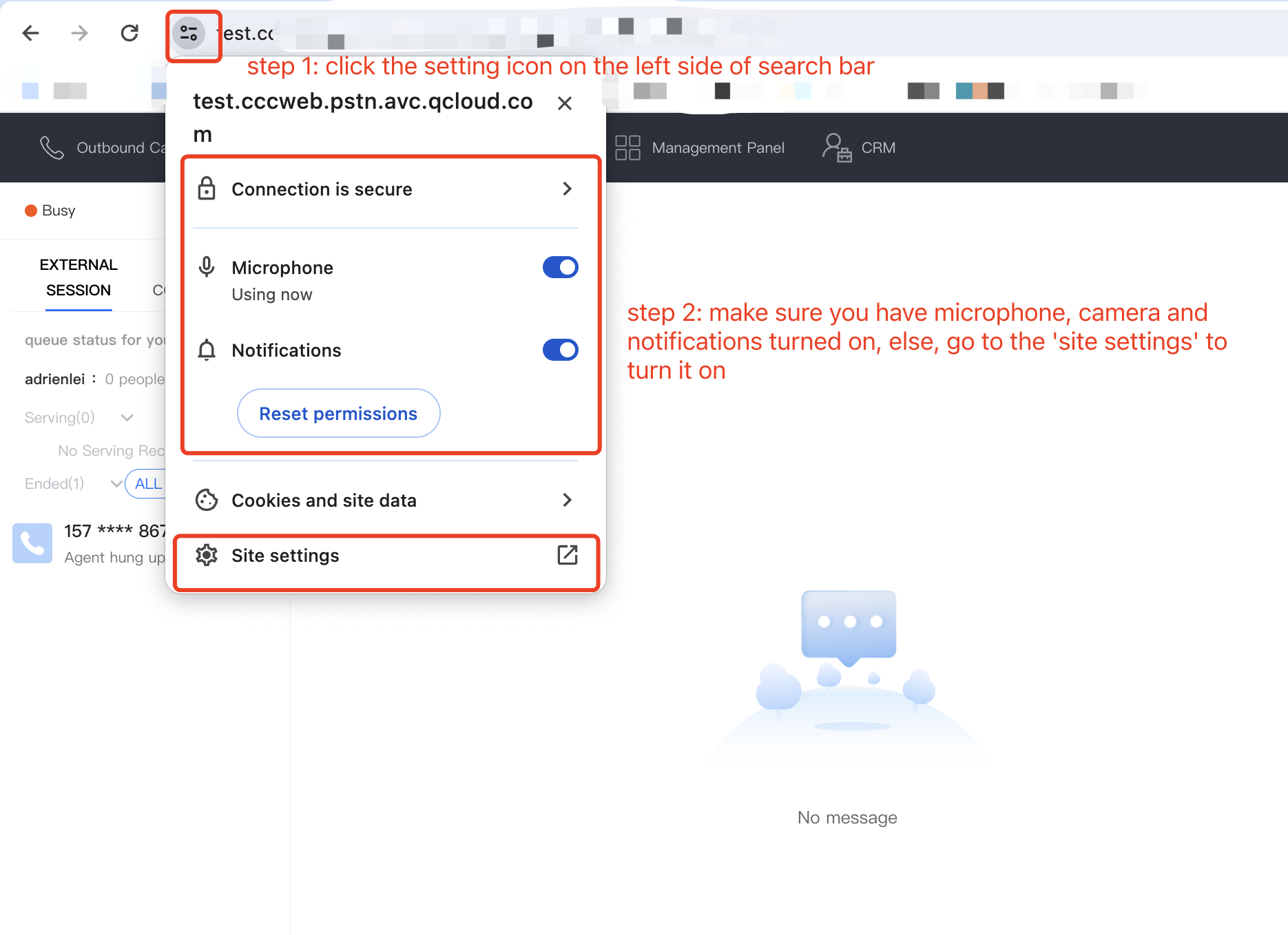
Mic Authorization Check: see whether your Microphone is turned on or not.
2.2 Auto dialing
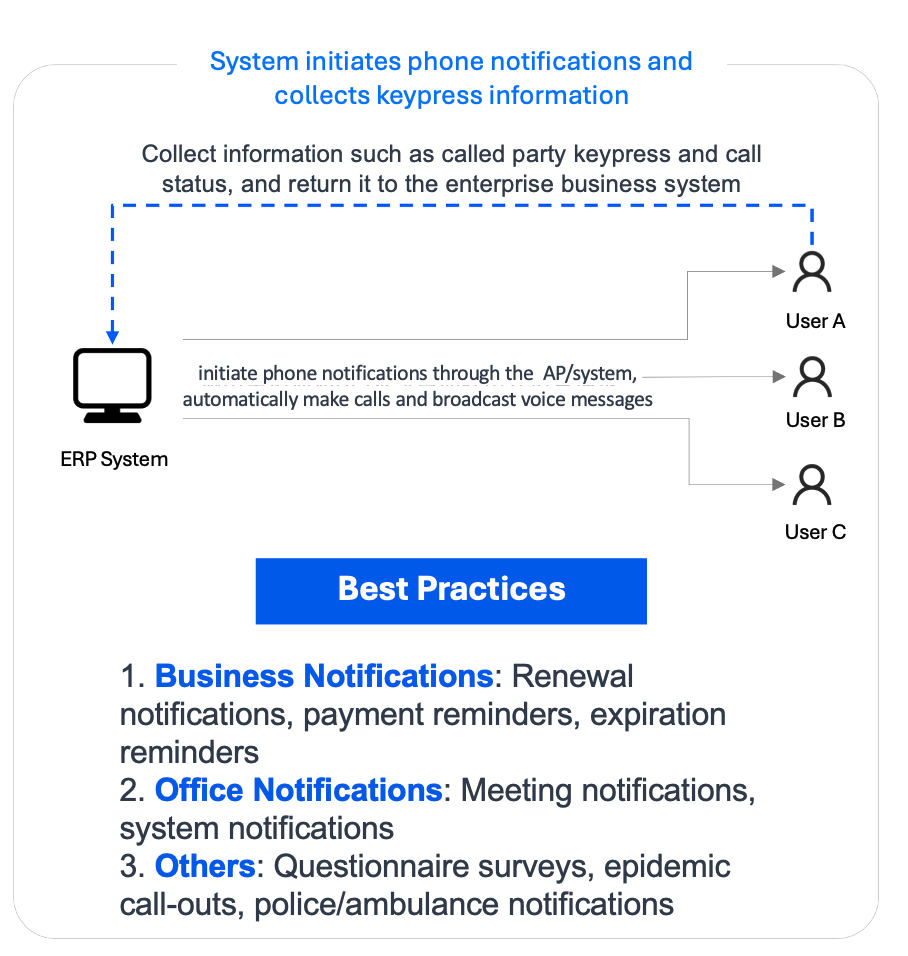
Auto dialing tasks are initiated by the system. When end user answers, system can play prompt, collects DTMF inputs etc.
Pro: No manual intervention required, system initiates batch outbound calls to complete simple voice notifications and input collections, save up manpower.
2.3 Predictive Dialing
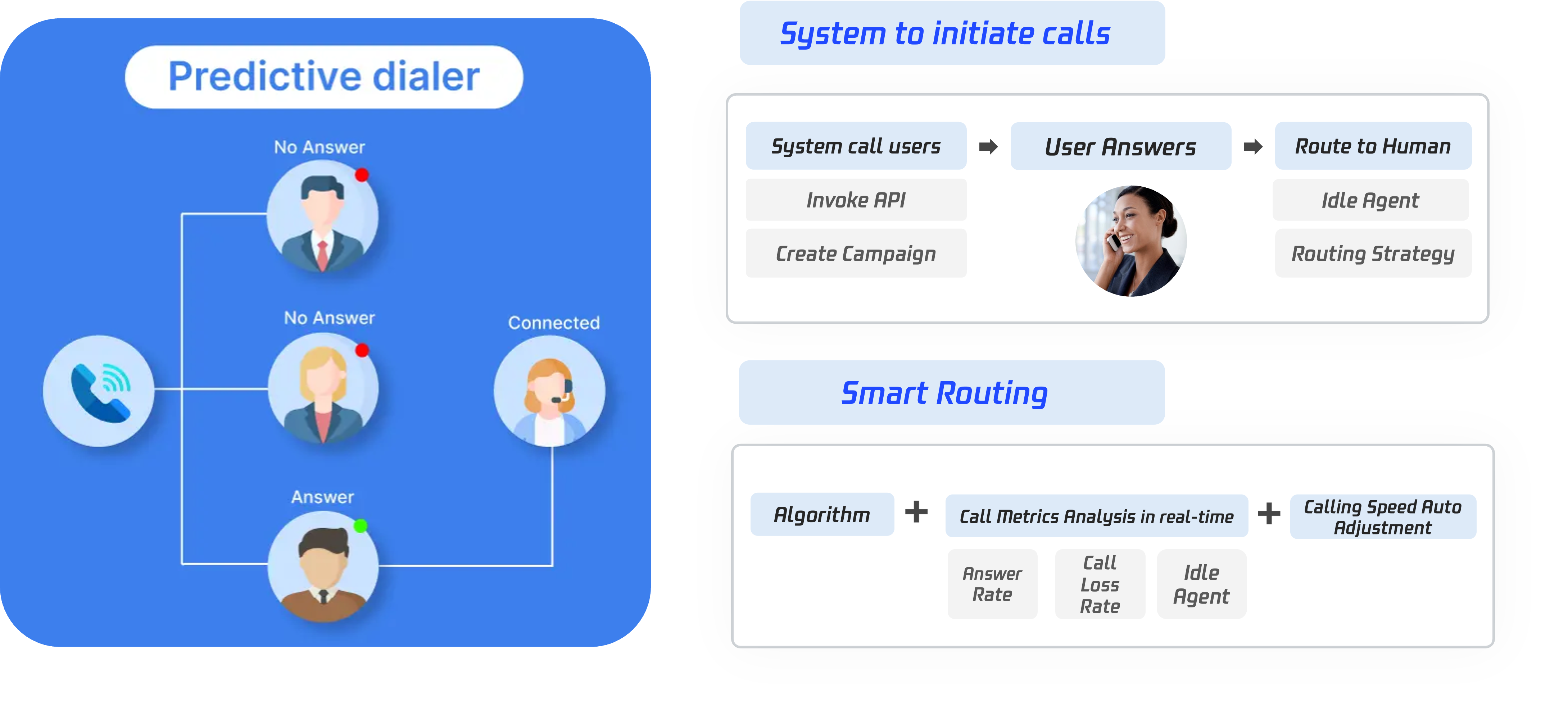
Predictive Dialing Predictive dialing leverages AI to analyze real-time data(e.g., connection rate and agent availability), automatically adjusting call speed to maximize labor efficiency.
Pro: Maximize agent productivity and reduce labor cost , it initiates calls based on agent availability, ensuring seamless connections when customers answer.
2.4 AI outbound call
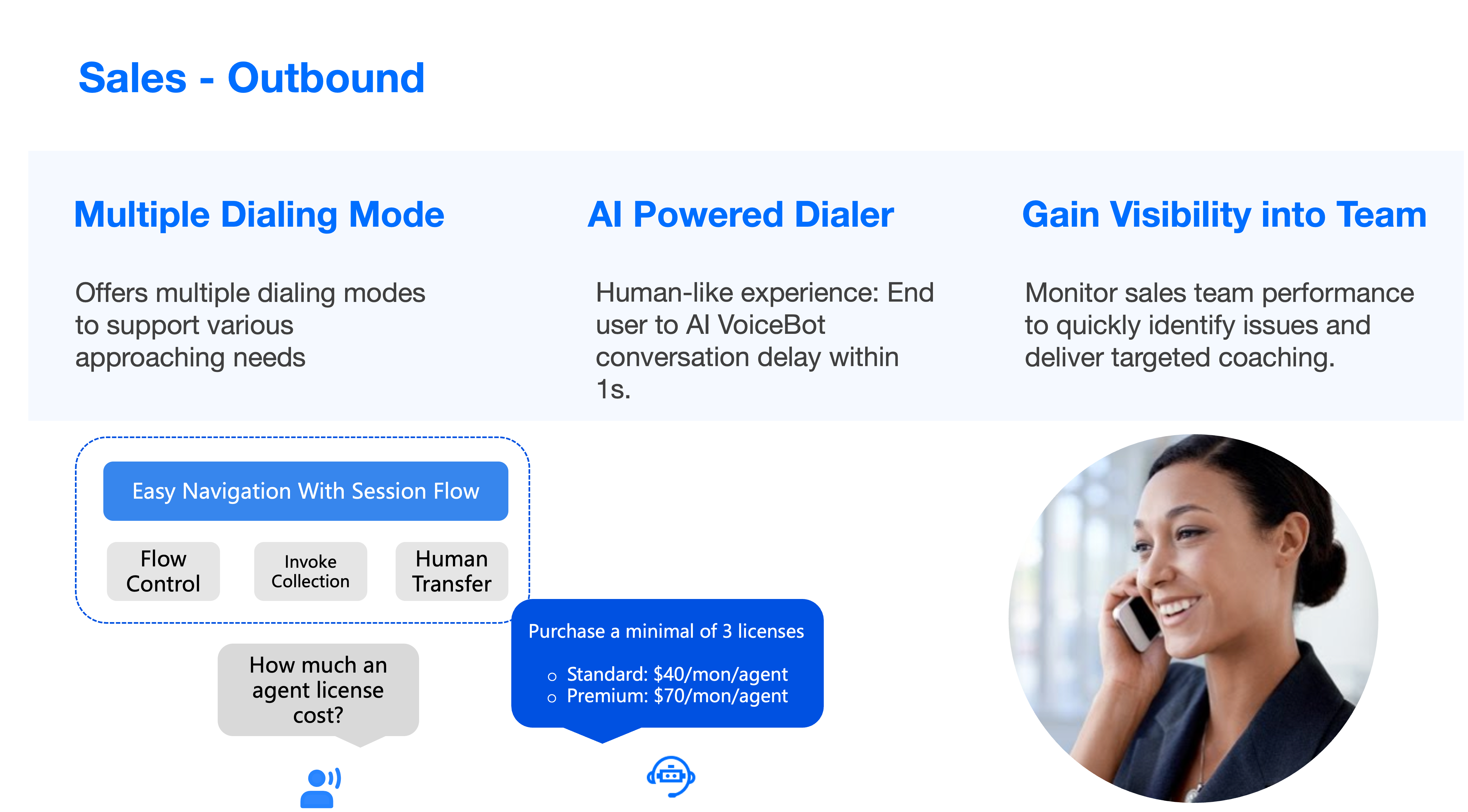
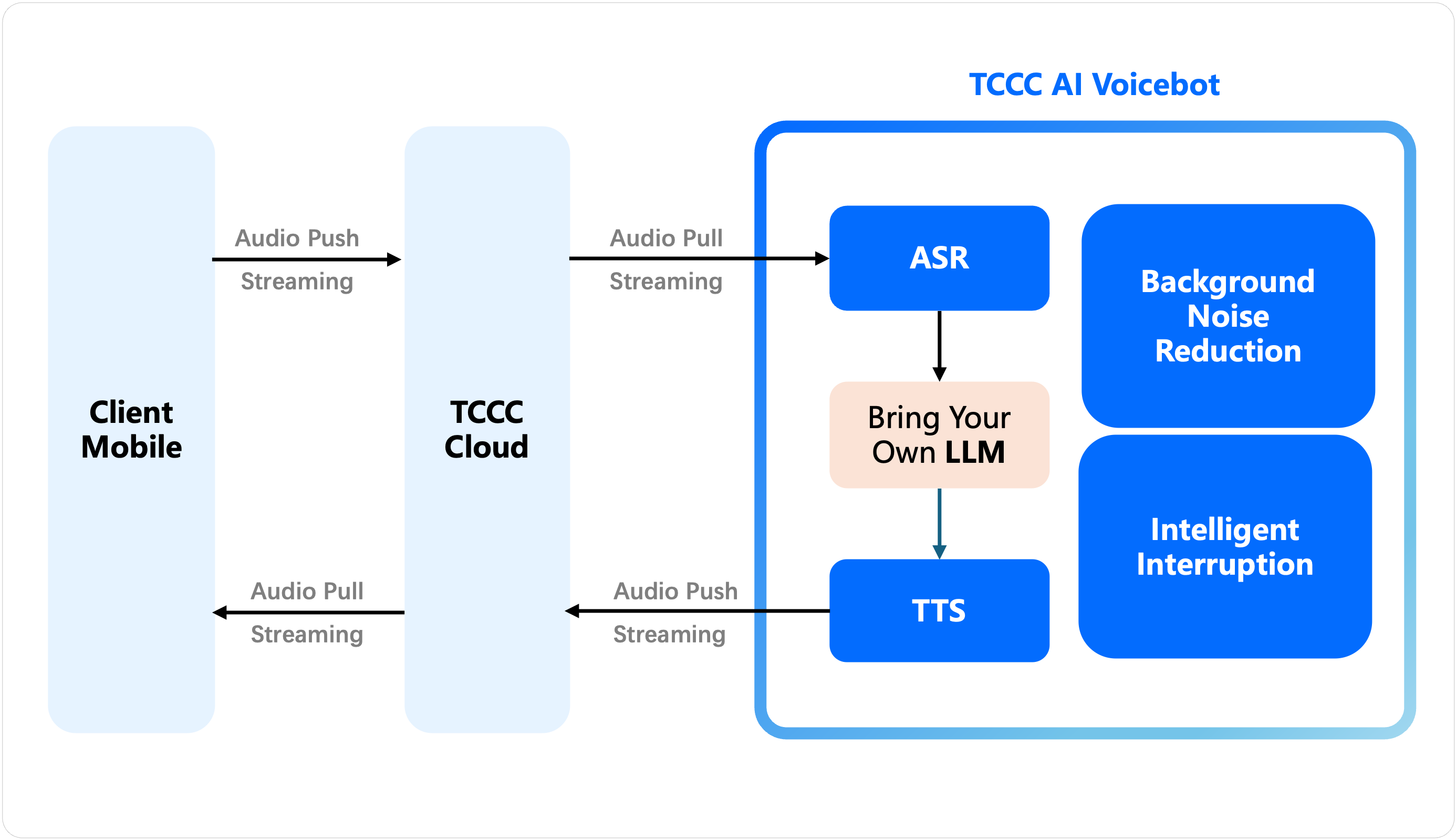
AI Outbound Call: Initiate AI outbound calls through API invocation, covering scenarios such as telephone questionnaire surveys, appointment confirmations, and sales lead follow-ups.
Pro: Low latency, AI real-time dialogue, built-in accurate Automatic Speech Recognition (ASR).
Review Service Records: TCCC provides CDR with free storage for 3 months. Business can use APIs to pull or push service records for local storage.
Recording Storage Download: TCCC offers dual-track recordings with free storage for 3 months. Business can transfer recordings to Tencent Cloud COS for cloud storage or use APIs to pull or push recordings for local storage.
Customer Service Voice Survey: TCCC supports satisfaction ratings collection, where the system plays survey prompts during or after calls, allowing users to rate via keypress.
You May Want to Read
Outbound IVR
Auto Dialing and Predictive Dialing features trigger batch calls through the system, allowing you to create system outbound call flows in IVR to achieve voice interaction between the system and users.
SDK Outbound Call: We provide an SDK for rapid integration, and developers can make outbound calls through the SDK API.
API Dual Call: We also provide an HTTP method to use the outbound call API. In the scenario where SDK is not loaded in the frontend, you can trigger this API to make an outbound call from the backend. Currently, only mobile callbacks are supported (first connect to agent's mobile), and it has been confirmed that the outbound call whitelist has been applied and approved.