Editing a Tag
Download
포커스 모드
폰트 크기
You can edit the tags of an instance by following the steps below.
Prerequisites
Edit Tags for a Single Instance
1. Log in to the TDSQL Boundless console, and in the Instance List, choose More > Edit Tag in the Operation column.
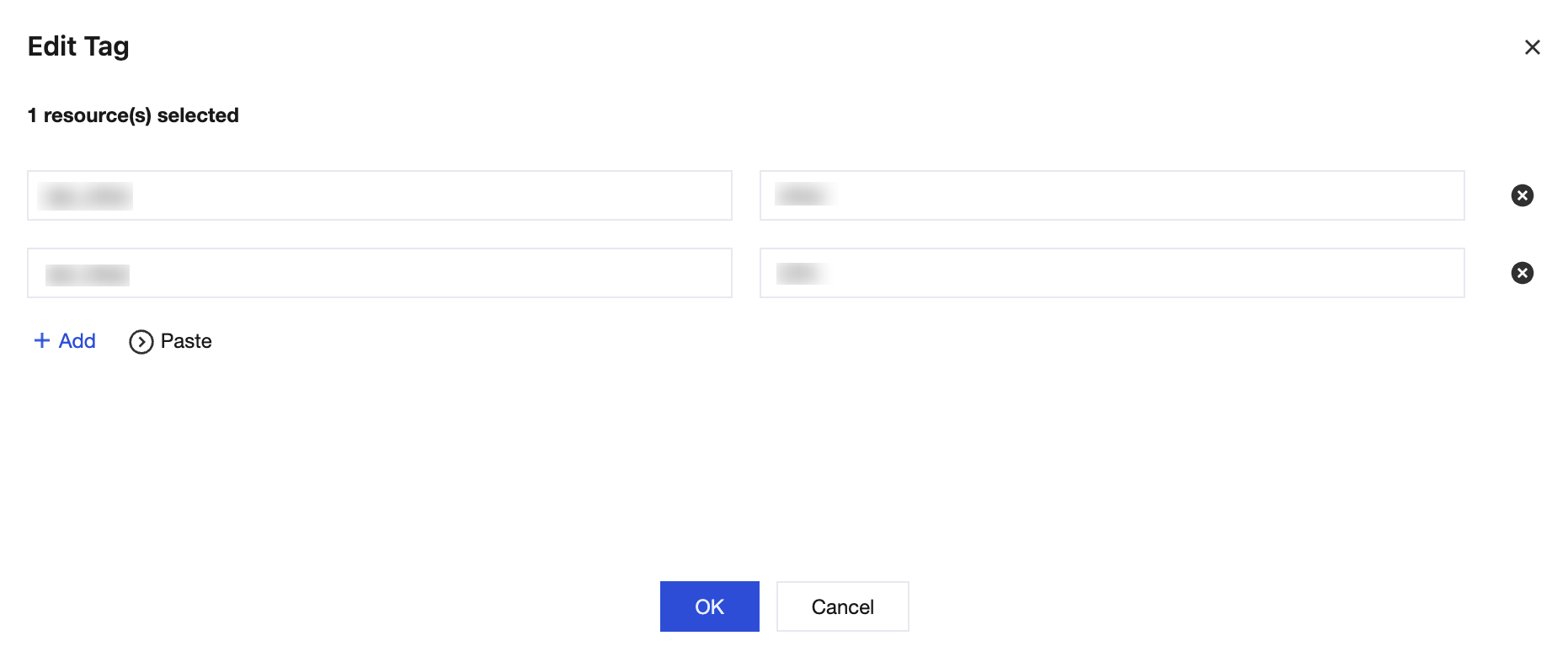
2. In the pop-up dialog box, you can add, modify, or delete Tags. After everything is confirmed to be correct, click OK.
Editing Tags for Multiple Instances
1. Log in to the TDSQL Boundless console, and in the Instance List, select the instances that need to edit tags, then choose More >Edit Tag above the list.
2. In the pop-up dialog box, you can add, modify, or delete Tags. After making sure everything is correct, click OK.
피드백