Login protection is an additional layer of protection that Tencent Cloud provides for logins. An additional identity verification credential is required after the correct username and password are entered.
After login protection is enabled, you must verify your identity every time you log in to the Tencent Cloud website. This prevents others from logging in to your account even if they have cracked your password.
Login Protection Types
Login Protection Type
Description
Do not enable
Secondary verification will not be performed. You can log in by entering the correct account and password.
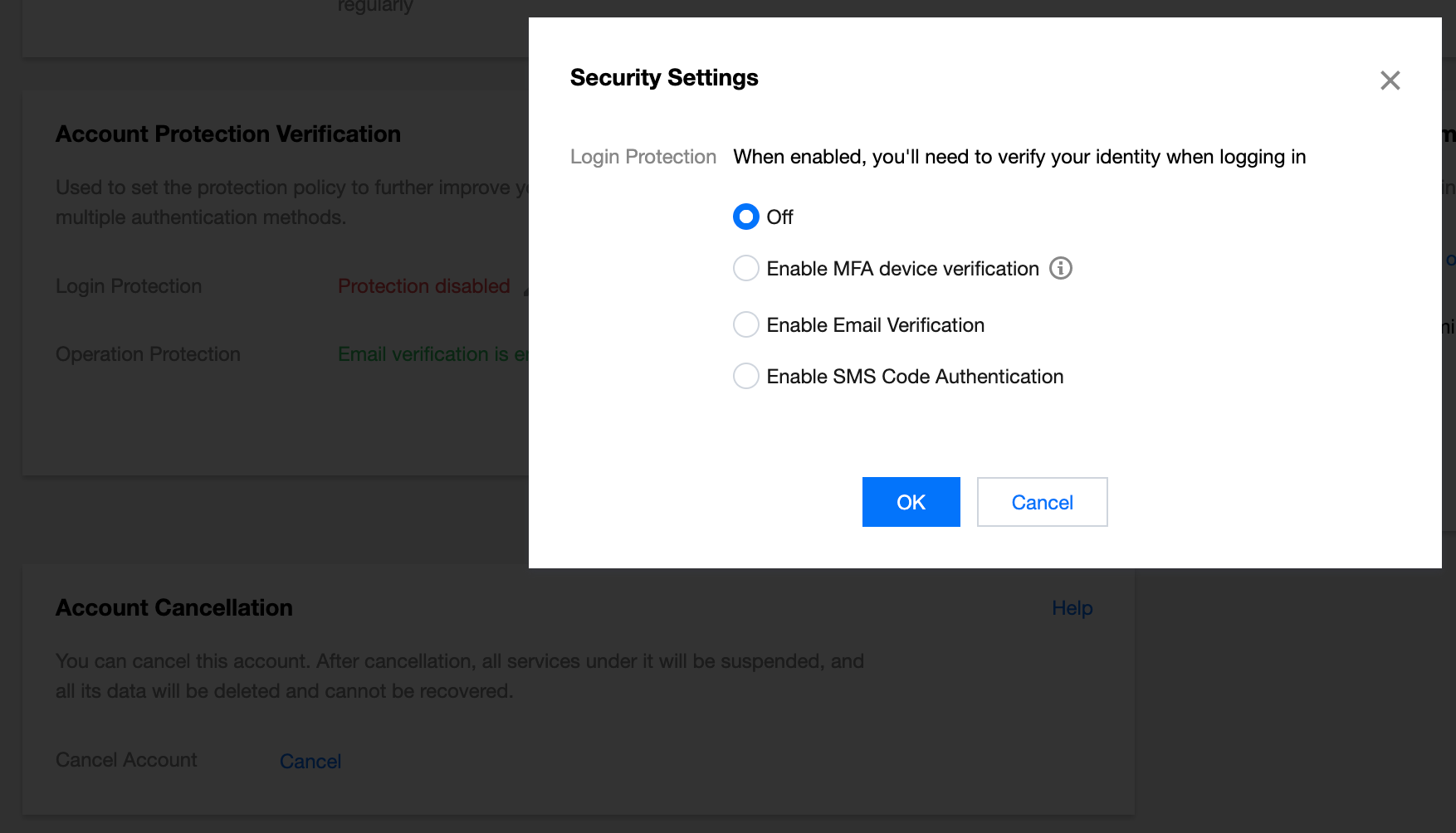
Enable MFA verification
MFA device verification supports virtual MFA devices and Universal 2nd Factor (U2F) security keys. For specific settings, see MFA Devices.
Enable virtual MFA device verification: After entering the correct account and password, you also need to enter the correct MFA dynamic security code before you can log in.
Enable U2F security key verification: After entering the correct account and password, you also need to insert the U2F hardware device into the computer's USB port and complete the verification by pressing the button on the key before you can log in.
Enable email verification
After entering the correct account and password, you also need to enter the correct verification code received by email before you can log in.
Enable SMS verification
After entering the correct account and password, you also need to enter the correct SMS verification code before you can log in.
Enabling Login Protection
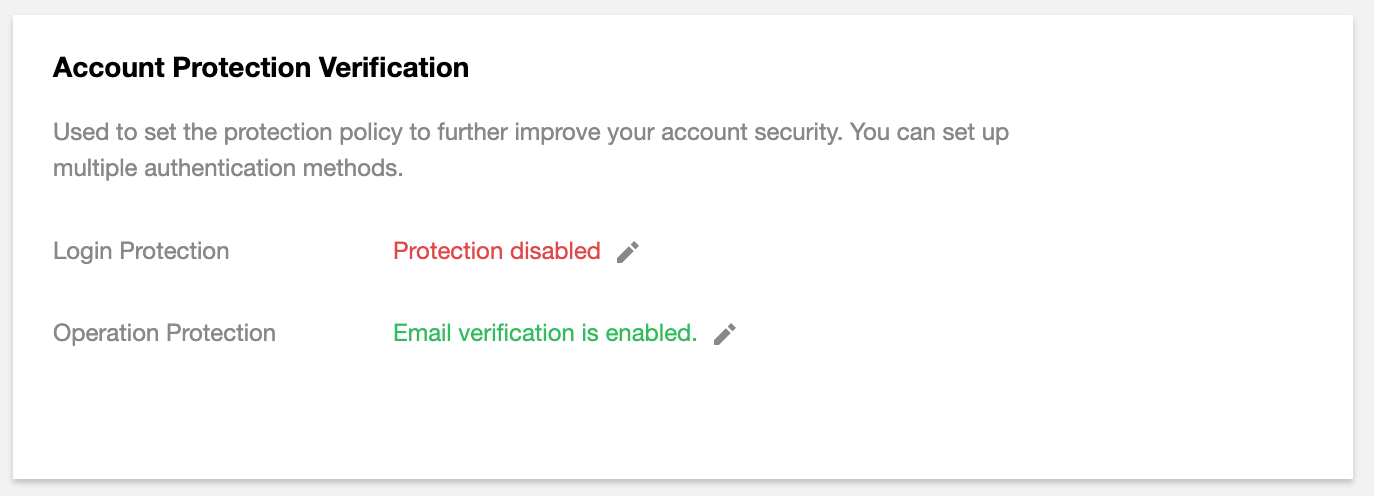
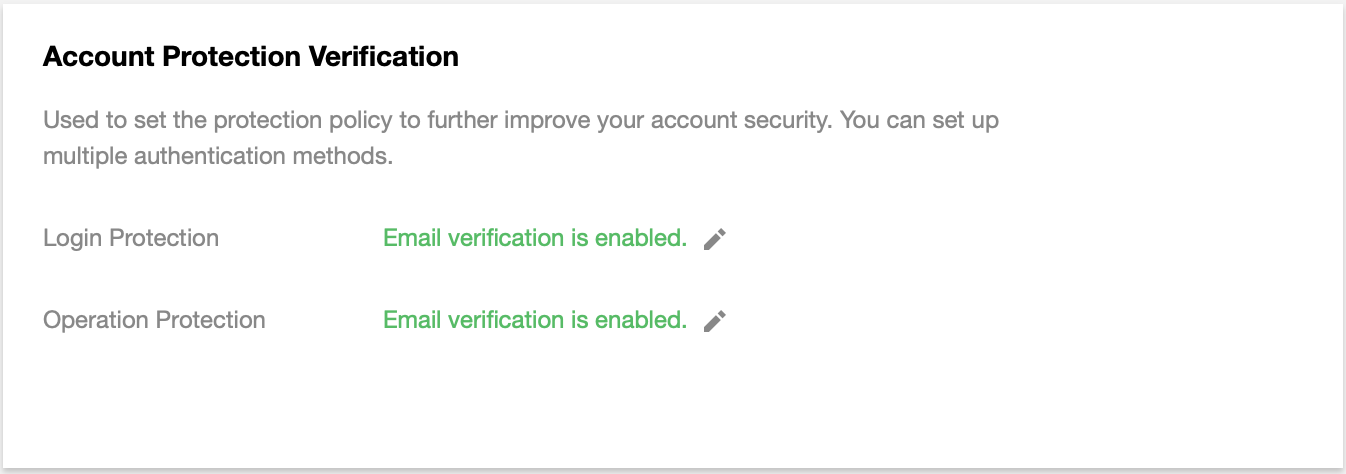
1. Log in to the Tencent Cloud console and go to the Security Settings page. Click the edit icon next to Login Protection to enable it.
2. Complete the verification as prompted.
3. After passing the verification, enable the appropriate login protection method.
Disabling Login Protection
1. Log in to the Tencent Cloud console and go to the Security Settings page. Click the edit icon next to Login Protection to disable it.
2. Complete the verification as prompted.
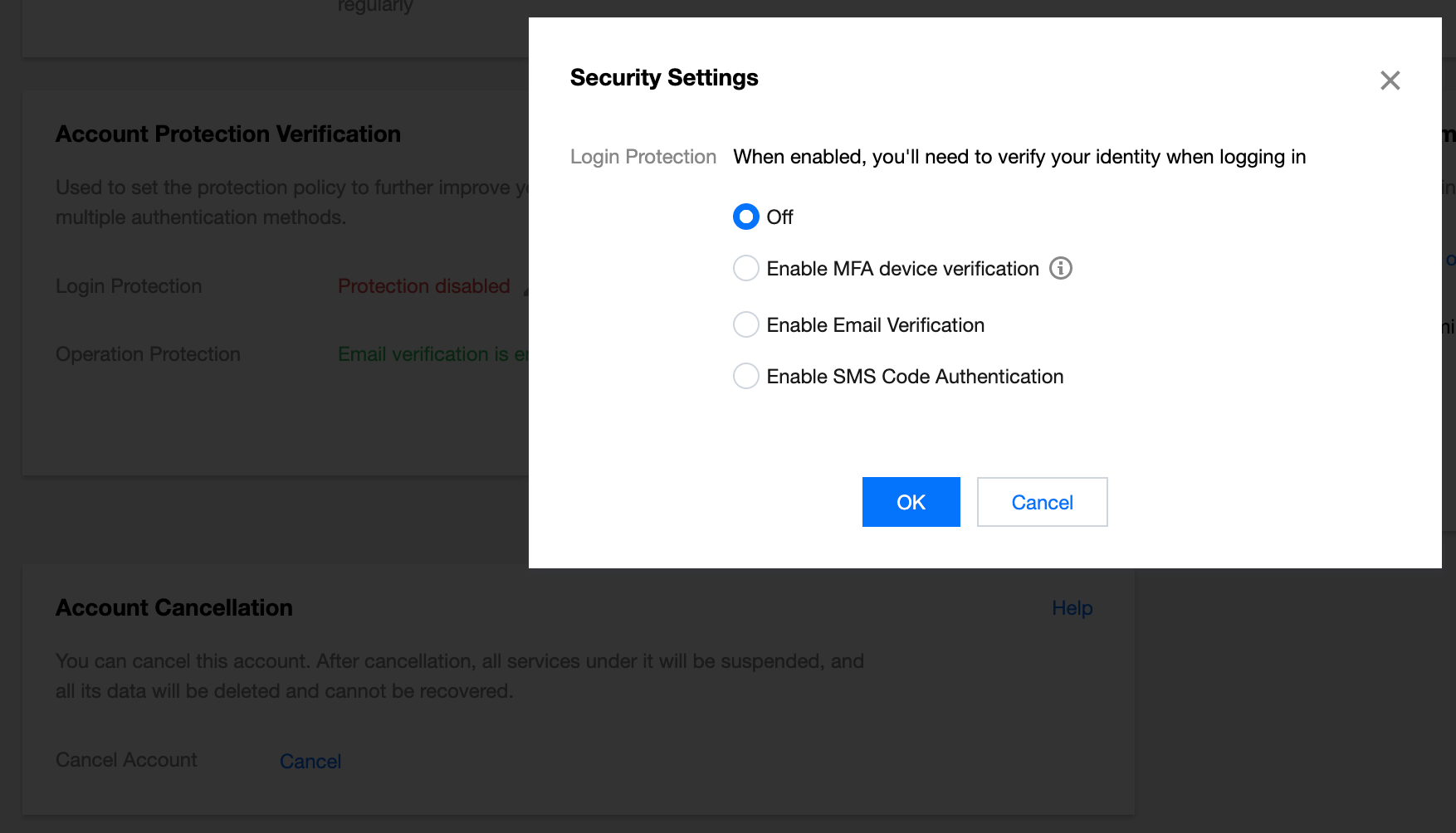
3. After passing the verification, select Off and click OK in the pop-up window.